Can the Fusion5 Rugged Tablet Really Make Construction Site Inspections Effortless?
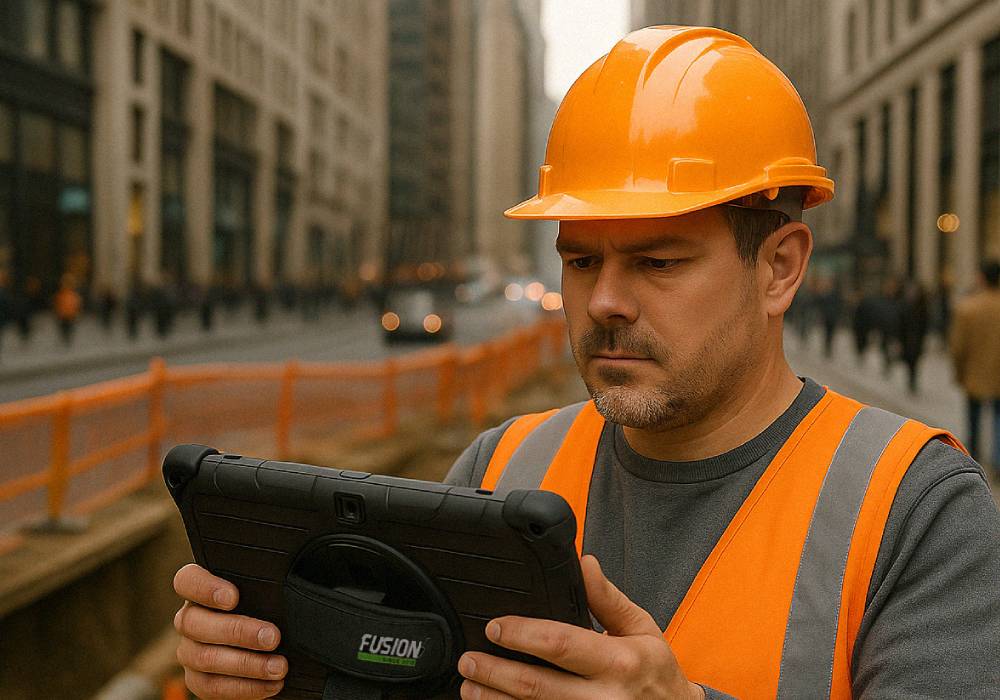
Oh, absolutely. If you’ve ever juggled blueprints, a smartphone, a clipboard, and a cup of coffee while walking a muddy construction site, you know exactly how valuable the Fusion5 Rugged Tablet can be.
This isn’t just another tablet—it’s a genuinely useful, field-ready tool that feels like it was built for people who don’t have time to baby their devices. Whether you’re out in the rain, surrounded by dust, or racing to log updates before the concrete truck pulls in, this rugged Windows tablet for construction just gets the job done.
Full Blog: Fusion5's Rugged Tablet Is Streamlining Construction Sites
Real Talk: The Challenges of Site Inspections
If you’ve ever done site inspections, you know the drill. You need to:
- Take quick notes while weaving around machinery.
- Pull up the right blueprints on the spot.
- Snap progress photos before things change.
- Share updates right now, not three hours later back at your desk.
You don’t need a fragile laptop that can’t handle dust. And you definitely don’t need to squint at a phone screen that’s too small to read a site plan.
The Fusion5 Rugged Tablet: Built for This Kind of Work
Let’s start with what matters most: it’s tough.
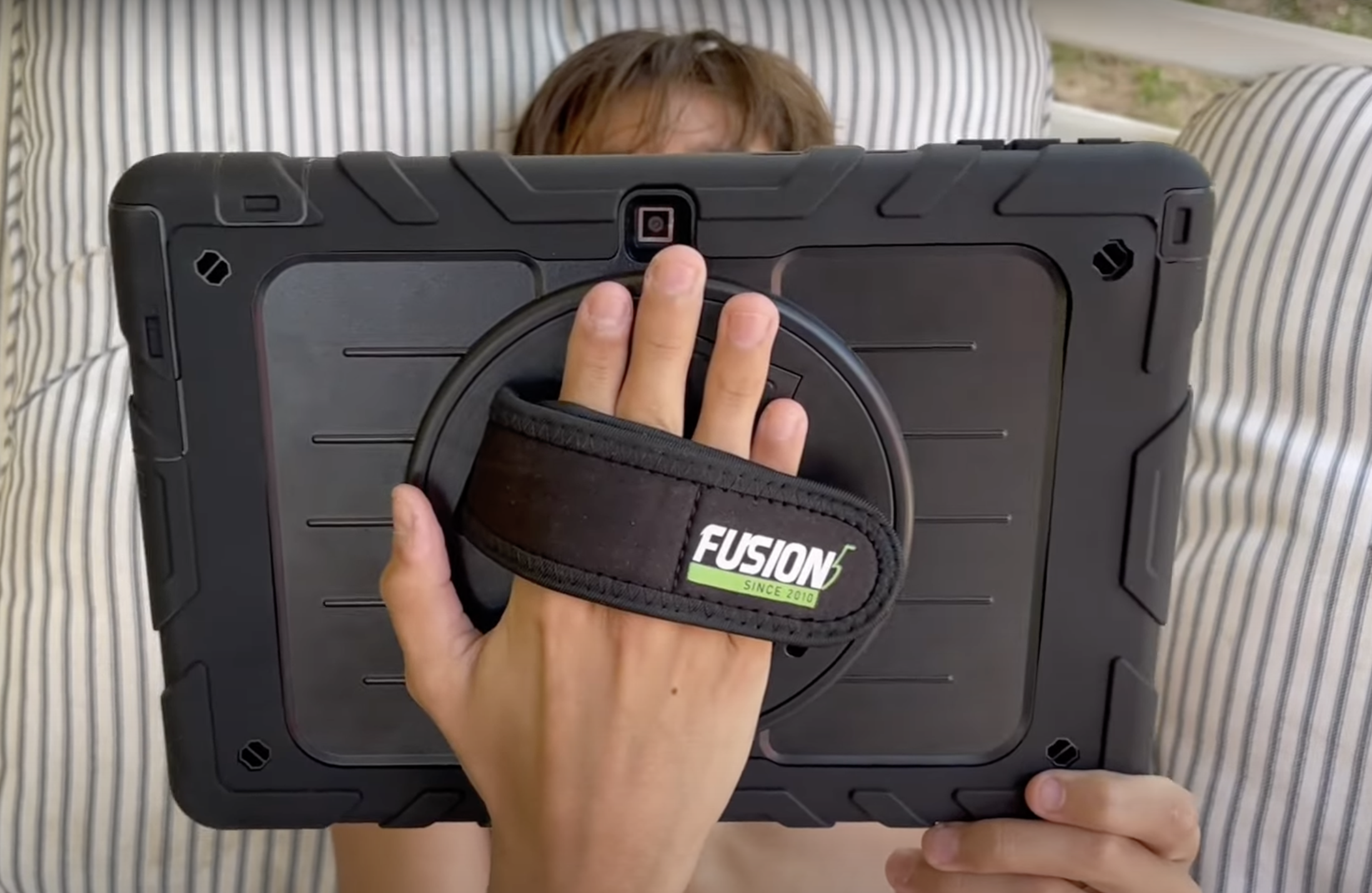
This tablet is made to handle the rough-and-tumble world of fieldwork. It’s got that slightly grippy, drop-friendly build that makes you feel like you don’t need to panic if it hits the concrete. You can toss it in your truck, carry it one-handed, even use it with gloves—because that’s real life on a construction site.
Instant Progress Photos and Field Reports
Here’s where the Fusion5 saves the day:
- You can snap photos as you go—super useful for logging daily progress or catching something that doesn’t look quite right.
- You can fill out your inspection forms right on the tablet.
- You can send those reports off before you even leave the site.
It’s fast, it’s smooth, and it means you’re not stuck playing catch-up at the end of a long day.
Reviewing and Marking Up Blueprints? So Easy.
One of my favorite things? Blueprints actually fit. The 10.1" screen is big enough to comfortably read site plans without endless zooming in and out.
- Pull up PDFs.
- Mark them up with your finger or a stylus.
- Share your annotations instantly with the office or the crew.
That’s huge for digital site inspections because you can make quick calls and get things moving without waiting on a laptop or printed plans.
Full Windows—Because Fieldwork Deserves the Real Thing
Unlike those locked-down Android field tablets, this one runs full Windows 11 OS. So yeah—you can:
- Open Excel spreadsheets and edit them on-site.
- Run your actual project management software.
- Connect to your company’s network securely.
No weird mobile workarounds, no half-baked apps.
It’s Light, It Lasts, It Goes Where You Go
- It’s light enough to carry all day.
- The battery actually makes it through your shift.
- You don’t have to worry about plugging in constantly.
It’s one of those devices you can just trust to do its job while you’re doing yours.
Quick Look: Fusion5 vs. The Alternatives
| Feature | Fusion5 Rugged Tablet | Standard Laptop | Smartphone |
|---|---|---|---|
| Rugged Durability | Excellent | Poor | Poor |
| Portability | Super portable | Heavy | Very portable |
| Full Windows Software | Yes | Yes | No |
| Progress Photos & Reports | Quick and easy | Awkward | Easy |
| Blueprint Markup | Perfect | Possible | Frustrating |
| Battery Life | All-day | Short | Moderate |
Why the Fusion5 Rugged Tablet is a Game-Changer for Construction Sites
- It’s tough enough for real job sites.
- It runs Windows Pro, so you can use all your real software.
- It’s the perfect size for reviewing plans and logging reports.
- It’s light, portable, and easy to carry.
- The battery keeps up with you (finally!).
If you’re tired of juggling fragile tech that’s just not made for the construction world, the Fusion5 10.1" Windows Rugged Tablet is the field buddy you’ve been looking for.
Check it out at Fusion5Store.com and see how much smoother your next site inspection can be.
⚠️ Note: Fusion5 rugged tablets are not compatible with our standard docking keyboards.