Can the Fusion5 Windows Pro Tablet Handle Mobile Video Editing?
Definitely! Whether you’re trimming clips, adding quick transitions, or uploading straight to social media, this small powerhouse provides the necessary features for video editing, and with its compact design, allows users to edit content anywhere.
If you’ve been looking for something lightweight that can handle basic video editing, without dragging around your full desktop or a heavy laptop, this tablet’s a super practical solution.
If you’re after a Windows tablet that is a suitable travel video editing tool for users who need to edit their content while moving between locations, this model has you covered.
Full Blog: Why the Fusion5 Windows Pro Tablet is a Solid Choice for Editors on the Move
Video Editing That Actually Moves With You
Making and sharing videos doesn’t always mean locking yourself at your desk for hours. You occasionally require a fast solution to create a short video with text addition for immediate sharing. That’s where this tablet really shines.
It’s the perfect solution for hobby vloggers, small business owners, and social media creators alike who may need to edit content without their requiring physical presence at an office.
Quick Edits for Social Media
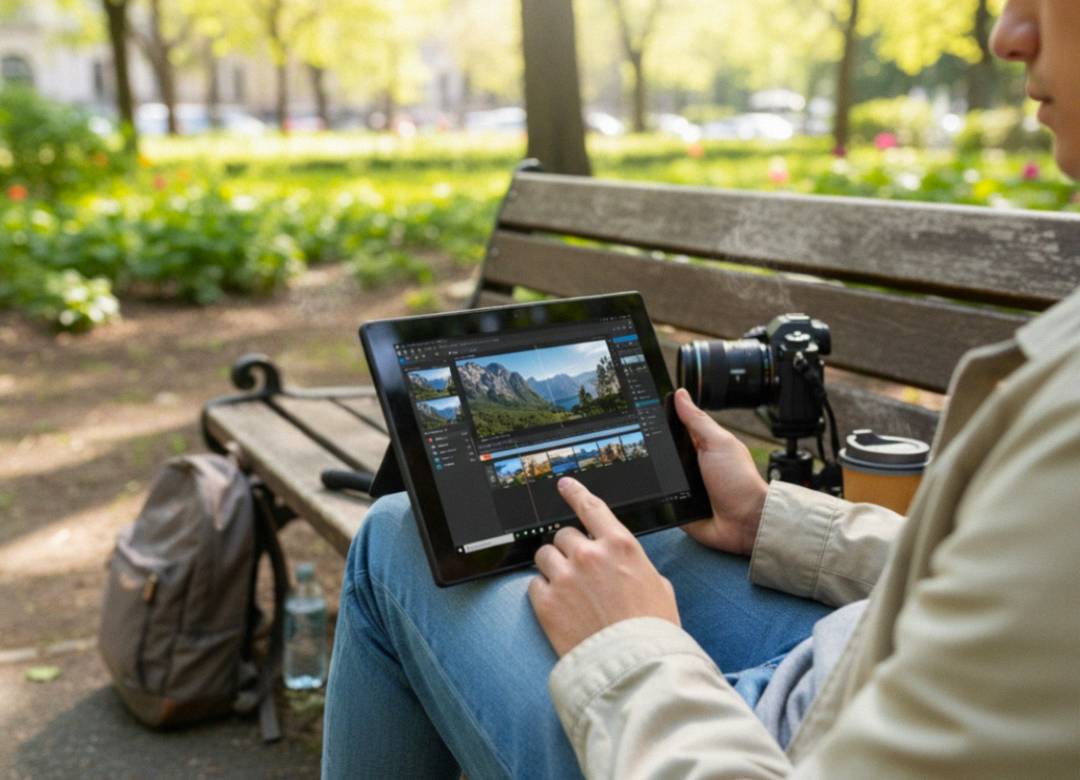
You can jump into apps like Clipchamp, CapCut, or web-based tools to trim videos, add simple transitions, pop in a text overlay, or stitch together clips. It’s great for Instagram stories, product promos, or quick recap videos you need to push out fast.
Compatible Video Editing Apps
| Video Editing App | Compatibility | Tablet Performance Summary |
|---|---|---|
| Clipchamp | Fully Compatible | Runs smoothly for basic to intermediate edits. Ideal for social videos, reels, and YouTube content. Works well with native Windows 11 support. |
| VSDC Free Video Editor | Fully Compatible | Handles most small to mid-size projects. Responsive editing, fast exports, and lightweight on system resources. Great for budget creators. |
| Shotcut | Moderately Compatible | Good for HD projects. May lag with complex effects or 4K unless optimized. Use preview scaling and proxy files. |
| CapCut (Desktop Version) | Fully Compatible | Performs well for everyday editing tasks like trimming, effects, transitions, and overlays. Very user-friendly for creators. |
| CapCut (Web Version) | Fully Compatible | Runs directly in the browser. Lightweight and smooth for short-form edits. Great backup if you prefer not to install software. |
| WeVideo | Fully Compatible | Cloud-based editing ensures stable performance. Minimal local hardware load. Requires strong and stable internet connection. |
Perfect for Vlogging and Capturing On the Go
This tablet provides simple portability for recording video at events and social gatherings and during travel. You can record video content with your camera before moving it to your tablet for editing work that starts right away instead of waiting until you get back home.
It’s an optimal setup that enables users to share content right after the event takes place, while the moments are still fresh.
Smooth Multitasking, Fast Uploads
The Fusion5 Windows Pro tablet allows users to move between applications with a seamless transition. You can bounce between your editing app, your music library, and cloud storage without it freezing up on you.
And when you’re done? The tablet provides quick Wi-Fi connectivity which enables you to upload content to YouTube and Instagram, or your website.
Works with Bluetooth and USB Accessories
You can establish a Bluetooth connection to your tablet for using a mouse, keyboard or external drive. This tablet plays nice with those accessories so you can make your workflow as simple or as detailed as you like.
Lightweight, Always Ready to Go
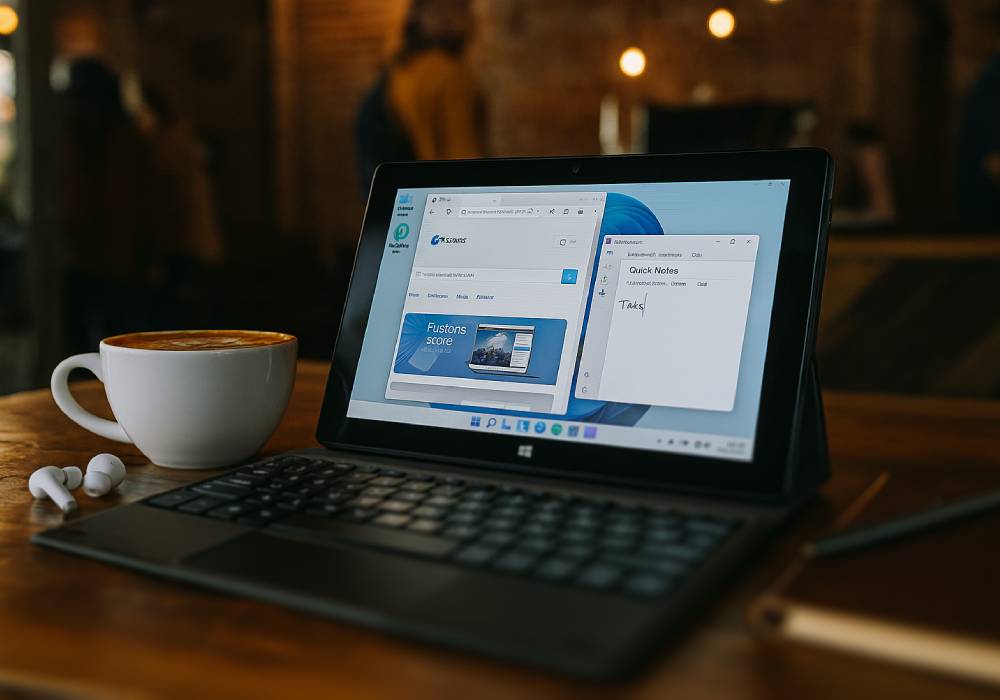
The Fusion5 tablet is easy to throw in your bag, it’s light, portable, and won’t weigh you down when you’re out filming or editing on location. Whether you’re working from a café, a park bench, or a plane seat, you can edit comfortably without needing a ton of gear.
Why the Fusion5 10.1" Windows Tablet Works Great for Portable Video Editing
- Runs editing apps like Clipchamp and CapCut
- Super lightweight and easy to carry
- Smooth multitasking for quick edits and fast app switching
- Quick Wi-Fi sharing for uploads to YouTube, Instagram, and more
- Supports Bluetooth mice, keyboards, and external storage
- Perfect for vloggers, creators, and small businesses working on the go
The Fusion5 10.1" Windows 11 Pro Tablet PC serves as a perfect creative companion for anyone who wants to edit videos more efficiently and quickly while working on the go.
Take a look at Fusion5Store.com and see how this tablet can keep your video projects moving, wherever you are.