How a Small Business Can Save Time and Money Using Microsoft Copilot With a Windows Tablet
Running a small business is much more than doing the work you decided to start the business for. In one minute, you can serve your customers, in the other – reply to emails, update your site, create invoices, publish social media content, or search for new products or equipment for your business.
These small tasks quickly pile up and even if each takes only ten or fifteen minutes, they can easily consume several hours of your week.
That's when Microsoft Copilot proves to be a great help.
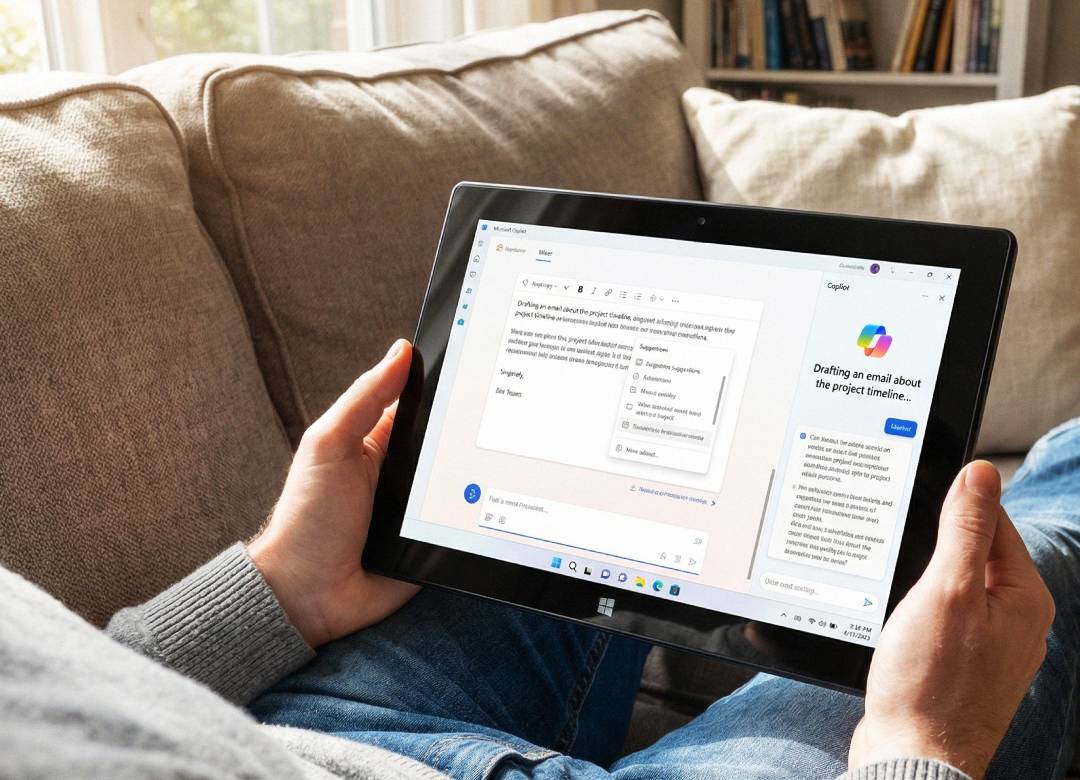
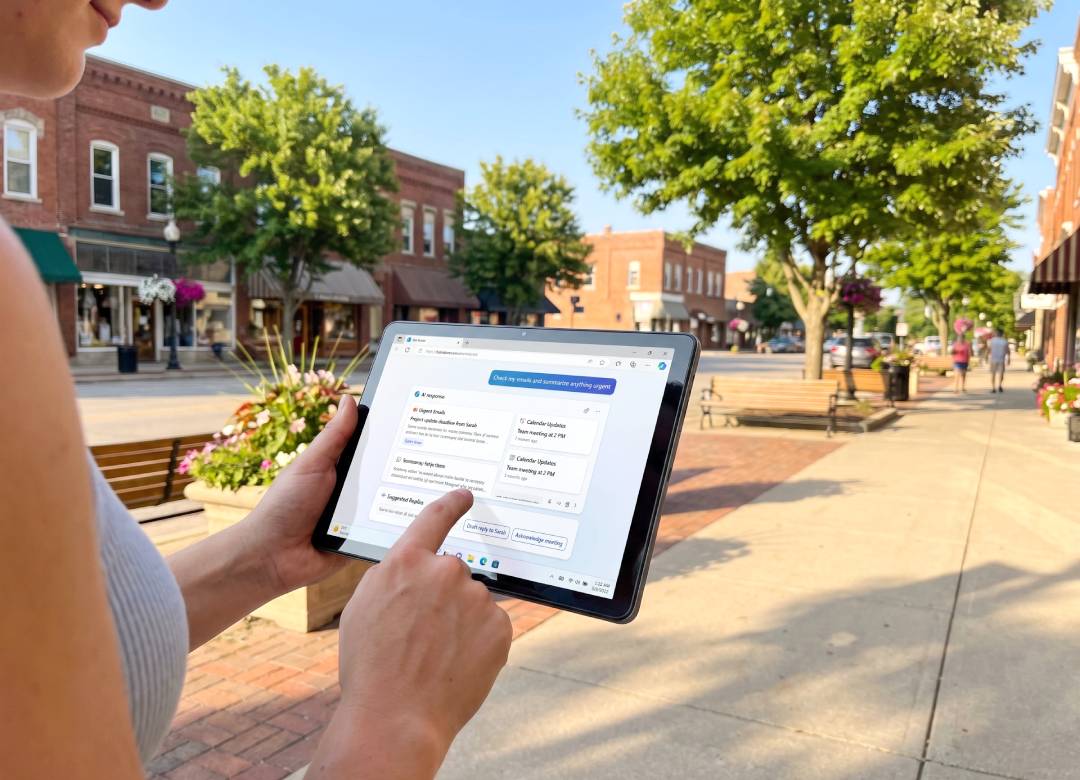
Rather than replacing people, Copilot is a great way of assisting them in repetitive tasks like writing, research, planning, organizing data. Combined with a Windows tablet, it provides you with flexibility, being able to work from any location – from your office to a client's place, warehouse, or even your dining room table.
Quick Answer
- Draft emails, proposals, and documents faster.
- Create marketing content without starting from a blank page.
- Organize meeting notes and your business ideas.
- Research products and suppliers more efficiently.
- Use a Windows tablet and Copilot to work from almost anywhere.
How Microsoft Copilot Can Help Your Small Business Be More Efficient
If you've ever finished the day wondering where all your time went, you are definitely not alone.
Most small businesses don't lose a bunch of hours because of one big task. They lose them answering emails, updating spreadsheets, creating documents, researching products, and dealing with everyday admin duties.
Microsoft Copilot can’t run a business for you, but it can significantly decrease the amount of time you spend on these repetitive tasks, giving you more time to deal with clients and on expanding your business.
Spend Less Time Writing Repetitive Everyday Emails
Almost every business deals with similar emails every week.
You may reply a lot to enquiries, confirm appointments for clients, send quotations out, follow-up with customers, or inform them about delivery time.
Instead of writing every email out from scratch, Copilot can help you create a first draft based on the data you provide. You are still responsible for reviewing the email before sending it out, but having that initial starting point to go from saves several minutes with every email.
Over the course of a month, those small time savings can really add up.
Create Marketing Content While You're Busy Doing Other Tasks
Marketing, a lot of the time, is the first thing to get pushed aside when business gets hectic.
And unfortunately, it's one of the most important parts of the business.
Copilot can help you generate ideas for Facebook posts, LinkedIn status updates, blogs, newsletters, descriptions of products, or seasonal campaigns. Copilot won't replace your knowledge of customers, but it will help you get past the hardest part, which is deciding what to even write.
Especially useful if you are responsible for marketing solely yourself and don't have a separate team.
Turn Rough Notes into Useful Documents
Imagine you've just finished meeting a customer.
You've written a page of handwritten notes or quickly typed bullet points into your Windows tablet.
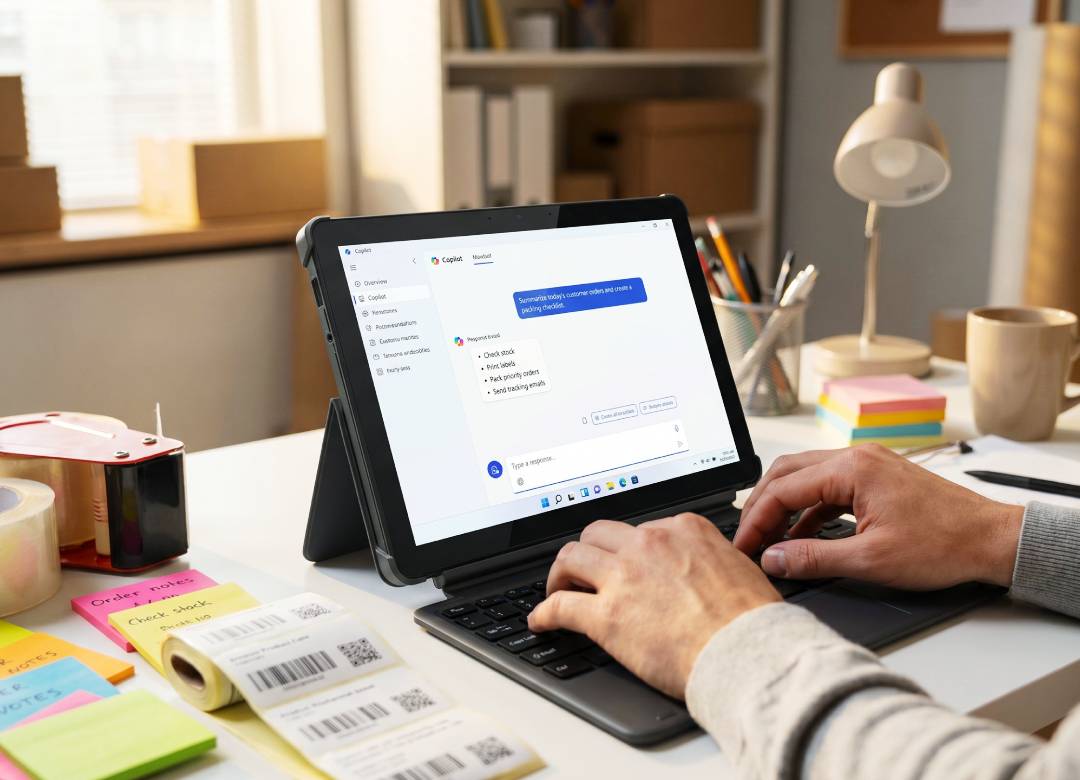
Instead of spending another twenty minutes organizing everything later, Copilot can help turn those notes into a professional meeting summary, an action list, or even the first draft of a proposal. The same applies to employee training documents, standard operating procedures, customer letters, and internal checklists.
Editing an existing draft is usually much quicker than creating a document from nothing.
Research Before You Spend Money
Choosing new software, equipment, or suppliers often means reading several websites before making a decision.
Copilot can help simplify that process.
For example, you might ask it to explain the differences between two accounting platforms, summarise a long product guide, or compare the features of different business laptops or Windows tablets.
It shouldn't replace your own research, especially when making important purchasing decisions, but it can help you understand the basics much faster before you dive into the finer details.
Organise Your Business Instead of Your Sticky Notes
Business ideas often arrive at the worst possible moment.
Maybe you're driving between appointments, talking to a customer, or halfway through another job.
Instead of leaving ideas scattered across notebooks or sticky notes, Copilot can help organize them into structured task lists, project plans, meeting agendas, or weekly priorities.
That makes it much easier to keep track of what actually needs doing instead of trying to remember everything yourself.
A Typical Day Using Microsoft Copilot
Sometimes it's easier to see where the time savings come from.
None of these tasks disappear completely, but each one becomes quicker to complete.
Why a Windows Tablet Works So Well
Many small business owners don't spend all day sitting behind a desk.
You could be visiting customers, travelling between jobs, attending meetings, working from a warehouse, or simply moving around your office.
A Windows tablet allows you to carry your work with you while still accessing the software you're already familiar with.
Because it's running Windows 11, you can use Microsoft Copilot alongside Microsoft 365, Outlook, Teams, OneDrive, your web browser, cloud storage, and many of the same business applications you would normally use on a desktop or laptop.
That means you don't have to wait until you're back in the office to answer emails, review documents, or prepare out tomorrow's work.
Is Microsoft Copilot Going to Save You Money?
The biggest savings usually come from time.
If Copilot saves just 20 or 30 minutes each day by helping with emails, documents, research, and planning, that's several hours every month that can be spent serving customers, finding new business, or improving your products.
For many small businesses, making better use of existing time is more realistic than immediately hiring another employee.
Copilot isn't a replacement for experience or good judgement, but it can become another productivity tool alongside the software you're already using.
The Fusion5 Point Of View
You don't need to spend thousands on premium AI hardware to start benefiting from Microsoft Copilot.
For many small businesses, the biggest gains come from using AI to handle everyday tasks like writing emails, creating documents, researching products, planning projects, and organising information. A practical Windows tablet gives you access to those tools without tying you to a desk.
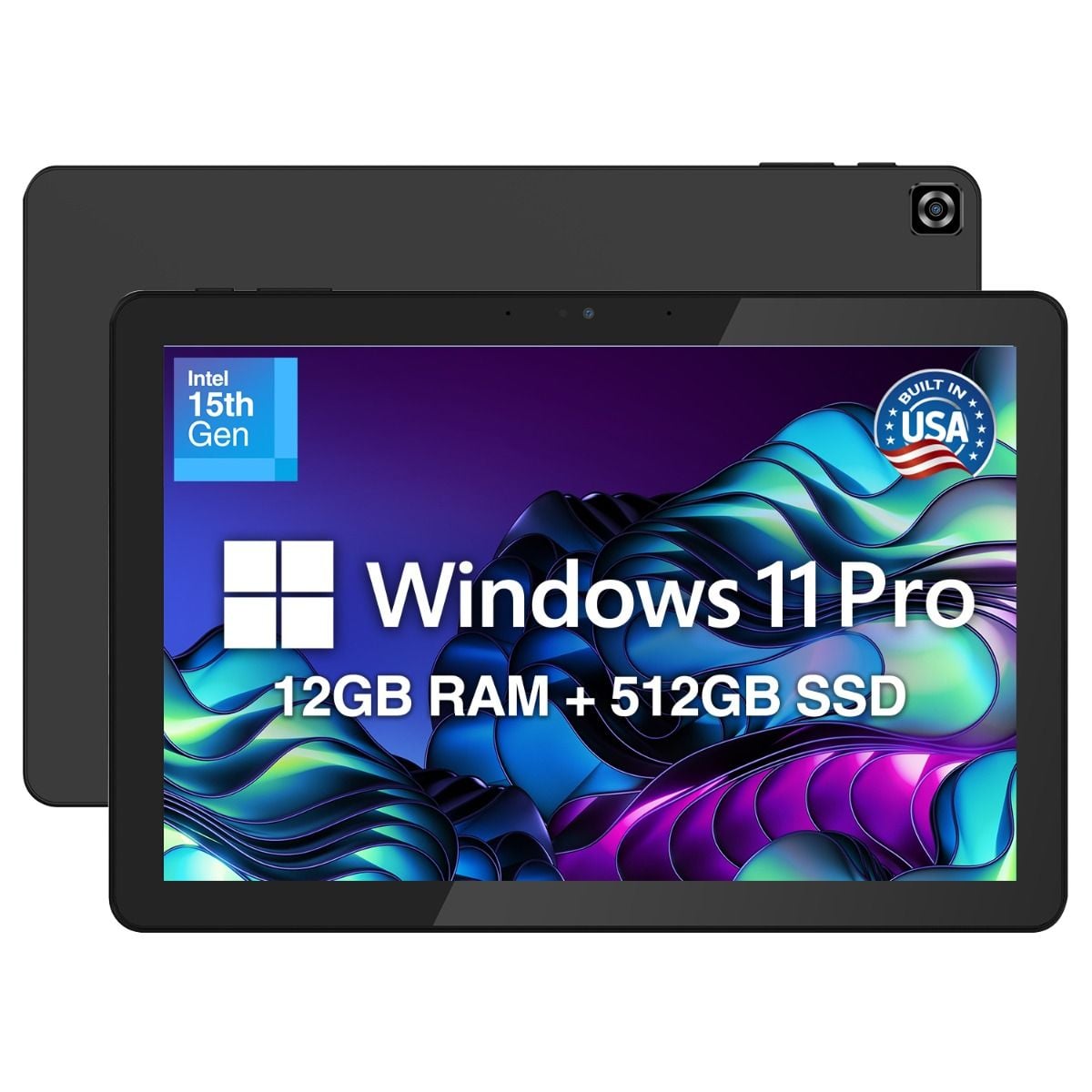
If you're looking for a device that balances performance, portability, and value, the Fusion5 Helios10 is a strong choice. Powered by an Intel 15th Gen N150 processor with 12GB DDR5 RAM and a 512GB SSD, it's designed to comfortably handle Microsoft Copilot, Microsoft 365, web browsing, video meetings, and everyday business applications.
Its bright 10.1-inch Full HD+ display, built-in active cooling fan, and 36W USB-C fast charging make it well suited to long working days, whether you're in the office, working from home, or meeting customers. Like many Fusion5 devices, it's assembled in Pasco County, Florida, giving buyers additional confidence through local final assembly and quality assurance.
Before You Start Using Copilot
Copilot is most useful when you think of it as an assistant rather than an expert.
It can help organize information, draft documents, summarize articles, and generate ideas, but you should always review important emails, quotations, legal documents, financial information, and customer communications before using them.
The better your instructions, the better the results are likely to be.
FAQ
Can Microsoft Copilot help a small business?
Yes. Microsoft Copilot can help with everyday tasks such as writing emails, creating documents, organising notes, brainstorming ideas, summarising information, and speeding up routine administration, giving business owners more time to focus on customers and growth.
Do I need a Copilot+ PC to use Microsoft Copilot?
No. Microsoft Copilot is available on many Windows 11 devices through Windows, Microsoft Edge, and Microsoft 365 services. Some advanced AI features require a Copilot+ PC, but many everyday Copilot features work on standard Windows 11 devices.
Is a Windows tablet good for running a business?
For many small businesses, yes. A Windows tablet combines portability with access to Windows software, Microsoft 365, cloud storage, business applications, and Microsoft Copilot, making it useful whether you're working in the office or on the move.
Can Microsoft Copilot replace employees?
No. Copilot is designed to assist people, not replace them. It's most effective when used to reduce repetitive work like drafting documents, organizing information, and researching topics, allowing employees to spend more time on work that requires experience, decision-making, and customer interaction.