How to Build a Portable Podcast Studio with a Windows Tablet
Think you need a production studio full of expensive equipment to get your voice out to the world? Would you believe you could create and run your own podcast production from a compact Windows tablet under $600? Not only is it totally possible, but we’ve created a quick guide to help get you started.
For a compact studio, reach for the FHD 10.1” Fusion5 Pro N5. With 256 to 512 GB storage, 8 to 12 GB RAM, Windows Home or Pro, and an Intel quad core processor, it’s fully ready to go on day one.
If you want affordable gear that keeps up with all your most creative ideas, this setup guide will help you create confidently, work efficiently, and stay on budget.
Full Blog: Podcasting on the Go with Fusion5’s Pro N5
Going from a laptop or desktop to a 10.1” Windows tablet for your new podcast, you'll find it to be a pocket sized powerhouse that can truly handle clean recording and tablet friendly editing from anywhere. Follow the steps once, save the template, and your next episode will be even faster.
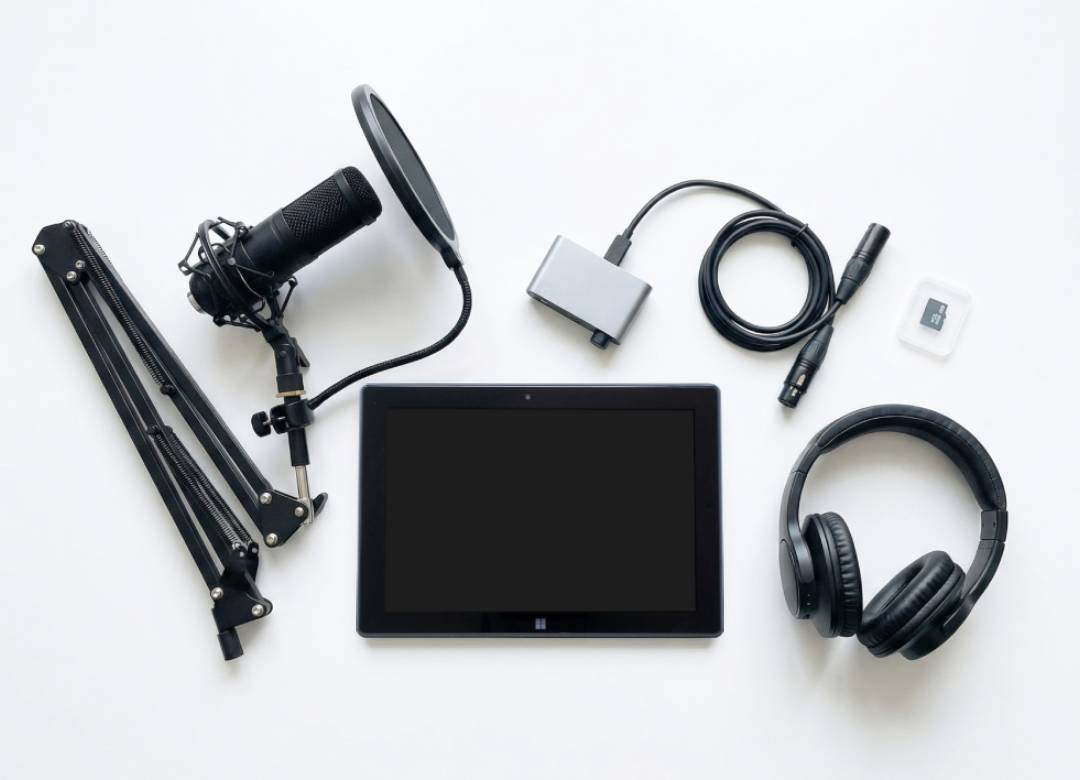
Mobile Production Kit Suggestions:
- Windows Tablet
- Fusion5 Pro N5 512GB SSD 12GB RAM Model
- Fusion5 Rugged Windows 11 Pro Model
- USB C audio interface with two inputs
- Audient iD4 MkII
- Focusrite Scarlett Solo 4th Gen
- Solid State Logic SSL 2 MKII
- Dynamic XLR microphone and a short XLR cable
- Audio Technica AT2040
- Shure SM58
- Rode PodMic
- Closed back headphones
- Sony MDR 7506
- Sennheiser HD 280 Pro
- Audio Technica ATH M40x
- Foldable stand and pop filter for mic
- Gator Frameworks short desk stand
- K&M table stand
- Clamp pop filter with metal mesh
- Optional powered USB hub and a microSD card for backups
- Powered USB C hub - Anker, Satechi, Plugable
- microSD card - Samsung, SanDisk
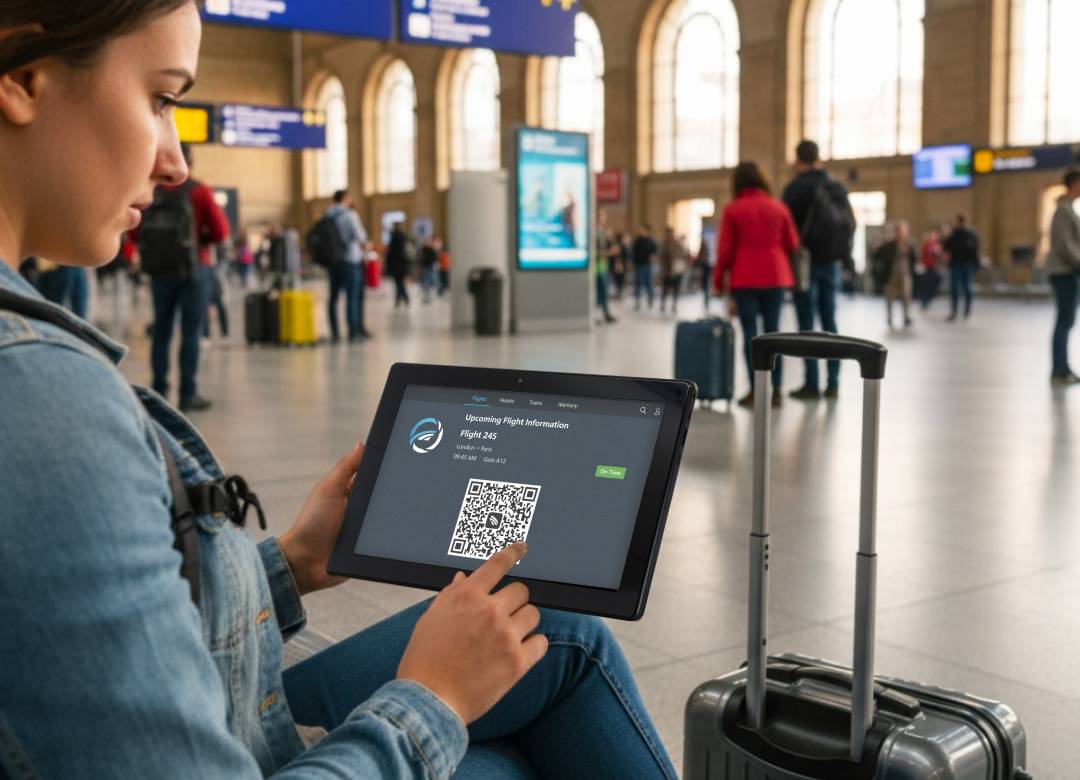
This small kit is great for fast session setups anywhere such as your favorite local hangout spot, in an airport lobby, or from the comfort of your home.
For a fast recording setup process, update Windows on your tablet first, then install your preferred audio interface’s driver. To install, open ‘Settings’, go to ‘System’, and from there select ‘Sound’ and set the interface as both the input and output. Pick your DAW (Audacity is free, REAPER is light and powerful), set 48 kHz and 24 bit, record your voice in mono (single channel input), and start with a 128 to 256 sample buffer, raising the buffer if you hear any clicks.
Capture Clean Vocals Anywhere
One tip to get the best recording audio is to dampen the ambient noise around you. Find the quietest corner you can in the setting you want to record in. Face a closet or another closed space, or hang a blanket behind the mic to calm sound reflections. Keep a distance (about 6-8 inches away) between you and the mic head in order to minimize pop sounds in the audio. Aim for audio peaks near -12 dB for best listening quality. While recording make sure to set your tablet to Airplane Mode and close any background apps to minimize any alert or notification sounds in the background of your audio.
Edit Faster with Touch
On a 10 inch screen, editing by touch feels natural. Ripple delete long pauses, trim filler words, and drop markers as you listen to the audio so you can make them into chapters later. Add a gentle high pass filter around 80 Hz, light compression filter near 3 to 1, and normalize to -19 LUFS for mono or -16 LUFS for stereo so episodes stay a consistent volume.
Export and Publish
When you’re happy with your audio and ready to publish, select “Bounce” for the final mix and choose WAV to save the file. Use these settings: 48 kHz, 24 bit, mono for talk shows or use stereo if you use both talk audio and background music. This WAV file will be your highest quality archive of the audio for that podcast episode.
Next export a second file as an MP3. Choose 128 to 192 kbps for mono settings and 192 to 256 kbps for stereo. Keep the sample rate at 48 kHz if the DAW you’re using allows for it.
Final Thoughts
A Fusion5 Windows tablet gives you everything you need to start strong without a big studio or big spend. Pair it with a compact interface and a dynamic mic, follow the quick setup, record in a quiet corner, trim by touch, and export a clean MP3. Save your template once and you will be ready to capture the next idea wherever it hits. Open the tablet, plug in, and publish your first episode today.