Windows Tablet for Cleaning Businesses: Site Checklists, Photo Proof, Supply Logs, and Supervisor Inspections
Cleaning teams complete the work on-site, but job records aren’t always centralized. Site checklists may be on paper, supply usage in a stock book, before-and-after photos on a supervisor’s phone, and inspection notes in various messages or emails. This fragmentation creates reporting gaps even when work is done properly.
For cleaning companies working across offices, schools, retail, warehouses, and commercial facilities, reporting must happen in real-time. A Windows tablet for cleaning business operations integrates checklists, photo proof, supply logs, and inspections into one mobile workflow.
Quick Points: Why Mobile Reporting Matters
- Real-Time Checklists: Complete site tasks while moving through each area.
- Photo Proof: Document completed work, damage, or blocked access instantly.
- Supply Logs: Track consumables and restocking needs on the go.
- Streamlined Inspections: Easier for supervisors to complete, review, and share.
- Proof of Service: Managers get instant visibility without waiting for paperwork.
Full Blog: How a Tablet for Cleaning Business Operations Improves Daily Reporting
Why Cleaning Reports Get Missed or Split
Cleaning work depends on timing and accurate documentation. A missed checklist entry or an incomplete supply log makes it difficult for managers to review shift performance.
Industry groups like BSCAI highlight proof of service and data analytics as vital trends for transparency in commercial cleaning.
The issue often stems from how activity is recorded. When a cleaner must use different forms or systems for bins, washrooms, and supplies, too much time is spent organizing records. Moving to a digital system ensures information is recorded accurately and is easy to trace later.
Real-Time Site Checklists
A janitorial checklist tablet allows cleaners to record tasks as they work. Instead of updating paper forms at the end of a shift, team members mark tasks complete room-by-room.
Digital checklists can be organized by zone, task type, or schedule. This is ideal for high-touch areas, kitchens, and shared spaces. Cleaners can confirm work, add notes, or flag access problems without returning to a central office. This also allows supervisors to see exactly which areas still need attention.
More Reliable Photo Proof and Records
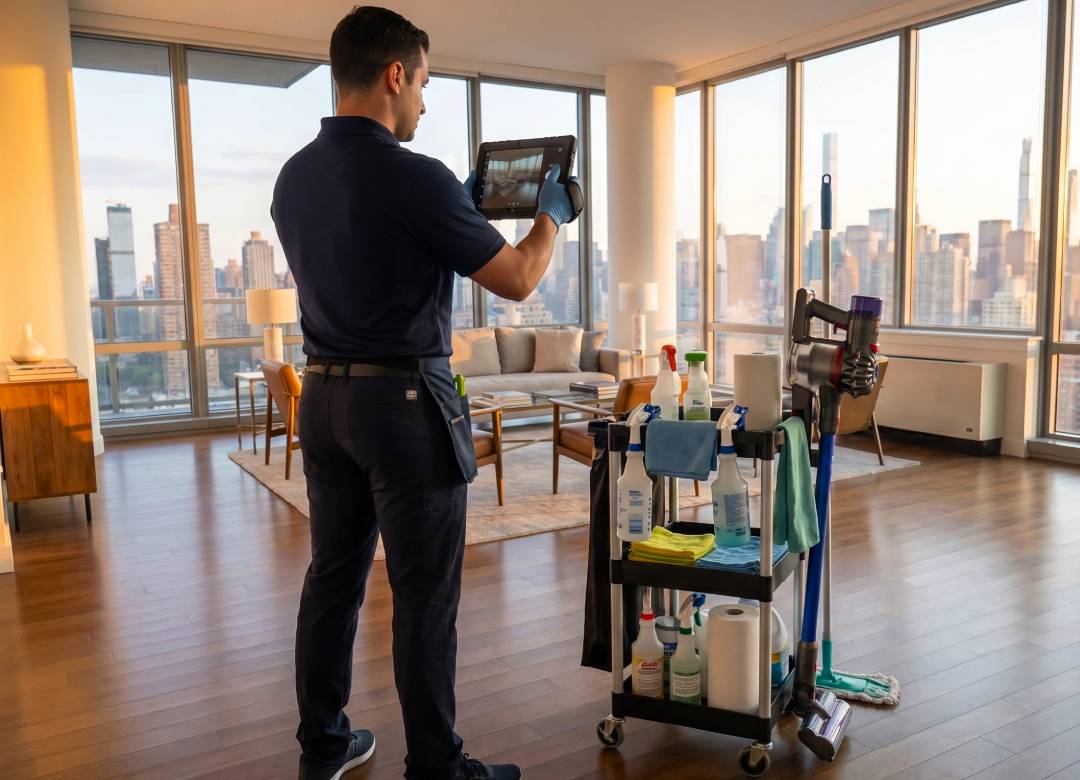
A cleaning inspection tablet makes documentation consistent. Companies often need proof of work for clients or to document issues reported after a shift. For proof of service cleaning records, digital files keep photos, timestamps, and notes connected to the same job.
Capturing before-and-after photos or documenting a spill response before details are forgotten provides a clearer way to manage information and maintain agreed-upon standards.
Faster Supply Logs and Restocking
Supply tracking is a common pain point. Paper notes or verbal updates often lead to delays.
By using a tablet, teams record supply levels during the shift. If soap, liners, or chemicals are low, the update is logged immediately.
Supervisors can then review restocking needs before they lead to client complaints, making stock planning easier across multiple sites.
Better Supervisor Inspections and Quality Control
Supervisor inspections help spot repeat problems and determine where corrective action is needed.
A facilities cleaning tablet allows supervisors to:
- Complete inspection checklists and score areas.
- Add notes and photos while walking the site.
- Flag rework for immediate attention.
Recording results at the point of work provides managers with clearer information while the context is still fresh.
Better Visibility Across Teams and Sites
When reports are paper-based, managers must manually collect forms and check handwriting.
A digital workflow provides a clear view of daily activity. Managers can spot recurring low-stock areas or missed tasks instantly, leading to better client communication and service improvements.
Why a Rugged Windows Tablet Works Best
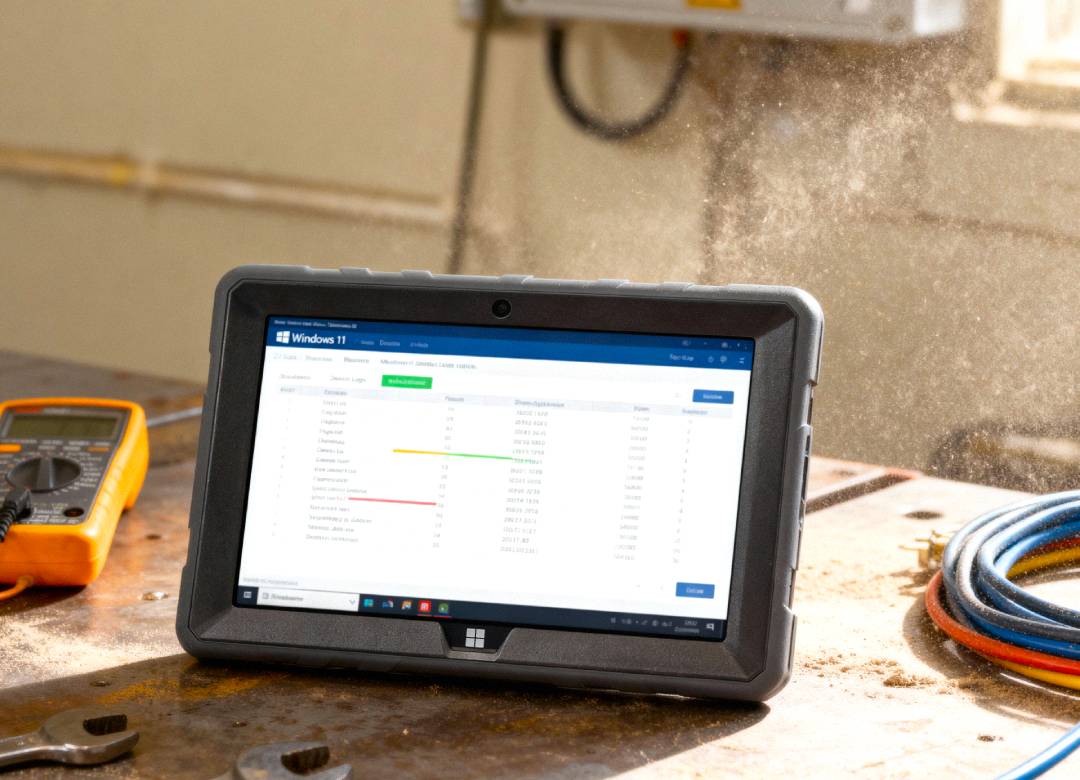
Cleaning environments are demanding. Devices are carried between rooms, used near chemicals, and handled in busy warehouses or washrooms. For cleaning companies that need a commercial cleaning tablet, a rugged Windows tablet is a practical fit, combining durability with business software compatibility.
The Fusion5 Rugged Windows 11 Pro Tablet PC can support familiar reporting tools, web portals, and compatible cleaning management software. Its performance is suited for digital forms and multitasking.
Key Features for Cleaning Documentation:
- 10.1-inch Full HD Screen: Ample space for checklists and supply logs.
- Dual Cameras: High-quality photo proof and video calls.
- Industrial Design: Shockproof and dustproof for real-world shifts.
- Practical Ergonomics: Features a hand strap for mobile use and a rear stand for desk-based reviews.
- Battery Life: A 6000mAh battery with USB-C fast charging supports long workdays.
Where This Works Best
This workflow is ideal for office, school, retail, and warehouse cleaning where teams document tasks away from a desk. It is especially useful for managing recurring checklists, supervisor audits, and before-and-after records.
Note: For regulated environments like healthcare or food production, teams should verify specific compliance or software requirements before choosing a device.
Conclusion: Better Reporting at the Point of Work
Cleaning teams need fast, accurate records. A tablet brings checklists, photo proof, and inspections into one workflow, allowing documentation to happen as work occurs. For companies needing a rugged device, the Fusion5 Rugged Windows 11 Pro Tablet is a practical choice that eliminates the need for scattered, paper-based systems.
FAQ
What is a tablet for cleaning business operations used for?
It handles site checklists, inspections, photo proof, supply logs, and team communication.
Can a tablet replace paper cleaning forms?
Yes, provided the team uses suitable digital reporting software. Some sites may keep paper backups based on specific internal policies.
Is this tablet useful for cleaning inspections?
Absolutely. It allows supervisors to capture photos and notes while moving through a building, providing instant records of site activity.
Why choose a Windows-based tablet?
It supports the same business software, spreadsheets, and web portals used in the office, making integration easier for most companies.