

Can the Fusion5 Windows 11 Rugged Tablet Solve Key Problems in Residential Communities?
Yes, it certainly can! Residential communities, which include HOAs and apartment complexes, require modern management tools to handle their standard business operations. Rugged tablets enable organizations to optimize their operations through features that include gate access management, maintenance log tracking, and resident update systems.
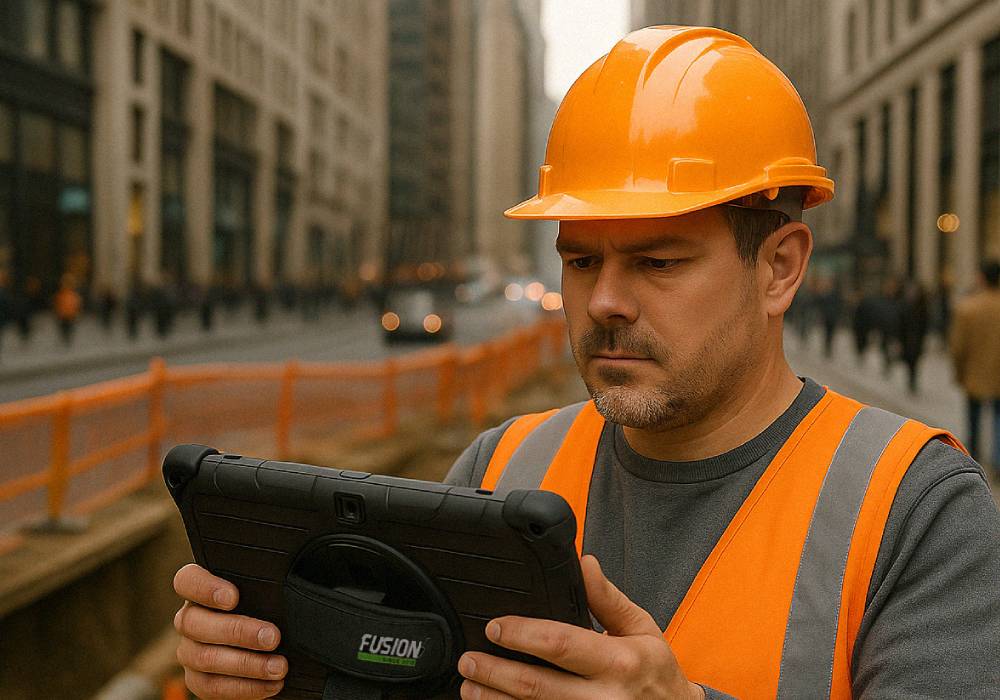
Organizations continue to implement rugged tablets at an increasing rate for workflow acceleration purposes. Staff members have access to perform site-based inspections, request logging, and communication management. The Fusion5 Windows 11 Pro rugged tablet is built for this, with Windows 11 Pro OS, fast and expandable SSD storage, and a dust- and drop-resistant design.
Full Blog: Why Fusion5 Tablets Are Becoming a Go-To Tool for Residential Communities
Collecting Data Where It Counts
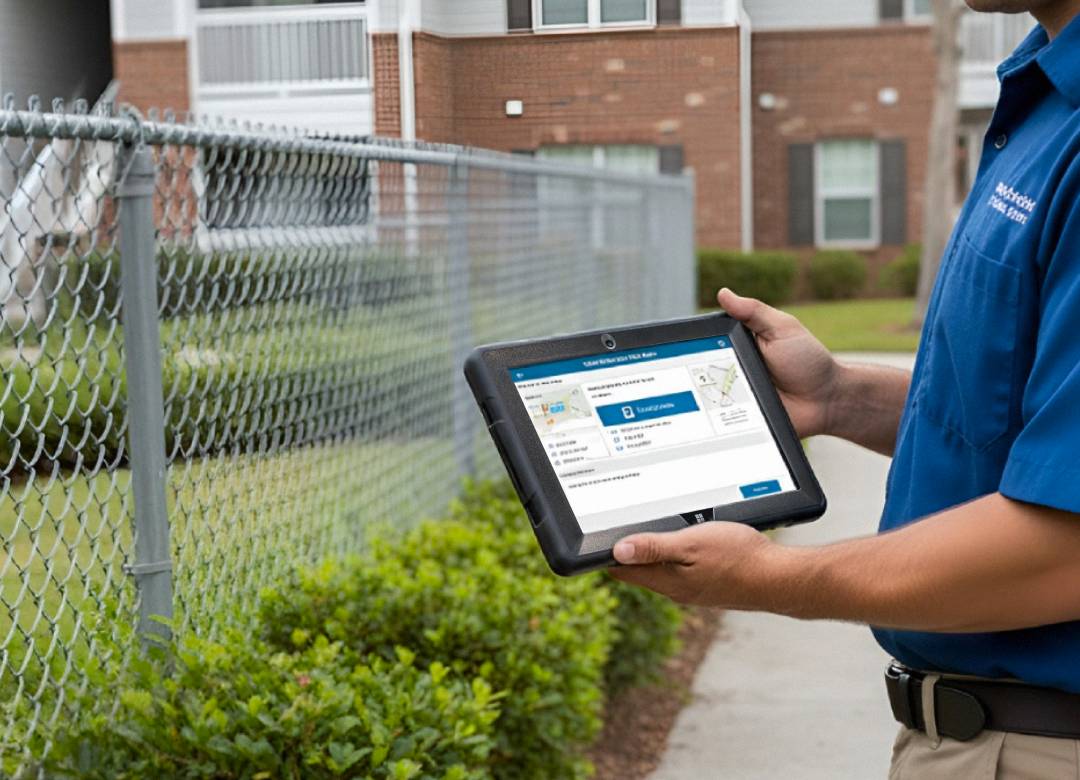
Community managers monitor violations, facility amenities, and maintenance orders. Tablets function as electronic paper documents while reducing the time needed to perform data entry tasks.
The Fusion5 rugged tablet functions as a portable command center. The Windows system operates HOA software, spreadsheets, and enables staff members to enter data immediately while storing information locally when Wi-Fi connectivity is absent.
Tablet Use at Gates and Clubhouses
Gate teams face difficulties when they try to monitor visitor records while performing entry access authentication. Rugged tablets provide users with the ability to perform this function with ease.
Fusion5’s rugged tablets have a 10.1” HD display, which allows users to connect scanners or badge readers through USB ports and provides battery extension capabilities. The tablets enable the staff members to check entries and scan QR codes for their work activities at both indoor guardhouse sites and outdoor booths.
Maintenance Logging & Work Orders
Maintenance teams operate at high speed, and they need to document their work activities that take place in the field. Users can take photos through the tablets while they mark off their tasks and send real-time updates.
Fusion5’s rugged tablets are dust-proof and shock resistant, and users can easily transport them through tool belts or carts. Their rugged design offers protection against more intense usage throughout many work orders.
Resident Kiosks and Communication Hubs
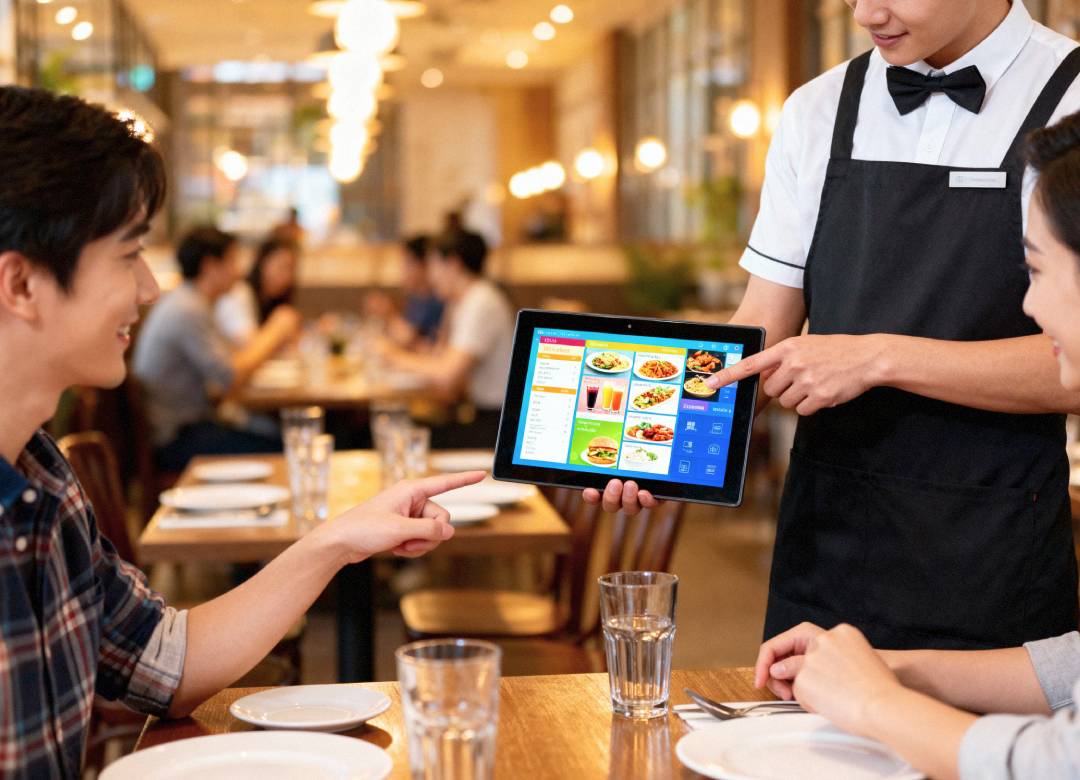
Communication breakdowns are common in residential settings. Mounted tablets let residents see updates, submit requests, or book spaces.
With Windows 11 Pro, Fusion5 tablets allow secure multi-user access and cloud syncing, making them ideal for shared use in lobbies or clubhouses.
Why the Fusion5 Windows Tablet Works Well in Residential Communities
- Runs full HOA software on Windows 11 Pro
- 10.1” Full HD touchscreen
- 512GB SSD for fast local storage
- 12GB RAM and Intel Quad-Core CPU
- Rugged build for outdoor use
- USB and USB-C ports for devices
- Wi-Fi support for cloud syncing
- Lightweight and portable
- Adjustable hand strap and rotating grip
Tablet vs. Standard Laptop in Residential Workflows
| Feature | Fusion5 Rugged Tablet | Traditional Laptop |
|---|---|---|
| Portability | Easy to carry onsite | Bulky and fragile |
| Durability | Dust- and shock-resistant | Prone to damage |
| Connectivity | USB, USB-C, Wi-Fi | Office-limited |
| Field Usability | Indoor/outdoor ready | Suited for office only |
| Kiosk Integration | Ideal for shared use | Not practical |
Conclusion
The Fusion5 Windows 11 Pro Rugged Tablet gives community staff the tools to work faster, smarter, and on-site. From inspections and access to resident services, it blends laptop power with tablet portability.
Visit Fusion5Store.com to see how the Fusion5 Rugged Tablet supports modern residential communities.