

The Best Portable Maker Setup: Transform Your Fusion5 Windows Tablet into a DIY Tech Lab
In today’s vastly growing technology market, we now have a big range of smaller devices that are powerful enough to compete with our larger desktop and laptop setups. Many DIY tech enthusiasts are witnessing the real-time workflow advantages of having a more compact maker setup for Arduino, Raspberry Pi, and other IoT hardware projects.
Fusion5 Windows tablets are exceptionally affordable and offer a lighter and more convenient way to work on coding and physical computing projects. These tablets come in varieties that run full Windows 11 Home and Professional operating systems, meaning they are compatible and ideal for the open-source programs that many makers rely on today.
Check out our full guide, meant to help tech makers and computing hobbyists get the best setup out of their Fusion5 Windows tablet in 2026.
Full Blog: How to Set Up Your Fusion5 Tablet for Arduino, Raspberry Pi, and Maker Projects
It is essential to determine which tools make a tablet-based maker setup work better overall. In this guide, we will look at setting your tablet up with the programs that turn a Fusion5 tablet into a laptop-equivalent workstation for Arduino, Raspberry Pi, and Python development.
Setting Up the Arduino IDE
If you have ever built an electronics project, chances are you have used the Arduino IDE. It is one of the easiest ways to program microcontrollers like the Arduino Uno, Nano, or ESP32, and it runs well on Windows 11 tablets.
Once you download the latest Windows version from Arduino.cc, just connect your microcontroller board via the USB port, launch the program, create a new sketch, code away, and hit upload. Within seconds, you will see your circuit come to life.
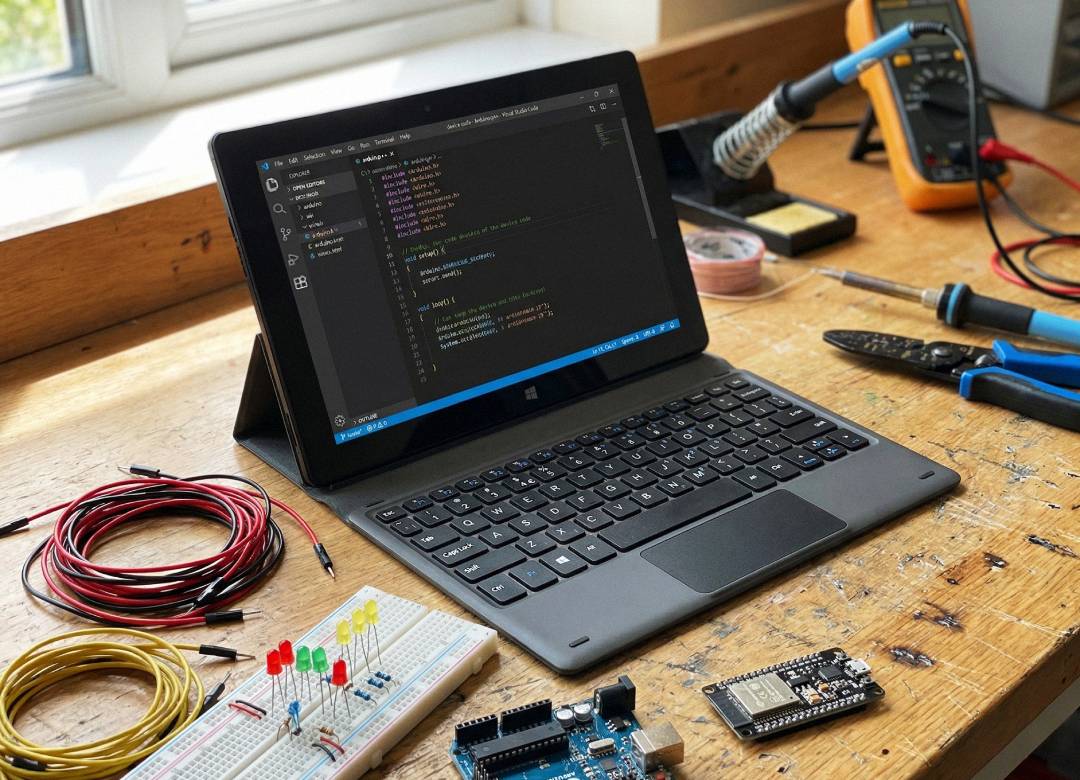
With the capacitive touchscreen on your Fusion5 tablet, or using a docking or wireless keyboard, you can check your serial monitor, tweak your code, and test results all on a compact 10.1-inch device. It is fast, full HD, and perfect for learning or prototyping on the go.
Using Visual Studio Code with PlatformIO
For those who want to take things further, Visual Studio Code paired with PlatformIO adds more power to your projects. Together, they create a professional development environment that supports dozens of hardware platforms, from Arduino to ESP32 to RP2040 boards.
Visual Studio Code gives you features like auto-completion, version control, and multi-file editing, while PlatformIO handles libraries, firmware uploads, and debugging. Both programs are free and run smoothly on Windows 11 tablets. It is a flexible setup that works well for advanced makers, students working on group projects, or anyone managing multiple devices at once.
Writing Python with Thonny
Python continues to be one of the most popular languages for makers, especially for robotics and IoT projects. The Thonny IDE offers a clean and simple way to write Python and MicroPython scripts right from your Fusion5 tablet.
It is lightweight and beginner-friendly, which makes it ideal for classroom environments or quick experiments. You can connect a microcontroller like the Raspberry Pi Pico, write a few lines of code, and instantly see your results. It is a great way to learn through direct feedback: code, test, adjust, and repeat.
Managing Raspberry Pi Projects
If you are using Raspberry Pi boards, your Fusion5 tablet can handle that too. The Raspberry Pi Imager makes it easy to flash operating systems onto SD cards directly from your tablet. Once your Pi is up and running, Raspberry Pi Connect lets you log in remotely to manage it from your screen.
This means you can code, configure, or troubleshoot without switching devices. It is a clean and efficient workflow that reduces clutter and keeps your focus on the fun part of building and testing your ideas.
Tablets in Modern Maker Spaces
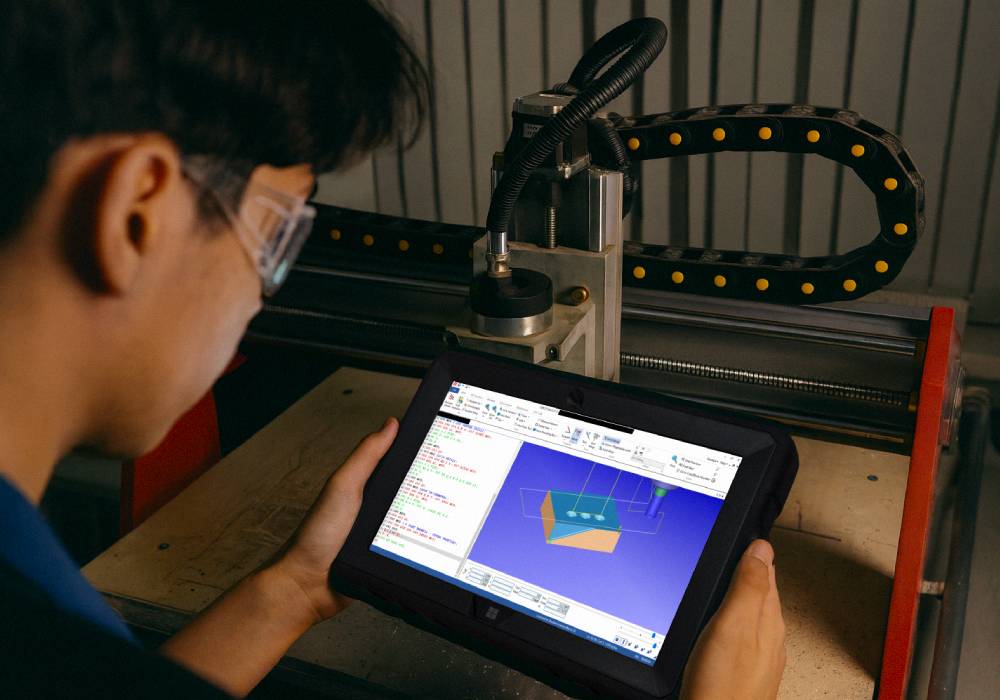
In classrooms, robotics clubs, and home labs, tablets are becoming everyday tools for learning and experimentation. Windows tablets like the Fusion5 models lets students, educators, and hobbyists bring their projects anywhere without being tied to one desk or power outlet. They can connect sensors, test builds in real time, and share progress easily with others.
This mobility encourages creativity and curiosity. Whether it is a school robotics challenge or a weekend home build, tablets make hands-on learning more interactive, approachable, and personal.
Essential Takeaways for Maker Projects on Windows Tablets
A Windows tablet like the Fusion5 Pro N5 can serve as a portable command center for your maker projects. With tools like Arduino IDE, Visual Studio Code with PlatformIO, Thonny, and Raspberry Pi utilities, you can code, test, and build wherever you are.
These programs open the door to creative experimentation without the limits of a fixed setup. As tablets continue to grow more capable, the maker experience becomes less about sitting at a desk and more about bringing your ideas to life anywhere you want.