

Build the Ultimate DIY Biohacking Lab with a Windows Tablet
DIY biohacking and embedded development are more accessible than ever. With an Arduino, ESP32, Raspberry Pi, a few sensors, and some basic tools, you can build everything from wearable electronics and environmental monitors to OpenBCI projects and smart robotics.
One piece of equipment often gets overlooked: the computer.
A Windows tablet can become the digital command centre for your home biohacking lab, letting you program microcontrollers, analyse sensor data, design PCBs, control Raspberry Pi projects, and document experiments from one portable workstation.
Quick Answer
A full Windows tablet can run many of the same applications makers already use on a laptop, including Arduino IDE, VS Code, PlatformIO, KiCad, Python, Jupyter Notebook, Raspberry Pi Imager, Raspberry Pi Connect, GitHub Desktop, and digital note-taking software.
Together, these tools create a practical workflow for building, testing, analysing, and documenting electronics projects on a single device.
Arduino, Raspberry Pi, OpenBCI & Embedded Development on One Portable Workstation
From Sensor to Data: What a Portable Biohacking Lab Actually Looks Like
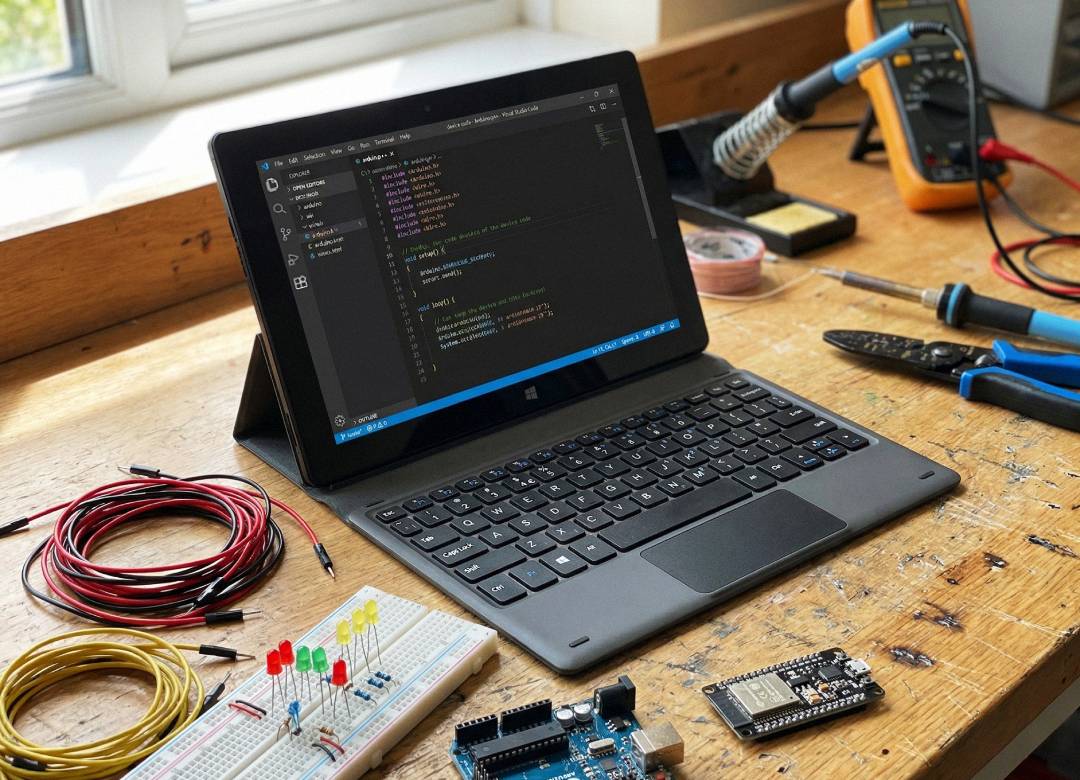
Suppose that you decide to make your own ECG monitor using the ESP32 microcontroller. You could start off by prototyping and testing the circuit on a breadboard setup and then move on to designing a custom PCB in KiCad once everything is working properly. In order to program the firmware, you could use either Arduino IDE for a quick prototype or VS Code with PlatformIO for bigger projects, then upload the finished code to the ESP32 over USB.
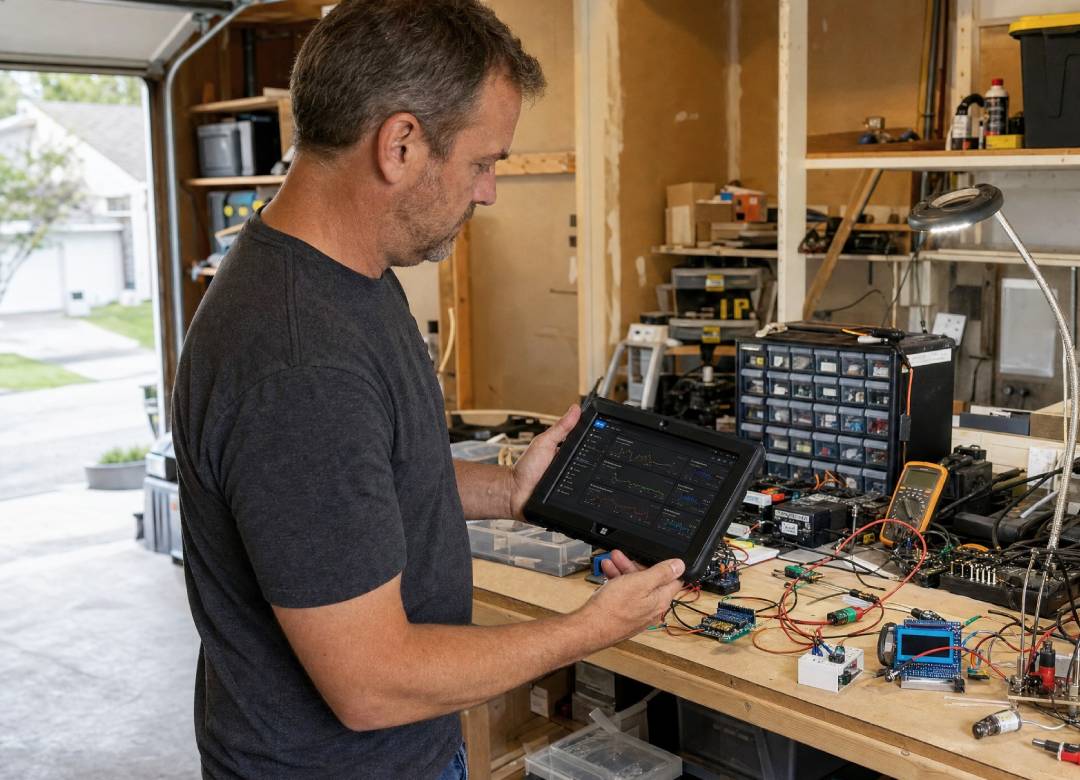
As live sensor data starts streaming through the serial connection, Python can capture and visualize the readings in real time before saving them as a CSV file for further analysis in Jupyter Notebook. From there, your code can be backed up to GitHub while wiring diagrams, test results, and observations are stored in a digital lab notebook.
Workflow:
ECG Sensor → ESP32 → USB Serial → Python → CSV → Jupyter Notebook → GitHub → Digital Lab Notes
This same workflow applies to many maker projects. Swap the ECG sensor for an EMG module, an environmental sensor, an OpenBCI board, or a TinyML prototype, and the development process remains largely the same. You're simply collecting different data while using the same tools to build, analyse, and improve your project.
DIY Biohacking Projects and Resources
The maker, biohacking, and embedded development communities often use the same hardware and software. An Arduino or ESP32 is ideal for collecting sensor data and controlling hardware, while a Raspberry Pi can run continuously beside a project to log data, host dashboards, control cameras, or monitor experiments remotely. OpenBCI extends these workflows into biosensing with hardware designed for recording EEG, EMG, and ECG signals.
That combination makes it possible to build a wide variety of DIY projects, including heart-rate and ECG monitors, EMG-controlled devices, wearable electronics, environmental monitoring systems, fermentation trackers, robotics, sleep experiments, TinyML applications, and AI-powered sensor projects. These are educational and experimental projects and should never be used as a replacement for certified medical equipment.
One of the biggest advantages of the maker community is the amount of open hardware, documentation, and tutorials available online. Whether you're buying your first sensor or looking for inspiration for your next project, these are some of the best places to start.
Together, these resources make it much easier to learn new skills, find compatible hardware, and discover ideas for your next project.
Why a Windows Tablet Fits Maker Workflows
Most Arduino, Raspberry Pi, and embedded development projects rely on desktop software. Tools like Arduino IDE, VS Code, PlatformIO, Python, KiCad, Git, Raspberry Pi Imager, and serial utilities all work within a Windows development environment.
That becomes especially useful when connecting hardware. A typical project might involve an ESP32 or Arduino board, USB serial connection, external storage, programmer, sensors, or USB hub. Running full Windows gives you access to the desktop software and drivers commonly used to develop, test, and troubleshoot these devices.
Windows 11 also supports WSL2, giving developers access to Linux command-line tools and development environments on compatible hardware.
The result is a portable workstation that supports the development tools, hardware connections, and workflows makers already use for Arduino, Raspberry Pi, and embedded projects.
Helios10 or Rugged: Which Makes More Sense for a Maker Lab?
The better tablet depends less on the type of sensor you are using and more on where you’re working.
The Fusion5 Helios10 makes sense when most of your development happens at a desk or electronics bench.
Its Intel N150 processor, DDR5 memory, active cooling, and dual USB-C connectivity suit longer coding, PCB design, Python analysis, and development sessions where several tools may be running together.
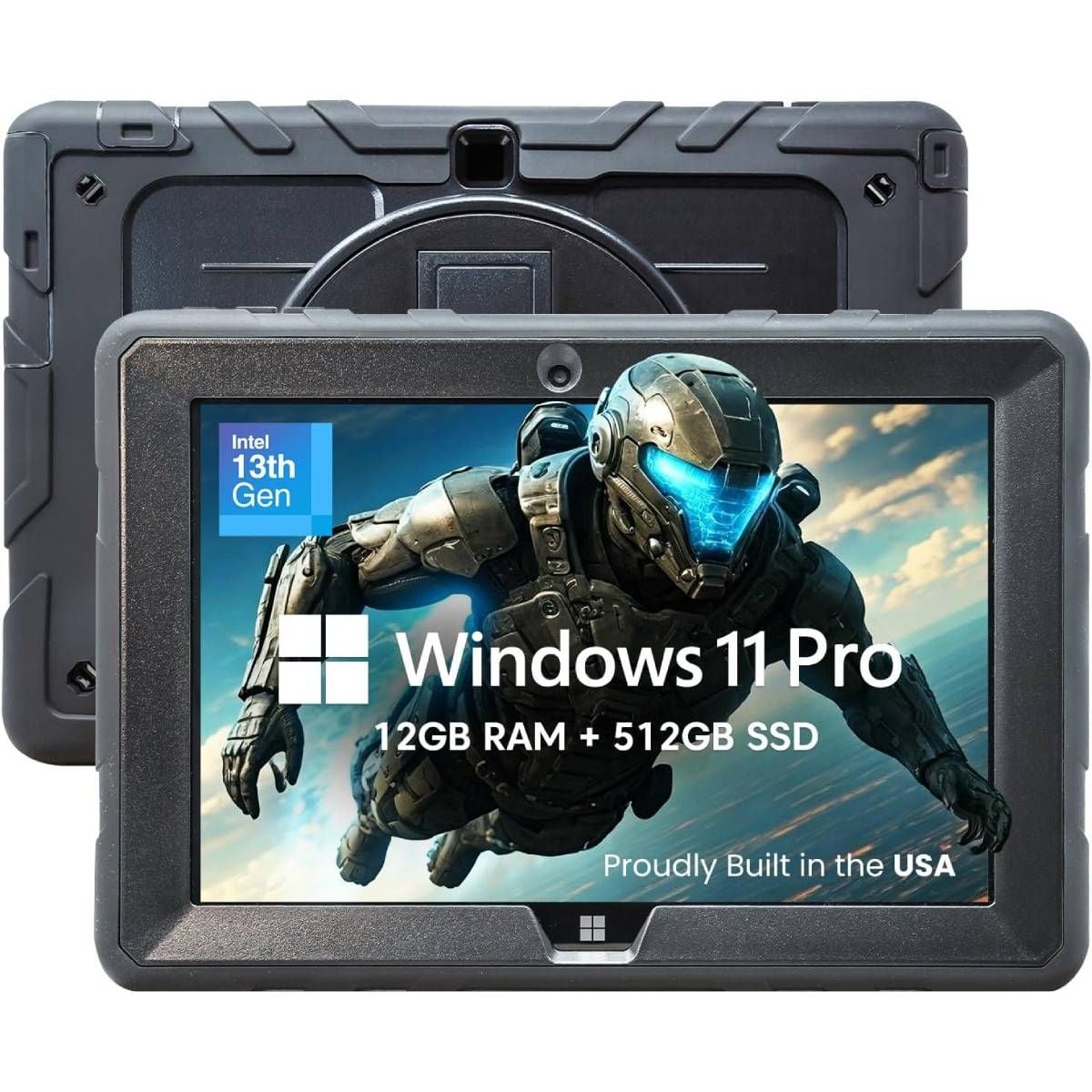
The Fusion5 Rugged Windows Tablet is aimed at a different environment.
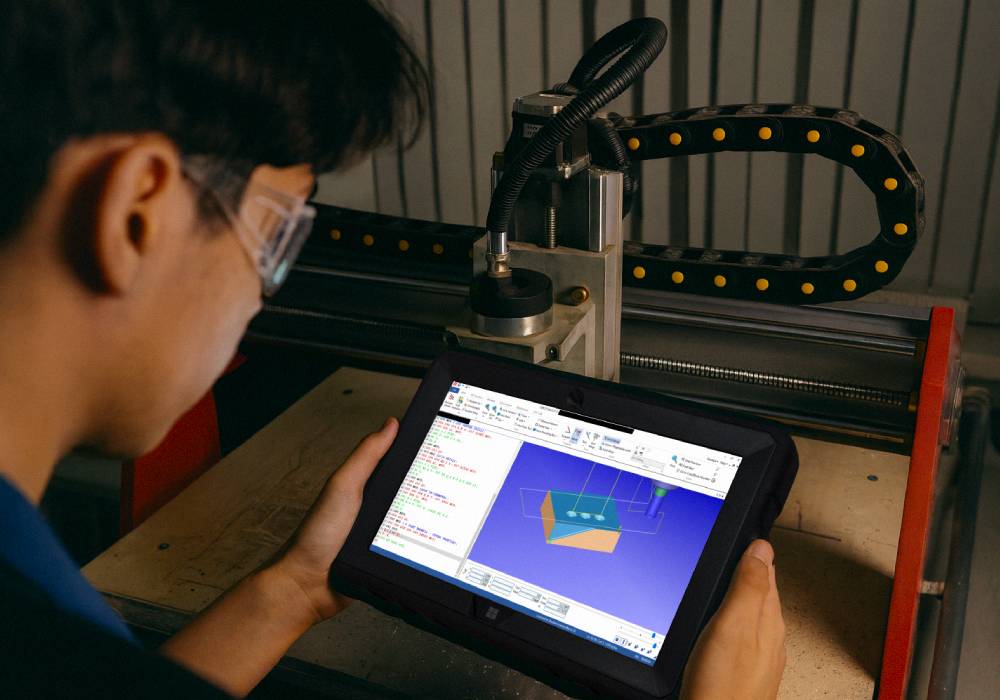
If your workstation regularly moves into a garage, workshop, outdoor test area, or robotics project, physical durability becomes more important. Its rugged construction, dust protection, sealed ports, hand strap, and brighter 500-nit display make it better suited to those conditions.
For makers building a home biohacking lab, flexibility is ultimately what matters. Start with the project you actually want to build, then let the workstation grow around it.
Frequently Asked Questions
Can you use Arduino IDE on a Windows tablet?
Yes. A Windows tablet running full Windows can run Arduino IDE and connect to compatible Arduino and ESP32 boards through USB.
Can you control a Raspberry Pi from a Windows tablet?
Yes. Raspberry Pi projects can be accessed using tools such as SSH, Raspberry Pi Connect, and remote desktop software. This is particularly useful when the Raspberry Pi stays permanently connected to an experiment.
Can you use WSL2 on a Windows tablet?
Compatible Windows tablets can use WSL2 to provide a Linux environment alongside Windows. This can be useful for command-line tools and development projects that expect Linux.
Can Windows tablets be used for embedded systems development?
Yes. Windows supports common embedded-development applications including Arduino IDE, VS Code, PlatformIO, Python, Git, KiCad, serial tools, and Raspberry Pi utilities.
Which Fusion5 tablet is better for makers?
The Fusion5 Helios10 is better suited to coding, PCB design, Python analysis, and longer development sessions.
The Fusion5 Rugged Windows Tablet is the better fit for garages, workshops, outdoor sensor projects, robotics, and environments where additional physical protection is useful.