

Windows Tablets for Property Management: Simplify Rental Inspections and Maintenance
Property managers spend more time on-site than behind a desk. A typical day might include carrying out a move-out inspection, meeting contractors, checking maintenance work, responding to tenant requests, and preparing a property for new occupants.
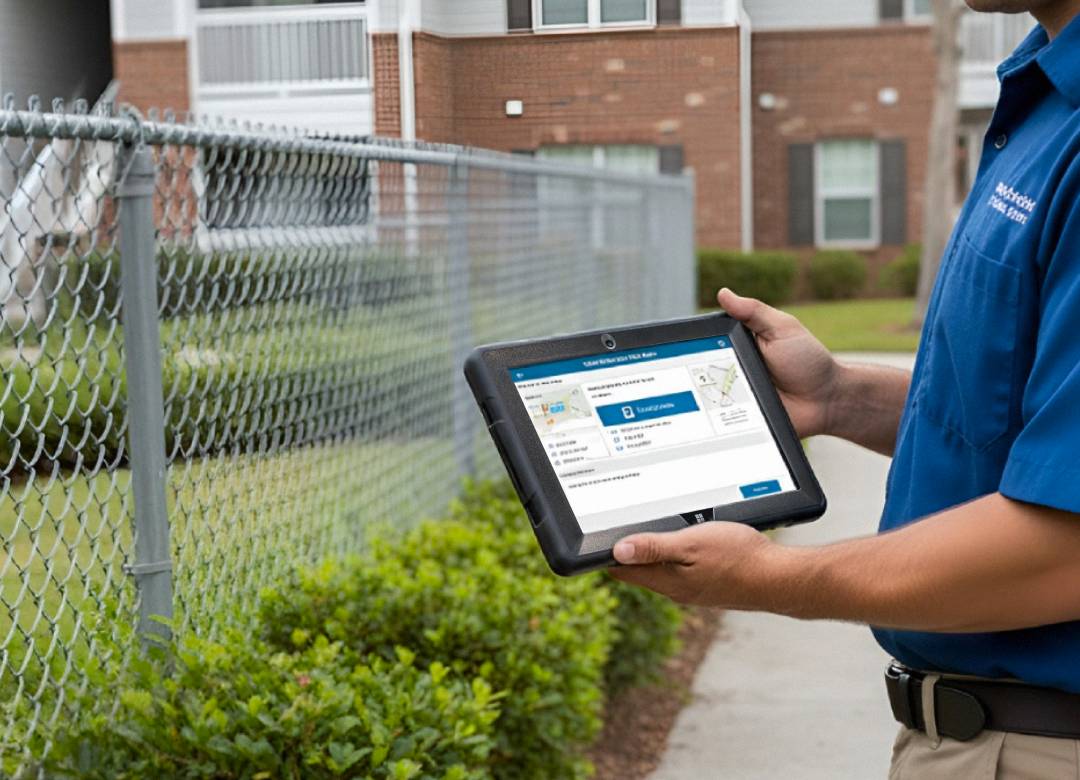
Managing all of that with paper forms, a phone, and an office computer soon becomes time-consuming. A rugged Windows tablet helps property managers complete rental inspections, manage maintenance, access property records, and stay productive while working on-site.
Quick Answer
A rugged Windows tablet helps property managers complete inspections, capture photos, log maintenance issues, collect digital signatures, and access property records from anywhere. Instead of juggling paperwork and multiple devices, everything can be managed from one portable Windows device.
Why Property Managers Need Mobile Technology
Property management is becoming increasingly digital as businesses look for faster ways to handle inspections and maintenance. Property Meld's 2025 Property Maintenance Benchmark Report highlights the strong connection between maintenance performance, resident satisfaction, and efficient operations, making streamlined workflows more important than ever.
Traditional inspections often involve printing forms, writing handwritten notes, taking photos on a separate phone, and then returning to the office to upload everything before reports can be completed.
A Windows tablet keeps the entire process together. Inspections, photographs, maintenance updates, and reports can all be completed while you're still at the property, saving time and reducing duplicate administration.
Traditional vs Digital Property Inspection Workflow
A digital workflow doesn't change the inspection itself. It simply removes unnecessary administration and keeps everything together in one place.
Complete Property Inspections More Efficiently
Regular inspections are part of everyday property management. Whether you're carrying out a move-in inspection, a routine visit, or a final check before new tenants arrive, accurate records are essential.
A rugged Windows tablet lets you complete digital checklists, photograph damage, record meter readings, add notes, check safety equipment, and collect tenant signatures in one place. Everything stays organised and is ready to share as soon as the inspection is complete.
Turn Maintenance Issues into Action
Finding a problem is only the beginning. Once an issue has been identified, it needs to be recorded, shared with the right contractor, and followed through until it's resolved.
Using a Windows tablet, maintenance issues can be logged immediately with notes and photographs while you're still at the property. Contractors receive clearer information, making it easier to understand the problem before work begins.
Property Meld's research also shows that faster maintenance plays an important role in improving resident satisfaction, making efficient workflows valuable for both property managers and tenants.
Access Property Information Anywhere
Questions often come up while you're standing inside a property, not when you're back in the office.
A Windows tablet provides quick access to previous inspection reports, maintenance history, lease documents, property photographs, tenant information, and contractor notes, helping you answer questions and make informed decisions on the spot.
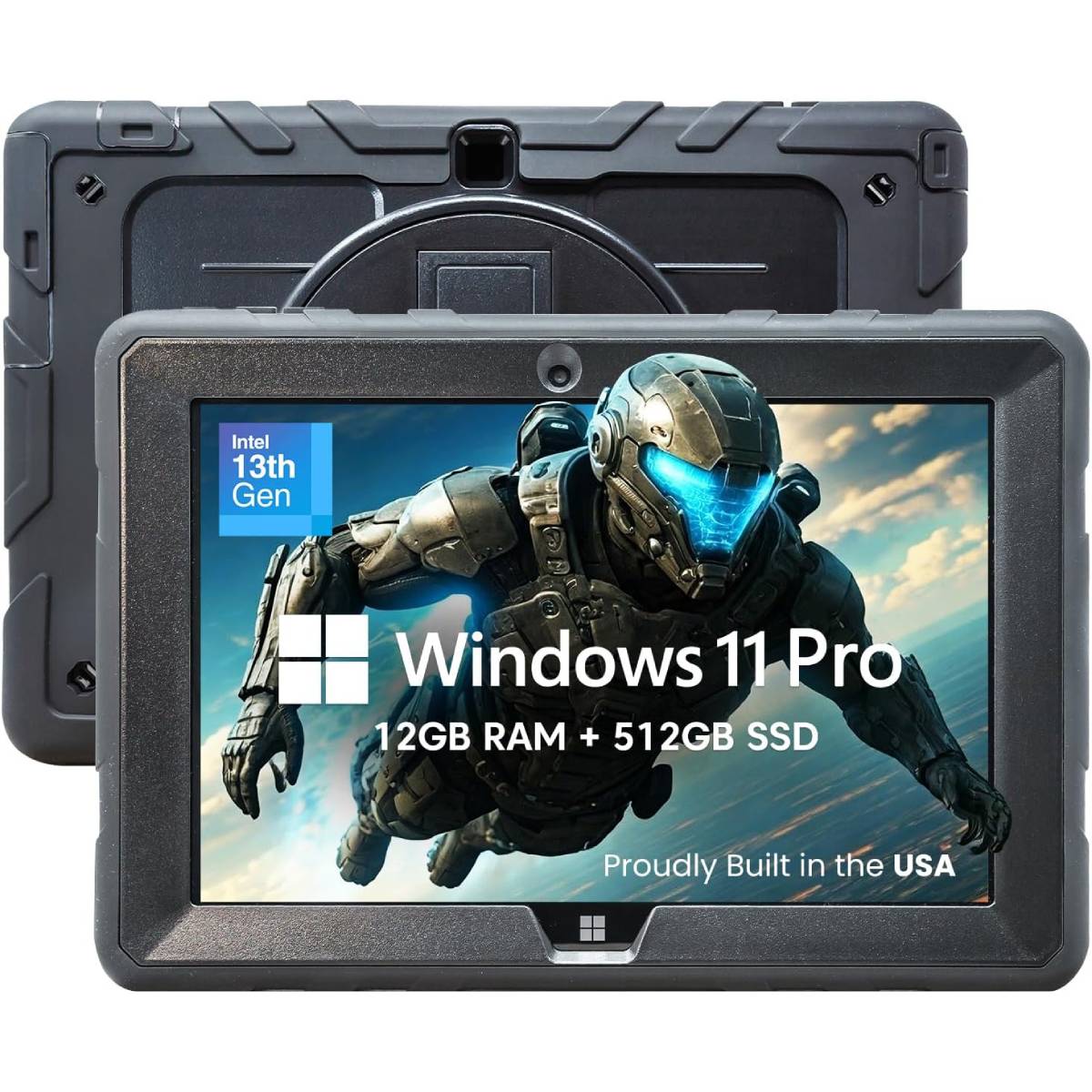
Because the Fusion5 Rugged Windows Tablet runs Windows 11 Pro, it works with many of the property management platforms businesses already use, including AppFolio, Buildium, MRI Software, Yardi, and Propertyware.
Why Choose a Rugged Windows Tablet?
Property managers work in a wide variety of environments. One visit might involve walking through an apartment block, while the next could mean inspecting an empty property or meeting contractors during maintenance work.
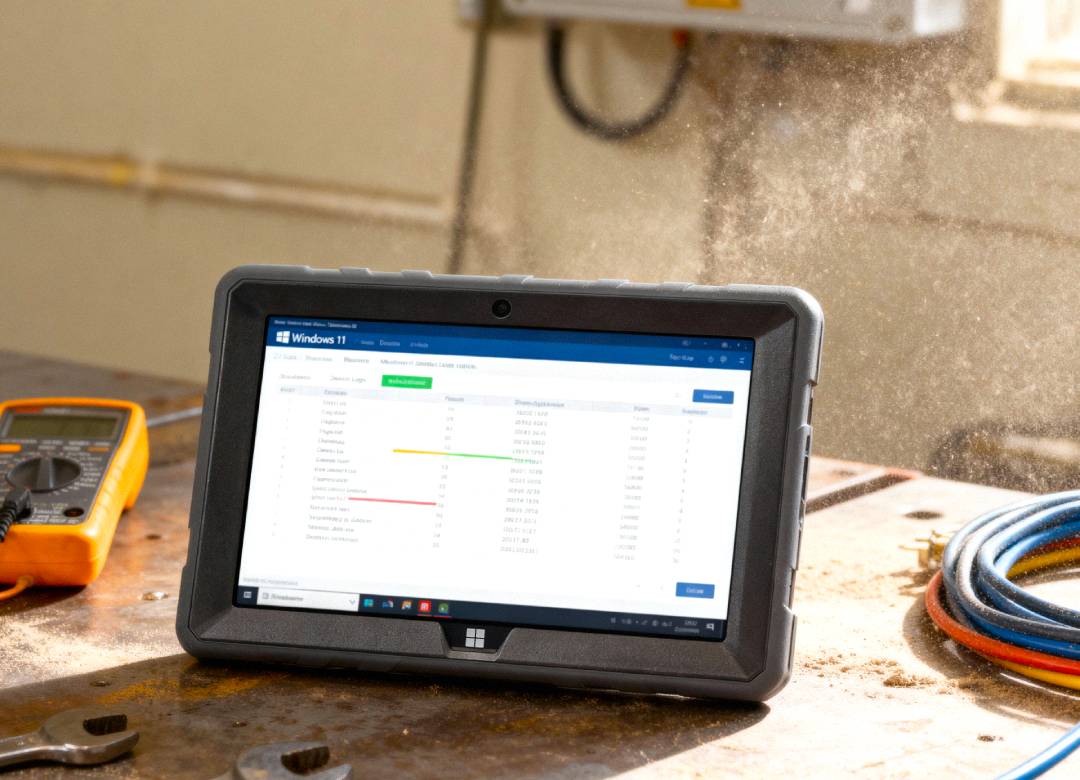
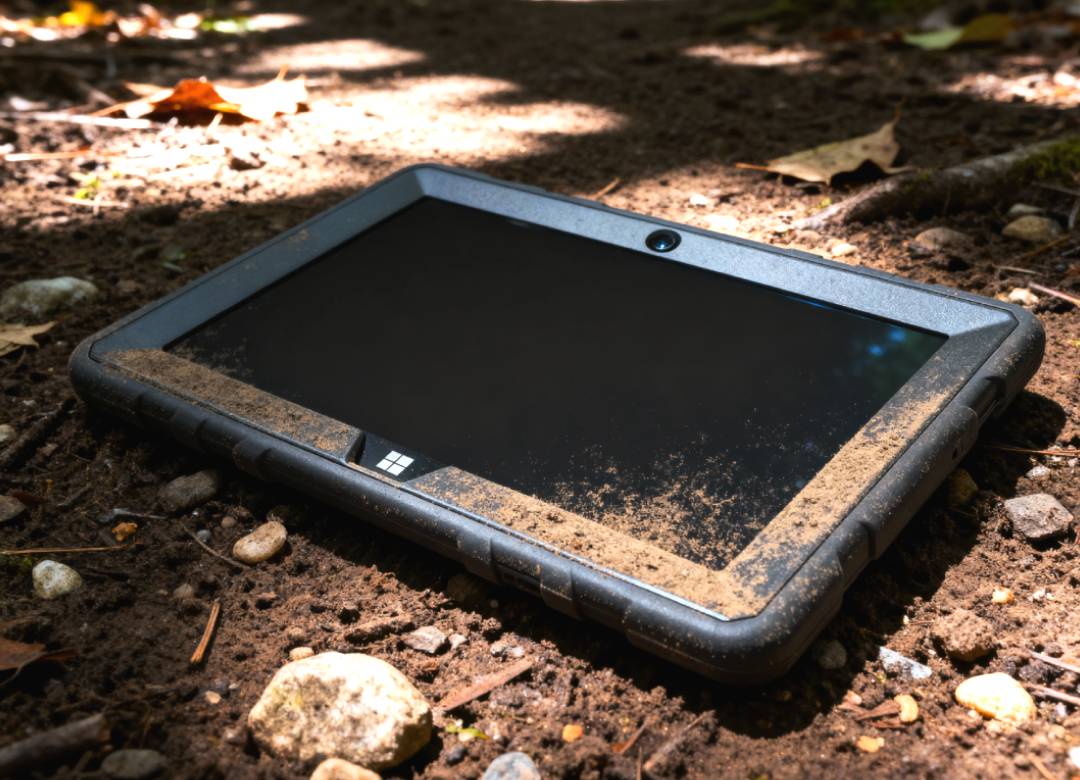
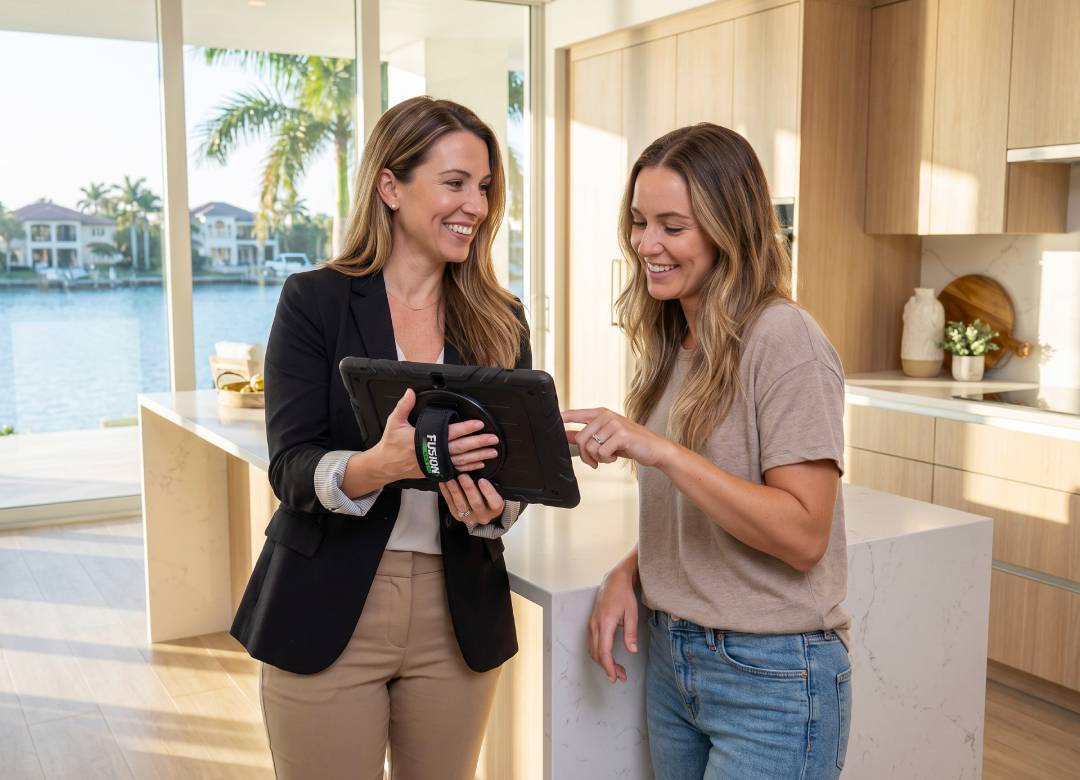
A rugged Windows tablet is the ideal tool for such tough environments. Since they're built to handle the rigours of everyday field work, a rugged tablet provides users with the necessary durability and mobility that will allow them to navigate easily from one property to another. A reinforced design, comfortable hand strap, and all-day mobility make it easier to complete inspections, capture notes, and access property management software.
A Typical Property Visit
Imagine arriving for a routine inspection. Your checklist is already open, previous inspection reports are available, and you record notes and photographs as you move through each room.
You notice a leaking tap and damaged fencing, log both issues with supporting photos, then ask the tenant to sign the completed inspection before you leave. By the time you arrive at your next property, the report has already been completed and shared.
Less Paperwork, More Time on the Job
Moving to a digital workflow means less duplicate data entry, fewer paper forms, better organised inspection records, and quicker maintenance reporting.
Small improvements like these can save hours of administration each week while helping property managers provide a faster and more professional service.
Why Choose Fusion5?
The right device should fit naturally into the way property managers already work. The Fusion5 Rugged Windows Tablet is built for professionals who spend their day moving between properties, carrying out inspections, meeting contractors, and managing maintenance.
Its rugged, shockproof and dustproof design is made to handle demanding working environments, while the bright 10.1-inch Full HD display remains easy to read both indoors and outside. Powered by an Intel 13th Gen Quad-Core processor with 12GB RAM and a fast 512GB SSD, it delivers the performance needed to run Windows 11 Pro and the business applications property managers rely on every day.
With integrated Bluetooth, dual Full HD cameras for documenting inspections, and the reassurance of a 2-year warranty with accidental damage cover, it's a practical choice for professionals who need a reliable Windows tablet they can depend on throughout the working day.
Frequently Asked Questions
Can a Windows tablet be used for rental inspections?
Yes. A Windows tablet allows property managers to complete digital checklists, capture photos, record notes, collect signatures, and produce inspection reports while still at the property.
Why use a rugged tablet instead of a laptop?
Rugged tablets are portable, lightweight and more suitable for inspection situations where dropping, dust, or exposure to wet conditions is possible.
Can I manage maintenance requests on a Windows tablet?
Yes. Maintenance issues can be logged immediately with notes and photographs, making it easier to share accurate information with contractors and keep repairs moving.
Does a Windows tablet replace property management software?
No. It works alongside your existing software, giving you mobile access to inspections, maintenance records, tenant information, and other business applications.
Which Fusion5 tablet is best for property managers?
The Fusion5 Rugged Windows Tablet is well suited to professionals who regularly work across multiple properties. Its durable design, Windows 11 Pro operating system, and portable form factor make it an excellent choice for field-based property management.