

Three browser tabs open, a spreadsheet mid-edit, and the tablet you just bought can't run either one properly. Sound familiar? That's the exact complaint that lands in Fusion5's support inbox a few times a week. Someone bought a tablet expecting laptop-level work and got a bigger phone instead.
A windows tablet is supposed to fix that problem. Full Windows 11, real desktop software, a touchscreen you can still type on. But not every device on the market delivers that, and the gap between the marketing photo and the real experience is where most buyers get burned.
I've spent the last few years watching Fusion5 build windows tablet PCs assembled in Pasco County, Florida, and reading through the support tickets that come with selling thousands of them every year in the US. So this isn't a spec-sheet rundown copied from a manufacturer's press release. It's what actually separates a windows tablet worth buying from one that ends up in a kitchen drawer by March.
Quick Answer: A windows tablet worth buying needs at least 8GB of RAM (12GB if you multitask), a 128GB+ SSD, a processor built in the last three years, and full Windows 11, not a stripped-down tablet mode. Skip anything under 4GB of RAM. That single spec is the difference between a device that replaces your laptop and one that becomes an expensive way to watch YouTube.
Why So Many Tablet Searches End in a Return
Search "windows tablet" and you'll get forty results that look almost identical. Same stock photos, same "2-in-1" language, same vague promises about "all-day battery." Price ends up being the only thing you can actually compare.
So people buy on price. Then the tablet arrives, the first Windows update takes forty minutes, and the fan (if it even has one) runs nonstop just to keep Chrome open with three tabs. The keyboard case that looked "included" in the product photo turns out to be a separate $40 purchase. Support is an email address that never replies.
None of that shows up in a five-star review written the day the box arrived. It shows up three weeks later, in a return request.
What Actually Matters When You're Comparing a Windows Tablet PC
Strip away the marketing and a windows tablet pc really comes down to five things. Get these right, and everything else, the brand, the color, the accessories, is just preference.
Processor and RAM: Where Cheap Tablets Cut First
This is the corner manufacturers cut hardest, because it's invisible in a product photo. A windows 11 tablet running on an old, low-power chip with 4GB of RAM will open Windows fine. It'll open one browser tab fine too. Add a second tab and a PDF, and you'll watch the fan spin up while everything grinds to a crawl.
Look for at least 8GB of RAM, 12GB if you're running anything beyond browsing and email. On the processor side, Intel's 13th Gen chips (the N-series in particular) show up in the current wave of budget-friendly windows tablets and handle real multitasking without turning into a space heater.
Storage: 64GB Isn't Storage, It's a Starter Kit
A lot of entry-level models still ship with 64GB of storage. Once Windows 11 and its updates settle in, you're often left with 20GB of usable space, before you've even installed a single app. Go for 128GB minimum, and honestly, 256GB or more if you plan to keep files locally instead of living entirely in the cloud.
Display, Touch, and the Pen Question
Full HD (1920x1200 or similar) is the baseline now, not a premium feature. If handwriting or sketching matters to you, check whether the pen is included or sold separately. That detail gets buried in fine print more often than it should.
Battery Life and the Ports You'll Actually Use
USB-C and HDMI matter more than most buyers realize until they're stuck at an airport gate with the wrong cable. And "all-day battery" claims deserve a healthy dose of skepticism. Ask for the actual watt-hour rating instead of the marketing phrase. A 30Wh battery and a 40Wh battery can both get labeled "all-day" depending on who's writing the listing, and the difference shows up exactly when you need it most: halfway through a flight, nowhere near an outlet.
One more thing nobody mentions: charging speed matters almost as much as capacity. A device that takes three hours to charge is a device you'll forget to plug in, then resent the next morning.
Windows Tablets vs Android Tablets: What Changes When You Need Real Work Done
Here's my honest take, and I know it's not a popular one in every corner of the internet: for anything beyond browsing and video, the debate isn't close. Android tablets run mobile app versions of desktop software, watered-down Excel, watered-down Photoshop. A windows tablet runs the actual desktop programs. Same file formats, same keyboard shortcuts, same software your office already uses.
Android wins on battery life and app-store polish for casual use. But if you're editing a real spreadsheet, running QuickBooks, or need a specific Windows-only program, it's the only option that doesn't involve compromise. That's not a knock on Android. It's just not built for that job.
What Our Support Tickets Actually Tell Us
Last year, we pulled six months of support tickets tied to our entry-level tablets and noticed a pattern: almost every "this is too slow" complaint traced back to one of two models, both with 4GB RAM configurations we'd kept around for budget shoppers. We discontinued that RAM tier entirely in early 2026.
I used to think the fix was better customer education: clearer product descriptions, more detailed spec callouts. It helped a little. But the return rate on those units barely moved until we pulled them from the lineup completely. Sometimes the honest fix isn't a better FAQ page. It's not selling the underpowered version in the first place.
Where Budget Devices Usually Cut Corners
The tablet market overall shipped about 138.9 million units for 2026, according to IDC's tracking of the personal computing device market, with shipments trending down as component costs rise. When memory prices climb industry-wide, budget devices are where manufacturers shave costs first: RAM, storage tier, and battery capacity, in that order.
On the operating system side, Windows held 31.12% of global operating system market share across all devices in February 2026, per StatCounter-sourced tracking, but that share is concentrated almost entirely in desktop and 2-in-1 productivity use, which is exactly the niche a windows tablet is built to serve. It's not trying to compete with Android or iPadOS on entertainment. It's built for the file-open, form-fill, spreadsheet-edit workload that mobile operating systems still handle awkwardly.
We covered the manufacturing side of this in more detail in our guide to Fusion5's Windows tablet lineup, where every current model lists its exact RAM and SSD configuration up front, not buried three pages into a spec sheet.
Comparing Fusion5 Tablet Models
| Model | Best For | RAM / Storage | Windows Version | Rating |
|---|---|---|---|---|
| Fusion5 Pro Neo | Everyday productivity | 16GB / 512GB SSD | Windows 11 Pro | |
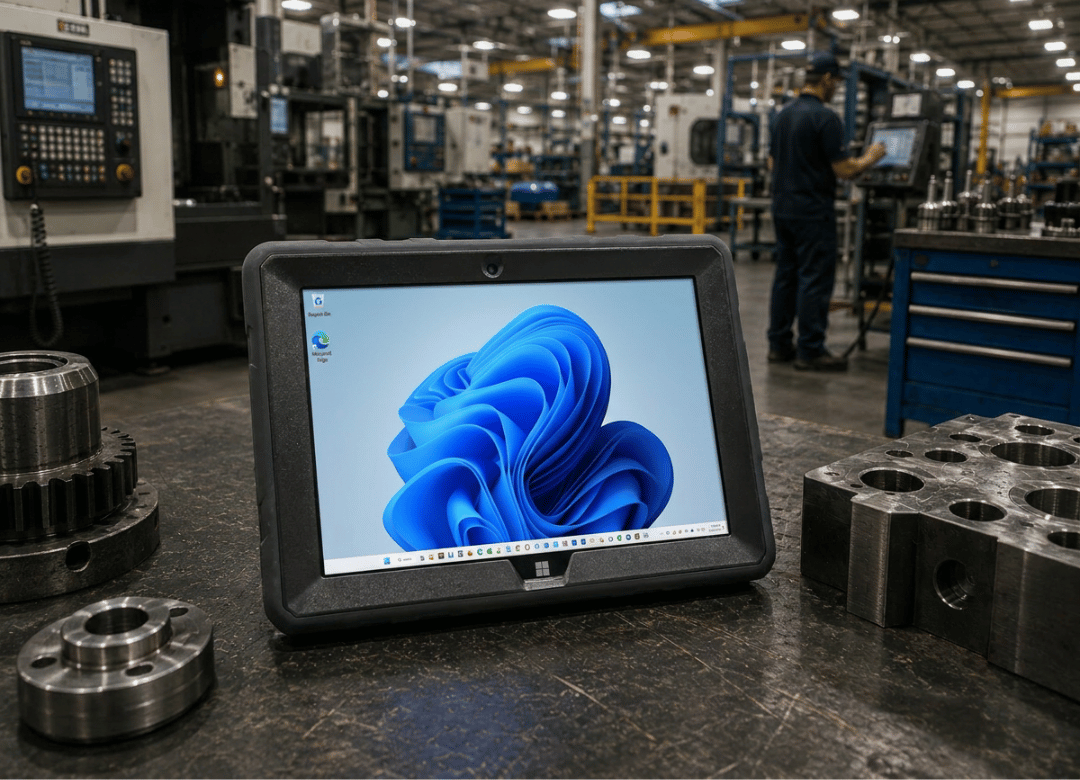
| Fusion5 Rugged Windows Tablet PC | Field work, drops and spills | 12GB / 512GB SSD | Windows 11 Pro | |
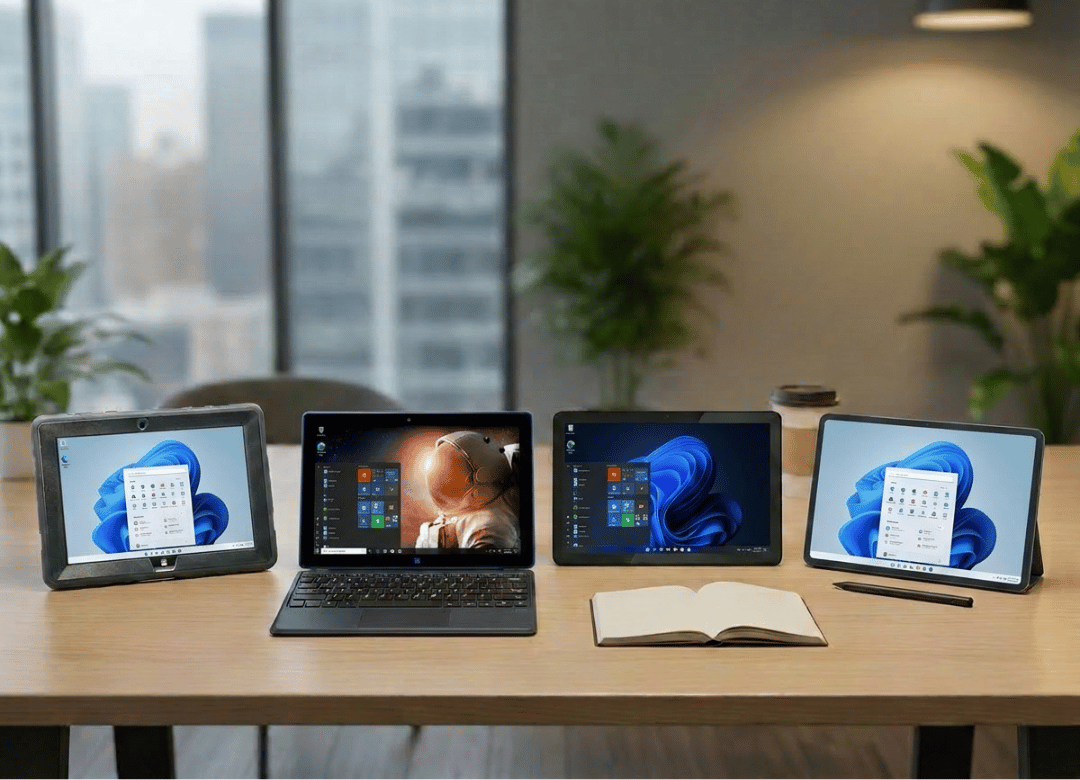
| Fusion5 Helios12 | Larger-screen multitasking | 12GB DDR5 / 512GB SSD | Windows 11 Home |
Every model on that list clears the 8GB RAM and 128GB storage line we talked about earlier, which, going back to the numbers, rules out most of the budget windows tablet failures people run into elsewhere.
FAQ
Q.What is a windows tablet exactly?
A.A windows tablet is a touchscreen device that runs the full version of Windows 11, not a mobile or scaled-down OS. That means it opens desktop software, real Excel, real Chrome, real Zoom, instead of app-store versions built for phones.
Q.How do I choose the right windows tablet for work?
A.Start with RAM and storage before anything else. 8GB RAM and 128GB storage is the floor for real work; 12GB and 256GB is more comfortable if you multitask or keep files locally. Everything past that, screen size, pen support, keyboard case, is personal preference.
Q.Is a windows tablet worth it in 2026?
A.For anyone who needs desktop software on the go, yes. Tablet shipments overall are actually declining slightly this year as buyers get more selective about specs, which in a way makes this a good time to buy: manufacturers are competing harder on real specifications instead of just price.
Q.What's the difference between a windows tablet and an android tablet?
A.A windows tablet runs full desktop applications and file formats. An android tablet runs mobile app versions of the same software, which usually means fewer features and occasional formatting issues when you open a file on a "real" computer later.
Q.How much RAM do I actually need on a windows tablet?
A.8GB is the realistic minimum for Windows 11 plus a browser and one or two apps. Go with 12GB if you regularly have several programs open at once, or if you plan to keep the device for more than two years.
Q.Why does my windows tablet slow down after a few months?
A.Usually it's not age, it's storage filling up. Windows updates and app caches eat into available space over time, and a device that started with only 64GB has very little room to breathe a year in. Check available storage before blaming the hardware.
Q.What's the best windows tablet for students on a budget?
A.Look for something in the $500 to $650 range with at least 12GB RAM and 256GB storage rather than the cheapest option available. A student device that lags during finals week isn't actually a bargain.
Q.Do windows tablets come with a keyboard included?
A.It depends entirely on the retailer and model, and this is genuinely worth checking before you buy, not after. Some listings bundle a keyboard case; others sell it separately for an extra $30 to $50. Check the Fusion5 accessories page if you need to add one after the fact.
If you're ready to see specs side by side, the full range of Fusion5 windows tablets lists RAM, storage, and processor for every current model up front. Every unit ships with Fusion5's standard warranty. You can register it here once your device arrives, and the download center has drivers and manuals if you ever need them.