Best Windows Tablet Apps for Field Workers
Field work often means more than just travelling between jobs. You might be reviewing site plans, completing inspections, updating work orders, collecting signatures, taking photos, or checking maps, often from the same device.
With a Windows tablet, these tasks become much easier. It gives field workers the access to Windows software, web applications, cloud services, and specialized business solutions without lugging around folders full of paperwork and switching between various devices.
In this guide, we'll look at some of the best Windows tablet apps for field workers across industries including construction, maintenance, healthcare, surveying, utilities, logistics, and more.
Quick Picks
- Best PDF markup app: Drawboard PDF
- Best construction document app: Bluebeam Revu
- Best field service app: Microsoft Dynamics 365 Field Service
- Best mapping and GIS software: ArcGIS Pro
- Best PDF app for daily use: Microsoft Edge or Adobe Acrobat
Useful Apps for Field Service Technicians and Site Teams
1. Drawboard PDF for Site Plans and Markup
If your field work revolves around PDFs, site plans, inspection sheets, or technical drawings, Drawboard PDF is definitely one of the first applications to install.
As a dedicated PDF markup solution developed for Windows and optimized for touch and stylus input, it allows highlighting documents, adding notes, performing markup, and saving the results back into the original PDF.
Best for: Inspectors, engineers, maintenance teams, surveyors, and technicians.
2. Bluebeam Revu for Construction and Engineering
Bluebeam Revu is commonly used within the construction and engineering industries.
This application comes with a suite of tools for PDF markups, measurements, punch lists, document review, and project collaboration. Many of the construction companies use it for floor plans, takeoffs, inspections, and project documentation management.
Smaller businesses may not need every feature, but larger construction teams often consider it an industry standard.
Best for: Construction companies, architects, engineers, quantity surveyors, and project managers.
3. Microsoft Dynamics 365 Field Service
Microsoft Dynamics 365 Field Service can help businesses manage their technicians, repairs, installations, customer visits, and maintenance work.
Using one application, workers will be able to access their work orders, customer information, schedules, and service history. There are also offline capabilities available after the proper setup by an administrator.
If your business uses Microsoft 365 or Dynamics, then it can easily fit into your current workflow.
Best for: HVAC companies, electricians, plumbers, maintenance providers, IT support teams, and mobile service technicians.
4. Fieldwire for Job Sites Management
Fieldwire is designed for construction teams who need to manage plans, tasks, punch lists, and projects.
Instead of having everything scattered in emails, paper notes, and different applications, everything is organized in one place. Workers can work with the most recent drawings and track project progress.
Best for: General contractors, site supervisors, subcontractors, and construction managers.
5. ArcGIS Pro for Mapping and GIS Work
ArcGIS Pro is a professional Windows GIS application used by organizations engaged in utilities, surveying, engineering, inspections, land management, and asset tracking.
It allows creating and editing maps, analyzing spatial data, managing assets, and working with geographic information from Windows devices.
GIS isn't needed by every field worker, but organizations dealing with location data can consider ArcGIS Pro to be one of the best Windows GIS solutions.
Best for: Surveyors, utilities, environmental consultants, civil engineers, and local government teams.
6. Fulcrum for Digital Forms and Inspections
Fulcrum application allows for replacing paper forms with digital inspections, audits, surveys, and reports.
Teams can collect photos, GPS coordinates, signatures, videos, and field data during the field work. Windows users typically access Fulcrum through a web browser, making it a flexible option for mixed-device teams.
Best for: Inspectors, auditors, compliance teams, environmental surveys, and utility companies.
7. Hubstaff for Time Tracking
Hubstaff is an application designed for businesses that need accurate time tracking across multiple job sites.
It supports project tracking, working hours, GPS tracking, payroll reporting, and job costing. Businesses with mobile teams often use it to manage workforce activity across different locations.
It includes project tracking, work time recording, GPS tracking, payroll reporting, and job costing. The businesses with mobile teams usually use it for workforce management.
Best for: Service businesses, contractors, remote teams, and companies managing mobile employees.
8. Microsoft Teams and Shifts
Microsoft Teams has become one of the most common platforms for communication used by businesses running on Microsoft 365.
Field workers can communicate through sending messages, conducting calls, joining meetings, accessing shared files, and receiving updates from the office. Microsoft Shifts also provides schedule management for frontline workers.
Best for: Businesses using Microsoft 365 that need better communication between office and field staff.
9. Microsoft OneDrive
OneDrive is an application that provides access to important documents across Windows tablets, laptops, and desktop computers.
Important folders can be marked with "Always keep on this device", allowing files to remain available even without an internet connection. Reports, drawings, inspection forms, and customer documents can be downloaded before leaving the office and synced later.
Best for: Teams that share drawings, reports, customer documents, inspection forms, and project files.
10. Adobe Acrobat or Microsoft Edge
Not every business requires advanced PDF software.
Adobe Acrobat is great for completing forms, collecting signatures, and editing PDFs. Microsoft Edge already has a built-in PDF reader and supports viewing, highlighting, and annotations of PDF documents.
For many businesses, those two applications are sufficient for their daily paperwork.
Best for: Reading, completing, signing, and reviewing PDF documents.
Quick Comparison
The Fusion5 Point Of View
Field workers don't usually need the most expensive tablet available. They need a device that opens the files they use every day, runs familiar Windows software, connects to accessories, and keeps work moving wherever the job takes them.
If your team relies on applications like Drawboard PDF, Microsoft Teams, Bluebeam Revu, or Microsoft Dynamics 365 Field Service, a rugged Windows tablet can be a practical choice.
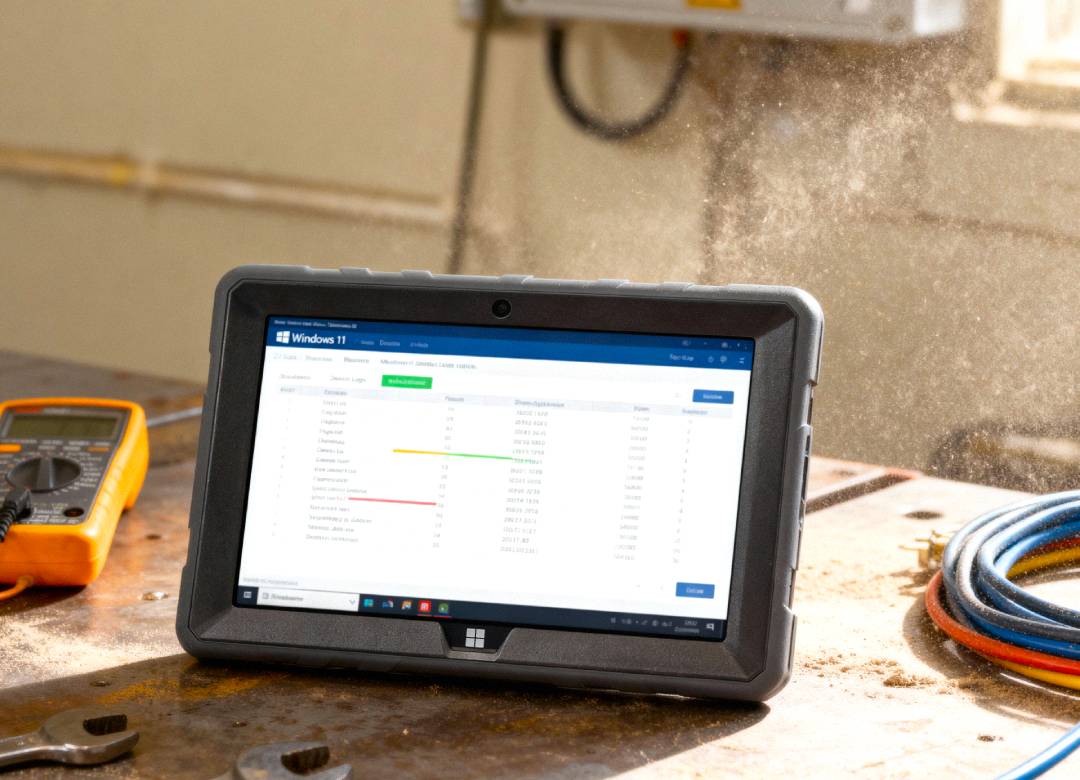
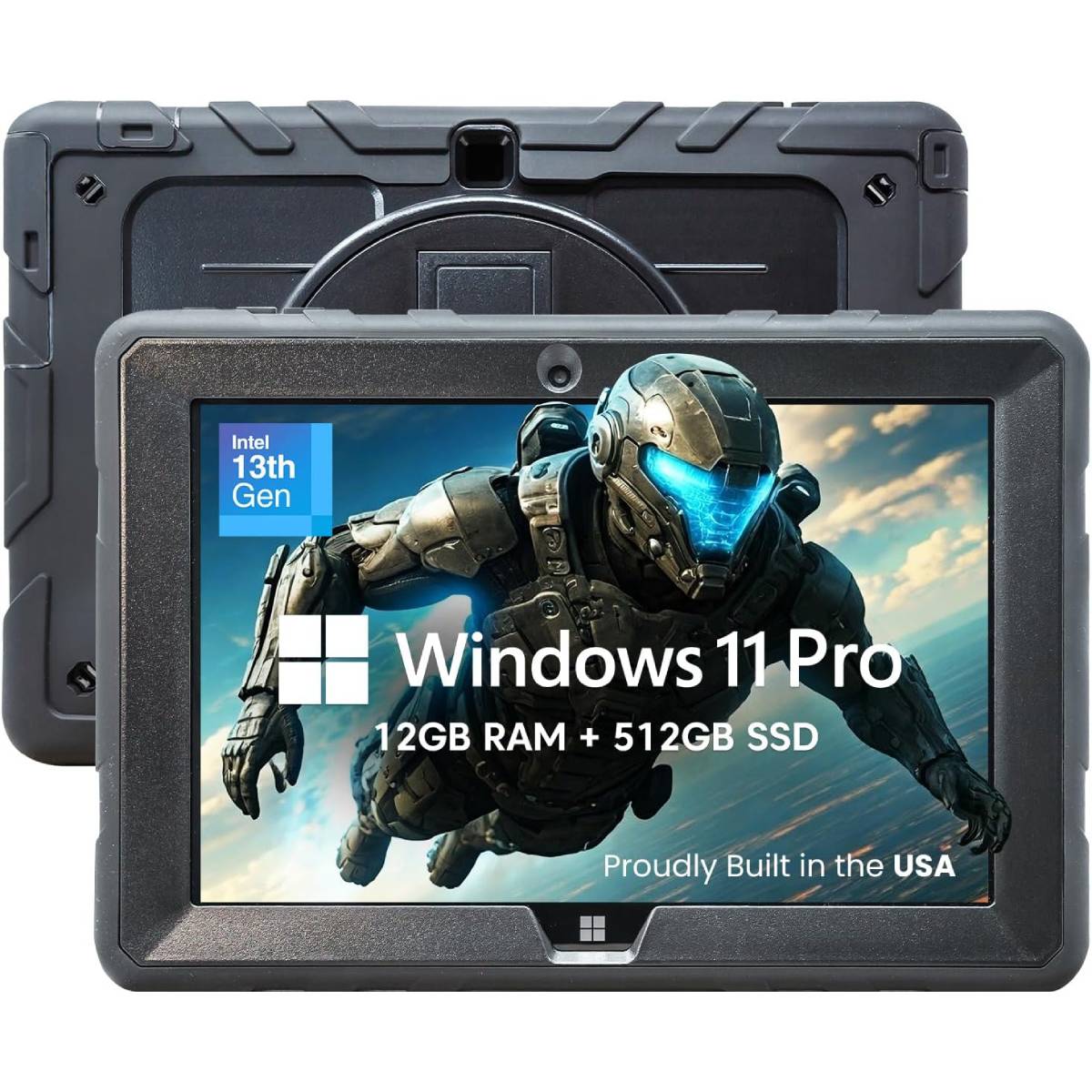
The Rugged Fusion5 Pro N5 is designed for professionals working away from a desk, giving field teams the hardware needed to run Windows 11 Pro applications reliably while offering a durable design suited to inspections, construction, healthcare, logistics, education, and other mobile work environments.
Considerations Before Choosing a Field Work App
Every business operates differently, so the best software depends on what your team does.
Before choosing an application, it’s recommended to check whether it:
- Supports and works well Windows 11.
- Is integrated with your existing business software or Microsoft 365.
- Supports documents and file types your team uses every day.
- Allows workers to upload photos, signatures, or inspection reports.
- Works well on a touchscreen or with a stylus.
Spend a little time verifying these features before deploying your software, and you will avoid future frustrations.
FAQ
What is the best Windows tablet app for field workers?
For most field workers, Drawboard PDF, Microsoft Teams, OneDrive, and Adobe Acrobat are great starting points. The construction teams can also use Bluebeam Revu or Fieldwire, while organizations working with mapping and spatial data should give ArcGIS Pro a try.
Can I use these apps on a Windows 11 tablet?
Most of them support Windows 11 directly or can be accessed via a web browser on Windows tablet or device. Before deploying any software in your business, check the system requirements and licensing options provided by the developer.
What app is best for filling PDF forms on a Windows tablet?
Adobe Acrobat is one of the easiest applications for completing and signing PDF forms. Microsoft Edge can also be used for viewing and annotating PDF documents without installing any extra software.
Are Windows tablets good for field service teams?
Yes, Windows tablets are well-suited for businesses already using Microsoft 365, web applications, USB accessories, cloud storage, and digital forms. Choosing the right software and hardware together makes it possible for your teams to be productive whether they work in the office or on the field.