

Most people buying their first tablet PC make the same mistake. They look at the screen size, maybe the storage, and call it done. Then three months in, the thing lags during a video call or can't run the spreadsheet they need for work, and they're back to square one.
A tablet PC is a portable computer that operates full Windows or Android OS designed specifically to perform work-related tasks, unlike a simple media tablet. This distinction plays an essential role in the choice process that not many guides address.
The problem with most tablet shopping advice
Search "best tablet" and you'll get lists ranked by screen resolution and not much else. But resolution isn't where tablets fail people. Processing power is. Storage is. Whether it has a USB-C port that actually charges fast is.
If you've ever bought a tablet PC that felt snappy in the store and sluggish two weeks later, you already know this. The spec sheet looked fine. The real-world experience didn't match it.
How a tablet PC differs from the regular tablet
Here’s where things get interesting. Not all of the devices called a "tablet" are really a tablet PC. Basic media tablets usually have limited functionality provided by simplified OS system and are designed mostly to use apps and stream videos.
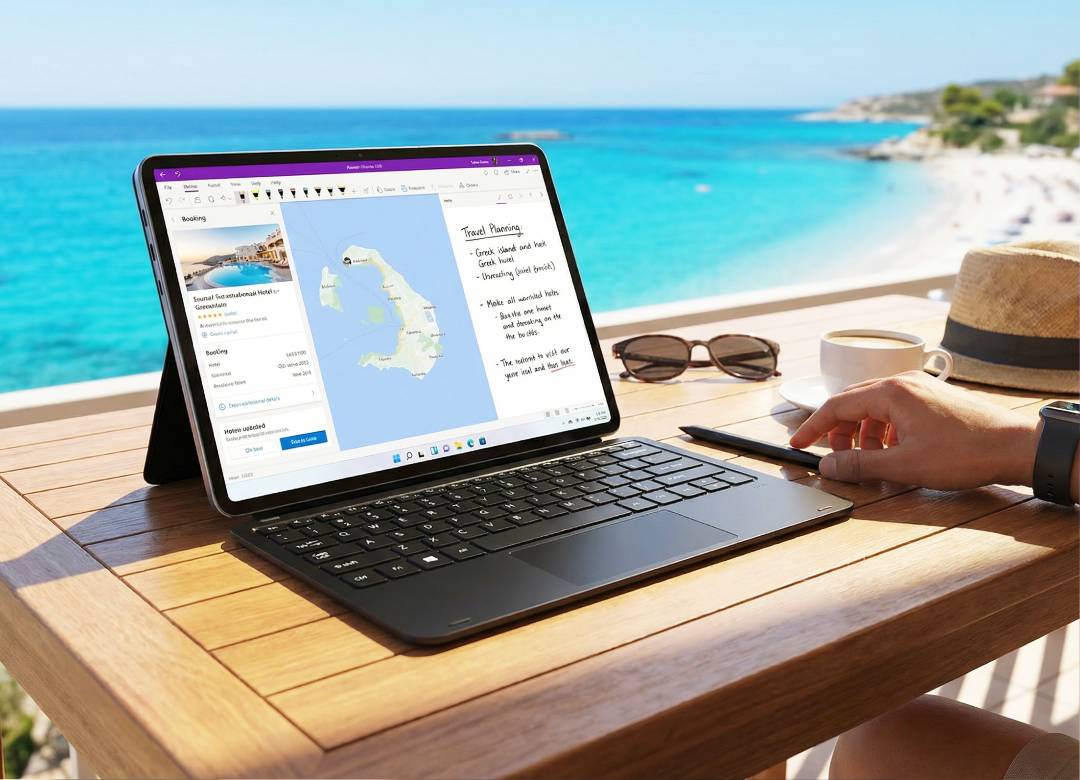
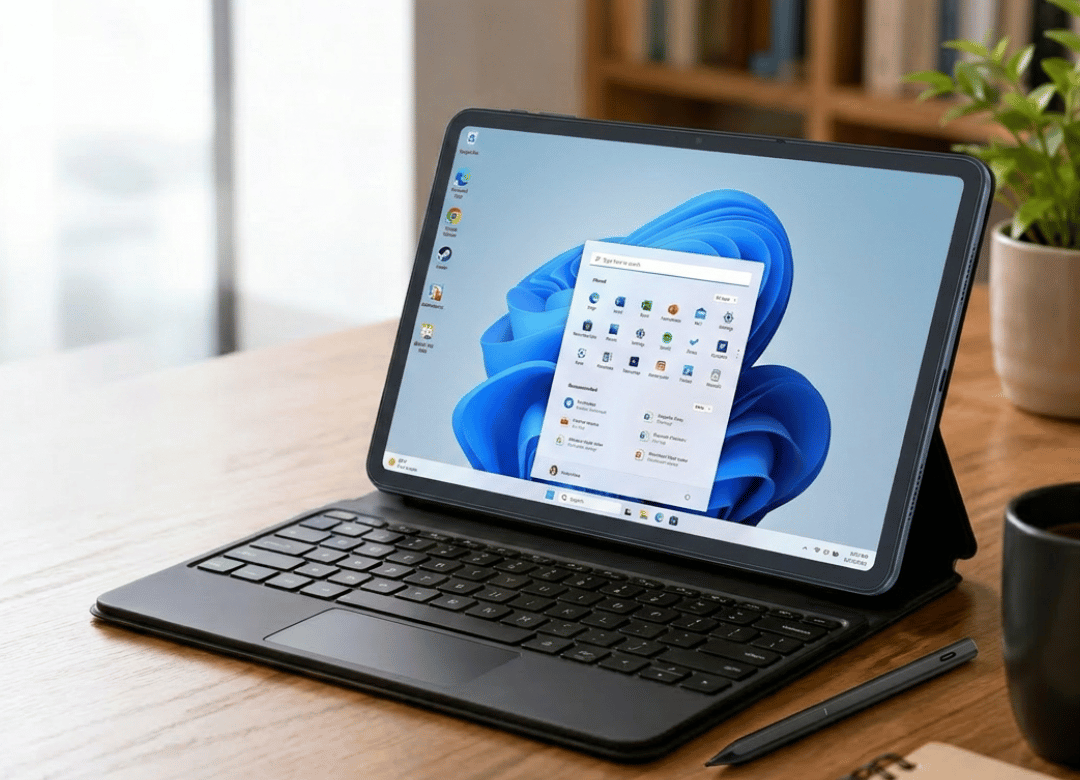
On the other hand, a tablet PC has Windows 11 or Android installed in full version. Multitasking, connecting of various peripherals, like keyboards or external monitors, is all able to be done similarly to a laptop.
Thus, the line is drawn. If your device allows you to have several windows open at once with docs, connect your device to the USB-C hub and use it for proper work, then you're most likely holding a full tablet PC in your hands. Otherwise – just another device with a screen.
Which OS is better for you: Windows tablet PC vs Android tablet PC
Now, which operating system is better for you and suits your use case? There's no trap or trick to this answer – it all depends on your activity.
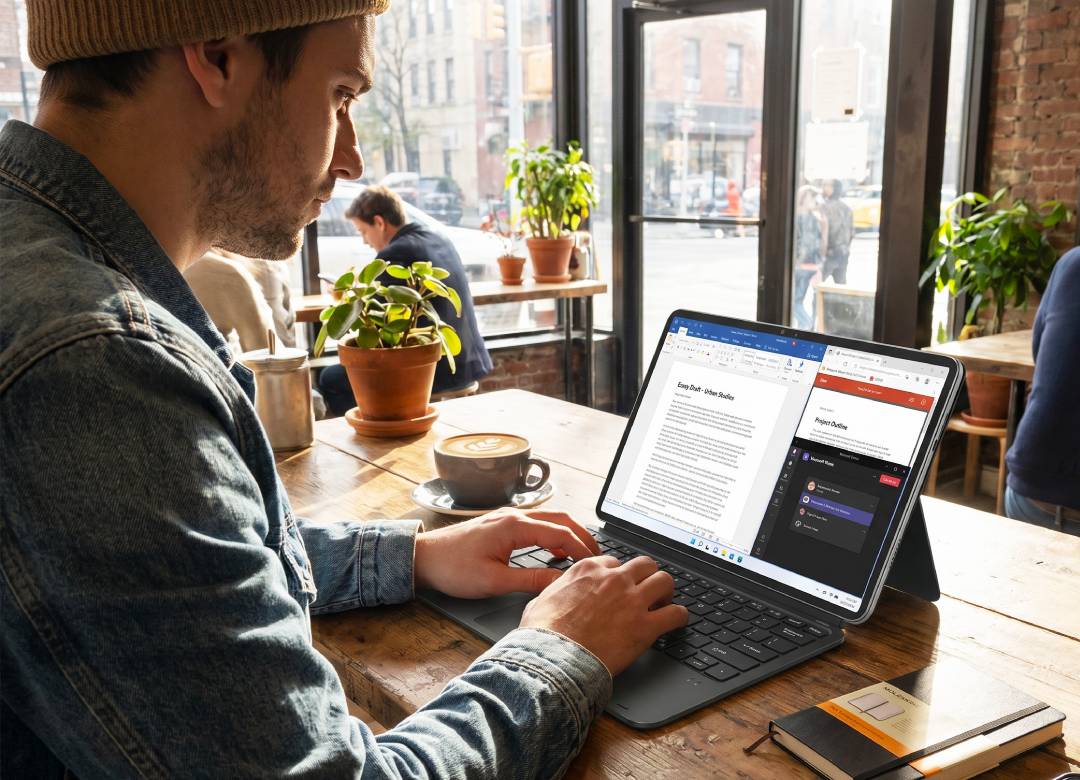
In the case of a Windows tablet PC, like Fusion5 Windows tablet lineup, you're able to work with the same applications as on your office laptop. Excel, Chrome browser and others, no alternatives or workarounds required. Obviously, the advantage of a Windows tablet PC is evident for remote workers, students who write long-form papers and entrepreneurs who need Microsoft Office suite on the go.
Now an Android tablet is a slightly more compact and lightweight device, usually cheaper and mostly concentrated on app-store convenience. Thus, this device is ideal for casual browsing, kid's tablets, e-readers and streaming.
To be fully honest, if you need a device for work, choose a Windows tablet PC. If you want to entertain yourself and browse online, an Android device is usually a more cost-effective solution.
Core content: specs you should care about
It's time to specify, as vague specifications are the place where most of the buying guides become useless.
Processor and RAM
Minimal realistic specifications of the Windows tablet PC in 2026 are a 13th Generation Intel processor and 8GB of RAM. Less powerful processors and RAM amount will almost certainly make your tablet slow when opening multiple tabs in the browser alongside open documents.
With 12GB RAM, like in the Fusion5 Helios10 and Helios12 models, multitasking won't be a problem.
According to the Intel documentation, 13th Gen chips provide better efficiency per watt compared to previous generation chips. It results in better battery life of a tablet PC, as there is less space for a large battery.
Storage and drive type
256GB SSD storage is sufficient if you use your tablet only with cloud services. But 512GB SSD is better if you plan to store videos, graphics and applications on your device. In 2026, SSD over eMMC is not an option but a must-have. The speed of starting your device and loading applications is night and day.
Battery life of tablet PCs
No one pays attention to this as much as they should, but battery life is the hidden weak point of many tablet PCs.
A 10.1-inch tablet PC with a 13th Gen Intel processor and well-optimized battery should give you a full day of work without recharging constantly (mixed usage, video calls, document editing, browsing).
Fast charging also is an important feature to consider here. A tablet PC with 45W PD charging (such as Fusion5's Helios line) can take you from low battery back to a workable charge during a lunch break. This isn’t a luxury feature anymore, it’s a necessary one now.
Build quality and rugged tablet PC options
If your tablet PC is going to live in a backpack, a job site, or a classroom, durability isn't optional. A rugged tablet PC built with reinforced casing and a 2-year warranty covering accidental damage is worth the extra cost. We've seen plenty of standard tablets crack a screen on the first drop. A rugged build is the difference between replacing a device and just wiping it off.
What actually changes once you've used one for a few months
I'll be straight with you on this one. The first time the Fusion5 team tested a 10.1 inch Windows tablet PC against a comparable laptop for daily remote work back in 2024, the expectation was that the tablet would feel like a downgrade. It mostly didn't.
The first week was rough. Typing on a detachable keyboard takes adjustment, and the smaller screen meant more scrolling in spreadsheets. But by week three, the portability won out. A tablet PC that weighs under 1.5 pounds and still runs full Windows 11 Pro genuinely changes how often you bring work with you: on a train, in a waiting room, between meetings. The laptop stayed in the bag more often than not.
What didn't work: trying to do heavy photo editing on an 8GB RAM model. That's where the 12GB and 512GB SSD configurations earned their higher price tag.
Tablet PC comparison: which configuration fits you
| Model Type | Best For | RAM / Storage | Price Range | Rating |
|---|---|---|---|---|
| Budget Android Tablet PC | Streaming, casual use, kids | 8GB / 128GB | $149–$199 | |
| Standard Windows Tablet PC | Remote work, students | 12GB / 256GB | $499–$599 | |
| Rugged Windows Tablet PC | Field work, frequent travel | 12GB / 512GB | $549–$639 | |
| Premium Mini-Laptop Tablet PC | Creative work, heavy multitasking | 12GB / 512GB | $799 |
Pricing varies by retailer and current promotions, so treat these as general ranges rather than fixed numbers.
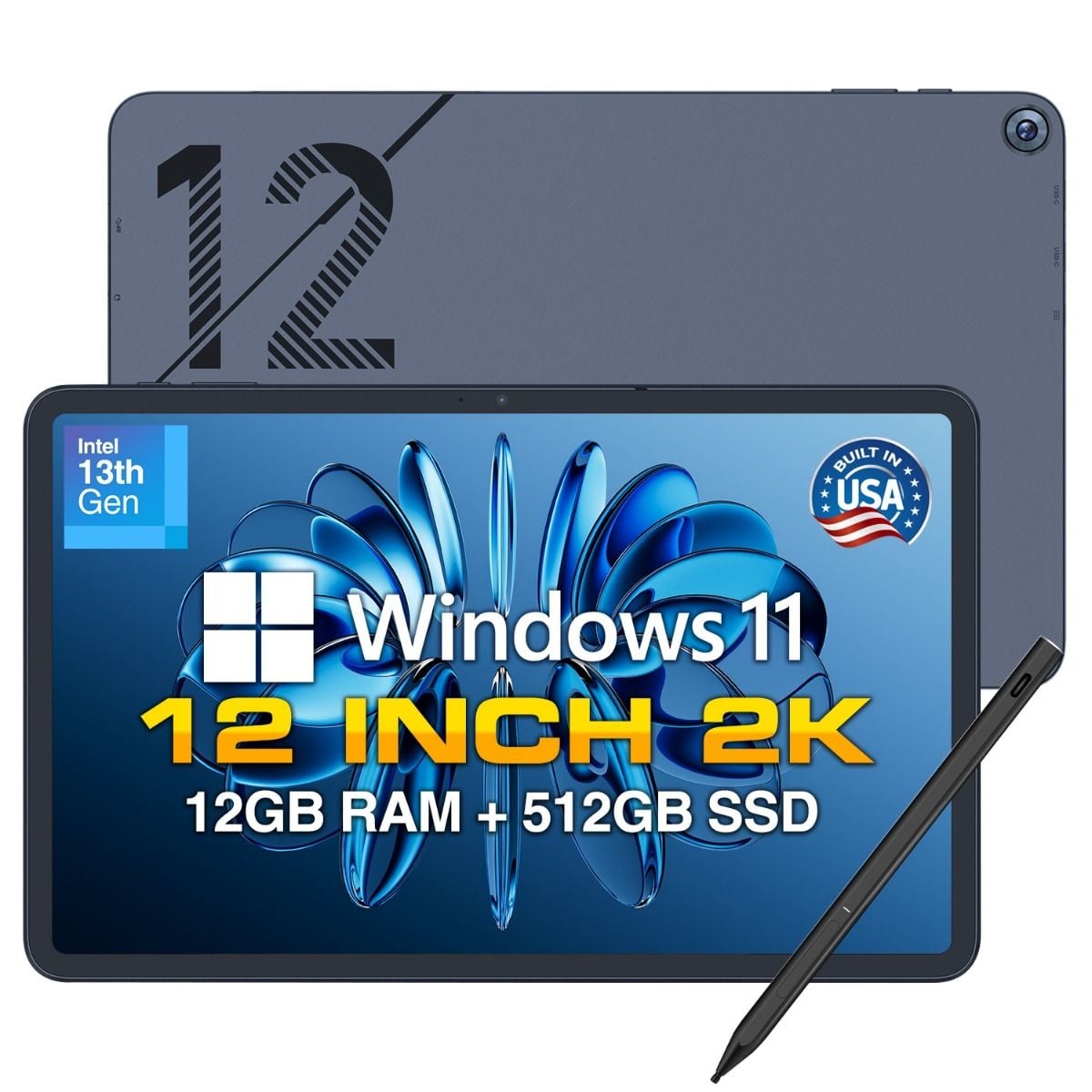
Fusion5 Helios12 combines the power of a laptop with the flexibility of a tablet. Featuring a 12-inch 2K touchscreen, Intel Quad-Core processor, 12GB DDR5 RAM, 512GB SSD, Windows 11 Home, and an interactive pen it's built for productivity, creativity.
A word on what this guide doesn't cover
This isn't a deep dive into stylus and digitizer technology, and it doesn't cover enterprise device management for fleets of tablets. Those are real topics, just not this one. If you're outfitting a classroom or office with dozens of units, that's a separate conversation worth having directly with a Fusion5 specialist.
Frequently asked questions
Q: What is a tablet PC?
A: A tablet PC is a touchscreen device running full operating system like Windows 11 or Android and supporting productivity activities: editing documents, multitasking, connecting peripheral devices, instead of media consumption as it is in the case of basic media tablets.
Q: Which tablet PC to choose for work?
A: It is necessary to prioritize at least 8GB memory, recent generation processor and at least 256GB SSD storage. For Microsoft Office and desktop applications choose Windows tablet PC instead of Android device, as it works with the same applications as laptop.
Q: How expensive is a good tablet PC?
A: Budget Android tablet PCs cost from $150 to $200, while Windows tablet PCs for work are in the range of $500 to $650. Premium configurations with 12GB RAM and 512GB SSD storage cost approximately around $800.
Q: Is a tablet PC better than a laptop?
A: It depends on use case. Tablet PC is lighter and more portable, thus it’s perfect for remote work and traveling. Traditional laptop is better for intense workloads like video editing, when additional cooling and processor power matter.
Q: Does a tablet PC need a keyboard?
A: Not always, but for productive tasks, a detachable or Bluetooth keyboard would make your tablet PC almost equal to a laptop. Many Windows tablets come with a bundle including keyboard, while for Android tablets keyboards are often sold separately.