Looking for a Windows Tablet That Can Handle College? From Lecture Notes to Graduate Research, Meet the Fusion5 Helios12
While college starts with lecture notes and essays, for most students, college ends up being much more than that.
From assignments, PDFs, research papers, group projects, presentations, and countless open tabs in the browser, it's not surprising that one ends up juggling numerous gadgets just to get organized.
Many students carry a laptop for coursework, a notebook for handwritten notes, and sometimes even a separate tablet for reading and annotating documents.
Enter in the Fusion5 Helios12, with the flexibility of a tablet combined with productivity features of a full Windows OS PC.
Quick Answer: Who Is the Fusion5 Helios12 For?
The Fusion5 Helios12 is a great fit for students who want to:
- Take handwritten notes without giving up full Windows software
- Write papers, manage research, and stay organized in one place
- Use Google Docs, OneNote, Obsidian, and Microsoft Office on one device
- Read, annotate, and manage PDFs more comfortably
- Buy a device that can support them from freshman year through graduate school
It's best suited for students, researchers, writers, productivity enthusiasts, and anyone who wants more flexibility than a traditional laptop without sacrificing capability.
Full Blog: How the Fusion5 Helios12 Supports Students at Every Stage of College
Why Students Often Outgrow Basic Note-Taking Systems
At the start of university life, most students are provided with basic study materials to start their academic journey.
They use Google Docs to store all of their written papers and essays, a physical notebook to hand write notes in class, and a few folders to organize everything.
But with an increase in written work from your courses, it starts to really amass.
Your papers and essays are managed by Google Docs. Your handwritten notes are managed by a notebook. Possibly a few folders to keep organized. As the amount of information from your coursework increases, your scattered notes from class start to take on a life of their own. The research papers you read for your reading responses start to pile up. Your projects start to become more complex. At some point, it becomes too much for the student to handle and they need a system to organize the knowledge they are gaining.
Eventually, many students are transformed from simple note takers to creators of complex study systems.
Google Docs, OneNote, or Obsidian?
The good news is that the Fusion5 Helios12 runs Windows 11 Home, so students can choose the tools that work best for them.
Google Docs remains one of the most popular options for writing essays, collaborating on assignments, and sharing coursework with classmates.
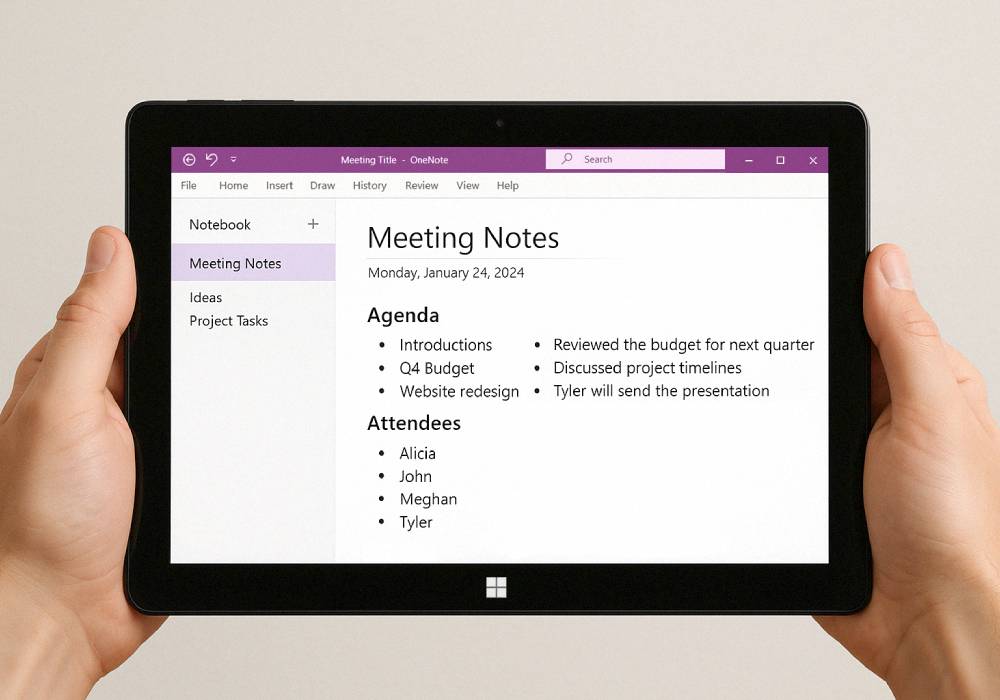
OneNote is ideal for students who prefer handwritten notes, organized notebooks, PDF annotation, and lecture note management. Combined with the included stylus, it becomes a powerful study tool for everyday classes.
As students move into more advanced coursework, many discover Obsidian.
Popular among engineering students, computer science majors, researchers, medical students, and graduate students, Obsidian helps users create a connected knowledge system that links notes, ideas, projects, and research together.
It's worth noting that handwritten notes inside Obsidian typically require community plugins such as Excalidraw, which add diagramming and visual note-taking functionality.
| Study Tool | Best For | Stylus Friendly | Ideal For |
|---|---|---|---|
| Google Docs | Essays & group projects | No | Most students |
| OneNote | Lecture notes & PDF annotation | Yes | Daily note-taking |
| Obsidian | Research & knowledge management | With plugins | Advanced & graduate students |
The best part is that you're not forced to choose one. Many students use all three depending on the task.
Why the Fusion5 Helios12 Works So Well for Student Life
A student device needs to do more than simply browse the web.
It needs to handle research, productivity, note-taking, multitasking, and everyday academic work.
The Fusion5 Helios12 is built around that idea.
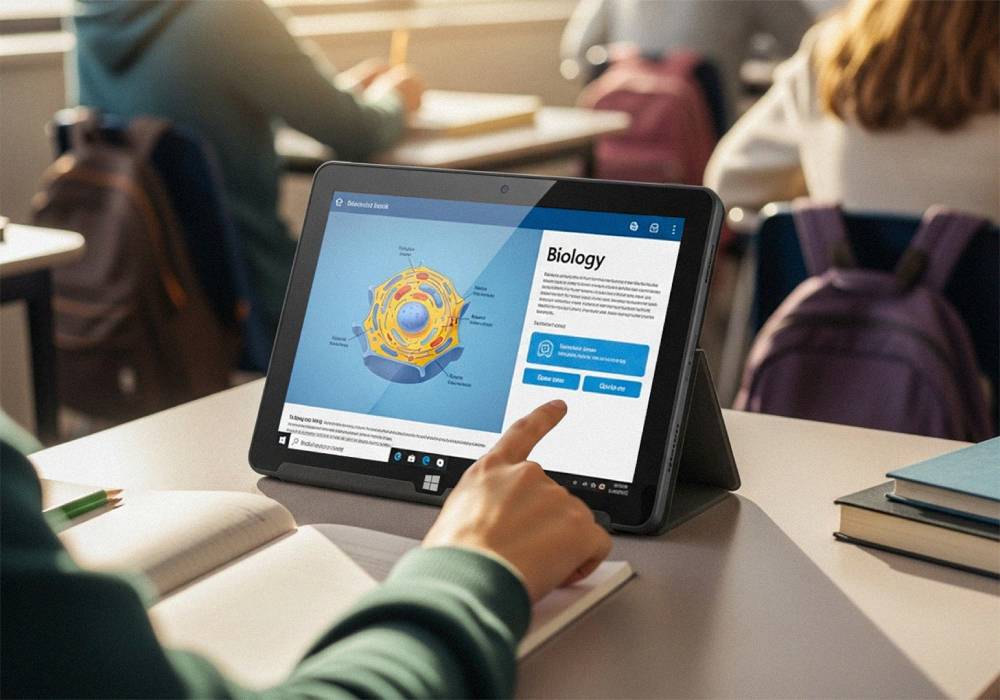
Its 12-inch 2K touchscreen provides plenty of space for reading research papers, reviewing lecture slides, writing assignments, and multitasking between applications.
The included stylus allows students to:
- Take handwritten notes
- Annotate PDFs
- Sketch diagrams
- Brainstorm ideas
- Mark up lecture materials
Meanwhile, the Intel 13th Gen N100 processor, 12GB DDR5 RAM, and 512GB SSD provide the performance and storage needed for years of coursework, projects, software, and research materials.
Because it runs Windows 11 Home, students can use the same applications they already rely on rather than being limited to simplified mobile versions.
Real-Life Ways Students Can Use the Helios12
| Student Situation | How the Helios12 Helps |
|---|---|
| Taking lecture notes | Use the included stylus with OneNote for handwritten notes and organization |
| Writing essays and assignments | Run Google Docs, Microsoft Word, and other productivity tools |
| Managing research projects | Organize notes, PDFs, and references using tools like Obsidian |
| Reading textbooks and PDFs | Enjoy a larger 12-inch touchscreen for comfortable reading |
| Group projects and presentations | Create documents, slides, and presentations from one device |
| Graduate-level research | Store years of notes, papers, and research on the 512GB SSD |
The Helios12 is designed to adapt as your workload grows, making it a device that remains useful long after your first semester.
Who Should Consider the Helios12?
The Fusion5 Helios12 is ideal for:
- College students
- Graduate students
- Researchers
- Writers
- Productivity enthusiasts
- Students who prefer handwritten notes
- Anyone looking for a premium Windows tablet experience
It's particularly appealing for students who want one device that can handle both studying and everyday productivity without constantly switching between multiple devices.
Looking for a Windows Tablet That Can Keep Up With College?
The Fusion5 Helios12 combines the flexibility of a tablet with the power of a Windows PC, making it a practical choice for students who need a device that can support note-taking, research, writing, and productivity throughout their academic journey.
Explore the Fusion5 Helios12 today and discover how one device can help simplify everything from your first lecture to your final dissertation.
FAQ
Can I use Obsidian on the Fusion5 Helios12?
Yes. The Helios12 runs Windows 11 Home and supports the full desktop version of Obsidian.
Does the stylus work with OneNote?
Yes. OneNote supports handwriting natively and works very well with stylus-based note-taking.
Can I handwrite directly inside Obsidian?
Not by default. Most users install plugins such as Excalidraw to create handwritten diagrams and visual notes.
Is the Helios12 suitable for graduate students?
Yes. The combination of Windows 11, 12GB DDR5 RAM, 512GB SSD storage, and stylus support makes it well suited for advanced research and academic work.