Before You Buy a Windows Tablet: How to Choose the Right Fusion5 Tablet for Work, Study, and Everyday Use
Selecting a Windows tablet is not all about opting for one of the fastest models.
There are several considerations you should have in mind before making up your mind. Your reasons for using it could be different - working, studying, doing business, traveling, or simply going online and watching movies and making calls from time to time.
With a number of different Windows tablets offered in 2026, it becomes tempting to opt for additional power, bigger screens, or more functionalities that may seem beneficial but don't necessarily reflect your daily usage. Additional speed, power, storage, etc., might come in handy, but there's no guarantee the most expensive device would suit you better.
This guide will help you pick out the right Fusion5 Windows tablet for your needs.
Quick Answer: Who Is a Fusion5 Windows Tablet For?
A Fusion5 Windows tablet is a strong fit for people who want to:
- Work without dragging around a full laptop
- Study, take notes, and review PDFs on the go
- Handle business admin, invoices, files, and emails
- Browse, stream, shop, travel, and stay connected
- Get the features they’ll actually use without overspending
Fusion5 Windows tablets are built for real everyday use: work, study, business, travel, and everything in between.
Full Blog: How to Choose the Right Windows Tablet Without Paying for Features You Don't Need
Step 1: Start With How You'll Actually Use It
Before analyzing their features, take into account how the tablets would serve your needs in day-to-day activities.
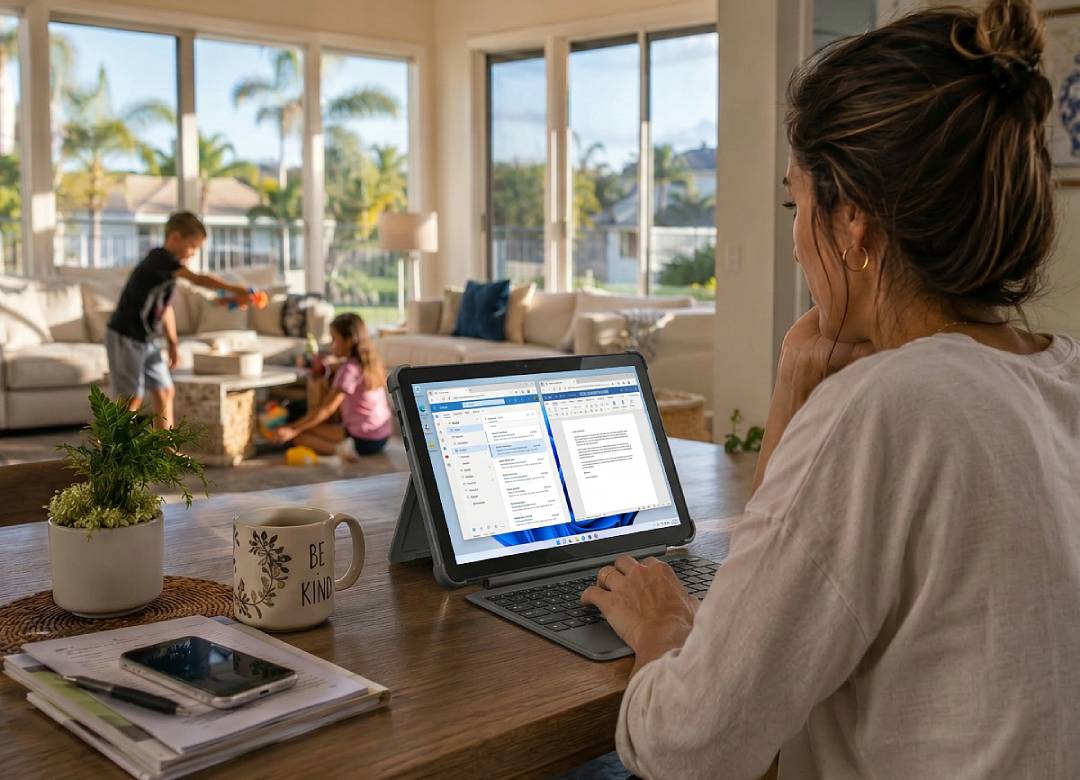
Should you be working from home, you’ll need seamless switching between emails, documents, video conferencing, web pages, and other cloud-based applications. This requires Windows operating system compatibility, enough RAM, a comfortable screen, and decent battery life.
In case you learn online, consider how portable and convenient for note-taking a certain tablet model is. Should you have an online business, consider access to files, managing invoices and stock, customer emails, productivity applications, and Windows business software compatibility.
| How You'll Use It | What Matters Most |
|---|---|
| Remote Work | Windows 11, multitasking, battery life |
| Studying | Portability, note-taking, productivity tools |
| Everyday Use | Display quality, browsing, convenience |
| Small Business | Windows compatibility, file access, productivity |
Step 2: Focus On The Features You'll Actually Use
Many consumers pay more than necessary because they compare specifications before considering practical usage.
Processor names and technical terms can sound impressive; however, they don’t necessarily determine the speed and reliability of a tablet in real-life usage.
Should your main activities consist of email correspondence, online meetings, browsing, streaming, and cloud tools, then typically what you should consider are RAM, storage capacity, battery power, and Windows compatibility.
Don't focus on asking “what kind of a processor is it?” but on asking “will it be able to handle my regular activities reasonably?”
Instead of asking, “Is this the most powerful model?” ask, “Will this still feel useful in a couple of years?”
| Feature | Why It Matters |
|---|---|
| RAM | Helps keep things smooth when you've got multiple tabs, apps, and documents open. |
| Storage | Gives you room for files, downloads, applications, and future updates. |
| Battery Life | Makes the tablet easier to use throughout workdays, study sessions, and travel. |
| Windows Compatibility | Gives access to familiar apps, productivity tools, and business software. |
At the end of the day, the best tablet isn't necessarily the most expensive one.
It's the one that fits the way you work, learn, browse, and stay productive every day.
Step 3: Match The Tablet To Your Needs
Once you know how you'll use your tablet, choosing the right model becomes much easier.
| Model | Best For | What Stands Out |
|---|---|---|
| PRO N5 | Business users, remote workers, multitasking | Windows 11 Professional, 12GB RAM, 256GB - 512GB SSD storage, and flexible ports like USB-C, Micro HDMI, and MicroSD expansion for everyday business tasks. |
| PRO N5 Rugged | Warehouses, field service, inspections, construction | Shockproof and dustproof build, bright display, and Windows 11 Professional for field work, inspections, warehouses, construction, and other demanding environments. |
| Helios10 | Everyday work, travel, home use, multitasking | 12GB DDR5 RAM, 512GB SSD storage, active cooling, and fast USB-C charging for everyday work, travel, browsing, and multitasking. |
| Helios12 | Students, professionals, note-taking, productivity | Larger 12" 2K touchscreen, 512GB SSD storage, and included interactive pen for note-taking, document review, studying, and extra screen space. |
Which Tablet Fits Your Lifestyle?
| If You Mostly... | Recommended Model |
|---|---|
| Need a Windows tablet for remote work, emails, video calls, documents, and multitasking | PRO N5 or Helios10 |
| Want a tablet for online classes, note-taking, studying, reading, and split-screen productivity | Helios12 |
| Need a portable Windows tablet for travel, working on the go, browsing, and everyday productivity | Helios10 |
| Run a small business and need Windows 11 Pro, business apps, file access, and flexible ports | PRO N5 |
| Work in warehouses, construction, field service, inspections, or demanding environments | PRO N5 Rugged |
| Want one Windows tablet for work, streaming, browsing, shopping, and everyday home use | Helios10 |
Looking for the Right Windows Tablet?
Getting a Windows tablet isn't about purchasing the most advanced and expensive option out there. It’s all about choosing a device that meets your actual needs.
A tablet that suits a student who wants to write handwritten notes and use a larger display may not be the same one a remote worker needs for emails, video meetings, and documents on the go. A small business owner working in a Windows 11 Pro environment may need different features from someone who simply wants a tablet for browsing, entertainment, and travel.
Therefore, when choosing a tablet, focus on your actual requirements first before comparing features across the board.
If your future Windows tablet has the necessary amount of RAM and storage, operating system compatibility, the appropriate size and portability, as well as enough durability for what you intend to use it for, chances are you won't overpay and get the product you actually need.
FAQ
How do I choose the right Windows tablet?
Start by thinking about how you'll use it most often. Your daily tasks will help determine which features matter most.
Do I need a high-end Windows tablet?
Not necessarily. Many users only need a tablet that handles browsing, documents, video calls, streaming, and everyday productivity comfortably.
Is Windows 11 important on a tablet?
Yes. It gives you access to familiar applications, productivity tools, and business software.
What matters more, RAM or storage?
Both are important. RAM helps with multitasking, while storage determines how much content and software your device can hold.
Can a Windows tablet replace a laptop?
For many people, yes. It depends on the software you need and the type of work you do.