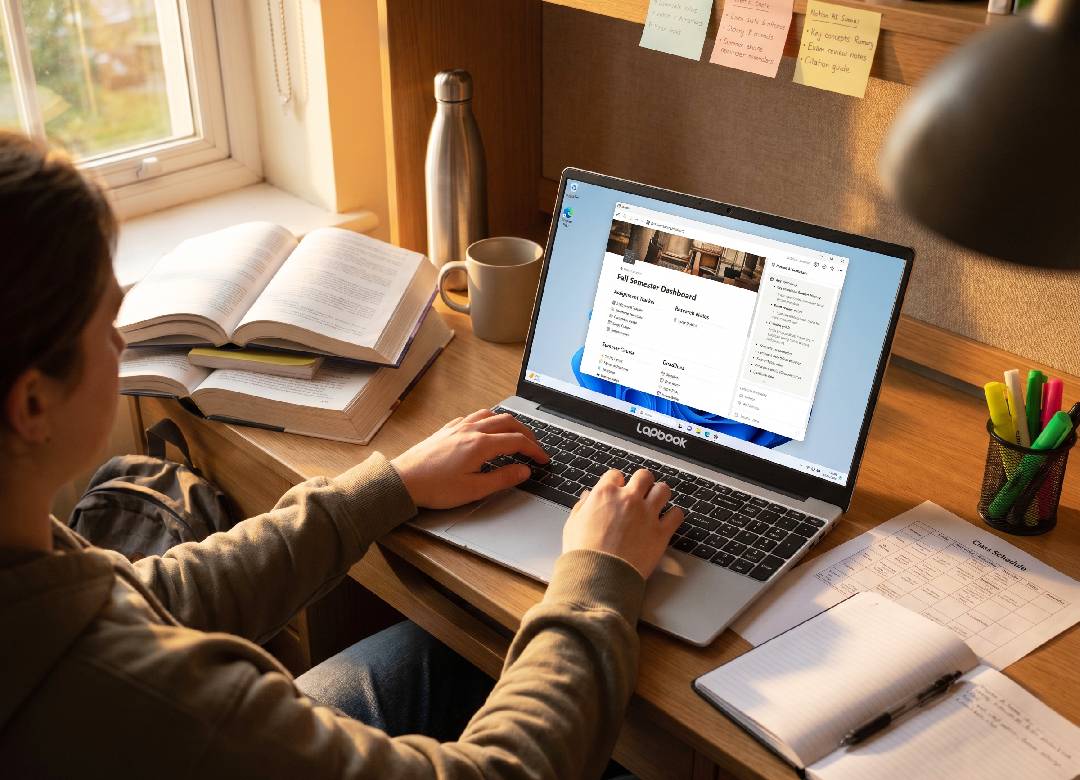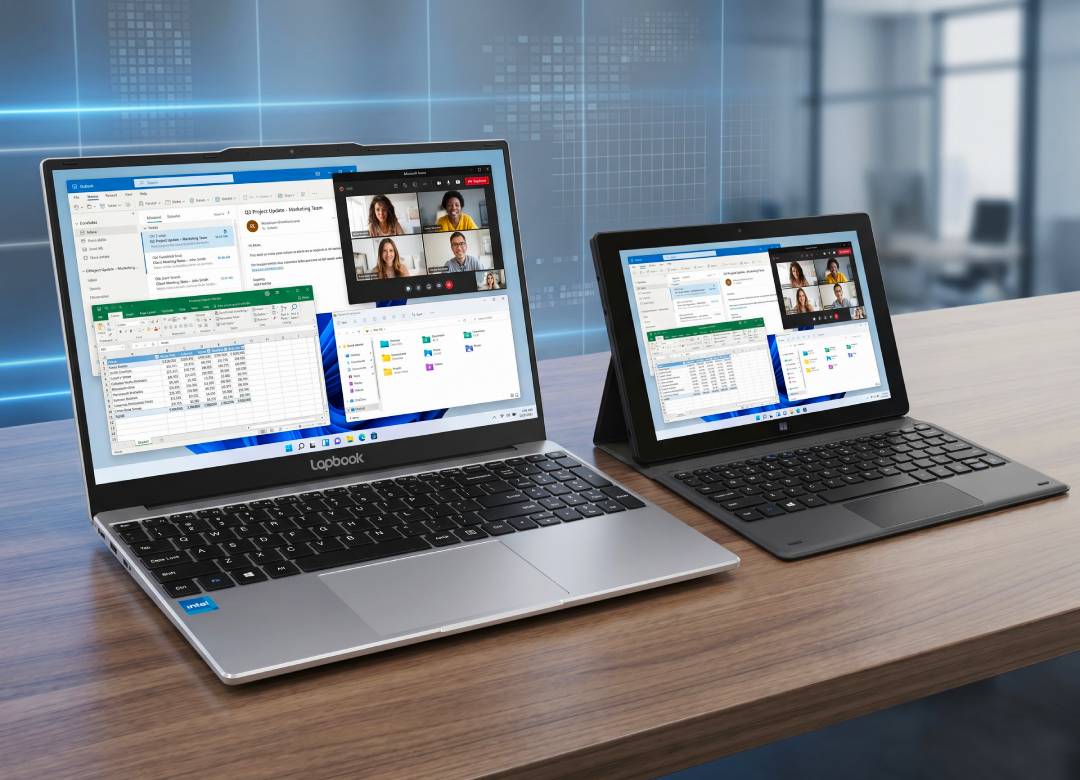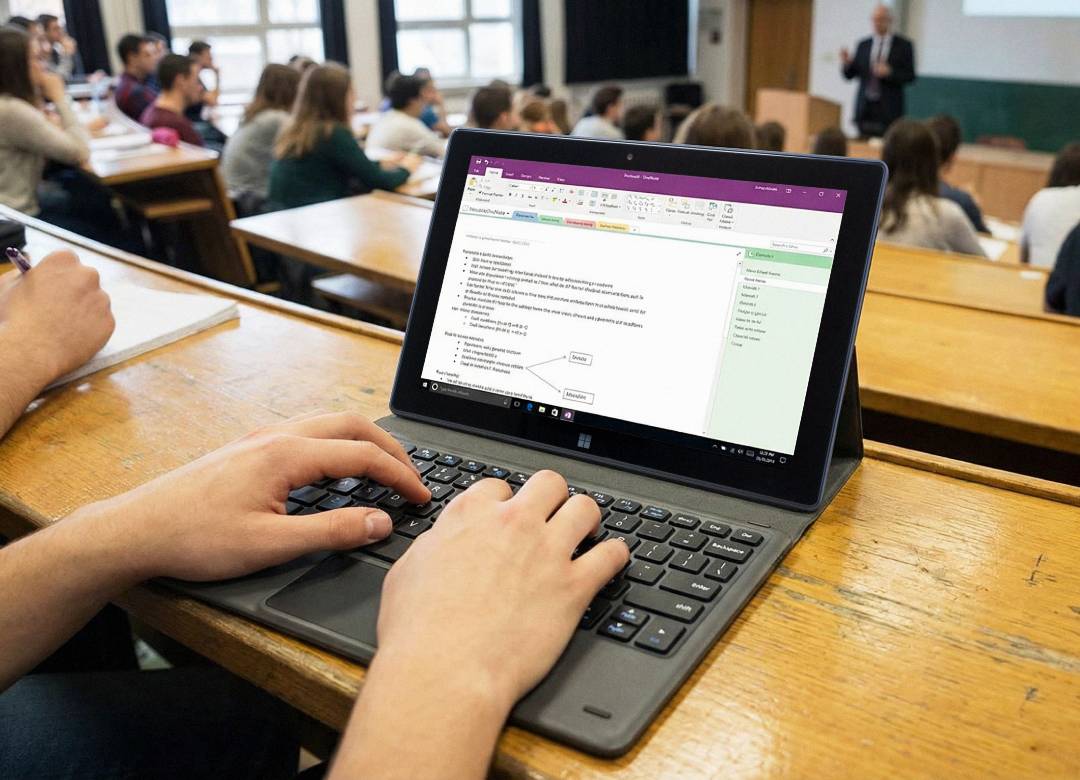


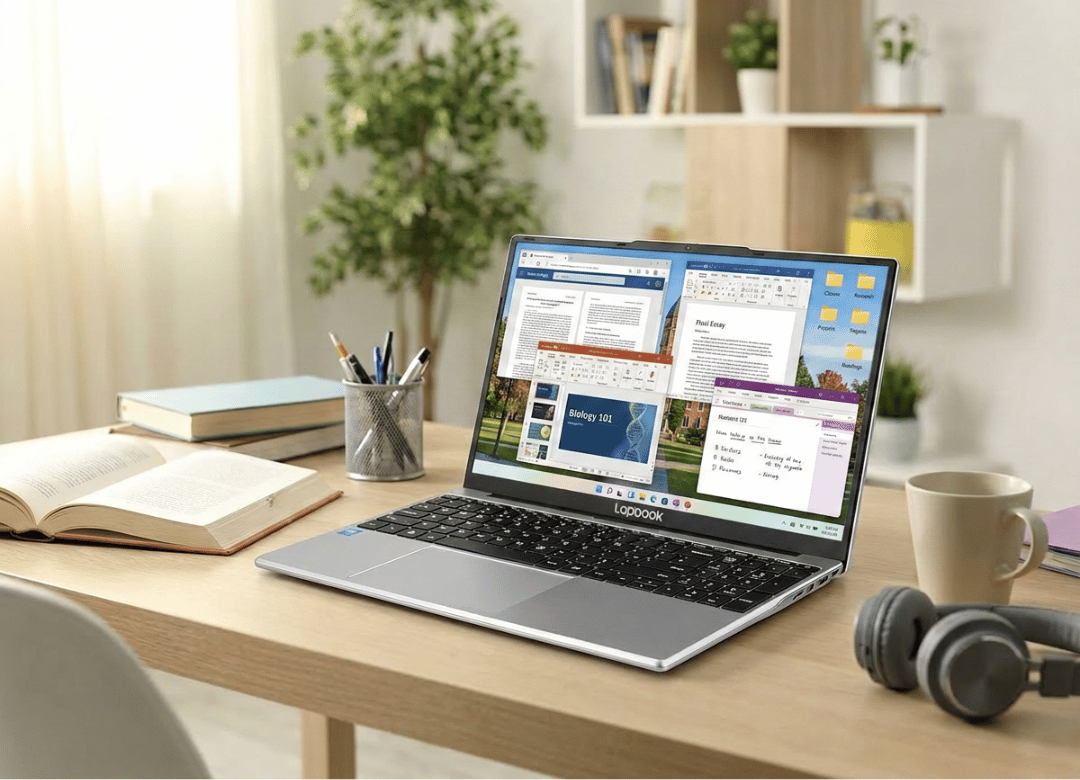
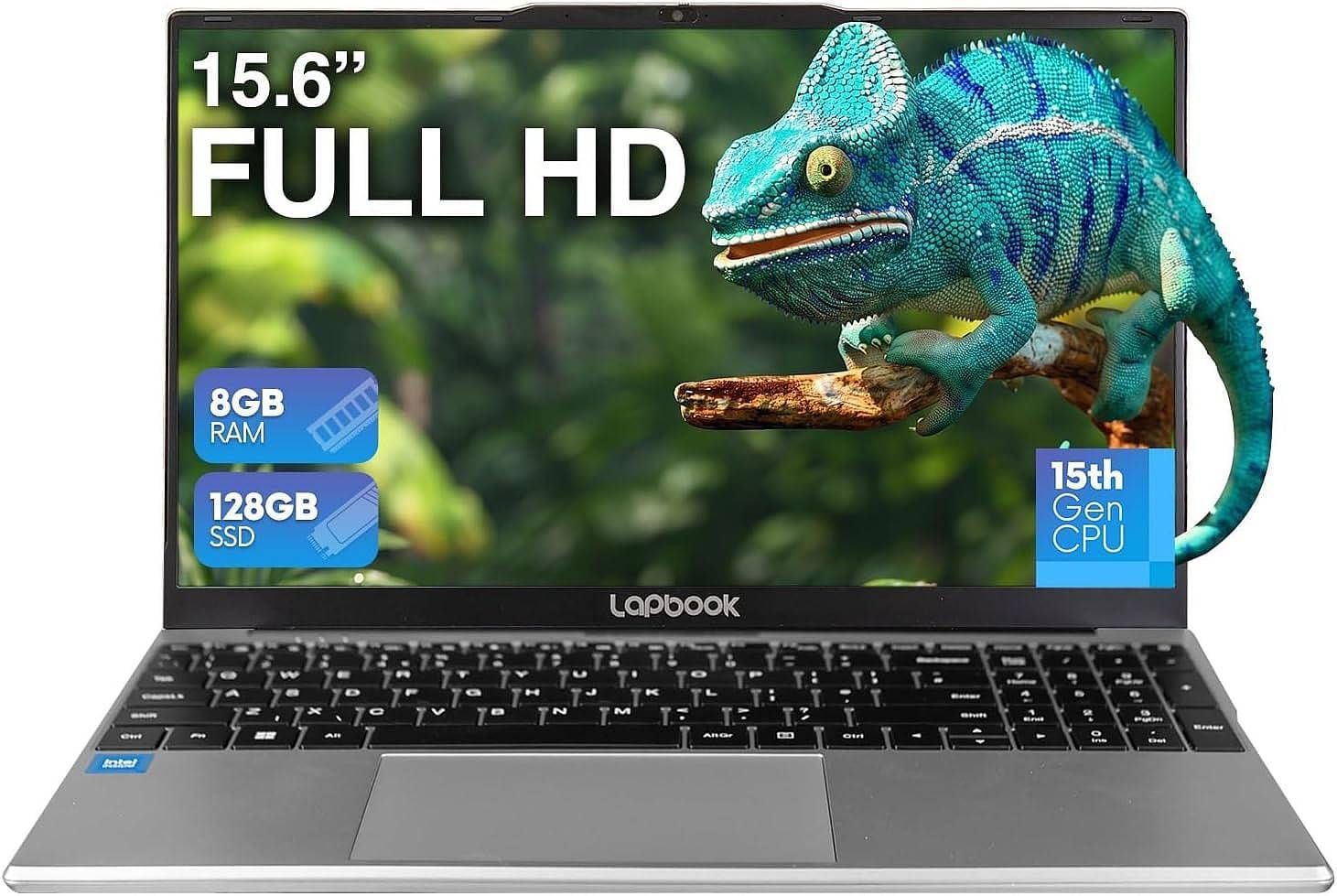
It's three weeks until move-in day and the laptop checklist is yet to be completed. Sounds familiar? This is usually the exact moment when someone lands on an expensive $1,200 ultrabook, panics at the price, and starts looking for a budget Windows 11 laptop for students instead. Fusion5’s Lapbook S15 N6 is designed especially for that moment. It’s a 15.6" Full HD machine equipped with 8GB of RAM and 128GB of SSD storage space, and it’s assembled right here in Pasco County, Florida.
Quick Answer:
The Fusion5 Lapbook S15 N6 is a 15.6" Full HD Windows 11 laptop with Intel N150 processor, 8GB RAM, and 128GB SSD storage space. It's a powerful enough Windows 11 laptop for students to manage such tasks as web browsing, working with Google Docs, using Microsoft Office, doing Zoom classes, and taking notes via apps like Notion etc. However, it's not suitable for video editing or serious gaming. If that's your workload, this is a smart, budget-friendly pick.
The Real Problem: Most "Student Laptops" Are Priced Like Work Laptops
The truth that no one wants to voice out loud: a student doesn’t need the same laptop as a professional level video editor. The requirements of a student are minimal: he or she needs a machine which turns on quickly, will not fall apart during four months in his/her backpack and will work smoothly with such programs as Chrome, MS Office and PDF readers. However, walking into most electronics aisles, people can see the "student" section selling laptops worth $700+.
Then what do people actually search for and want? Reliable laptop. Lightweight laptop. A laptop that won't break in two years halfway into a four-year degree. This is what an affordable Windows 11 laptop should provide. Most laptop options that cost such money cut corners somewhere you'll notice within a month.
Discrete GPU or a 4K screen is not needed in an affordable student laptop. What a laptop of this price range should have is enough memory for multitasking, storage space to save four years of work on the computer, and a keyboard that survives all those years of typing.
Fusion5 Lapbook S15 N6 Specs Breakdown
Now let's analyze what’s inside this device, because specs sheets full of marketing fluff don't help anyone pick a laptop.
Display and Design
The Lapbook S15 N6 features a 15.6" Full HD IPS display with 1920 x 1080 resolution. IPS technology is important here. It ensures color accuracy even if you’re not looking at the screen dead-on, which is especially useful for the lectures in a cramped space. The chassis of the laptop is quite light so it can be taken in a backpack daily without problems, which is exactly what a good student laptop needs to survive four years of moving between classes.
Processor and Performance
There’s an Intel N150 processor under the hood, which can reach up to 3.6 GHz in turbo speeds. This processor is not intended for gaming and nobody should pretend it is. However, what it does well: web browsing, streaming videos, running Office applications and managing multiple browser tabs at once without grinding to a halt.
Paired with 8GB of RAM, this Windows 11 laptop for students perfectly works with their daily routine: research tabs open, a Word doc going, and listening to Spotify without spinning up the fan too fast.
According to Microsoft's own Windows 11 hardware requirements, the operating system technically requires just 4GB of RAM and 64GB of storage to be installed. The Lapbook S15 N6 doubles these figures, which means it can perform these tasks well without struggling.
Is 128GB SSD Storage Enough for College?
Short answer: yes, for the majority of coursework. No, if you're hoarding every lecture recording ever made. A 128GB SSD is plenty of room for Windows 11, Office, a browser's worth of extensions, and thousands of documents, PDFs, and spreadsheets. Where it gets tight is local video storage or offline game installs. If that's your use case, this configuration isn't the one. A higher-capacity Fusion5 laptop or an external SSD solves it easily.
Today's students mostly use cloud services so they rarely store files locally. These services are Google Drive, OneDrive, Canvas, Notion. So, the pressure moves from local storage to RAM and processor performance, and that’s what this laptop has enough of.
Connectivity and Daily Use
The Lapbook S15 N6 has dual-band WiFi, an integrated camera which can be used for Zoom and Teams calls, and Windows 11 Home preloaded straight out-of-the-box. There’s no need for complex setup procedures, no waiting on driver downloads before your first class. Just plug in, sign in, get moving. That's exactly the kind of plug-and-play experience a busy student laptop buyer wants on move-in day.
Who This Windows 11 Laptop for Students Actually Fits
Let's be specific instead of vague, because "great for everyone" is meaningless.
Good fit: High schoolers, undergrads, grad students writing papers, remote workers doing email and spreadsheets, anyone using Notion, Google Docs, Canva, or basic Office work. Also solid as a secondary travel laptop for people who already own a heavier machine at home.
Not a fit: Film students editing 4K footage, computer science majors compiling large codebases daily, or PC gamers. That's not a knock. It's just not what an entry-level chip and 8GB of RAM are built for. Be honest about your workload before you buy, and you'll be happy with this Windows 11 laptop for students for years instead of returning it after a semester.
What Actually Happens With a Budget Laptop Like This
I've watched enough students buy laptops to know the pattern. Someone grabs the cheapest 4GB RAM model because it's $80 less, then spends the whole semester waiting for Chrome to stop lagging every time they open a second tab. That's the trap. The jump from 4GB to 8GB RAM isn't a luxury upgrade. It's the difference between a laptop that survives finals week and one that gets abandoned in a drawer by October.
Back in 2023, I helped a college freshman pick between a 4GB budget laptop and an 8GB model roughly $60 more. She went with the 8GB. Eighteen months later, still her only laptop, still handling Canvas, Zoom, and a part-time job's spreadsheet work without a single "not responding" freeze. That's not a dramatic story. It's just the boring, reliable outcome you get when the spec sheet actually matches the use case.
I'll be straight about the tradeoff, too: this isn't the laptop for someone editing YouTube videos or running Adobe Premiere. Don't buy this expecting Photoshop-level performance. Buy it expecting a fast, clean Windows 11 laptop for students who need dependable everyday computing at a price that doesn't sting.
Why Buying American-Assembled Matters Here
The Lapbook S15 N6 is assembled right here in Pasco County, Florida. It's not just imported and rebadged. Fusion5 has run US assembly operations for over a decade, which shortens the supply chain for repairs, warranty claims, and support requests compared to overseas-only brands. For a student laptop that's going to take some bumps over four years, that matters more than a lot of buyers realize until they need a warranty claim honored quickly. It's a small detail, but it's part of why this particular budget laptop for students holds up better than the average import.
Fusion5 Lapbook S15 N6 vs. Typical Budget Laptops
| Feature | Fusion5 Lapbook S15 N6 | Typical $400 Budget Laptop |
|---|---|---|
| RAM | 8GB | 4GB |
| Storage | 128GB SSD | 64GB eMMC |
| Display | 15.6" Full HD IPS | 15.6" HD (lower resolution) |
| Assembly | Pasco County, Florida, USA | Overseas only |
| OS | Windows 11 Home (preloaded) | Windows 11 Home in S Mode |
| Best For | Students, remote work, everyday use | Light browsing only |
The gap that matters most: RAM. A lot of sub-$400 laptops still ship with 4GB, which barely clears Windows 11's minimum and struggles the moment more than a couple of apps run together. Doubling that to 8GB is the single biggest reason this student laptop feels like a real laptop instead of a compromise.
The Back-to-School Reality Check
This isn't a niche purchase. According to a recent NRF back-to-school survey, 69% of back-to-school shoppers planned to buy a laptop, tablet, or other electronic device for their student, with K-12 families budgeting an average of $409.35 on electronics alone. That's real money on the line every single year, and a lot of it goes toward devices that get outgrown fast because the RAM and storage were cut too thin to save $50 at checkout.
Choosing a Windows 11 laptop for students that actually holds up isn't about spending more. It's about spending on the right two specs: RAM and storage. Everything else is secondary. Parents shopping for a college laptop for students this year should treat that $50 RAM upgrade as non-negotiable, not optional.
Frequently Asked Questions
Q: What is the Fusion5 Lapbook S15 N6?
A: It is a 15.6" Full HD Windows 11 laptop for students with Intel N150 processor, 8GB RAM and 128GB SSD storage, assembled in Pasco County, Florida. It’s meant for daily productivity, browsing, working with Office and making video calls rather than video editing or gaming.
Q: How much RAM do I actually need for a Windows 11 laptop for students?
A: Microsoft mentions 4GB as the minimum required, but 8GB is the realistic minimum needed for reliable daily work. 4GB RAM can’t cope well with multitasking between a browser, Office, and video calls. 8GB RAM like in the Lapbook S15 N6, can handle that workload more comfortably.
Q: Is 128GB SSD storage enough for college coursework?
A: Yes for most students. Cloud tools like Google Drive, OneDrive and Canvas are used to store the bulk of file storage, so 128GB of SSD storage is well enough for the OS, applications, and local documents. Students storing large local files will require more storage.
Q: How much does the Fusion5 Lapbook S15 N6 cost?
A: Pricing may vary depending on configuration and current promotions. Please, visit the Fusion5 laptops page to find the current prices on 8GB RAM/128GB SSD model.
Q: Is the Fusion5 Lapbook S15 N6 good for online classes and note-taking apps like Notion?
A: Yes, it is. The integrated camera is reliable for Zoom and Teams calls, 8GB of RAM allows it to run Notion, browser tabs and Office simultaneously without lagging. It’s a dependable Windows 11 laptop for students attending online classes and daily note-taking.
Further Reading On Fusion5
Interested in comparing the Lapbook S15 N6 with Fusion5's tablet lineup? Read our Windows 11 tablet vs. Android tablet article that discusses advantages and disadvantages of each OS on a tablet. Students specifically weighing tablets against laptops should read why students are choosing tablets over laptops in 2026 before making their final decision. If portability and versatility of 2-in-1 form factor is important for you, then read our tablet PC buying guide.
To learn about the whole Fusion5 laptops lineup please visit our Fusion5 laptops page. Built for students, remote workers, and everyday use.
Have any questions before purchase? Feel free to visit Fusion5's support page and warranty registration, which help anyone who wants more details on products before fully checking out, or even after checking out.
If a dependable, American-assembled Windows 11 laptop for students is what you're after, the Fusion5 Lapbook S15 N6 is worth adding to the shortlist before the semester starts.