Tired of Watching Everything on Your Phone? Take Summer Streaming Anywhere with a Budget Windows Tablet
While watching videos on your phone is fine for browsing quickly, there's only so long you can do this if you're planning to relax. The screen size may be too small, and your battery may run out too soon to watch longer videos, TV series, tutorials, sports clips, or even have video chats.
Laptops provide a larger display but are also heavier and bulkier for use outdoors. For this reason, a Windows tablet would be an excellent choice.
The Fusion5 PRO N5 provides the benefits of a bigger screen than a smartphone and a lighter weight than a laptop in one device that you can use to stream movies, browse the web, access emails, and edit simple documents.
Quick Answer: Who Is the Fusion5 PRO N5 For?
The Fusion5 PRO N5 is a good fit for people who want a budget-friendly Windows tablet for:
- Summer streaming on a bigger screen than a phone
- Browsing, shopping, recipes, and reading around the house or outside
- Video calls, emails, documents, and PDFs without grabbing a laptop
- Light everyday productivity from a portable Windows 11 Pro tablet
- Relaxing first, working when needed without switching devices
It’s best for casual users, students, parents, remote workers, and value-conscious shoppers who want entertainment and practical Windows tasks in one portable tablet.
Full Blog: How the Fusion5 PRO N5 Makes Summer Streaming and Everyday Tasks Easier
Why Watching Everything on Your Phone Gets Annoying
Phones are great for quick videos, messages, and social media, but they’re not ideal for longer viewing.
With streaming now being a regular part of how many people watch shows, videos, and entertainment, the screen you use matters more. A small phone screen can feel cramped for movies, recipes, reading, documents, or sharing a video.
Summer makes that more noticeable because people move around more, from the couch to the kitchen, patio, backyard, hotel room, or family trip.
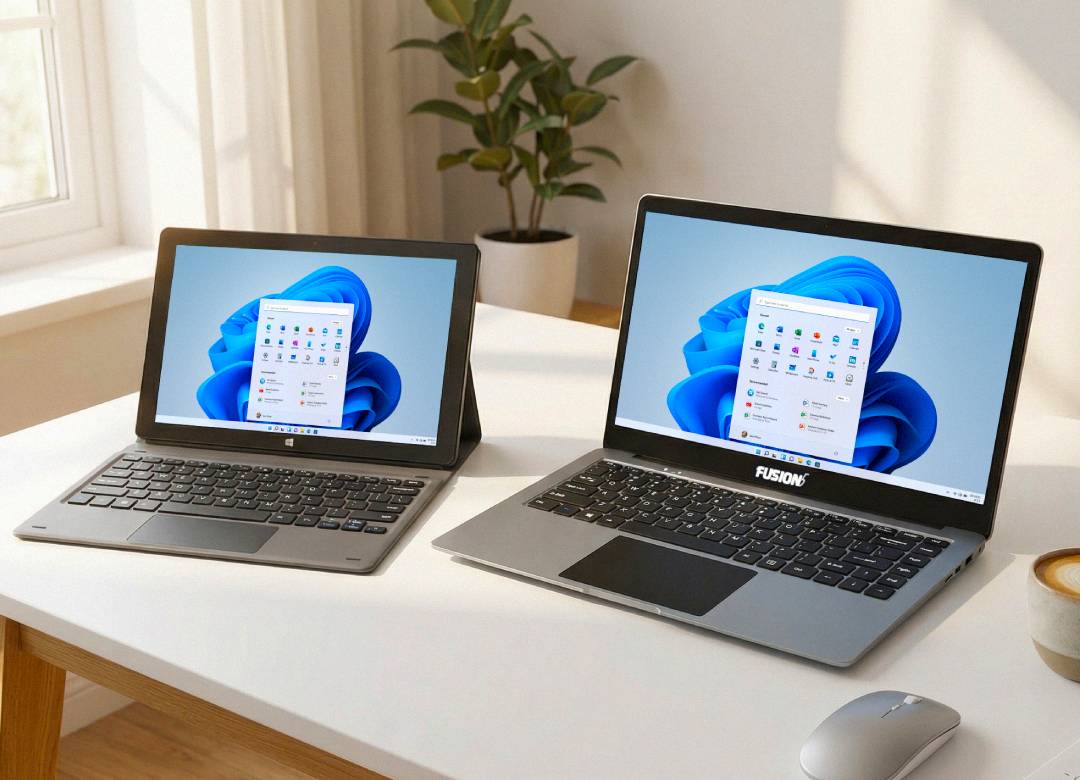
A laptop gives more space, but it can feel bulky and work-focused. A tablet sits in the middle: bigger than your phone, easier to carry than a laptop, and useful for streaming, browsing, video calls, and quick everyday tasks.
A Tablet Feels More Relaxed Than Carrying a Laptop
Having a laptop can be really handy, but sometimes it can feel like you're stuck in work mode. You know, when you take it out, find a flat spot to put it, and get all set up - it's like you're back at your desk again. It's weird how something that's supposed to be portable and convenient can still make you feel like you're in "work" territory.
A tablet feels more casual. You can hold it, prop it up, carry it around the house, or take it outside more easily. It fits better into summer downtime because it doesn’t feel like a full work setup.
The PRO N5 gives you that relaxed tablet feel while still running Windows 11 Professional. This means it's not just for watching videos or playing games, it can actually help you get things done when you need to. You get the best of both worlds - a relaxed, easy-to-use tablet feel, and the power of a Windows computer.
More Than Streaming: Handle Quick Tasks Without Switching Devices
The real benefit of the Fusion5 PRO N5 is that it doesn’t stop at watching videos.
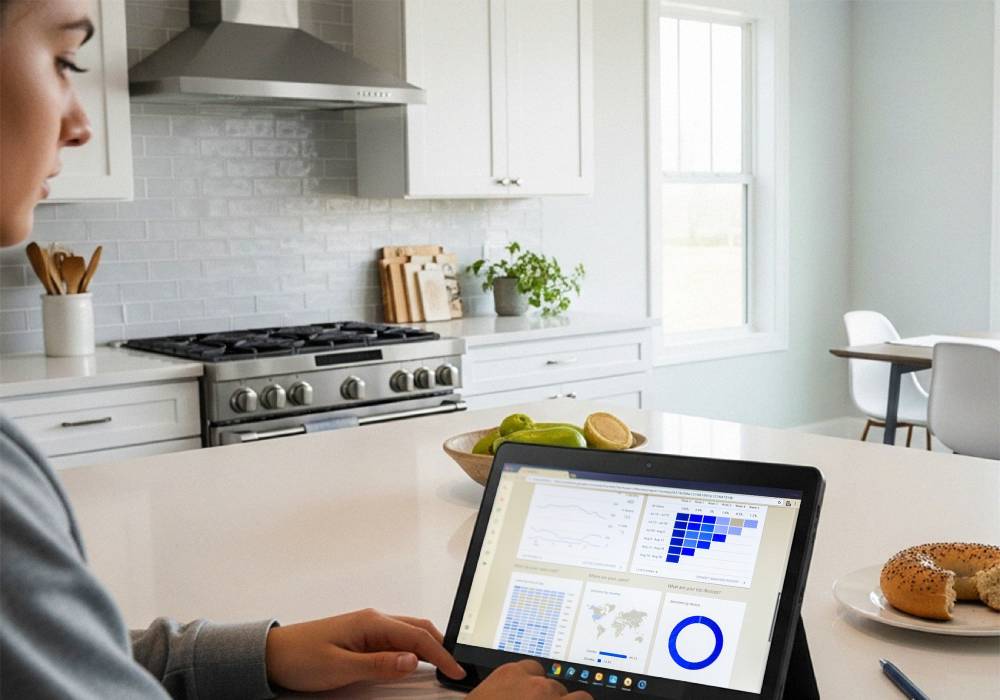
You can stream, browse, read, or watch YouTube, then switch into everyday tasks when needed. If you need to check an email, open a document, download a file, review a PDF, shop online, join a quick video call, or use a browser-based tool, you don’t have to immediately jump to a laptop or desktop.
That makes it useful for people who want one device for both relaxing and light productivity everywhere in between.
What the Fusion5 PRO N5 Offers
The Fusion5 FWIN232 PRO N5 is a slim 10.1-inch Windows 11 Professional tablet assembled in Pasco County, Florida. It provides the user with a larger screen than a phone for streaming on YouTube or Twitch, browsing, cooking instructions, reading, and video calls while remaining easier to transport than a laptop.
The Full HD IPS display enhances viewing longer videos, live streaming, tutorials, and browsing from the comfort of your sofa, backyard, kitchen, hotel room, or on-the-go.
For those who want to get more done beyond watching content, its features include an Intel 13th Gen Quad-Core processor, 12GB DDR5 RAM, and 256GB SSD storage for daily usage including browser tabs, emails, Word documents, PDFs, files, media, and video calls.
Furthermore, this Windows 11 Pro tablet comes equipped with USB-C, Micro HDMI, expandable MicroSD storage, and a 2-year warranty with accidental damage coverage, making it a functional yet affordable Windows tablet.
Real-Life Ways to Use It This Summer
| Summer situation | How the PRO N5 helps |
|---|---|
| While watching videos on YouTube, shows, and movies | Provides you with a larger 10.1-inch screen than your phone for more comfortable viewing. |
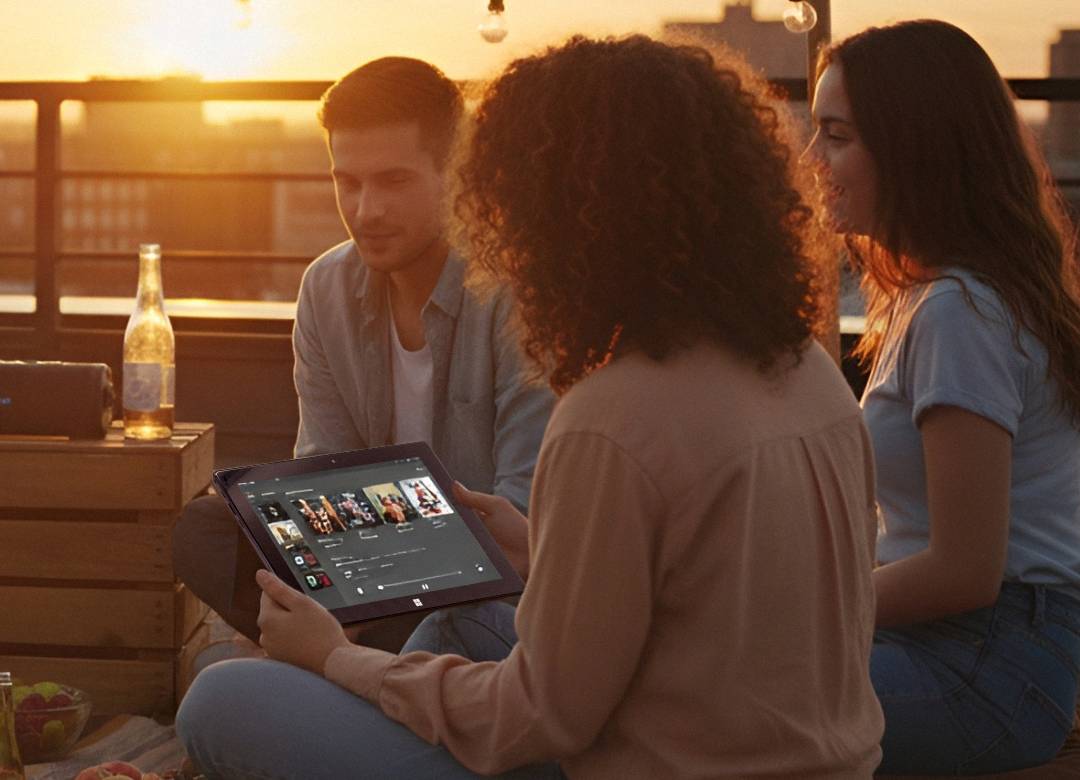
| Streaming all over the house | Can be done from the couch, patio, kitchen, hotel room, or backyard without having to lug a laptop around. |
| Following cooking recipes | Makes it possible for you to see the recipes on a larger screen rather than holding your phone up on the countertop. |
| Browsing and online shopping | Is helpful for checking articles, social media, online purchases, and regular web browsing. |
| Joining video calls | Helps with family calls, school check-ins, work meetings, and quick video chats. |
| Checking quick tasks | Is useful for working with PDFs, emails, documents, files, and regular windows tasks whenever there is a need. |
| Travel light | Provides you with a portable Windows PC that allows you to enjoy your leisure time while not carrying your laptop. |
Fusion5’s PRO N5 is built for people who need a larger screen for entertainment purposes, but not a large computer to carry around with them.
Who Should Consider This Tablet?
The Fusion5 PRO N5 is best for people who want something more capable than a phone, easier to carry than a laptop, and more flexible than a basic entertainment tablet.
This model makes for a perfect selection for casual users, students, parents, telecommuters, and even budget-minded consumers.
Students will find it useful for their multimedia activities, web surfing, access to school portals, working with PDF documents, and even completing some tasks. Parents will be able to make use of its functionality in a wide range of home-related activities from online shopping, to recipe searches, video calls, and even watching videos.
This device will be an ideal fit for people seeking more functional capabilities than a cell phone allows, better portability than a laptop computer, and greater flexibility than entertainment-oriented tablets offer.
FAQ
Is the Fusion5 PRO N5 good for streaming?
Yes, the 10.1-inch Full HD IPS touchscreen makes it useful for YouTube, shows, movies, browsing, and everyday entertainment.
Can I use the PRO N5 for work tasks too?
Yes, it runs Windows 11 Professional, so it can support everyday tasks like email, documents, PDFs, browsing, video calls, and file access.
Is this tablet better than watching on a phone?
For longer viewing, yes. The larger screen makes streaming, reading, browsing, and video calls more comfortable than using a small phone screen.
Is the PRO N5 a laptop alternative?
Yes, for everyday tasks. The PRO N5 can work as a lightweight laptop alternative for streaming, browsing, emails, documents, PDFs, video calls, and light productivity.
It’s not built for heavy workloads, advanced editing, or demanding software, but it’s a practical option when you want more than a phone without carrying a full laptop.
Who is this tablet best for?
It’s best for students, parents, casual users, remote workers, and budget-conscious shoppers who want a portable Windows tablet for entertainment and everyday tasks.