Can Fusion5’s Windows 11 Tablet Help Streamline Daily Retail Operations?
Yes, and this blog breaks down all the details on how! Retail store operations consist of multiple intricate elements, which include customer service, delivery, inventory management, visual display arrangement, and staff collaboration. Store managers and associates need to handle various systems, paperwork, and hardware equipment to maintain operational continuity. But what if one device could simplify it all? A Fusion5 Windows 11 Tablet PC tablet might be that solution for your retail needs.
Windows tablets from Fusion5 provide complete desktop functionality, which makes them suitable for retail settings because they deliver both flexibility and high performance, all while having a durable and lightweight form. These tablets deliver a hands-on, efficient tool for store teams who need to move fast and stay connected.
Full Blog: Top Ways Windows Tablets Are Enhancing In-Store Retail Workflows
1. Real-Time Inventory Management On the Floor
With a Fusion5 Windows tablet, sales associates have access to stock information without needing to go to the back room. This tablet allows staff members to show current inventory information, storage locations, and product details while they continue to interact with customers in person. Having the tablet on-hand enables quick service delivery while preventing loss in sales from guesswork or outdated info.
2. Mobile POS & Checkout Anywhere
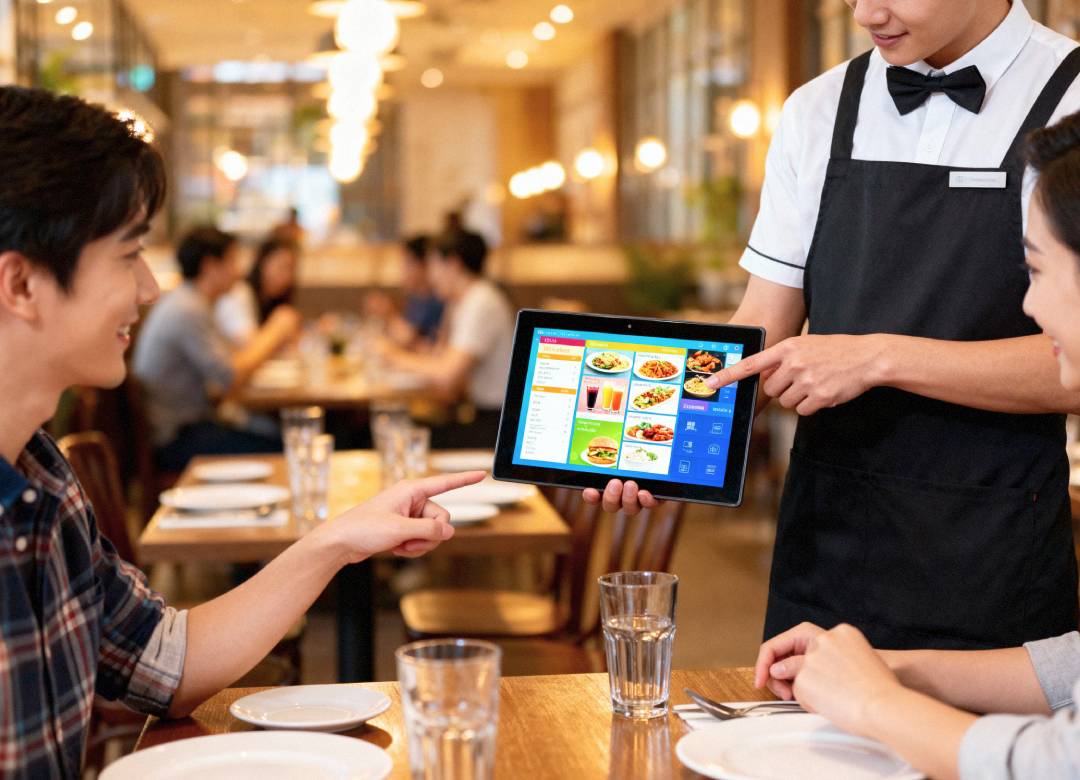
During peak hours or events, lines at fixed registers hurt overall customer satisfaction. Fusion5’s Windows tablets can operate as mobile checkout devices through cloud-based POS systems, which create checkout points throughout any location. This “line-busting” system enables associates to handle customer needs quickly, shortening wait times and giving them more freedom to move between important tasks.
3. Visual Merchandising Made Digital
Merchandisers can walk the sales floor with their tablets, access planograms, upload photos of displays, and check visual compliance, all without printing paper checklists. It’s a faster, clearer way to execute brand standards in real-time.
4. Task Management and Team Communication
Windows tablets enable retail teams to access applications including Microsoft Teams and Trello and Google Workspace. Managers can assign daily tasks, monitor completion, and enable staff communication on a shared device. It’s perfect for allowing users to track opening/closing checklists, markdown schedules, and shows all updates.
5. Customer Engagement and Endless Aisle Sales
The Fusion5 Windows tablet functions as a starting point to view online inventory data when products become out of stock at physical store locations. Staff members can process click-to-ship orders while showing customers available products, which leads to sales growth and maintains customer satisfaction during their time in the aisle.
6. In-Store Training and SOP Access
Training doesn’t need a backroom or printed manual. A tablet can enable new employees to complete interactive onboarding and safety briefings, and product knowledge refreshers during their time on the shop floor.
7. Compatible with Existing Retail Systems
Fusion5 tablets run full Windows software, making them compatible with most retail CRMs, ERP tools, spreadsheets, inventory systems, and web portals, no limited app versions or data transfer hassles.
Why Retail Teams Choose Fusion5 Windows Tablets
- Durable, lightweight, and optimized for daily retail use
- Seamless integration with barcode scanners, receipt printers, and USB peripherals
- Full-day battery life for long shifts
- Enterprise-ready with Windows 11 Pro compatibility
Ready to Rethink Retail Technology?
The flexible and affordable Fusion5 Windows 11 tablets serve as an operational enhancement tool for stores of all sizes, from single locations to national retail chains. Replace bulky laptops and all extra devices with one mobile platform built for the retail shop floor.
Explore more Windows tablets for retail teams at Fusion5Store.com