Tablets for Airport Ground Operations: Vehicle Handover, Damage Capture, and Rental Fleet Check-In
Airport ground operations don’t slow down. Vehicles move constantly, rental returns stack up, and every handover needs to be fast, accurate, and clearly documented.
Yet many teams still rely on paper forms, shared devices, or delayed system updates. That disconnect between inspection and documentation leads to missing details, disputes over damage, and unnecessary downtime.
A Windows tablet for airport ground operations closes that gap by bringing inspection, reporting, and verification into one real-time workflow at the vehicle.
Quick Points: Why Tablets Matter in Airport Fleet Operations
- Capture vehicle handovers digitally with signatures and timestamps
- Record damage with photos and notes in real time
- Speed up rental fleet check-in and turnaround
- Reduce disputes with clear inspection records
- Improve visibility for fleet and maintenance teams
These improvements directly impact efficiency, accountability, and cost control.
Full Blog: Rugged Windows Tablets for Airport Ground Operations and Fleet Check-In
Why Airport Fleet Workflows Break Down
Airport fleets operate in high-pressure environments where vehicles change hands frequently. Shuttle vans, baggage vehicles, and rental cars may be used by multiple staff members across different shifts in a single day.
According to IATA, ground operations are one of the most complex and safety-critical areas of airport activity, involving constant coordination between equipment, vehicles, and personnel.
The issue is not a lack of process. It’s the gap between what happens on the ground and what gets recorded. Paper forms can be inconsistent or misplaced. Photos taken on personal devices are not always linked to reports. Updates are often entered later, which introduces errors or missing details.
This leads to blind spots operationally. Management is unable to get real-time data. The maintenance team gets incomplete data. It becomes difficult to resolve disputes regarding damages.
A tablet for vehicle handover resolves the issue of disconnection between inspection and documentation.
Real-Time Inspections Instead of Delayed Reporting
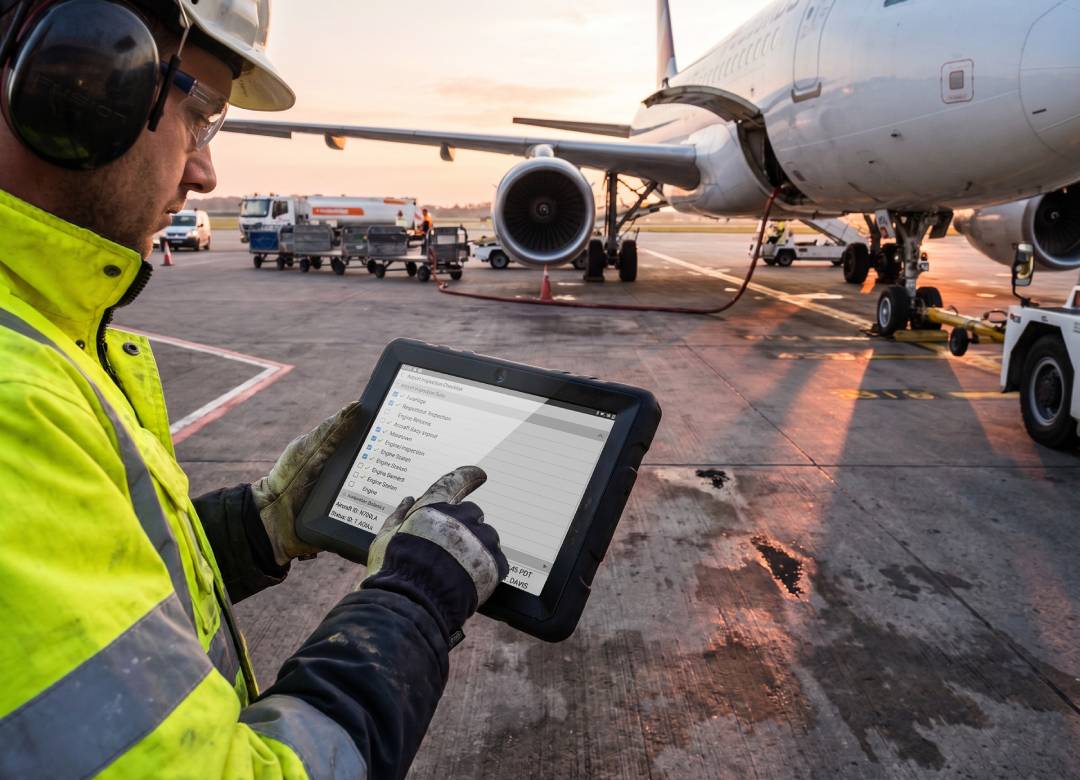
Inspections performed with an airport fleet inspection tablet can significantly improve how these activities are carried out because inspection and documentation happen in one process.
The inspector can use electronic checklists to inspect the vehicle and document any problems found during the walkaround. Digital signatures help show accountability from both parties during the vehicle handover.
These records become more reliable because each entry can be associated with the time, user, and vehicle in question.
More Reliable Damage Capture
Damage reporting is one of the most sensitive parts of airport fleet operations, especially for rental vehicles. If damage is not clearly recorded at the right time, it becomes difficult to determine when it happened or who is responsible.
A tablet for rental fleets improves this process by combining visual evidence with written context. Instead of vague descriptions, staff can capture clear images, add short notes, and attach everything directly to the vehicle record.
This creates a stronger audit trail. When a vehicle is handed over or returned, both sides can see a clear, time-stamped record of its condition. That transparency reduces disputes and improves trust.
Faster Rental Fleet Check-In
Rental return lanes are busy and time-sensitive. Multiple vehicles arrive at once, and customers expect a quick process. At the same time, staff need to check mileage, fuel or charge level, cleanliness, and damage.
With paper-based workflows, inspection and system updates are often separate steps. This slows down the process and increases the chance of missed details.
A tablet for airport ground operations allows staff to complete the entire check-in in one flow. As the inspection happens, data is recorded, photos are attached, and the vehicle status is updated immediately.
This improves turnaround speed and ensures vehicles are correctly marked as ready, needing cleaning, or requiring maintenance.
Better Visibility Across the Fleet
The biggest advantage to using a device like a tablet is not just speed. It’s visibility.
When inspection and handover data is captured digitally, it becomes easier to track patterns and make informed decisions. Managers can identify recurring damage, monitor missed checks, and understand where delays occur.
Maintenance teams receive clearer reports with images and context, which helps them prioritize work more effectively.
Instead of reacting to issues later, teams gain the ability to act earlier and keep operations running smoothly.
Why a Rugged Tablet Works Best
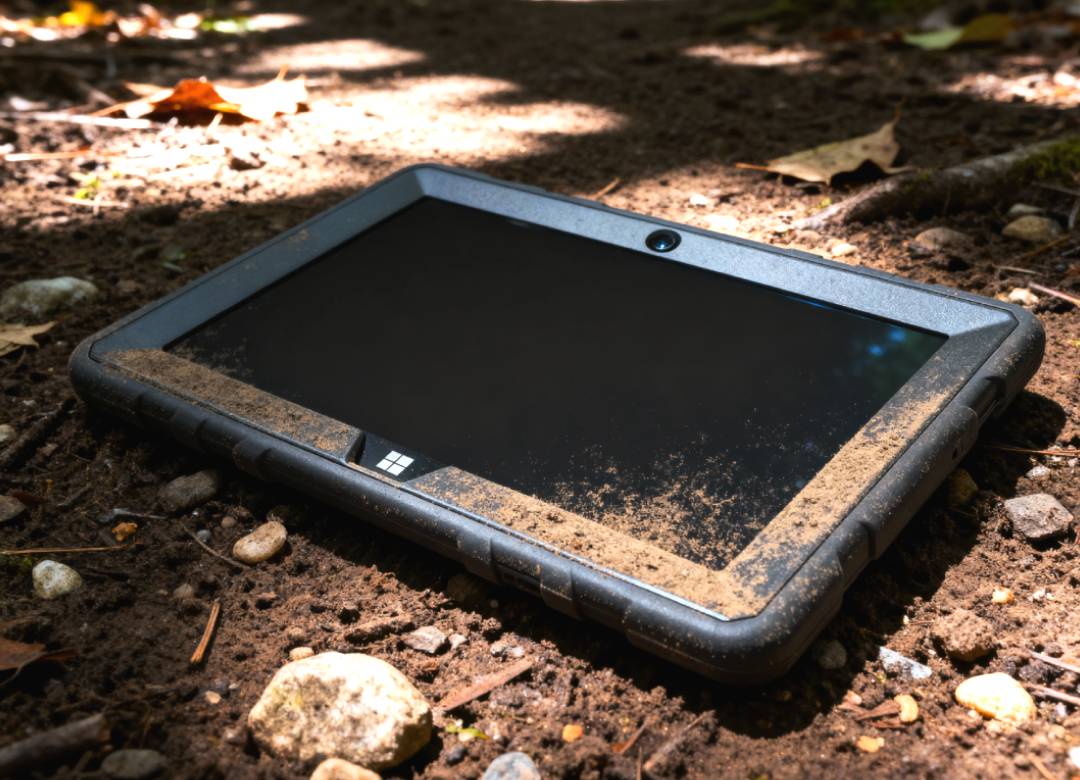
Airport environments are not suited to fragile devices. Tablets are used outdoors, around vehicles, and by multiple staff members throughout the day.
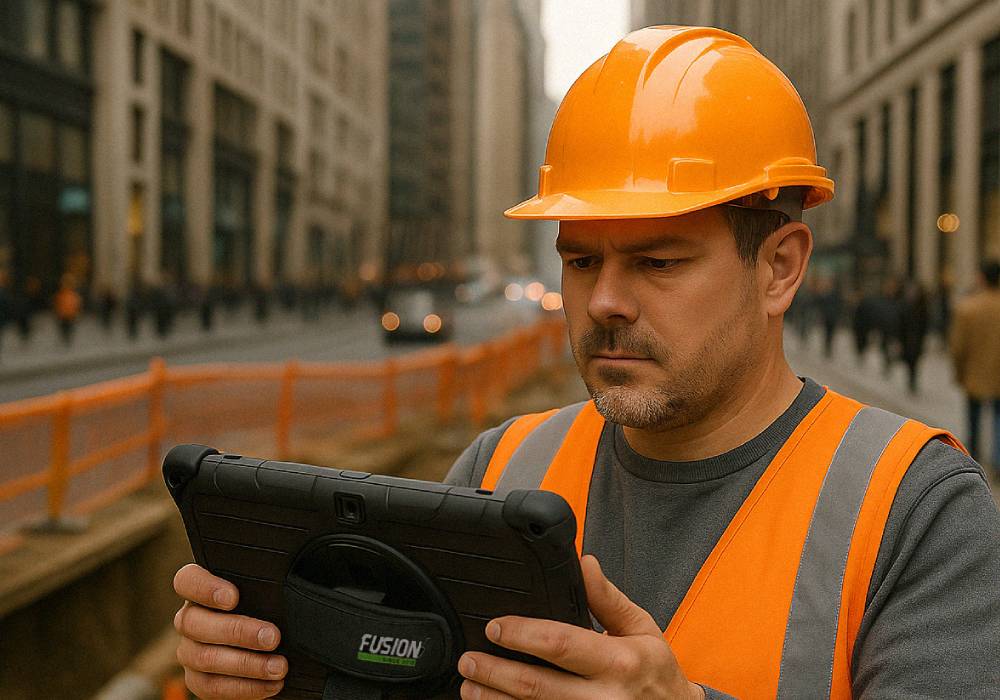
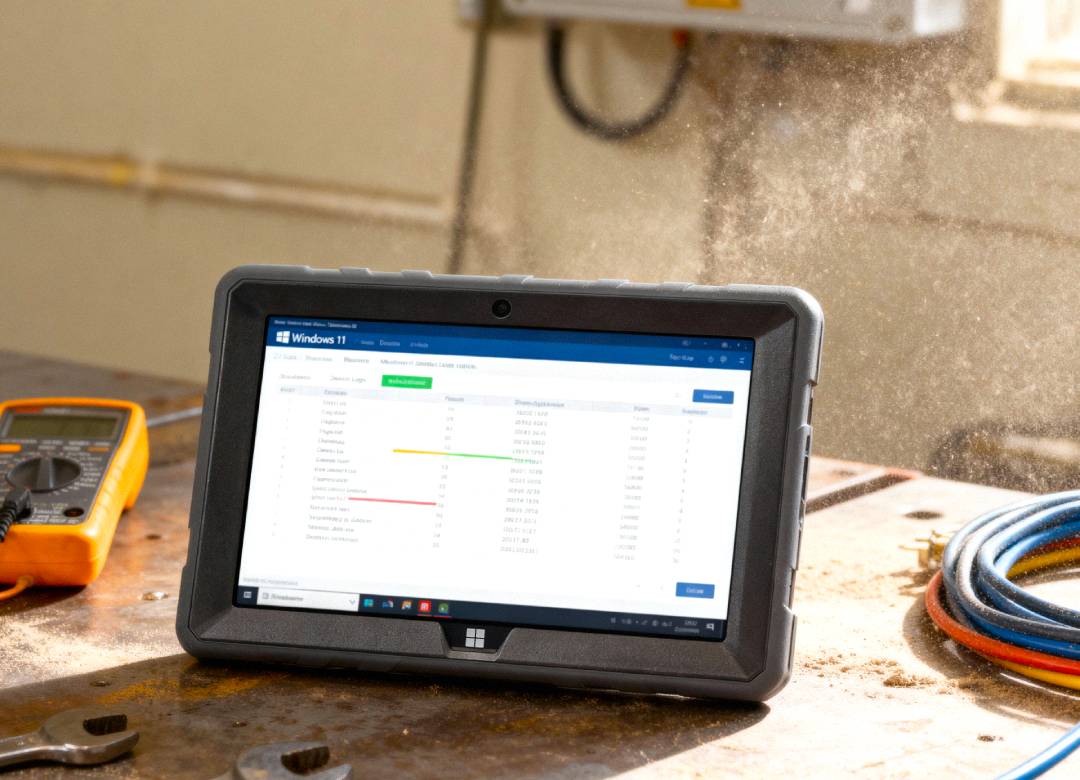
The Fusion5 Rugged Windows Tablet is designed for this type of workflow. It combines portability with durability and runs Windows 11 Pro, allowing teams to use familiar software and systems without changing their setup.
The 10.1-inch touchscreen is practical for inspections, while built-in cameras support clear damage capture. The adjustable rear hand strap is especially useful for walkarounds, allowing staff to hold the tablet securely while checking vehicles, taking photos, entering notes, or collecting signatures. The integrated stand also makes it practical at check-in points, supervisor desks, or vehicle return stations.
Because it fits into existing workflows, teams can adopt it quickly without retraining or system changes.
Where This Works Best
A rugged Windows tablet for airport ground operations is most effective in workflows that rely on speed, accuracy, and mobility. This includes vehicle handovers, rental fleet check-in, inspections, and maintenance reporting.
It’s also useful for ground support equipment checks, where consistent documentation can help reduce operational risk and improve safety tracking.
For highly regulated or hazardous environments, teams should always confirm device requirements before deployment.
Conclusion: Better Data Starts at the Vehicle
Airport fleet operations depend on clear communication and accurate records. When inspections and handovers rely on paper, small gaps can turn into larger operational issues.
A tablet for airport ground operations allows teams to capture data at the source. Inspections, photos, notes, and signatures are all recorded in real time, creating a clearer and more reliable workflow.
For teams looking to improve efficiency without adding complexity, the Fusion5 Rugged Windows Tablet offers a practical solution for vehicle handover, damage capture, and rental fleet check-in.
FAQ
What is a tablet for airport ground operations used for?
It’s used to manage mobile workflows such as vehicle handover, inspections, damage capture, and rental fleet check-in directly at the vehicle.
Can a rugged tablet replace paper inspection forms?
Yes. It allows teams to complete checklists, capture photos, and record signatures in one digital workflow.
Is a rental fleet tablet useful for busy return lanes?
Yes. It helps staff complete inspections faster and update vehicle status in real time, improving turnaround speed.
Why choose a Windows-based tablet?
Windows tablets support familiar business tools, making them easier to integrate into existing systems.