The Ultimate Guide to Battery Optimization for Windows Tablets
Whether a device is charged or not isn’t something that should be a source of stress. Life gets crazy and our days are becoming increasingly busy. The last thing we all need is to spend time worrying about our tech’s battery health.
Battery life is obviously a key consideration if you want to get the most out of your tablet.
The good news is that battery optimisation does not have to be complicated. A few simple settings and habits can help you get even more out of your Windows tablet throughout the day.
In this blog, we’ll go over some of the most practical ways to improve battery efficiency on a Windows tablet without making the device harder to use.
Full Blog: How to Get Better Battery Efficiency From Your Windows Tablet
Start With the Brightness
The screen on your tablet is a big factor in how long the battery lasts. If you have the brightness turned up too high, it's going to drain the battery a lot quicker.
You can make your battery last longer by turning down the screen brightness to a level that's comfortable for your eyes. This is a simple way to get more life out of your tablet's battery.
Turning down the screen brightness, even just a notch, can make a big difference in how long your battery lasts, especially when you're using your device inside. You don't have to make the screen so dim that it's hard to read - just finding a comfortable level that's easy on the eyes can really add up over time.
By making this small adjustment, you can help your battery go further and get more use out of your device before needing to recharge.
Use Battery Saver When It Makes Sense
Windows includes battery-saving features for a reason, and they’re well worth using.
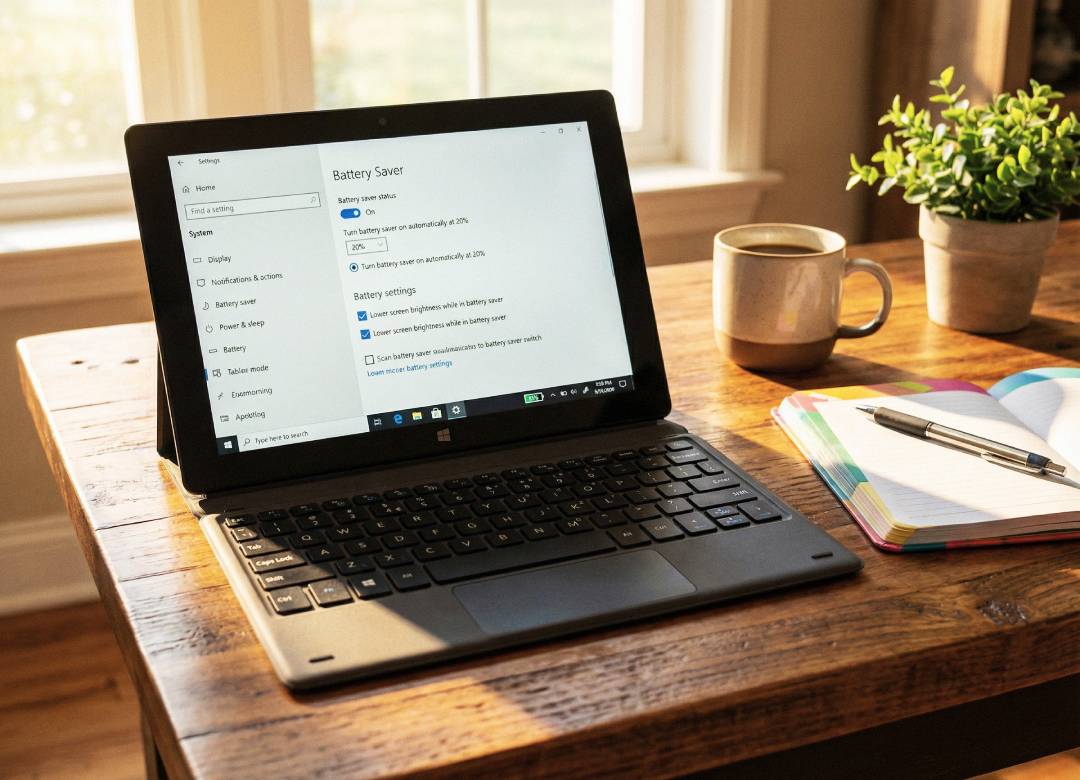
Battery Saver helps reduce background activity, limits some syncing, and can make the tablet more efficient when the battery starts getting lower. It's especially useful when you’re travelling, moving between meetings, working remotely, or simply away from a charger for longer than expected.
You don’t need to keep it switched on all the time, but using it when needed is a simple and practical way to stretch battery life further.
Keep Background Apps Under Control
Occasionally an app may be left running in the background, even though you've switched to a different app. As far as we can tell, it doesn't benefit you, but it certainly shortens your battery life.
If you want to eek out a bit more battery life, take a minute to look at which apps are constantly running, syncing, updating and refreshing in the background. Quitting out some of these apps can make your tablet feel more snappy, and also prolong battery life.
Be Smart With Wireless Features
Wi-Fi, Bluetooth, and accessories that stay connected to the tablet all need some amount of battery power to work. Each one may only use a small amount on its own, but when they stay on for long periods, the power they use can build up.
If the Bluetooth is switched on when you’re not using it, the tablet may still keep using some battery to maintain that connection feature. Turning it off when you don’t need it can help reduce that battery usage. The same idea applies to Wi-Fi if you’re not using the internet for a while, and to accessories that are connected but not actually needed.
Each of these changes is small by itself, but together they can help the tablet use battery power more efficiently over the course of the day.
Watch How You Charge and Use the Device
Battery health isn’t just about how long one charge lasts today. It’s also about how well the battery performs over time.
Using the correct charger, avoiding unnecessary heat, and not putting the tablet under heavy strain while it’s charging can all help support better long-term battery health. Keeping your software up to date can help too, as updates can sometimes improve performance and power efficiency.
In simple terms, looking after the battery helps it keep doing its job properly.
Optimise for the Way You Actually Use It
The best battery setup depends on how you use your tablet.
If you mainly browse, read, and work on documents, you can be more aggressive with battery-saving settings. If you use more demanding apps, join lots of video calls, or stream media regularly, you may prefer a more balanced setup. The goal is not to strip everything back just to save power. It’s to make the tablet work efficiently in a way that still suits your routine.
That’s really what battery optimisation comes down to. A few better habits. A few smarter settings. And a device that stays ready to support your day with less fuss and more flexibility.