Common Myths About Windows Tablets Debunked: The Real Story Behind the Tech
Windows tablets were once only seen as underpowered gadgets compared to laptops and desktops. In 2026, they’ve now evolved into serious production tools for professionals, students, and creators alike.
Still, many people today assume Windows tablets are too slow, overcomplicated, or just not built for professionals who want to get real work done on the devices. That couldn’t be further from the truth.
In this blog, we’re breaking down the biggest myths still floating around the internet, and go over the facts on how Fusion5 Windows tablets debunk these negative stereotypes.
Full Blog: The Truth About Windows Tablets in 2026
Myth 1: Windows Tablets are Slow and Unreliable Machines
This is a common opinion that you’ll find across Reddit and popular tech forums of the internet, but it comes from the lasting impressions and failures of our past technologies.
People often forget that these outdated devices had less funding and knowledge of technology and raw materials in their production mix. Because of this reality, they tend to only get remembered for having sluggish hardware or parts that had short longevity. We forget how hard it is to fully process the fast changing technologies around us, and how much the production of electronics has improved in such a short time.
Fusion5 Windows tablets pair Intel 13th Gen Alder Lake N100 power with capacities up to 12 GB RAM and 512 GB SSD, so apps launch fast and switching between tasks feels smooth. The platform is built for everyday productivity, not just browsing.
Quick tip: Open Task Manager to disable High-impact startup apps, then set Power mode to Best performance when plugged in to boost responsiveness.
Myth 2: “They can’t replace a laptop for real work”
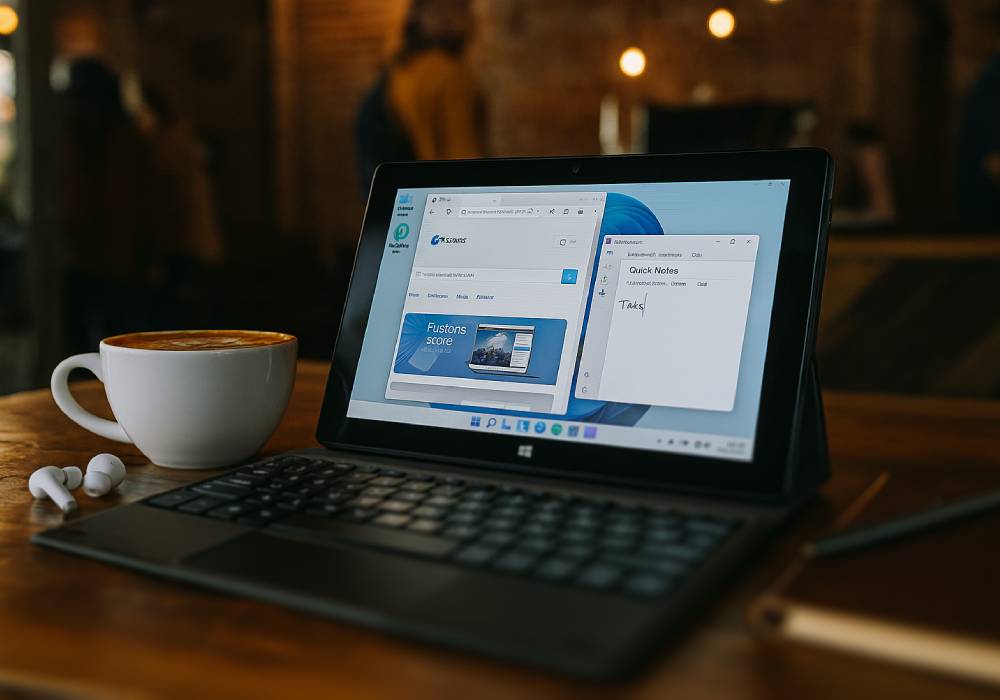
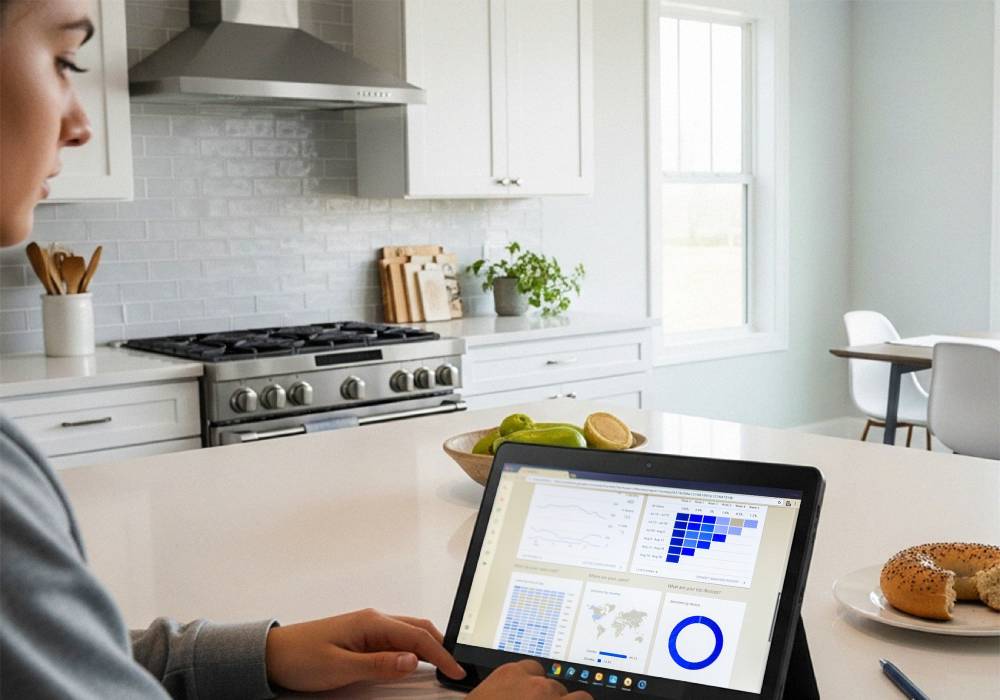
What a lot of people still don’t know is that a Windows tablet is a full PC. It has the same capabilities, of Windows 11 OS for Home or Professional options, that you get on a laptop or desktop. On a compact tablet device you’ll be able to install and run Microsoft 365, Adobe tools, Chrome or Edge, password managers, email clients, FTP apps, developer utilities, or whatever other apps you need, just like on a larger machine. You can attach a keyboard and pair with a mouse to shift into a mobile workstation setup. Plug the device into an external monitor and voilà, you’ve got a productivity setup that goes wherever you do.
Storage is not a bottleneck either. Many Fusion5 models come with a 512 GB SSD for super fast reads and writes. Add in a 512 GB MicroSD card (not included with the tablet) and you’re working with up to 1 TB of total space on a device that is 10.1”. That’s more than plenty and more than you get on many laptops in the market today without also getting a huge price increase. Dual FHD cameras and upgraded dual speakers make video meetings look and sound professional.
Quick tip: Use Snap Layouts and virtual desktops in Windows 11 to keep research, writing, and messaging separated but accessible.
Myth 3: Touch and tablet apps are the weak link
The newest Windows 11 fixed a lot of the touch experience issues with larger tap targets, smoother gestures, and easier window snapping for multitasking. On a Fusion5 Windows tablet, the 10.1 inch Full HD IPS screen at 500 nits keeps text sharp and colors accurate to real life, which makes reading, scrolling, and video calls feel more in person and natural.
Apps are definitely not an issue on a Windows tablet. You are fully able to download, start up, and run powerful work industry software like Photoshop, Excel with macros, and code editors with extensions.
Quick tip: Turn on the Battery Saver mode option in the settings, then lower the brightness of your display while using the tablet to stretch out its battery life during longer travel times.
Conclusion
Real use cases show the cracks in the myths. With consistent improvements in technology happening everyday, we can only expect smaller devices to power us though our work and leisure days more often.
Find the Windows tablet model that fits your needs at Fusion5Store.com.