Windows Tablet Setup Ideas for Photographers Who Work Anywhere
The majority of photographers use a combination of devices including cameras, computers, drives, memory cards, smartphones, and printed notes to keep track of their workflow.
It all works perfectly well until you get involved with an assignment, go on location, have to send out client preview photos, and then edit the shots on site.
For example, you might have a situation where a wedding photographer needs to do a client preview in the middle of the event. A portrait photographer wants to make sure their client’s lighting and focus are perfect. Or you could be someone who likes to choose images, adjust them, and then send them out online even when you’re not at your desk.
With that in mind, using a Windows tablet to aid in your photography work can really help streamline everything. You’d be able to preview, edit, review, take notes, and file your images with just one piece of equipment.
So, let us tell you in this blog post how photographers can use a Windows tablet and why the Fusion5 Helios12 is perfect for mobile professionals.
Full Blog: How Windows Tablets Help Photographers Preview, Edit, and Work Anywhere
Why portable setups matter for photographers
Not all photography work is done sitting at a desk.
A photographer could be covering a wedding, portrait session, event, product shots, a real estate property, travel photography, or social media marketing, to name a few examples. In many cases, they need to view their photos at the point of shooting.
It can be hard if their complete photo-editing setup is left back at the studio or office.
Cameras provide an instant preview of the shot taken, but the screens are limited in size. Mobile phones offer portability, but they don’t display much detail. A laptop is handy, but heavy and inconvenient to use while standing, walking, or working in a tight space.
Here comes the relevance of a portable Windows tablet that provides the best of all worlds.
How Windows tablets help with photo previews and client reviews
When photographers are working with clients, being able to show images clearly can make a big difference.
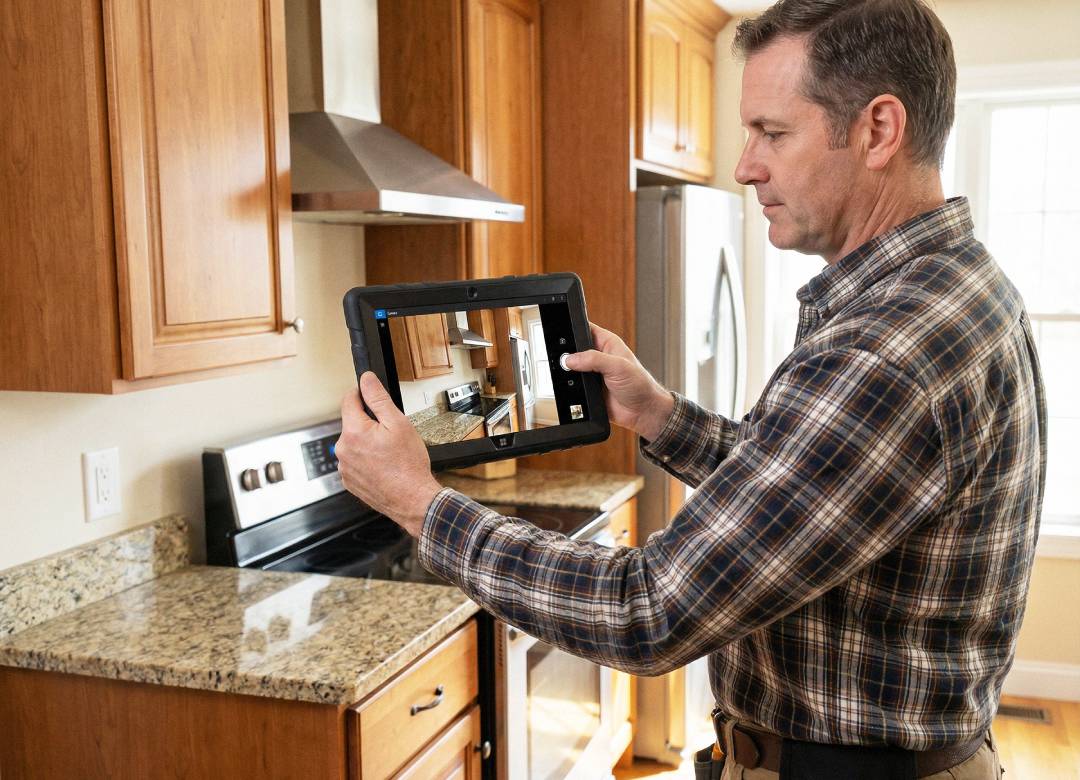
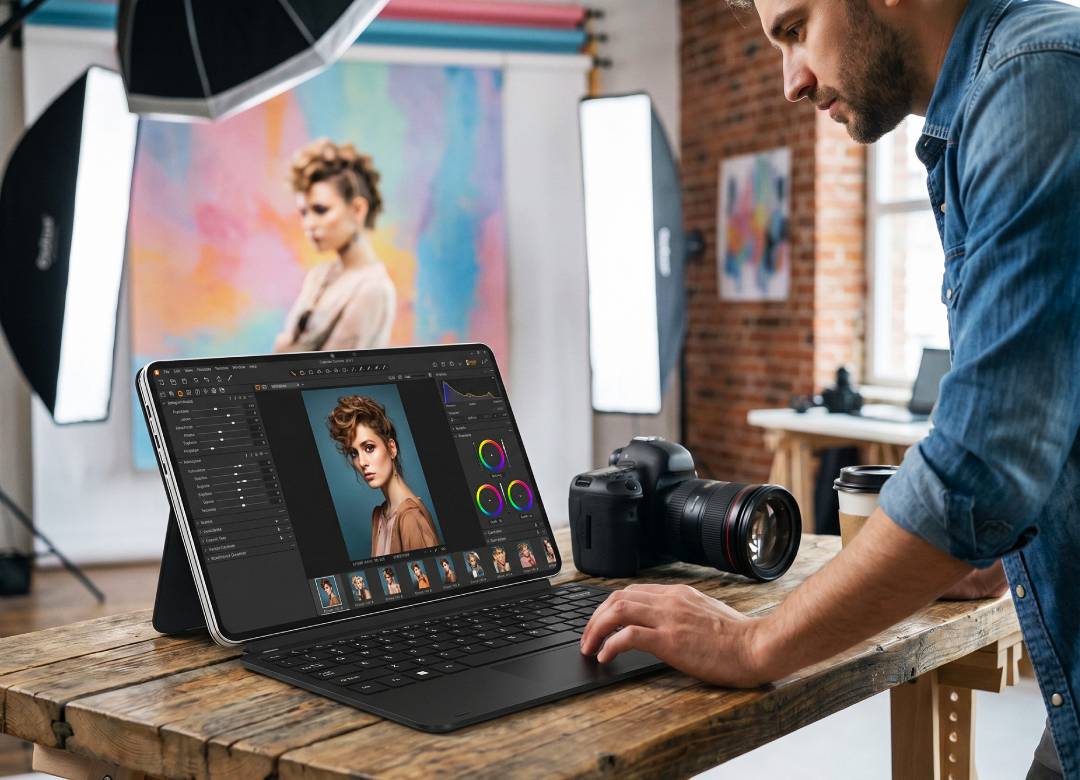
Instead of asking a client to look at a tiny camera screen, a photographer can open previews on a tablet and let the client see the image on a larger display. This can help during weddings, portrait sessions, brand shoots, graduation photos, or event photography.
A Windows tablet can also help photographers sort through images faster. They can review a set of photos, mark favorites, delete obvious rejects, and make notes before they get back to the studio.
This is particularly helpful when the client is still around.
For instance, a photographer may showcase some edited images and check that the client approves of the direction before going ahead to take more photos. This adds to the professionalism of the entire reviewing process.
Why display quality matters for photographers
For photographers, the screen is not just a screen.
It’s where they check focus, color, lighting, contrast, and small details. A higher-resolution display helps images look sharper and gives photographers more room to review their work properly.
For photo editing, display quality matters because photographers need to clearly review focus, lighting, color, and fine image details. A strong editing tablet should offer sharp resolution, good brightness, reliable color display, and stylus support for more precise adjustments.
The Fusion5 Helios12 gives photographers a 12-inch 2K touchscreen, which is useful for reviewing images, comparing shots, editing previews, and showing clients work on-site.
The larger screen also makes the tablet easier to use for dashboards, folders, editing panels, and image galleries. This matters when you’re trying to make quick decisions during a shoot.
How a stylus helps with editing and notes
A stylus can make photo work feel more natural.
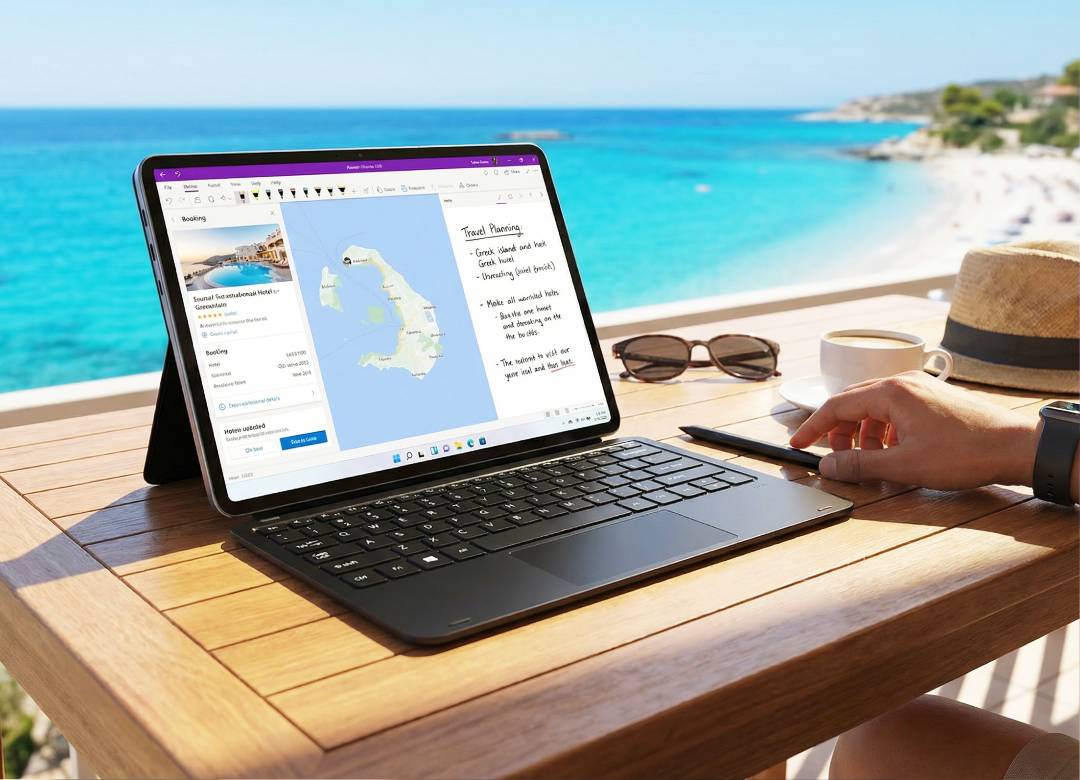
Instead of using only a trackpad or mouse, photographers can use a pen-style input for smaller adjustments, notes, selections, and edit.
A stylus can offer more natural control and improved precision than a mouse for photo editing, especially for detailed adjustments, as supported tools like Adobe Photoshop are designed to take advantage of pressure-sensitive input and more refined pen control.
This matters for tasks like marking images, brushing in edits, circling areas to fix later, or writing notes for a client.
The Fusion5 Helios12 includes a stylus pen, so photographers don’t have to buy one separately. They can use it for editing, annotating, reviewing, and navigating the tablet more precisely.
Why the Fusion5 Helios12 fits photographers so well
Portability alone isn’t enough for photography work.
Photographers need a tablet that can handle multiple apps, large image files, file transfers, editing software, and client review sessions. The Fusion5 Helios12 is built for this kind of flexible workflow.
It includes a 12-inch 2K touchscreen, Intel 13th Gen N100 processor, 12GB DDR5 RAM, and 512GB SSD storage. This gives photographers the space and speed needed for photo folders, editing software, client files, and everyday business tasks.
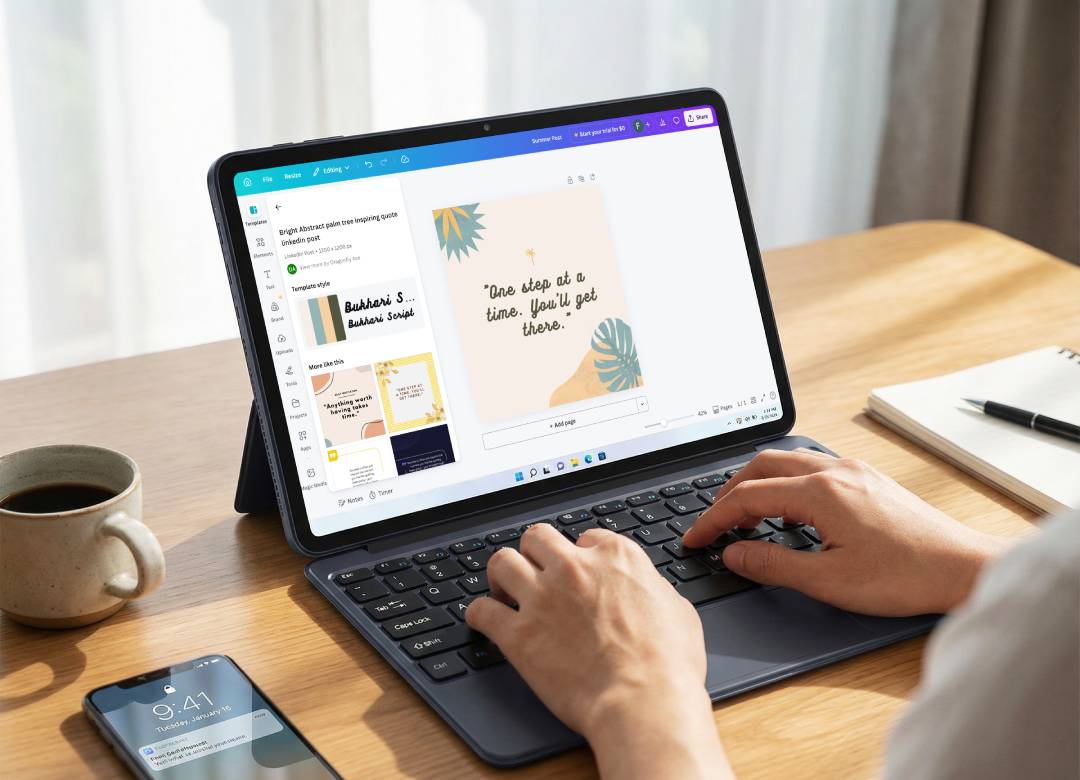
The keyboard setup also helps when photographers need to rename files, write captions, organize folders, respond to emails, or prepare client galleries.
Connectivity matters too. The Helios12 includes 2 full-function USB-C ports, USB 3.0, Micro HDMI, and a headphone jack. This helps photographers connect accessories like card readers, external drives, displays, or other workflow tools.
The premium metal body also makes it feel professional, while the active cooling fan helps keep performance stable during longer editing or multitasking sessions.
Final thoughts
The best reason photographers use Windows tablets isn’t only because they’re portable.
It’s because they can carry more of their working setup with them. A Windows tablet can help with photo previews, client reviews, quick edits, file management, notes, and content uploads while the photographer is still away from the main studio.
For photographers who work at weddings, events, portraits, brand shoots, travel sessions, or on-location projects, that flexibility can save time and make the workflow feel more professional.
If you want a portable setup that helps you preview shoots, show clients, edit on-site, and stay organized, the Fusion5 Helios12 is worth considering.

FAQ
Why would a photographer use a Windows tablet?
A photographer can use a Windows tablet to preview images, show clients photos, make quick edits, organize files, take notes, and manage work while away from the studio.
Is a Windows tablet useful for client photo reviews?
Yes. A Windows tablet gives clients a larger screen than a camera or phone, which makes it easier to review photos during weddings, portraits, events, and brand shoots.
Why is the Fusion5 Helios12 a good fit for photographers?
The Helios12 has a 12-inch 2K touchscreen, included stylus, 12GB DDR5 RAM, 512GB SSD storage, Windows 11 Home, active cooling, and useful ports for accessories. That makes it practical for mobile photo workflows.