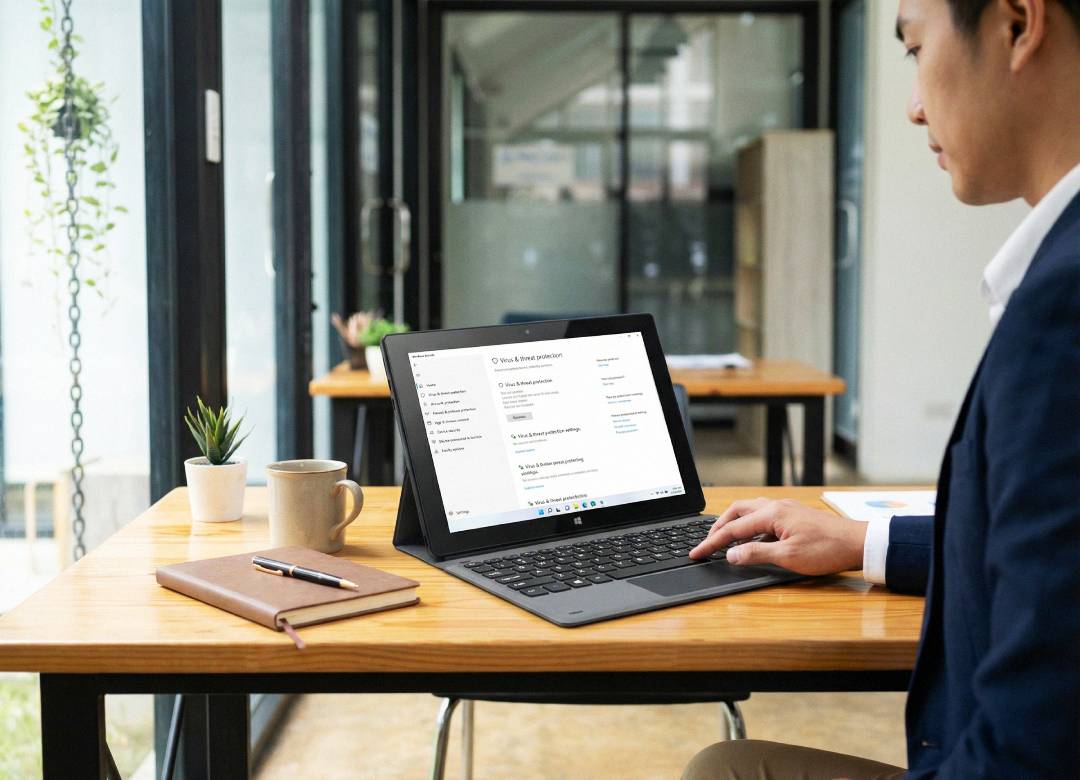
Data Security for Corporate Windows Tablets
More and more companies are deciding to use tablets and giving them to employees to use for work. Giving employees the freedom to work from anywhere adds bonus production points when one can't be at a desk.
But as many business owners know too well, where there’s flexibility, there’s the potential for a security breach. When devices contain sensitive company information, there needs to be proper security measures in place when using these devices.
In this blog, we’ll break down the basics of data security for corporate Windows tablets, the most important protection features available in Windows 11, and what organizations should look for when deploying tablets for business use.
Full Blog: Enterprise Data Security for Windows 11 Tablets
Why Data Security Matters for Corporate Devices
Devices being used by any company will always contain sensitive information that needs to be protected for the sake of the business's security. When a device becomes compromised, unauthorized access to all important files becomes a real concern.
When you’re using tablets to do your work, you’re usually on the go, or just in a place that isn’t a secure office building with its own network security. So, for tablet use to be secure and beneficial to companies, they are going to need to focus on key areas.
The first important area to cover is to make sure that all the data stored onto the tablet is protected at all times. Also make sure that only the people who should have access, do have access. Keep the wrong people from viewing sensitive data with authorized company accounts and secure passwords.
The next important security focus area is on keeping track of all your equipment across all your employees. The IT team should be monitoring who’s using what from where, applying security settings to all devices, and then also keeping devices up to date for the highest level of security.
Finally, you have to worry about making sure people can't install unknown apps, malware, or programs that could compromise the device or the company’s data.
Security Features Built Into Windows 11
Once companies understand where the risks really come from, the next step is making sure the devices themselves have the right protections in place. Fortunately, modern Windows tablets already include several built-in security features that help protect company data.
One of the most important tools available is device encryption. Encryption locks the storage on the device so that files cannot be accessed without proper authentication. Even if a tablet were to be lost or stolen, the information stored on it would still be protected because it can’t be opened without the correct login credentials.
Another helpful layer of protection comes from Windows security tools like built-in antivirus and firewall protection. These systems run in the background and monitor the device for suspicious activity. If something unusual appears, such as malware or an unknown program trying to access files, the system can block it before it becomes a larger issue.
For businesses using Windows 11 Pro, there’s also a bunch of management tools available that allow IT teams to apply security policies across multiple devices. This makes it much easier for companies to keep every device in line with the same security standards.
Managing Corporate Tablets Across the Organization
When a company starts giving tablets to employees, it usually doesn’t stop at just one or two devices. Over time, the number of devices being used across the company grows, which makes device management even more important.
Because the need to manage devices is so important for a company, having a centralized device management system helps a whole lot. With these IT teams can go in and monitor the physical devices from a more secure location in the company's office. They can keep track of passwords and policies, enforce encryption settings on each device, do any updates for devices, and make sure that everything is staying compliant with company rules.
If a device is ever lost or stolen, IT teams can even lock or wipe the device remotely, which helps prevent company data from being exposed.
Having this level of control allows businesses to give employees flexible devices without losing track of security.
Choosing Hardware That Supports Business Security
Making sure your data is secure isn't just about the software of it all, the hardware of your device also plays a key role.
Modern Windows tablets often include processors and security components designed to work alongside Windows security features. These systems help verify that the device starts securely and ensure that sensitive data remains protected while the device is in use.
A tablet like the Fusion5 FWIN232 PRO N5, for example, runs Windows 11 Pro and includes hardware capable of supporting encryption, authentication, and enterprise device management tools. This makes it easier for companies to apply standard security practices while still providing employees with a portable and flexible device.
Keeping Corporate Data Protected
At the end of the day, protecting company data comes down to combining several layers of security. Devices need to have strong built-in protections, employees should only access information they are authorized to see, and companies need tools that allow them to monitor and manage devices across their organization.
When these elements are in place, businesses can confidently use portable devices like Windows tablets while still protecting the information that keeps their operations running.