Can You Turn a Windows Tablet Into a NAS? A Simple Home Network Storage Guide
So, what exactly is a network storage server (NAS) and can you use a Windows tablet for it? NAS stands for Network Attached Storage and it’s essentially a device that’s connected to your network for the purpose of storing files and allowing other devices to access those files.
We’re here to tell you that it doesn't require the expensive and bulky dedicated hardware that you think it does. And you absolutely can use a Windows tablet as a NAS.
In this guide, we’ll go over how a Windows 11 tablet can function as a lightweight NAS server for home use, what hardware makes this possible, and what kinds of tasks it can realistically handle.
Full Blog: Turn Your Windows 11 Tablet Into a Home NAS Server
What a NAS Actually Does
A NAS acts as central storage for your home or office network.
This basically means that instead of storing files across multiple devices like laptops, phones, and tablets, everything can live in one shared location. Devices connected to the network can then access those files whenever they need them.
For example, a NAS might store:
- Photos and videos
- Work documents
- Media libraries like movies or music
- Automatic computer backups
Many people are already pretty used to the idea of cloud storage. This setup is like having your own personal cloud storage that you can control and keep secure on your device. You know where it is, you’re the one who has access, and you control what devices can share your files.
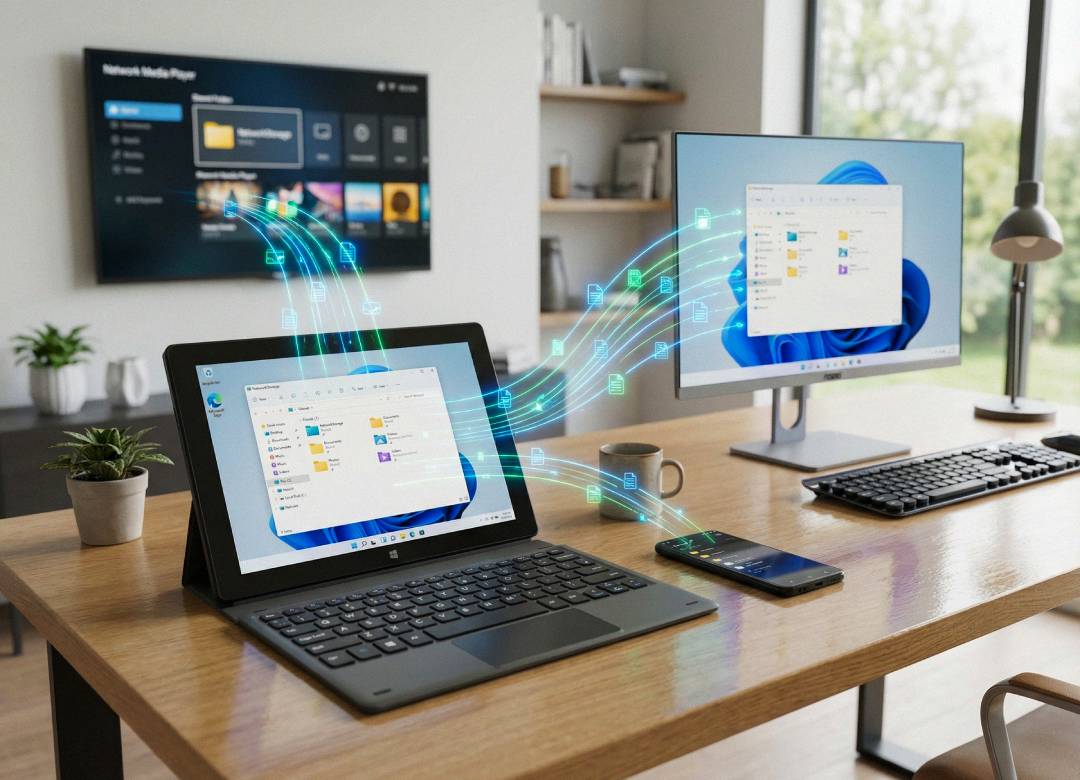
Once you set up your device to be a NAS, all of your other devices connected will then be able to access all the shared files without having to move or copy them manually from device to device.
Common Uses for a Home NAS
NAS systems have become more popular because they make it easier to store and manage files across multiple devices.
One of the most common uses is automatic backups. Computers can regularly send copies of important files to the NAS so they’re protected if something happens to the original device.
Another popular use is media storage. Movies, TV shows, and music collections can be stored in one location and streamed to other devices around the home.
Many families also use NAS systems as a shared file hub, where photos, documents, and school files can be accessed by multiple devices.
The goal is simple: instead of juggling files across different devices, everything stays organized in one place that the network can access.
Why a Windows Tablet Can Work as a NAS (and What Hardware Helps)
Since Windows tablets run a full desktop operating system, they can share files across a network just like a regular computer. Windows 11 includes built-in file sharing tools, which means a tablet can store files and let other devices on the network access them.
For a smooth setup, a few hardware features help. A modern processor handles file transfers between devices, 8GB or more of RAM helps manage multiple connections, and fast SSD storage keeps files quick to access. Expandable storage options are also useful since NAS storage tends to grow over time.
A practical example of this is a tablet like the Fusion5 FWIN232 PRO N5. It runs Windows 11 Pro on an Intel 13th Gen N100 processor, with 12GB of RAM and a 512GB M.2 SSD, which is more than enough for tasks like file sharing, backups, and storing media libraries. The tablet also includes USB 3.0, USB-C, and a microSD slot, making it easy to expand storage later if needed, which makes it a realistic option for a lightweight home NAS setup.
A Flexible Way to Use a Windows Tablet
Turning a Windows tablet into a NAS is a super simple and affordable way to get more out of the device. Instead of only using it for browsing, work, or entertainment, it can also act as a central storage hub for your network.
Users who want to make their backups process a lot easier, make sharing files a breeze, and who want to have access to a home media library across their devices can seriously benefit from a lightweight NAS setup.
Since Windows tablets already run the full Windows OS, they truly provide a great deal of flexibility when it comes to handling these kinds of tasks without needing any kind of specialized hardware.
So to conclude this guide, using a Windows tablet with capable hardware as a NAS for all your files across all your devices really stacks up with benefits. If you’re looking for a more compact and affordable way to centralise your files, definitely check out a Fusion 5 Windows tablet like the Pro N5.