Best Tablet for Insurance Adjusters: Damage Photos and Field Reports
Insurance adjusters do a lot of damage documentation at the inspection site; however, the process itself can become complicated. Pictures may be taken using a cell phone, notes may be made on paper, and documents are then reviewed later using a computer back at the office.
With this fragmented process, it can become easier to overlook certain information while investigating fender benders, roof leakages, water damage, or even property inspections.
Using an insurance adjuster tablet makes it possible to bring more of the process onto one portable device. A rugged Windows tablet for insurance adjusters allows them to view pictures, complete necessary forms, and create or review spreadsheets using one tablet when connected to Wi-Fi or another suitable internet connection.
Quick Points: Why Mobile Claims Documentation Matters
- Damage Photos: Capture vehicle damage, roof leaks, water stains, and repair evidence while still on-site.
- Field Reports: Complete claim notes, inspection forms, and checklists without waiting to return to the office.
- Wi-Fi Uploads: Submit reports, photos, and documents through compatible portals when connectivity is available.
- Windows Compatibility: Use familiar business software, spreadsheets, PDFs, and browser-based claims tools.
- Field Mobility: A rugged tablet with a hand strap, carry strap, and kickstand is easier to use across vehicles, homes, offices, and inspection sites.
Full Blog: How an Insurance Adjuster Tablet Improves Damage Documentation
Why Insurance Damage Reports Get Split Up
Claims adjusters will often have to assess damage, talk to the customer, take pictures, review claim information, and write a report.
According to the U.S. Bureau of Labor Statistics, claims adjusters and appraisers assess property damage, interview claimants or witnesses, review documents, and make a decision on the liability of the insurance company. This sounds simple enough, but it can easily become disorganized across several devices.
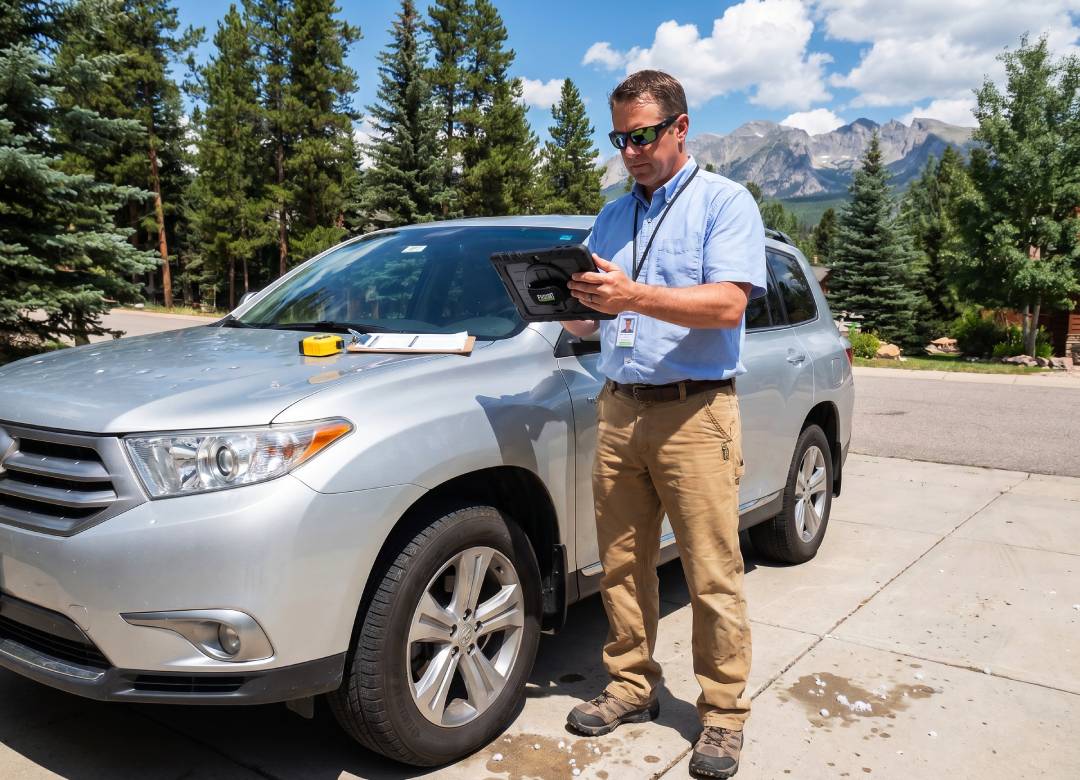
A small fender bender can involve pictures of the bumper, panels, lights, odometer, license plate area, and overall vehicle condition. A leaky roof can include pictures of ceiling stains, the attic, any affected drywall, sections of the roof, gutters, or the floor underneath.
It’s easier to compile everything into a report when all this information isn’t kept separate. A damage documentation tablet makes it easier for claims adjusters to keep this information together during the inspection.
Digital Forms Instead of End-of-Day Paperwork
A Windows tablet for claims adjusters can help reduce the need to collect information in the field and retype it later. Adjusters can use compatible digital forms, spreadsheets, PDFs, web portals, and claims reporting systems directly from the device.
This can be useful for recording:
- Claim numbers and customer details
- Vehicle or property condition notes
- Roof leak observations
- Room-by-room water damage notes
- Repair photo descriptions
- Follow-up tasks and report details
It doesn’t substitute the decision-making ability of the adjuster, policy review, or estimating software. The adjuster will still be responsible for inspecting the property loss, determining what information should be considered, examining the claim, and following the procedure set forth by the organization.
However, the use of a tablet computer allows the adjuster to keep all photographs, notes, forms, and documentation in order while on-site. This can help analyze the case more effectively once back in the office environment.
Reliable Damage Photos and Work Records
Photographs are important because they provide evidence of the exact condition seen by the adjuster at the inspection site.
For vehicles, these may include dents, scratches, damaged bumpers, lights, damaged panels, and surrounding areas. In roof leak or water damage cases, they may include stains on ceilings, walls, floors, and attic areas, as well as exterior parts of the roof.
High-quality photographs make it easier for the claims division, repair facility, or restoration team to understand the damage without depending only on written notes.
The Fusion5 rugged Windows tablet comes equipped with dual Full HD cameras for taking field photos and supporting video calls when needed. It also has a 10.1-inch Full HD display, which gives adjusters enough space to review photos before leaving the site and make sure clear, useful images have been captured.
Faster Report Uploads When Wi-Fi Is Available
Many claims teams employ browser-based portals, emails, cloud storage services, or compatible claim reporting software for managing files after inspections. With a rugged tablet operating on Windows OS, the field adjuster will be able to access any of these tools right from where they are working instead of returning to their office computer.
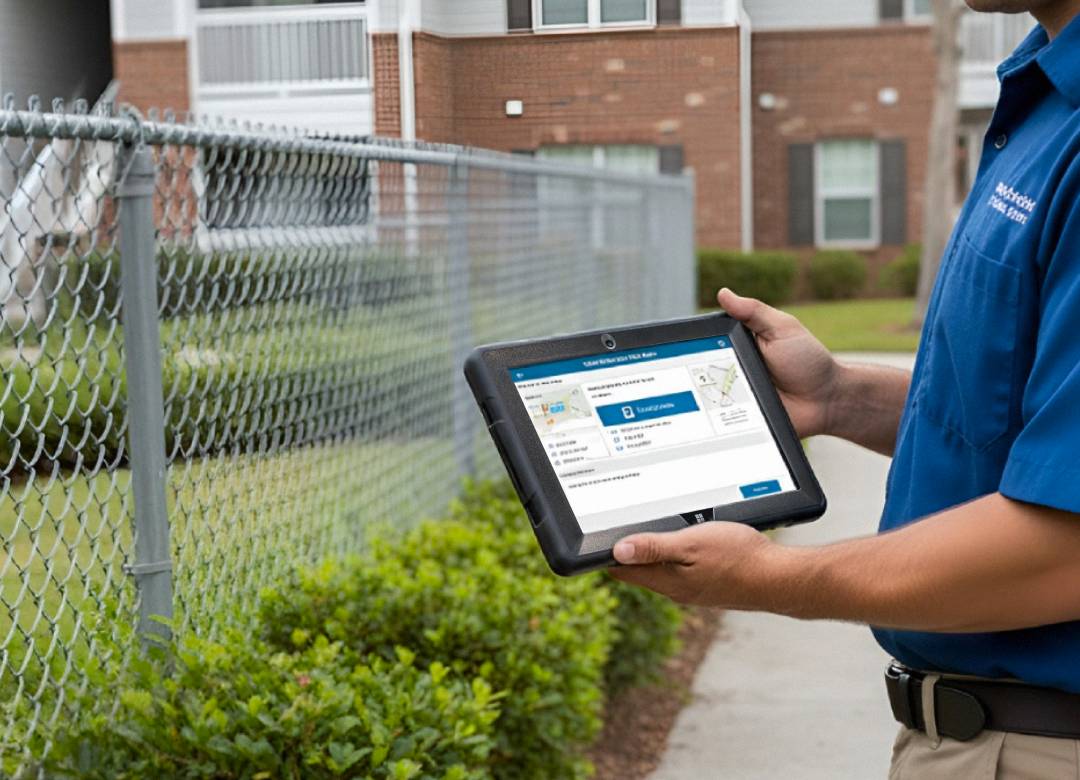
The Fusion5 rugged tablet is capable of connecting to dual-band Wi-Fi 2.4 GHz and 5 GHz networks. When Wi-Fi connectivity is available, the adjuster can upload pictures of damages, submit reports, read claim information, and even access the claims software while they're still working on the field.
However, the time taken for uploading pictures or submitting reports depends on factors such as speed of Wi-Fi, file size, configuration of claims system, etc.
Better Visibility Across Claims Teams
Claims managers and office teams require clear field information to review and process files. A Windows tablet can help keep photos, reports, documents, spreadsheets, and claim notes in one more connected workflow. This can be useful for independent adjusters, insurance offices, public adjusters, auto damage appraisers, and property claims teams that need more consistent records from each inspection.
Rather than waiting for handwritten notes, separate phone images, or files sent later from another device, teams can work from cleaner digital records. This can help with internal review, customer communication, repair coordination, and claim follow-up, depending on the business process and compatible software being used.
Why the Fusion5 Rugged Windows Tablet Works Best
Insurance damage inspections don’t always happen in clean office environments. Adjusters may be walking around damaged vehicles, inspecting garages, reviewing roof leaks, or documenting water-damaged rooms.
A rugged Windows tablet is useful because it combines field mobility with familiar Windows software, forms, spreadsheets, PDFs, and compatible claims portals.
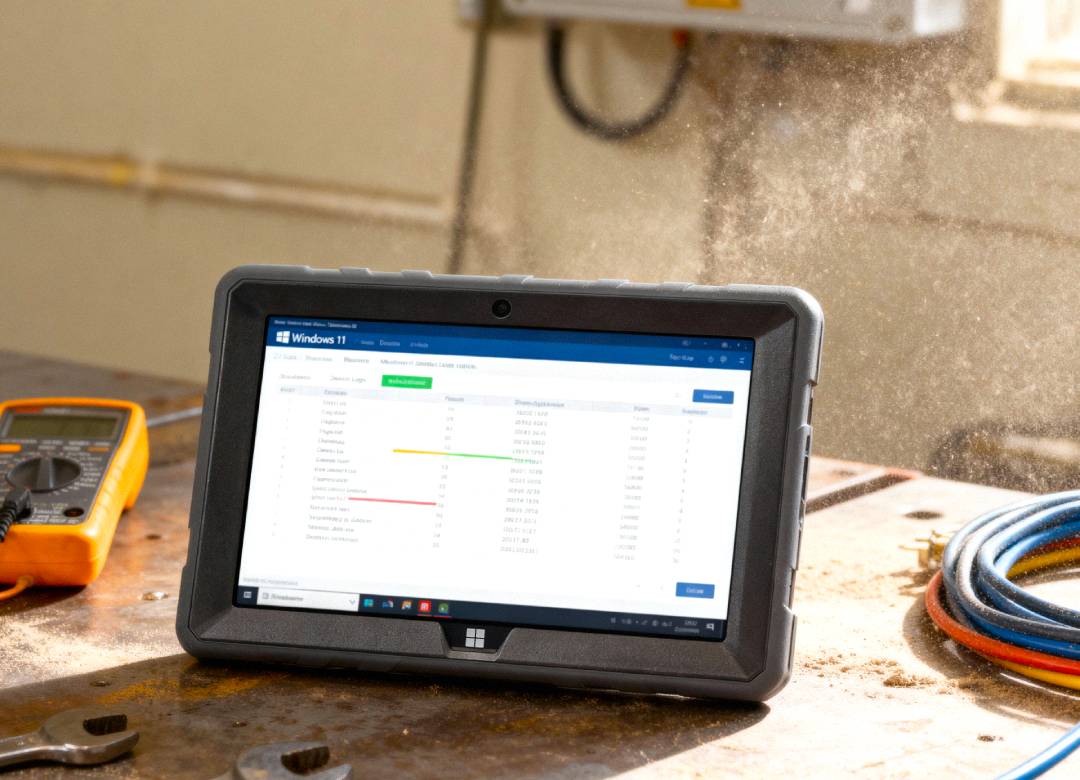
The Fusion5 Rugged Windows 11 Pro Tablet PC is a practical middle ground between fragile consumer tablets and more expensive specialized devices. It includes Windows 11 Pro, an Intel Alder Lake N100 processor, 12GB RAM, 512GB SSD, a 10.1-inch Full HD touchscreen, dual Full HD cameras, dual-band Wi-Fi, Bluetooth 5.0, and a 6000mAh battery with USB-C fast charging.
For field use, it also includes a protective shell, covered ports, adjustable hand strap, carry strap, and built-in kickstand. The hand strap can help adjusters keep the tablet secure while moving between vehicles, rooms, inspection points, and job areas, while the kickstand is useful for reviewing forms or typing notes.
This setup works well for independent insurance adjusters, auto damage appraisers, property claims adjusters, public adjuster offices, restoration documentation teams, and claims inspection businesses.
It’s a practical fit for documenting fender benders, roof leaks, water damage, repair photos, inspection notes, and field reports. The tablet is rugged, shockproof, and dustproof, assembled in Pasco County, Florida, USA, and includes a 2-year warranty with accidental damage coverage.
Conclusion: Better Claims Documentation Starts in the Field
Accurate records must be taken before the adjusters depart from the location. A ruggedized Windows tablet will help ensure that all photographs and field reports are kept in order.
If you’re looking for a ruggedized and budget-friendly insurance adjuster tablet, consider using the Fusion5 Rugged Windows 11 Pro Tablet PC. It allows the adjuster to have the convenience of a tablet while still retaining the usability of the Windows operating system.
FAQ
What are some uses of an insurance adjuster tablet?
An insurance adjuster tablet can be used for damage photos, field reports, claim notes, digital forms, spreadsheets, PDFs, and compatible claims portals.
Can adjusters upload reports from the field?
Yes, when there is a Wi-Fi connection or another suitable internet connection. Upload time will depend on network speed, file size, software setup, and portal performance.
Is the Fusion5 rugged tablet a good option for documenting roof leaks?
Yes, the Fusion5 rugged tablet can help insurance adjusters take photos, make notes, review documents, and organize roof leak reports.
Why choose a Windows tablet for claims adjusters?
A Windows tablet lets adjusters use familiar software, web browsers, spreadsheets, PDFs, and compatible business systems that many companies already use.