How Auto Shops Use Rugged Tablets for Inventory & Installs
People don’t always realize how much goes into running a busy aftermarket auto shop. There’s a lot happening at once, both on the shop floor and behind the scenes.
You’ve got new parts coming in that need to be checked and logged. Other parts need to be sorted and stocked onto shelves. At the same time, a customer might walk in asking about a part for their truck. Out in the workshop, technicians are already working on installs and may need to quickly confirm details like make, model, or fitment.
So how do you keep everything moving without constantly running back and forth?
That’s where mobile computing comes in. More specifically, rugged Windows tablets. They give technicians access to a full Windows system wherever they are, whether that’s at the vehicle, in the warehouse, or at the counter. No more waiting on updates or digging through handwritten notes while a customer stands there.
In this blog we go over how modern auto shops have adapted to these fast paced times using Windows tablets.
Full Blog: Why Aftermarket Shops Are Switching to Windows Tablets
Why aftermarket shops are moving toward mobile workflows
Automotive aftermarket businesses usually handle a wide range of products and services at the same time.
A single shop might deal with:
- Suspension systems and lift kits
- Wheels, tyres, and alignment work
- Lighting and electrical upgrades
- Performance parts and engine components
- Custom fabrication and installation
Each of these areas depends on having accurate information, from part compatibility to job tracking.
When that information is only available at a front desk computer, it slows everything down. You end up walking back and forth across the shop just to check a detail, and that’s where mistakes start to creep in.
With a Windows tablet, that same information can be pulled up instantly, right where the work is happening. Whether that’s next to the vehicle, in the warehouse, or at the counter with a customer, everything stays within reach.
Where rugged tablets fit into daily shop operations
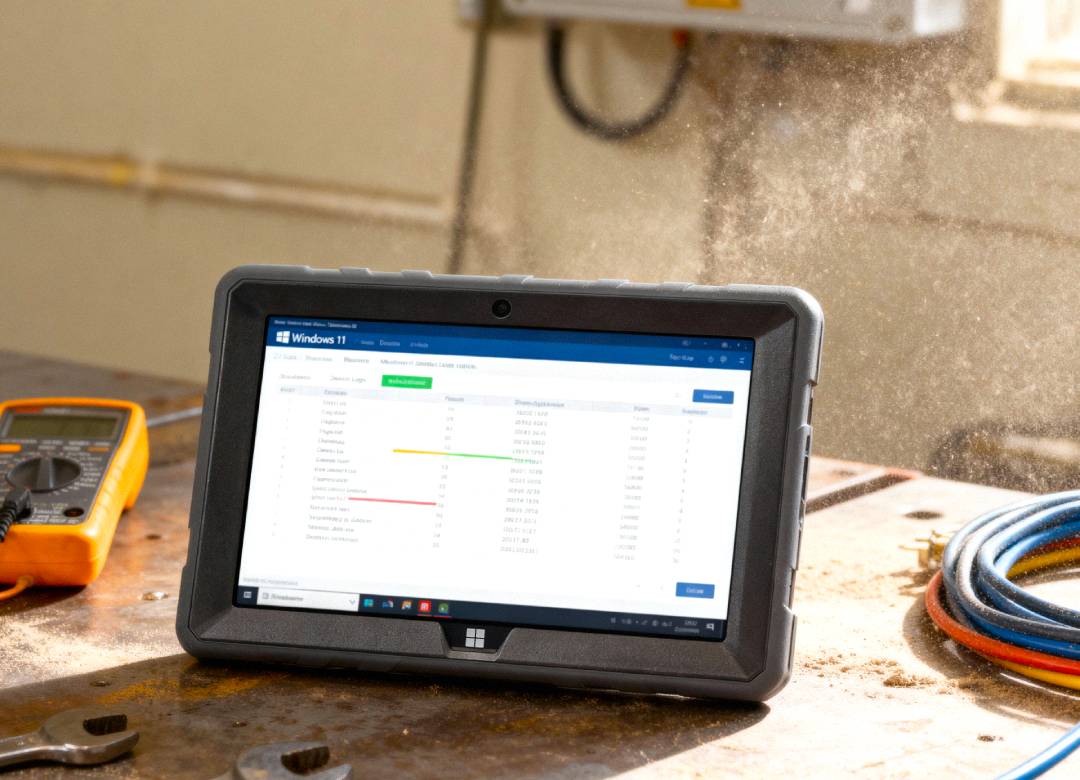
Rugged Windows tablets are built for environments where standard devices don’t hold up well. In a workshop, devices are constantly being moved around, handled throughout the day, and exposed to dust and debris.
Because of that, businesses need something that can handle daily use without becoming a liability.
In practice, these tablets support several key workflows.
Inventory checks and stock management
Inventory accuracy matters, especially when parts look similar but are specific to certain vehicles or years.
With a tablet, staff can:
- Check stock levels directly from the shelf
- Confirm availability while speaking with a customer
- Update inventory as parts are received or assigned to jobs
Instead of going back to a computer just to check if something is in stock, staff can confirm it on the spot, including where it’s stored and whether it’s already been allocated.
Fitment verification and product lookup
One of the most common issues in aftermarket sales is getting the right part for the right vehicle.
With a tablet, staff can quickly pull up:
- Supplier catalogues
- Fitment databases
- Previous customer orders
- Product specifications
This means you can confirm fitment while the customer is still standing there, instead of guessing or checking later. It reduces incorrect orders and avoids delays that come from returns or rework.
Work orders and job tracking
Install work depends on clear communication between the front desk and the technicians.
Using a tablet, teams can:
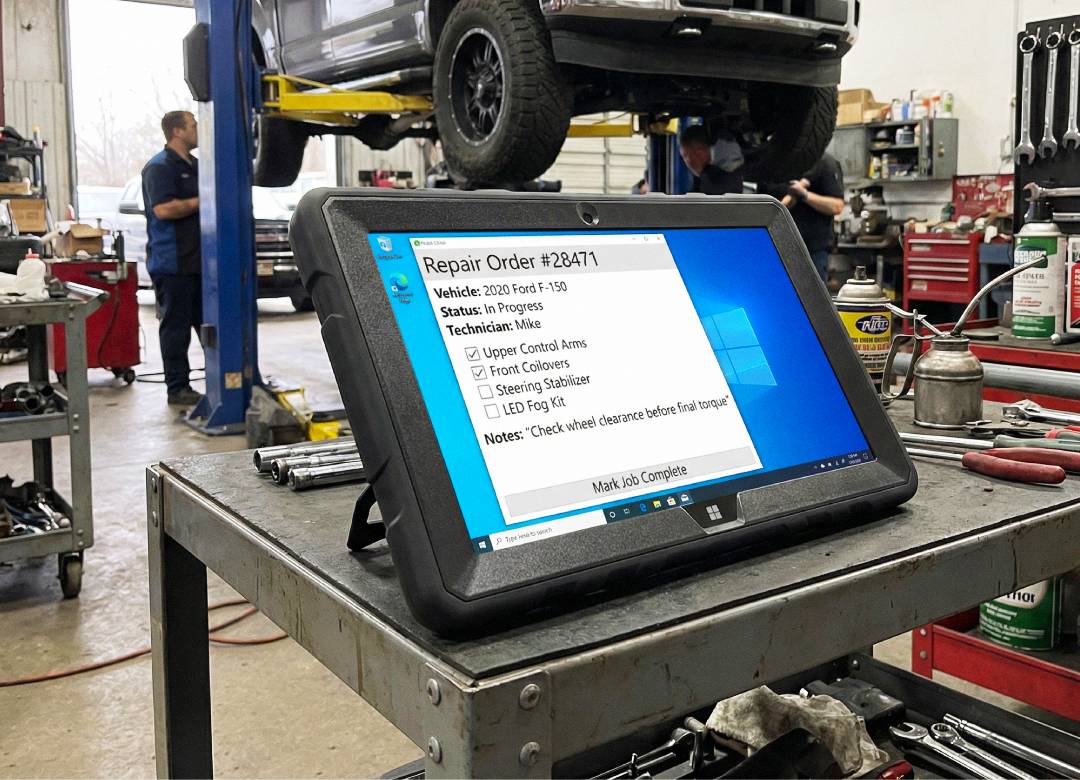
- Review and update work orders
- Check which parts are assigned to each job
- Add notes during installation
- Track progress throughout the day
This helps avoid situations where a technician starts a job missing key details, or has to stop midway to confirm something that should have been clear from the start.
Installation support and documentation
During installs, technicians often need to reference information without stepping away from the job.
That might include:
- Checking installation notes
- Reviewing part configurations
- Taking photos of progress
Having that available on a tablet means they can stay in the workflow, rather than stopping to find a computer or track down paperwork.
Customer communication on the shop floor
Customers usually want to see exactly what’s being done to their vehicle.
With a tablet, staff can:
- Show product images and options
- Walk through pricing and estimates
- Share updates or photos
- Confirm changes before moving forward
It makes the conversation clearer. Instead of explaining everything verbally, you can show it to them directly on screen.
Why Windows tablets are often preferred in auto shops
Many auto shops rely on software built for Windows.
This includes:
- Inventory systems
- Supplier ordering platforms
- Workshop management tools
- Spreadsheets and documents
A Windows tablet allows staff to use those same systems without switching devices. The same tools used at a desk can now be used on the shop floor, at the shelves, or next to the vehicle.
Platforms like ALLDATA Shop Manager run in a web browser and are commonly used by auto shops to manage work orders, parts, and customer communication, making them fully accessible on Windows tablets just like a standard laptop. (ALLDATA)
Why durability matters in workshop environments
Workshops aren’t clean office spaces.
Devices get:
- Handled constantly
- Used around tools and parts
- Moved between different areas
That’s why durability matters. Rugged tablets are designed for this kind of use, making them a more practical option for busy shop environments.
Real-world scenarios where tablets improve workflow
The value becomes clearer when you look at everyday situations.
A staff member helping a customer can check stock and confirm fitment without stepping away.
A technician working on a vehicle can review job details and update notes without leaving the bay.
A shipment of parts can be logged and assigned to jobs directly in the warehouse.
Individually, these are small time-savers. Over the course of a day, they add up, reducing delays and helping everything run more smoothly.
A practical shift for modern aftermarket businesses
The automotive aftermarket industry continues to evolve, with shops handling more complex builds, a wider range of products, and higher customer expectations. According to industry research from SEMA, the aftermarket remains a major and growing sector, which helps explain why more shops are looking for ways to work more efficiently. (SEMA)
As a result, many businesses are looking for ways to streamline operations and reduce friction in their daily processes. Mobile devices, including rugged Windows tablets, are one of the tools helping support this shift. While they’re not necessary for every business, they can be a practical addition for shops looking to improve efficiency, organisation, and communication.
Final thoughts
Rugged Windows tablets aren’t about replacing everything in your shop. They’re about making your existing systems easier to use where the work actually happens.
That could mean checking stock before promising a part, confirming fitment in seconds, updating a job from the bay, or showing a customer a change before moving forward.
Small improvements like that can make a noticeable difference across the day.
As more aftermarket shops look for ways to work faster and stay organised, tablets are becoming a practical part of that shift.
FAQ
What can an auto shop use a rugged tablet for?
Rugged tablets can be used for checking inventory, verifying part fitment, managing work orders, adding installation notes, and communicating with customers directly on the shop floor.
Are rugged tablets necessary for all auto shops?
Not necessarily. They are most useful in shops where staff need to move between the warehouse, service bay, and front desk while accessing information in real time.
Why use a Windows tablet instead of a standard tablet?
Windows tablets can run full desktop software, allowing shops to use the same systems they already rely on for inventory, parts ordering, and job management without needing separate apps or workarounds.
How do tablets help reduce mistakes in installs and inventory?
Tablets allow staff to check part compatibility, stock levels, and job details instantly while working. This reduces the risk of ordering the wrong part, starting a job with missing information, or relying on handwritten notes.