Why Your Next Drone Controller Should Be a Rugged Windows Tablet: A Guide for Pros and Creators
Most people view flying a drone for video and/or photos as fun and exciting, but what’s not generally visible to spectators is the substantial work required to pre-plan, review previously recorded video, ensure adequate image coverage, transfer files to appropriate parties (and formats), and manage all related documentation on-site.
While many are looking to alternatives outside of phones and “traditional” consumer tablets, you have to consider something like a rugged Windows tablet. Larger screen for applications, and easier to manage files, videos, and other content on a tablet versus a phone.
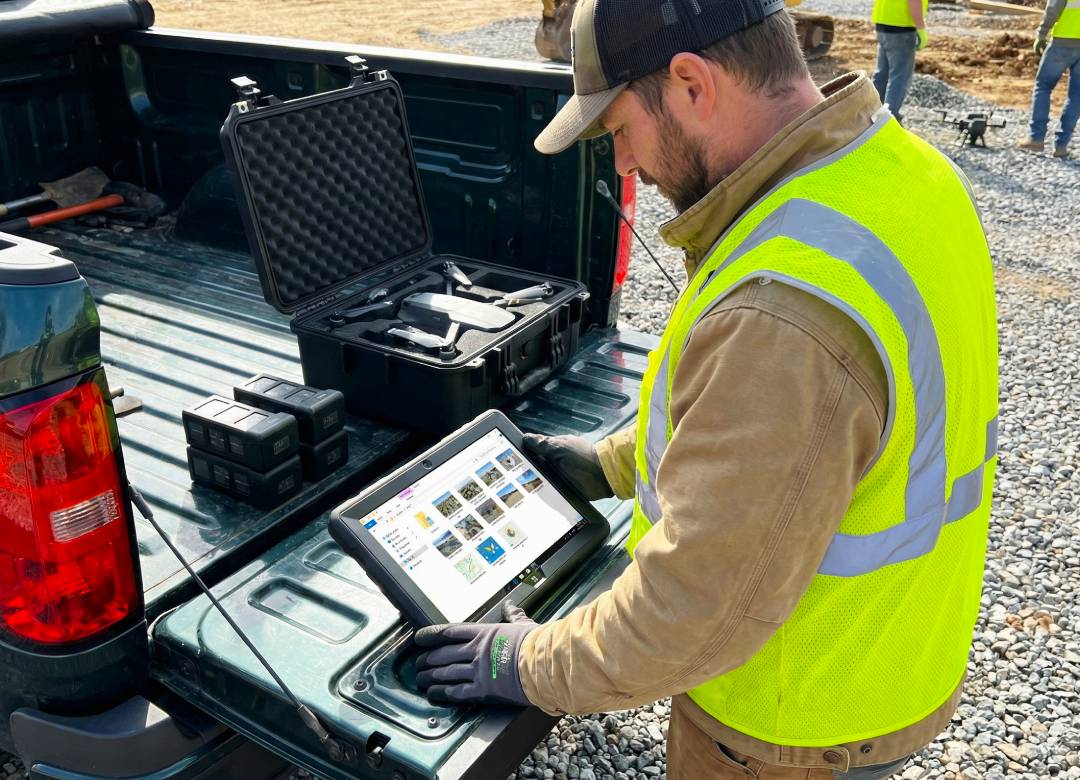
In jobs like roof inspections, land mapping, farm surveys, site surveys, and outdoor filming, the tablet can help with more than just flying. It can be used to check photos, review footage, organise folders, and handle the rest of the job while you are still in the field.
Full Blog: What a Rugged Windows Tablet Actually Solves for Drone Pilots in the Field
Drone work rarely ends when the drone lands
A lot of drone content online focuses on the flight itself, but for many people that is only one part of the job. In real-world drone work, the flying can actually be the most straightforward part. The more time-consuming part is often everything around it.
The job often starts before takeoff. You may be planning the route the day before, checking the site on a larger screen, sorting batteries, naming folders for the job, and making sure you know exactly what you need to capture.
Then the drone lands, and there is still more to do. You may need to zoom in on the roof photos to check that the edges are actually sharp, make sure you covered the whole stockpile and did not miss one side, move the files onto storage, and separate still images from video clips so everything is organised before you leave instead of becoming a mess later that night.
That’s the real advantage here. A rugged Windows tablet is not just another screen for flying. It can also make the work before and after the flight much easier to handle.
What a rugged Windows tablet actually solves
1. It gives you enough screen to see what you are doing
You can fly a drone using a phone. That part is true. But once you’re trying to watch the live view, check the map, keep an eye on battery levels, and make sure the framing looks right, the screen can start to feel way too small. That becomes even more noticeable if you’re out for a long session or doing several flights in one day.
A bigger screen helps in simple, practical ways. You can look at the live image more clearly, check the route on the map without constantly zooming in and out, and review a clip properly instead of just hoping it looks fine.
That matters in jobs like roof inspections, farm surveys, and construction updates, where missing one small detail can mean having to go back and do the job again.
2. It helps you check the work before you pack up and leave
If you’re doing a roof inspection, a farm pass, a construction progress flight, or a mapping run, leaving the site with missing or weak footage creates extra work. It usually means another trip, another setup, more battery use, and sometimes an awkward conversation with the client about why something needs to be redone.
A rugged Windows tablet makes it easier to stop for a few minutes and properly check what you captured, rather than just giving it a quick glance before moving on.
That might mean:
- opening the images and zooming in on detail
- checking that the overlap was good enough for the mapping run
- confirming the whole site was covered
- comparing the current pass against what you planned to collect
- making sure the key clip is usable before you move to the next location
That matters even more in mapping work. If something small is wrong during the flight, like missing part of the area or not getting enough overlap, the final images may not be usable later.
Guidance from Anvil Labs makes the same point: good pre-flight planning and careful data capture matter because missed steps can lead to wasted time or poor outputs.
A bigger, more usable screen helps you catch those problems while you’re still on site, when you still have time to fix them.
3. It makes file handling less annoying
A lot of drone pilots don’t need a full laptop in the field every single day. But they do need something better than a phone when the job gets messy.
That usually happens after landing. You have photos, video, maybe logs, maybe notes, maybe a client waiting for a few preview files. You want to move things into the right folders, rename what needs renaming, and keep the job tidy before the next flight or the next site.
This is where Windows feels familiar in a good way. You can work with normal folders. You can move files around without feeling trapped inside a mobile app. You can plug in storage if needed. You can sort things the same way you would on a desktop later.
That matters because a lot of pilots already think in project folders, flight folders, and deliverable folders. They’re not asking how to make the workflow more mobile. They’re asking how to keep it organised so they do not waste an hour sorting it later.
4. It fits the way missions are actually planned
Not every drone job is spontaneous.
A lot of pilots plan the work ahead of time. They look at the site, think through angles, set up waypoints, or work out how they’re going to cover the area before they arrive.
Forum discussions around mission planning show that people often want to do this on a proper screen, before the day of flight, and sometimes away from the actual location.
A Windows tablet fits that kind of workflow better than a phone for one simple reason: it feels more like a working computer.
If you’re using ArduPilot-based systems, Mission Planner is designed for native Windows installation and supports things like point-and-click waypoint entry, mission log downloads, and autopilot configuration. That doesn’t apply to every drone ecosystem, but it does show why Windows still matters in serious ground-station workflows.
It’s a lot simpler to plan when you have plenty of space to view everything at once. Having your map, notes, and other job details all on one screen makes a big difference. You can see everything you need to without having to switch back and forth between different screens or windows.
This way, you can focus on the task at hand and make sure you’ve got all the information you need right in front of you.
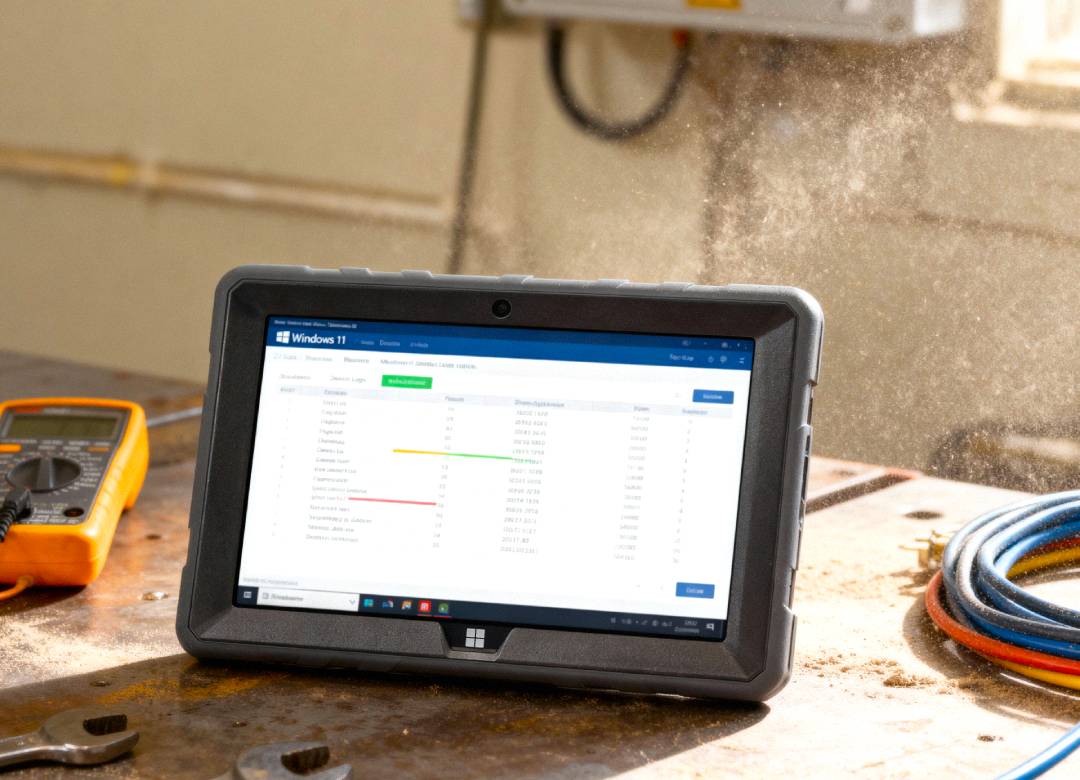
5. It’s better suited for outdoor, field-based work
Drone work happens in fields, on roadsides, on building sites, near water, around dust, in wind, out of the back of vehicles, anywhere you can imagine. You’re moving gear around, setting things down on whatever surface is there, and sometimes working out in the sun for longer than you expected.
A non-rugged consumer tablet can probably do the job, but it often feels like something you need to protect all the time. A rugged device feels more like a part of the whole setup kit.
That matters more than people think. If the tablet is part of your everyday setup, you want something that feels at home next to batteries, prop cases, clipboards, rangefinders, and hard cases. Not something that’s too delicate to leave lying around, then when you need it, it breaks.
The screen side matters too. Pilots regularly compare brightness and overheating trade-offs because outdoor flying makes screens hard to read. That’s not just theory. That is a very normal field problem.
Why not just use a phone or a laptop?
A phone is easier to carry, but once the job gets more technical, the screen starts to feel too small and the file handling gets awkward.
A laptop gives you more power, but it’s bulkier, slower to pull out on site, and less convenient if you’re standing in a field.
A rugged Windows tablet sits right in the middle. It gives you more room to work than a phone, but it’s quicker and easier to use in the field than opening a full laptop every time you need to check something.
Where this helps pros and creators in the real world
Roof and property inspections
You fly the job, land, then stop and zoom in on the photos before leaving. You check the ridge line, flashing, gutters, or chimney detail because going back tomorrow for one missed angle is a waste of time.
A larger rugged tablet makes that review easier.
Construction and site progress
You are not only collecting images. You are also documenting progress clearly enough that someone else can review it later. That means checking coverage, organising files, and keeping each visit tidy.
If you’re doing weekly or monthly updates, good file discipline matters almost as much as the flight.
Mapping and land work
This is one of the clearest use cases. Drone mapping involves planning a flight, capturing overlapping imagery, and turning that into maps or models through software. That kind of work depends on preparation and careful checking, not just flying skill.
If you’re in the field doing that work, a bigger Windows screen helps with planning, checking, and moving outputs around before you leave.
Content creation
Creators don’t always need to fully edit on site, but they often do need to review clips properly, back up files, and keep things organised between locations.
A rugged Windows tablet can work well here because it feels less like a casual viewing device and more like a small field workstation.
Where the Fusion5 Rugged Windows Tablet fits
The Fusion5 Rugged Pro N5 makes sense in this kind of workflow because it isn’t trying to be just a casual entertainment tablet. The appeal is more practical than that. It gives you a Windows environment in a rugged format, with a screen size that’s easier to use in the field than a phone, and a setup that fits the work around the flight.
It solves the parts of the job that drone pilots deal with all the time:
- checking the mission before they fly
- reviewing files before they leave
- handling folders without a fight
- working outdoors with a screen they can actually use
- keeping the job organised between flights and between locations
That’s a much more believable reason to buy a device, and it’s also the reason people keep looking for better field screens in the first place.
Final thoughts
Many drone pilots have overcome the challenge of successfully flying their drone. The other headaches they deal with are still rampant: managing the numerous variables and distractions associated with the flight; reviewing the footage for usability; validating proper site coverage; organizing the various files recorded; and ultimately knowing whether the job was actually completed. One of the key field devices that can aid in streamlining this workflow is a rugged Windows tablet.
For the more practical aspects of drone work, a rugged tablet can provide a larger screen, a familiar interface, and file management that’s more in line with what you are accustomed to with your other work devices.
While it may not be the first choice for quick tasks that you could do with a smartphone, in the field, a rugged Windows tablet can serve as the missing piece to bring everything together in your workflow.
If you’re doing inspections, mapping, land work, or regular drone content production, the tablet is not just there to display the flight. It’s there to help you check the work, stay organised, and leave a site with fewer loose ends. In that kind of workflow, a rugged Windows tablet earns its place very quickly.
FAQ
Is a rugged Windows tablet better than a phone for drone work?
For short flights, not always. For inspections, mapping, repeat site visits and general file management they are much easier to work with on a larger screen.
Do all drone pilots need a rugged tablet?
While the casual pilot may be happy operating from a phone or tablet screen, for those who incorporate flight planning into their normal working routine, such as surveying, or documentary filmmaking, it is more convenient to organise and check information from a dedicated computer.
Why not just use a laptop?
While some pilots may choose to take a full laptop with them into the field, there are definite advantages for having a rugged Windows tablet instead. These tablets are smaller and lighter than full laptops, making them much easier to carry around, quicker to pull out of a bag or pocket and get to work on an aircraft, or to take with you to meet clients. Many pilots find tablets to be a more field-friendly option than a full laptop.