

How Windows Tablets Are Powering Mobile Workflows in Modern Law Firms
The work done in law firms isn’t just happening in an office. It’s happening constantly on the go, from the courts to meetings with clients, to site visits and depositions. Mobility options in technology for modern law are a must. That’s where Windows tablets come in and shine.
With tablets that run full PC compatible operating systems, you’re getting a laptop in the form of a handheld. Being able to pull files up quickly, take notes easily, and stay connected reliably without carrying around bulky paperwork or a heavier laptop everywhere makes a difference in your productivity and performance for the day.
This blog goes over just how law firms may use Windows tablets to keep their work optimized and mobile, plus what features actually matter when doing real casework.
Full Blog: Courtroom-Ready Windows Tablets for Attorneys
Prepping Your Court Documents
In the courtroom, lawyers are expected to be able to reference the important parts of their case fast. Flipping through endless physical court documents can really take up precious time and increase stress in time sensitive moments.
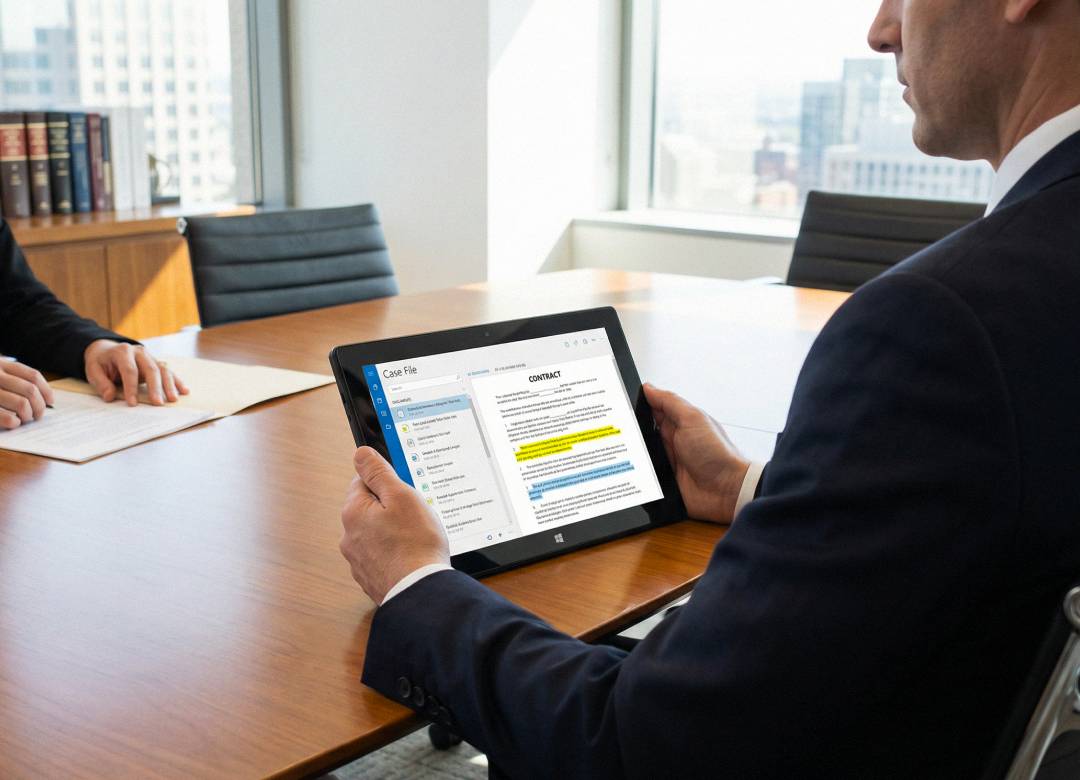
Having access to important documents on a mobile device makes looking up pleadings, motions, files, and photo exhibits accessible within seconds. This advantage saves lookup time, which reduces the overall stress from those high pressure court moments, helping you respond more confidently in court.
Screen Size Advantage
Now, what about the screen size advantage? It’s true that you could use your phone, but let’s not pretend that it’s a pleasant experience for our eyes. It’s going to be much harder to spot small details in a sea of documents, on a screen that’s meant to fit in your pocket.
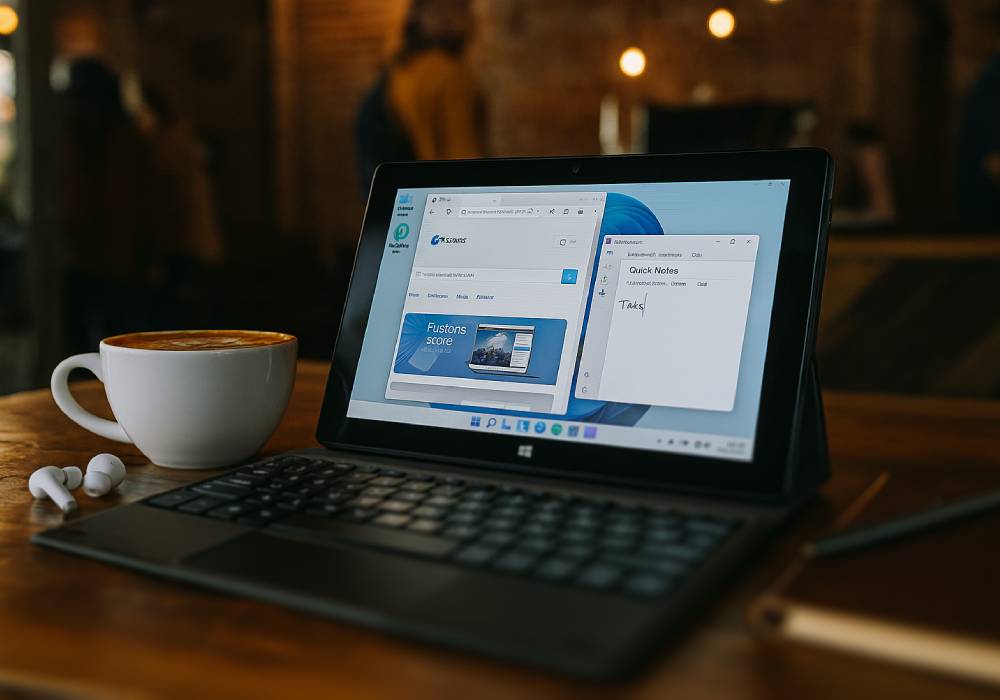
With a bigger and brighter screen (10.1” on Fusion5 Windows devices) than a phone, but in a smaller form than a laptop or full desktop setup, you get the perfect mobile workstation setup for fast access to everything you need in your cases. Plus you can add in a detachable docking keyboard for a real laptop on-the-go feel.
Performance that Optimizes Your Workflow
Depositions and client meetings require a good amount of multitasking. Attorneys may need to review contracts, cross-reference witness statements, take digital notes, and access cloud-based legal research platforms during discussions.
Because Windows devices can run Windows 11 Professional, lawyers can use full desktop legal software, secure file-sharing platforms, and encrypted communication tools. Fusion5’s Pro N5 devices are powered by Intel’s N100 CPU (Alder Lake-N), plus a generous 12GB RAM with 512GB in SSD storage, the tablets support reasonable multitasking, helping attorneys manage their case strategies without any additional delays or distractions.
The 10.1" full HD display with up to 500 nits brightness makes it easier to read detailed documents in bright courtrooms or conference rooms.
Practical Upgrade for Law Firms
Here’s the truth, legal work needs to move quickly, making time an important factor in modern court cases, you just can’t get around that. Judges expect fast answers. Clients expect responsiveness. Remote hearings and digital filings are now common across many practice areas. Having secure, organized access to case files wherever you are helps reduce delays and improve overall efficiency, it’s that simple.
For law firms in demand of reliable performance, without the bulk of paper files or the cost of laptops and desktops setups, Fusion5 Windows tablets really do offer a realistic budget option with powerhouse features, all locally assembled in the USA.