How to Stop Paper Based Errors from Shutting Down Your Production Line
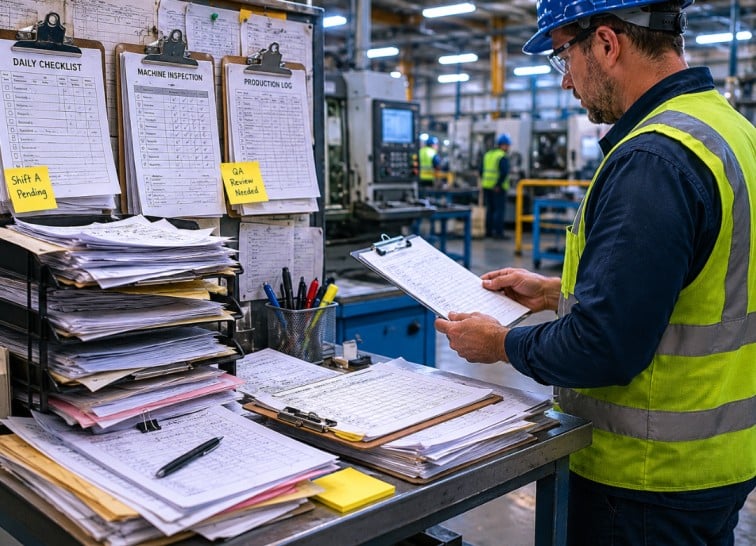
The clipboard was already a problem before it hit the floor.
By the time someone picked it up, half the data was wrong. That's not an exaggeration it's what goes down on production floors every single day. A supervisor fills out a paper checklist at 6 AM. Three machines get flagged with notes nobody reads until noon. A quality issue that could've been caught in minutes quietly turns into a two hour line stoppage. Root cause? A smudged signature on a form that was already a day behind.
If you run manufacturing or warehouse operations and you're still relying on paper for production tracking, quality checks, or shift handovers this post is for you. Fusion5, a hardware company assembling rugged Windows tablets right here in Pasco County, Florida, built a device specifically to solve this problem. Here's what paper is actually costing you, and how a paperless manufacturing tablet changes the math.
The Hidden Cost of Paper on Your Shop Floor
Paper looks cheap. A ream of 500 sheets runs less than $10. But the real cost isn't the paper it's what happens when the information on that paper is wrong, missing, or three shifts old.
According to MachineMetrics, one of the leading production intelligence platforms in the US, the lag in paper based reporting creates decision delays across operations. Managers can't act on what happened four hours ago because the data is still sitting on a clipboard somewhere in Building 3.
And the industry's figured this out. The paperless manufacturing software market was valued at around $2.5 billion in 2024 and is growing at a 12% compound annual rate driven by manufacturers who've already done the math on what paper actually costs them.
Those costs show up in four places:
- Unplanned downtime from errors that weren't caught because the paper form was never updated
- Quality fallout from checklists that were skipped or filled in after the fact
- Rework and scrap from engineering changes that never reached the operator on time
- Compliance failures from documentation that was incomplete or flat out illegible
Here's a number that might surprise you: the average factory worker burns through around 10,000 sheets of paper per year, according to the Minnesota Pollution Control Agency. That's not even counting the cost of the errors those 10,000 sheets are failing to prevent.
Why Paper Based Checklists Fail in High Speed Manufacturing
Here's the core problem with paper checklists: they were designed for a world where things move slowly.
In a high speed manufacturing environment, a line can push out hundreds of units per hour. A paper checklist requires a worker to stop, track down the right form, write down values by hand, and hope their handwriting's legible. At shift change, that form has to be physically moved somewhere. Then somebody has to re enter that data into a computer.
Every single step in that chain is a place where something goes sideways.
The form gets wet near the cooling system. The operator uses shorthand nobody else understands. The data entry person misreads a 7 as a 1. The form ends up in a folder that gets misfiled.
None of that is the worker's fault. It's the fault of the system and the system is paper.
Digital checklists on a rugged tablet wipe out every one of those failure points. Data gets entered once, at the source, and flows directly into your systems. No transcription. No lag. No folder.
How a Rugged Windows Tablet Replaces Clipboards and Binders
The shift from paper to a digital shop floor checklist doesn't require new software. If you're already running SAP, Microsoft Dynamics, QuickBooks, or any other ERP on Windows PCs in your office your operators can run those exact same applications from a tablet on the floor.
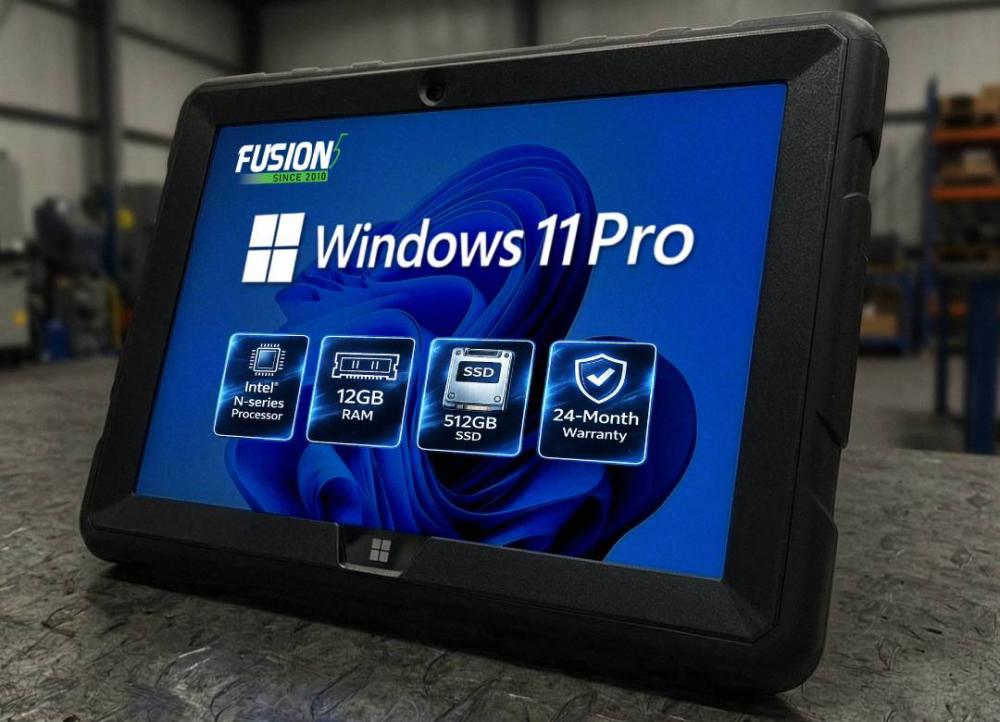
That's exactly what the Fusion5 Rugged Windows Tablet makes possible. It runs full Windows 11 Pro not a stripped down tablet OS, not an Android app that half works with your ERP. The real thing. Which means your existing software runs on it without modification.
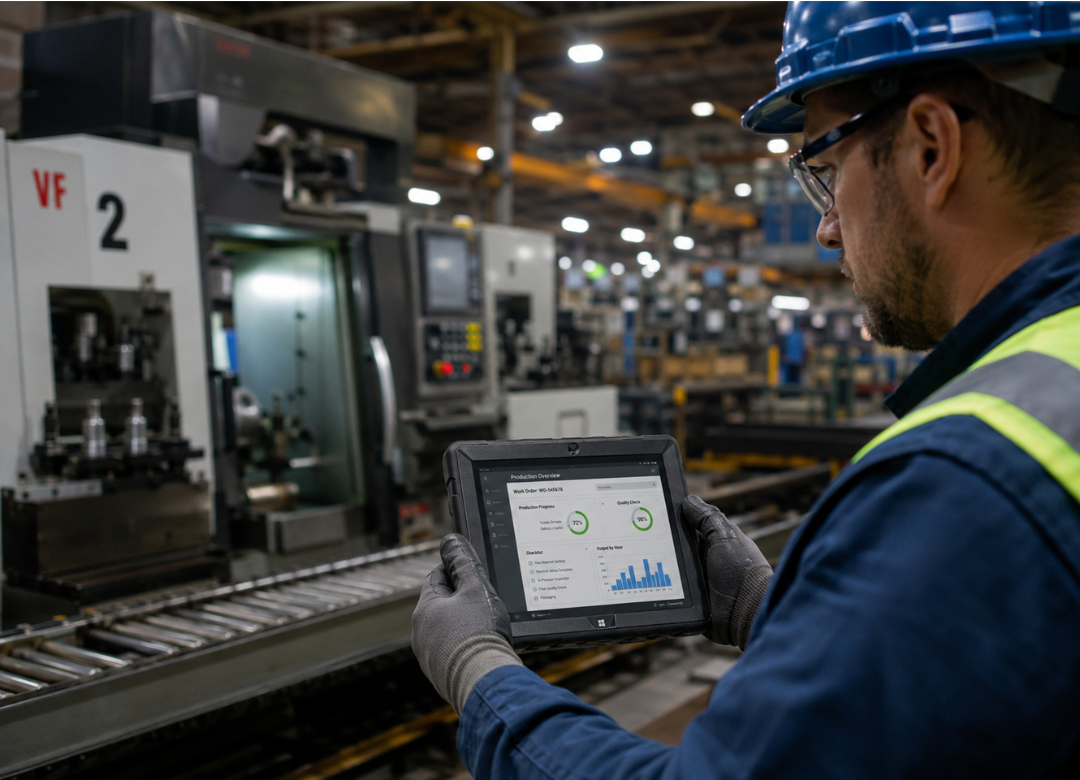
The practical difference is huge. Instead of a worker writing down a torque value, walking to a terminal, and typing it in later they enter it once, directly into the system, while they're still standing at the machine. The data is live. The checklist is done. The record exists.
For quality management, that means audit trails are automatic. For supervisors, it means real time visibility without waiting on a shift report. For operators, it means one less form to fill out twice.
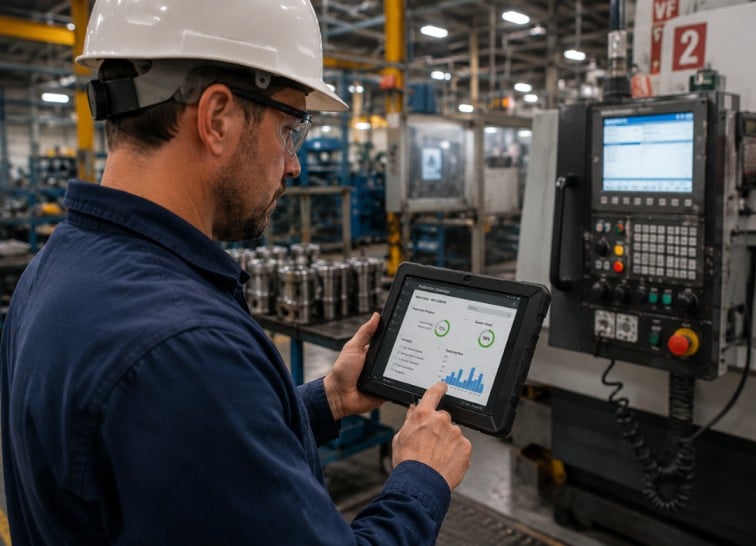
Real Time Data Entry That Connects Directly to Your ERP
The reason most ERP tablet integrations fail in manufacturing isn't software it's hardware.
Consumer tablets crack, freeze, lag, or die mid shift. Workers stop trusting the device. They go back to paper "just in case." You've probably seen this play out. And once that happens, the whole initiative is dead on arrival.
A real ERP tablet for manufacturing has to survive the environment it's working in. Temperature swings. Vibration near machinery. Accidental drops on concrete floors. Grease and dust. And it has to hold a charge for the full shift not 60% of it.
The Fusion5 FWIN232 PRO N5 runs on an Intel Alder Lake N100 quad core processor that turbos up to 3.4GHz. It's got 12GB of RAM more than enough to keep your ERP, a PDF viewer, and a reporting dashboard open at the same time without lag. Storage starts at 256GB SSD and is expandable.
Most importantly for manufacturing: it connects via dual band WiFi (2.4GHz and 5GHz) and Bluetooth 5.0. Data goes directly to your ERP the moment it's entered. Not at end of shift. Not when someone gets around to it. Right now.
That's what makes a paperless manufacturing tablet actually work in the real world. Real time connection. Real software. Real data.
Why the Fusion5 Rugged Tablet Survives the Factory Floor
Consumer tablets are built to survive a coffee shop. Industrial environments need something else entirely.
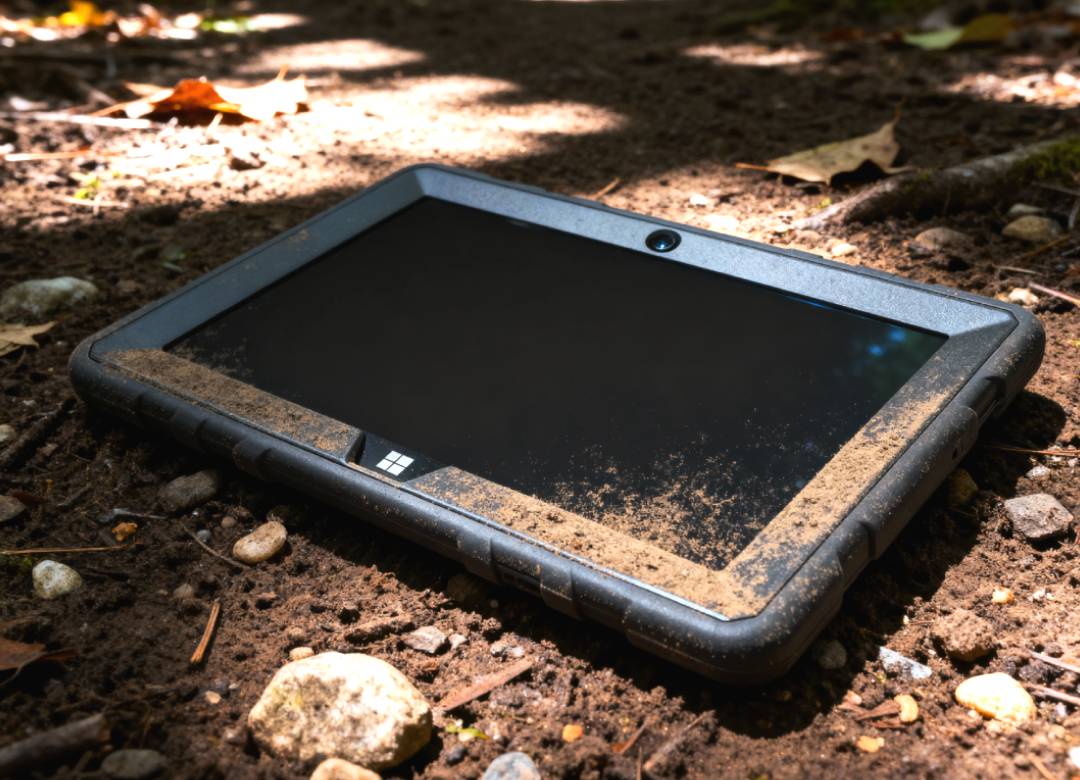
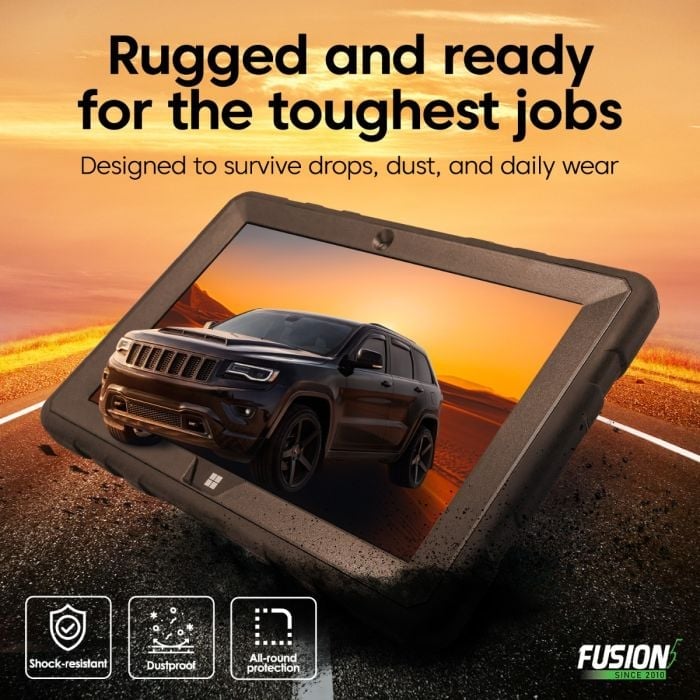
The Fusion5 Rugged Windows Tablet is purpose built for demanding conditions. Reinforced body. Handles drops, dust, and the kind of temperature variation that comes with being near heat generating equipment all day. It's backed by a 24 month full manufacturer warranty including coverage for up to two accidental damage incidents. Which means if an operator drops it on a concrete floor in a plant in Detroit or on a warehouse dock in Houston, you're covered.
I want to be straight with you here: there's no shortage of "rugged" tablets on the market that are really just plastic shelled consumer devices with an IP rating sticker slapped on the box. The Fusion5 is assembled in Pasco County, Florida which means quality control happens domestically. Warranty claims get handled fast. You're not sitting on hold waiting for overseas logistics if something needs replacing.
For shift work, battery life isn't negotiable. The Fusion5 supports fast USB C charging for quick top ups during breaks, so you're not pulling the device off the floor because it ran out of juice at 11 AM.
Step by Step: Going Paperless in Your Plant Without Stopping Production
The most common pushback on going paperless is also the most reasonable one: "We can't stop production to roll this out."
Fair. You don't have to.
Here's the rollout sequence manufacturers across the US use to make the switch without shutting anything down:
1. Audit your paper touchpoints. Walk the floor and list every place paper enters your workflow checklists, sign offs, work orders, shift logs. Most plants have somewhere between 8 and 12 distinct paper forms in regular use.
2. Figure out the highest pain form first. Pick one. Usually it's the form that causes the most errors, the most re entry, or the biggest compliance headaches. Start there not with all of them at once.
3. Set up your existing ERP for tablet input. Most modern ERP systems SAP, Microsoft Dynamics, QuickBooks have browser based or touchscreen optimized views. Your IT team can configure a tablet friendly form layout in an afternoon.
4. Deploy one Fusion5 tablet per workstation or shift team. Because it runs Windows 11 Pro, workers don't need retraining. It operates exactly like every other Windows PC they've used. The learning curve is nearly flat.
5. Run paper and digital side by side for two weeks. This isn't weakness it's smart. It gives you time to catch configuration issues and lets workers build confidence before you pull the paper entirely.
6. Pull the paper. Once your team is comfortable and the data's flowing cleanly into your ERP, retire that first form. Then move to the next one on your list. Repeat until the floor is fully digital.
The result is a paperless production floor that didn't require a single day of shutdown.
Why Most Paperless Manufacturing Transitions Fail And What Actually Works
I've watched manufacturers spend serious money on "digital transformation" initiatives that end up with a $600 tablet sitting in a charging dock because workers went back to clipboards after week two.
The failure point is almost never the software. It's the hardware.
When a device is slow, fragile, or doesn't play nicely with existing systems, workers lose trust in it fast. And once you lose trust on the shop floor, you don't get it back easily. The clipboard feels reliable because it's always worked. The tablet has to earn that same level of trust.
What changes the outcome is putting a device in workers' hands that feels like real equipment not a consumer gadget in a rubber case. Running full Windows 11 Pro is, in my view, the single most important feature for manufacturing adoption. Workers already know Windows. There's no new interface to learn, no app missing a feature they need, no "this doesn't work on mobile" message when they try to open a PDF.
The tablet becomes a tool. And tools get used.
One more thing that matters: keep IT out of the rollout for the first two weeks. The best early adopters are always the operators who hate the paper most. Find that person on your floor the one who's been complaining about the quality sign off form for three years. Hand them the tablet first. Let them own it. The rest of the shift team will follow.
Real World Comparison: Paper vs. Rugged Tablet on the Shop Floor
FAQ
Can the Fusion5 Rugged Tablet run our existing ERP software?
Yes. The Fusion5 runs full Windows 11 Pro, which means any ERP system that runs on a standard Windows PC including SAP, Microsoft Dynamics, and QuickBooks runs on the Fusion5 without modification. You don't need tablet specific software licenses or mobile app versions of your existing systems. If it runs on Windows, it runs here.
Is the tablet tough enough for a warehouse or factory environment?
It is. The Fusion5 Rugged Windows Tablet is purpose built for demanding environments with a reinforced body designed to handle drops, dust, and the temperature swings that come with a real industrial setting. It's backed by a 24 month manufacturer warranty that covers up to two accidental damage incidents something consumer tablets simply don't offer.
How long does the battery last during a full shift?
The Fusion5 is built to run through a full work shift. It also supports fast USB C charging, so a quick top up during a 15 minute break extends runtime without pulling the device off the floor for an hour. For most operations, this isn't a concern but if you're running a long shift, a short break charge keeps you covered.
What if our workers aren't tech savvy?
Because the Fusion5 runs Windows 11 Pro, most factory workers already know how to use it. It works exactly like the desktop computers they use for scheduling, payroll, or order entry. There's no new operating system to learn, no unfamiliar interface to navigate. In most deployments, workers are comfortable within the first day on the floor.
How do I go paperless in manufacturing without stopping production?
The most effective approach is a phased rollout. Audit your paper forms, identify the highest friction form first, set up your existing ERP for tablet input, deploy one Fusion5 tablet per workstation, run paper and digital side by side for two weeks, then retire the paper. Repeat for each form. Production never stops the transition happens right alongside your regular operations.