Utility Crew Tablets for Smart Meter Installs: Work Orders, Photos, and Field Checklists
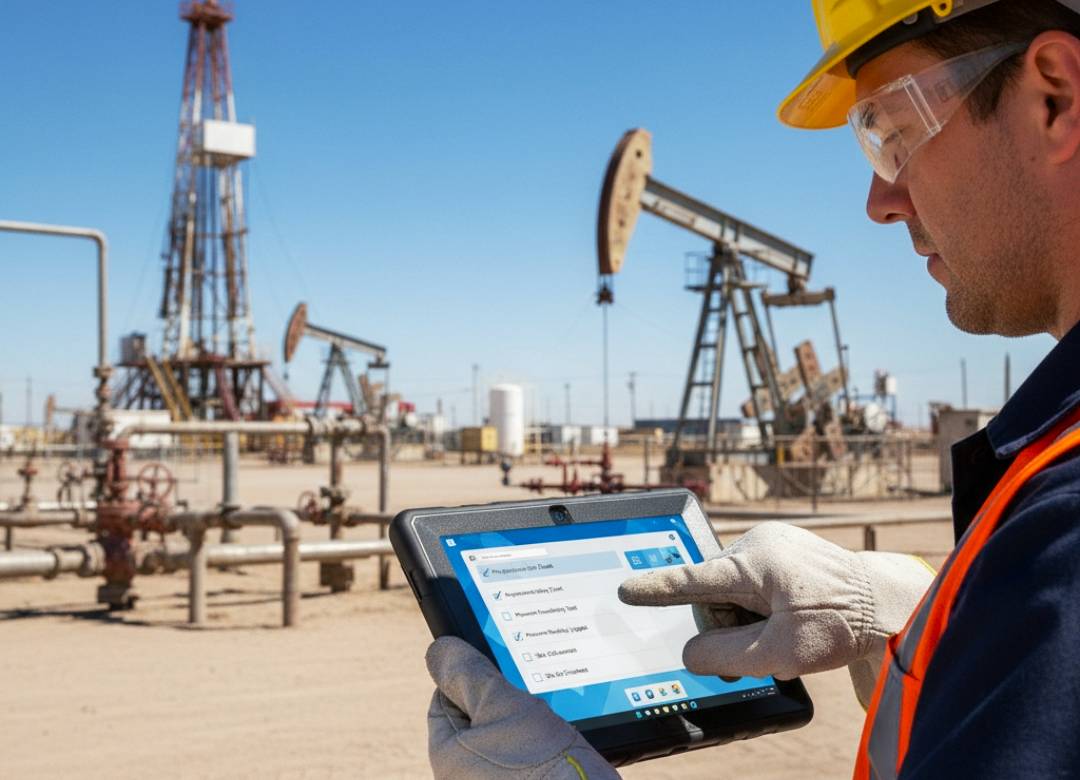
Meter installation goes beyond just swapping the old meter out. For utility workers, electricians, and meter technicians, work orders might have to be checked, service address verified, meter information logged, photos taken, field checklist completed, and the job status updated before going to the next location.
Having all this spread across different media, such as paper forms, phone photos, printed routes, and office computers, makes each meter swap a little more difficult. A tablet for meter installation would make sure that everything stays organized within one mobile gadget.
Using a rugged tablet such as the rugged version of the Fusion5 Pro N5, utility workers could gain access to their work order systems, browser-based portals, spreadsheets, PDF files, photos, and job notes right at the site of installation.
Quick Points: Why Utility Crews Use Tablets
- Work Orders: Review meter routes, service addresses, job details, and completion information.
- Photos: Take photos of old meters, new meters, meter sockets, markings, seals, access points, and other important meter details.
- Checklists: Use field checklist procedures for installation steps, meter readings, safety checks, and final verification.
- Windows Compatibility: Use standard business software, websites, PDF forms, spreadsheets, and compatible utility systems.
- Mobile Device: Carry the same device between homes, utility closets, meter banks, trucks, and other work areas.
Full Blog: How a Tablet for Smart Meter Installs Supports Utility Field Workflow
Why Smart Meter Install Documentation Can Get Scattered
The installation process may progress rapidly in situations where technicians have several installation orders for that particular day. The technician will have to verify the installation order, verify the meter number, record the last reading of the existing meter, install the new meter, update the new serial number, and record the meter position.
When the readings, photos, and notes are separately stored, small details can be missed or entered from memory. CMS Meter describes field work order management as capturing old meter final readings, new meter serial numbers, before-and-after pictures, site conditions, and completed work.
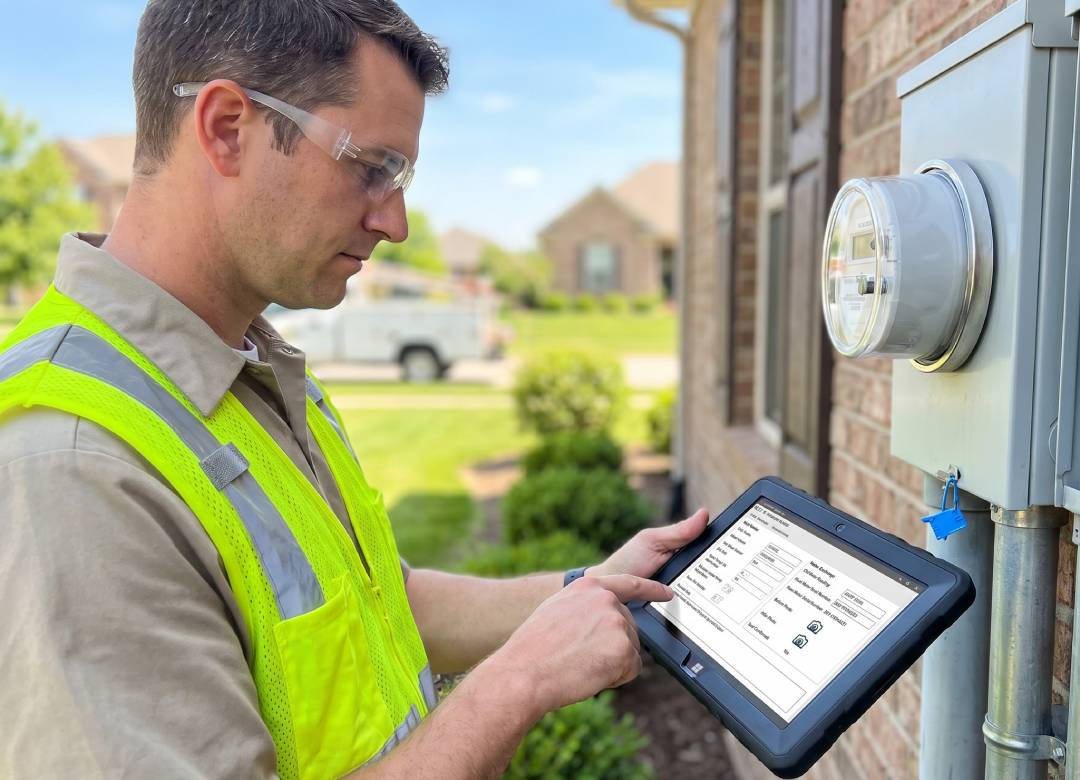
A meter installation tablet helps utility crews with the verification of the installation order, verification of the service address, photographing, and taking field notes right next to the meter.
It’s not an alternative to the utility’s installation process, safety guidelines, and software but helps to organize the information that must be collected by technicians on-site.
Work Orders and Meter Routes in One Place
Utility work teams use work orders to determine where they need to go, what meter work they need to do, and what must be done before they finish their tasks. These tasks could be related to installing new meters, replacing old meters, upgrading services, conducting inspections, and doing follow-up checks.
A utility crew tablet is another way that helps utility workers access all the information about their jobs, routes, installations, and completion information from a single piece of equipment. Improved field data entry can help supervisors and office staff with dispatch, scheduling, and project reporting.
Photos for Meter Install Verification
Taking pictures is very helpful since it documents the condition of what was seen by the technician at the time of installation, which might include old meters before removal, last meter reading, smart meter installation after replacement, meter socket, utility seal, access point, or visible damage on the meter area.
The Fusion5 rugged Windows tablet comes with two Full HD cameras for use in the field for taking photos, documenting data, and making video calls if necessary. The tablet also has a 10.1 inch Full HD display to give sufficient screen size to view captured images before departing from the site.
Field Checklists for Cleaner Installs
A field checklist tablet can help crews follow a more consistent process. Depending on the utility’s procedure, a checklist may include verifying the address, checking the old meter number, recording the final reading, confirming the new meter serial number, documenting the seal, and marking the job as complete.
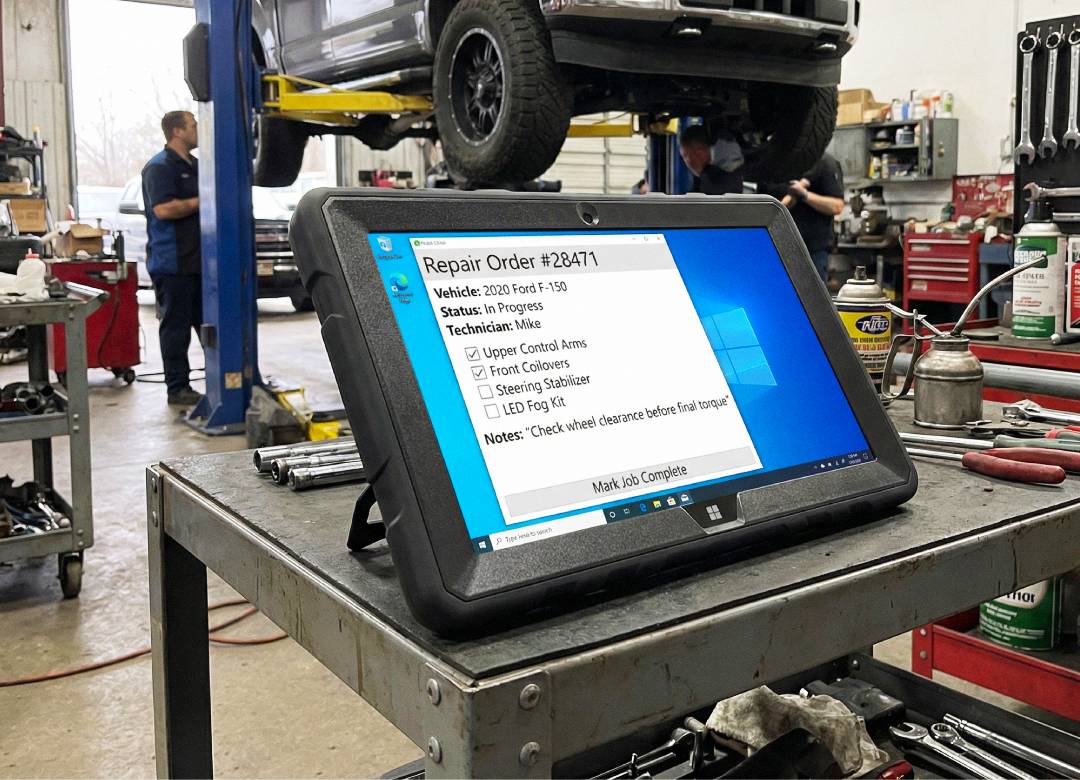
Digital checklists are useful for repeatable work because smart meter installs often involve the same steps across many locations. A tablet can help keep the checklist, work order, photos, and notes in one workflow instead of spreading them across paper and separate devices.
The technician is still responsible for following safety procedures, electrical requirements, company policy, and local utility rules. The tablet only supports documentation and access to compatible tools.
Where the Fusion5 Rugged Tablet Fits
The Fusion5 Rugged Windows 11 Pro Tablet PC is a practical utility crew tablet for field documentation, work orders, photos, and checklists. It runs Windows 11 Pro with an Intel Alder Lake N100 processor, giving crews access to familiar software, web portals, spreadsheets, PDFs, and compatible utility applications.
It works best for teams using Windows-compatible programs, browser-based work order systems, cloud portals, and compatible field accessories. Some smart meter apps are built only for iOS or Android, so crews should confirm compatibility with their AMI, CIS, field service, or meter installation software before choosing any device.
Key field features include 12GB RAM, 512GB SSD storage, MicroSD expansion up to 512GB, dual-band Wi-Fi, Bluetooth 5.0, dual Full HD cameras, a protective shell, covered ports, adjustable hand strap, carry strap, and built-in kickstand.
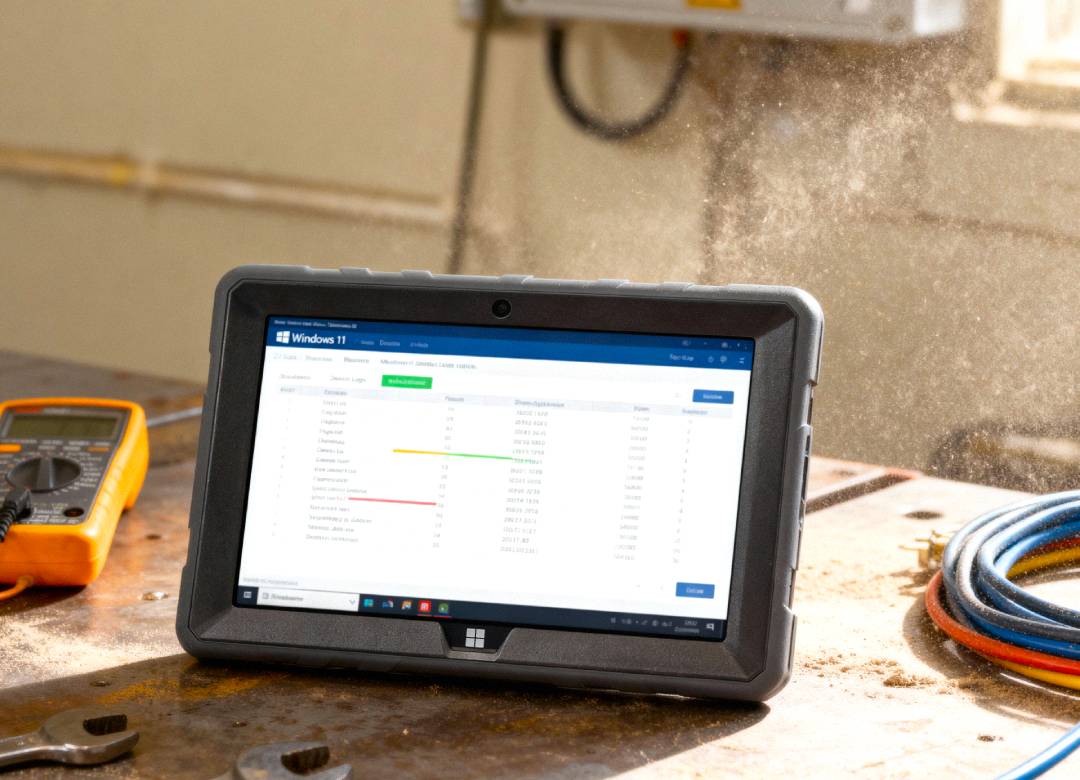
For utility crews working near meter boxes, garages, basements, service trucks, dusty areas, and outdoor job sites, the rugged, shockproof, and dustproof design makes it a better fit for field documentation than a standard consumer tablet. It's assembled in Pasco County, Florida, USA, and includes a 2-year warranty with accidental damage coverage.
Practical Use Cases for Utility Crews
The Fusion5 rugged tablet can support smart meter install workflows such as work order review, field checklists, meter route notes, photo documentation, old meter and new meter records, spreadsheet review, and job completion reporting.
A crew member could arrive on-site, review the assigned work order, confirm the meter location, take before-and-after photos, enter required meter details, complete the checklist, and update the job record before leaving for the next install.
FAQ
What is a tablet for smart meter installs used for?
It can be used for work orders, meter route details, field checklists, photo documentation, meter readings, serial number notes, spreadsheets, PDFs, and compatible utility portals.
Can utility crews take photos with the Fusion5 rugged tablet?
Yes. The Fusion5 rugged tablet includes dual Full HD cameras for field photos, documentation, and video calls when needed.
Is a rugged tablet useful for meter installation work?
Yes. A rugged tablet can be useful for utility crews working around meter boxes, service areas, garages, utility rooms, trucks, and outdoor job sites.
Is the Fusion5 rugged tablet compatible with utility software?
The Fusion5 rugged tablet can support Windows-compatible programs, browser-based utility portals, spreadsheets, PDFs, cloud dashboards, and compatible Bluetooth or USB accessories. Some smart meter apps only work on iOS or Android, so teams should confirm compatibility with their AMI, CIS, field service, or meter installation software before purchase.