How Windows Tablets Help Commercial Interiors and Architectural Teams Work Smarter
Commercial interior and architectural work rarely stays in one place. In fact, teams of designers and project managers spend much of their day hurtling from one client meeting to the next site visit to the next project review.
Lots of projects and plans get stuck in limbo simply because so much important information is spread out across paper notes, printed drawings and different devices. It slows down decisions and makes simple tasks harder than they need to be.
A Windows tablet gives teams a simpler way to keep drawings, visuals, notes and updates in one place. For businesses handling architectural features, branded interiors and installation-led projects, that flexibility can make everyday work far more efficient.
Full Blog: Why Windows Tablets Make Sense for Commercial Interiors and Architectural Teams
A Better Way to Present Ideas to Clients
Interior designers and architects spend a lot of time selling ideas, sometimes as much as they spend on creating those ideas. That means before any work begins, they must persuade people to accept and adopt their designs.
Being able to show visuals clearly, compare options quickly, answer questions on the spot and make revisions feel manageable with time constraints are important factors in convincing potential clients.
Using a Windows tablet can really make meetings flow better. It lets teams move around and show clients different layouts, finishes, and design ideas in a more interactive way, rather than being stuck behind a desk or relying on printed boards. This way, they can easily walk clients through various options and concepts, making the whole process more portable and engaging.
We've already seen this in action. Some architecture firms use Windows tablets during meetings, hooking them up to projectors to show off designs and run software like CAD. This is a great example of how tablets can be used to support real-time discussions, rather than just being a device for viewing things.
More Practical for Site Walkthroughs and Field Notes
One of the biggest challenges in architectural and interior project work is that decisions often happen on the move. A client points at a wall finish. A site condition changes. An installation detail needs checking. A team member spots something that should be reviewed before the next stage.
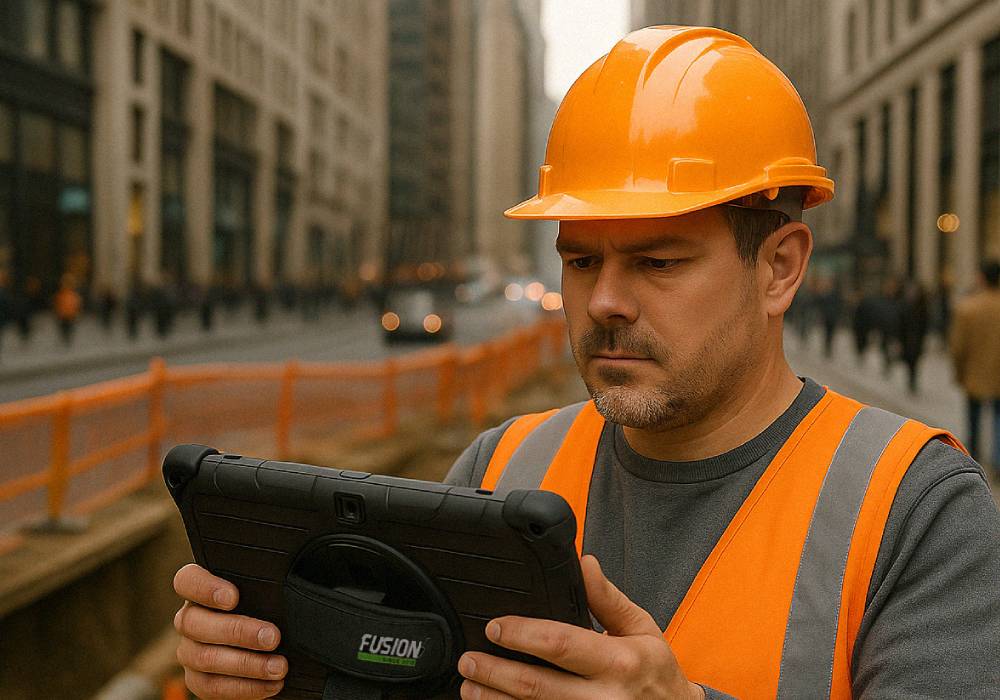
A Windows tablet makes it easier to capture those moments while they are still fresh. Instead of scribbling notes on paper and sorting them out later, teams can review drawings, mark up documents, take photos and keep everything connected in one place.
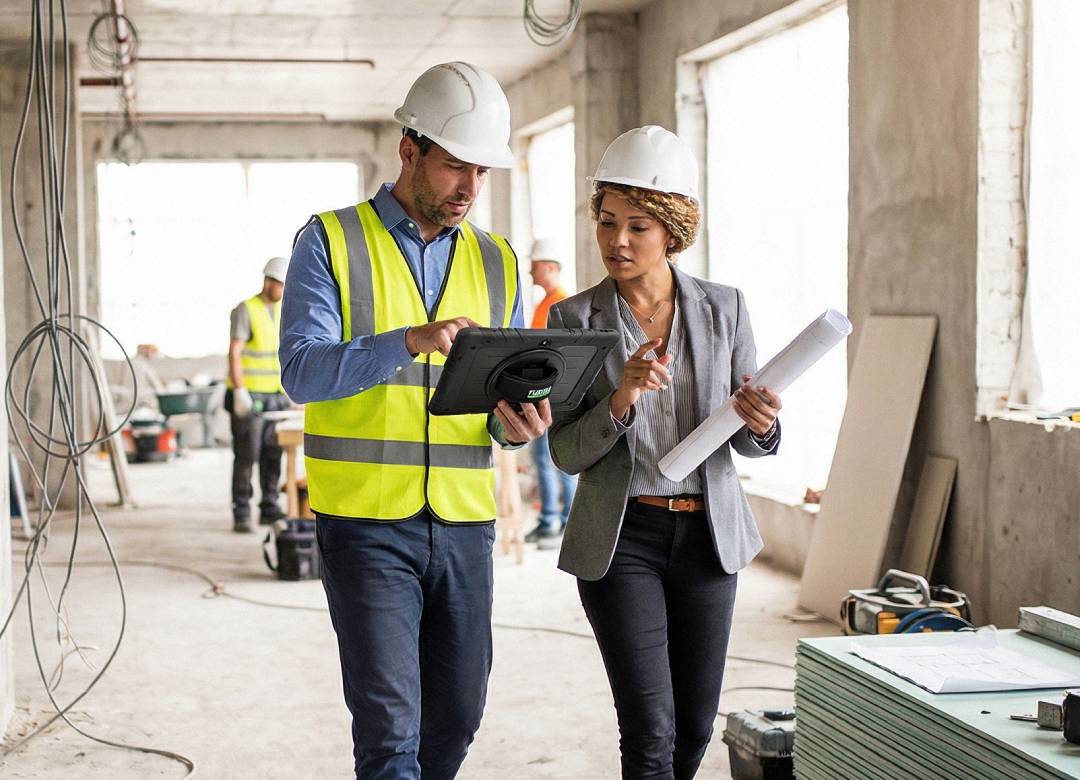
This is a typical workflow in the field. Teams use tablet computers on site to keep track of issues, create lists of tasks to be completed, and review plans in real time, which helps ensure everyone is on the same page. By doing so, it becomes easier to manage projects and keep all team members informed. This approach also reduces errors and miscommunication, as all team members have access to the same up-to-date information.
As a result, project teams can work more efficiently and effectively, making the entire process smoother and more productive.
Faster Reporting Without the End-of-Day Admin
Walkthroughs and site visits are important, but the admin afterwards is often what slows everything down. Notes need typing up. Photos need sorting. Issues need assigning. Reports need sending.
That’s another area where tablets can help.
Architect-focused field tools are designed for exactly this kind of work, helping users sketch and annotate photos, complete snag lists and generate PDF reports quickly. Other site-visit tools are also built around recording observations, annotating images, assigning tasks and producing visit reports more efficiently.
For teams managing interiors, architectural finishes and branded spaces, that means less time rewriting the day and more time acting on it.
Keeping Design and Delivery More Connected
Using a Windows tablet is also really useful because it helps connect what the designers want to happen and what actually happens when the project is being built.
When working on a project, architects and interior designers often want to see if a finish looks good in the actual space. They also need to check if something is in the right spot or compare the original idea to what's really there.
It's a lot easier to do this when all the drawings, pictures, and notes are on the same device they're carrying around. This way, they can just look at the device and see everything they need to know. It makes it simpler to check the details and make sure everything is just right.
Design tools for architects are getting better at helping teams work together. Software that lets you mark up PDFs is a good example. It helps teams work faster, talk to each other more clearly, and use less paper. This makes their workflow more efficient.
A Smarter Fit for Modern Project Work
A Windows tablet is not a magic solution, and it will not replace every workstation or every specialist device. But for the right team, it can make everyday project work more flexible, more connected and far easier to manage.
Better client presentations. More practical site walkthroughs. Faster reporting. Smoother coordination between design decisions and on-site delivery.
Sometimes working smarter doesn't start with changing the whole process. Sometimes it starts with giving teams a device that fits the way they already work.