Is the Fusion5 Windows 11 Pro Tablet PC Really the Student-Friendly Hero It Claims to Be?
We’re convinced it is, and here’s why! For students juggling homework, research, and virtual learning, finding a device that keeps up without costing a fortune can be a huge challenge.
That’s where this secret weapon for students shines, proving itself to be one of the best affordable options available. If your academic life calls for a portable, reliable tablet that runs all your essential Windows apps and handles online classrooms with ease, the Fusion5 Windows 11 Pro Tablet PC hits all the right notes.
Full Blog: Why the Fusion5 Tablet Is a Smart Pick for Students
Full Microsoft Office Compatibility
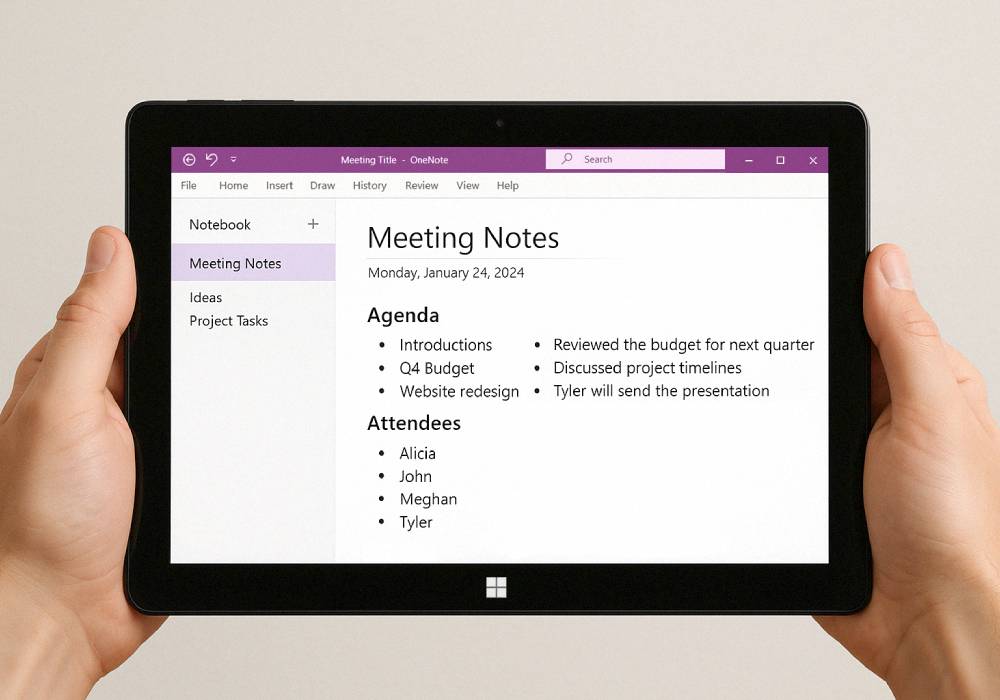
Unlike Chromebooks or Android tablets that rely on web-based or mobile versions of Office apps, Fusion5’s tablet runs full Microsoft Word, Excel, PowerPoint, and more. Students can complete essays, build spreadsheets, and prepare presentations without any app limitations.
Perfect for Online Classes and Video Calls
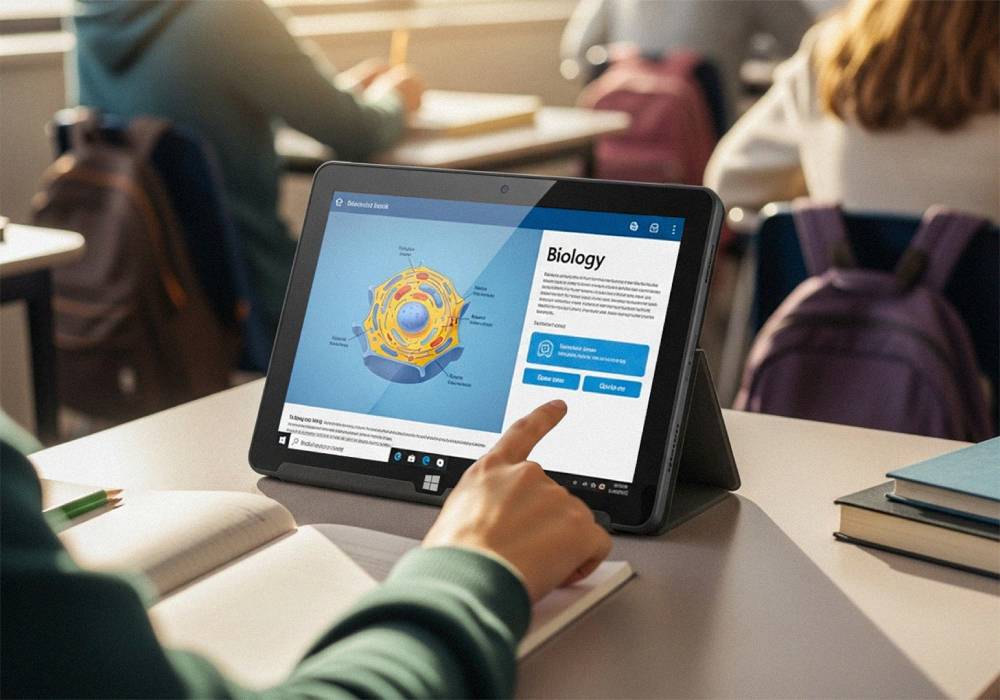
This tablet supports Zoom, Microsoft Teams, and Google Meet for virtual classes and study sessions. Its 5G WiFi ensures stable connections for streaming lectures and participating in group discussions.
Lightweight for Campus and Travel
The ultra-slim design makes the tablet easy to carry around campus, libraries, or coffee shops. It’s the perfect student companion for a full day of classes or remote learning on the go.
Smooth Multitasking for Research and Assignments
With 8GB RAM, it can handle multiple browser tabs, research platforms, and document editing all at once. Students can quickly switch between a research paper, web resources, and class notes without frustrating slowdowns.
Compatible with Essential Student Software
Whether you need educational tools, browser-based learning platforms, or light programming environments, the Fusion5 Windows Pro Tablet supports it all—making it great for students in arts, business, and even basic coding.
Why the Fusion5 Windows 11 Pro Tablet PC Is Perfect for Student Life
- Runs full Microsoft Office apps with no compromises
- Supports virtual learning platforms for seamless online classes
- Lightweight and portable for daily campus life
- Smooth performance for multitasking and basic student software
- Affordable and stable solution for students on a budget
Comparison Table
| Feature | Fusion5 FWIN232 Plus | Chromebook | Entry-Level Laptop |
|---|---|---|---|
| Full Microsoft Office | Yes | Limited | Yes |
| Online Class Support | Yes | Yes | Yes |
| Portability | High | High | Low |
| Multitasking Performance | Smooth | Limited | Smooth |
| Price | Under $400 | Affordable | Varies |
Why the Fusion5 10.1" Windows Pro Tablet Is Perfect for Student Use
- Supports online classes, Office apps, and student learning platforms
- Lightweight and perfect for on-the-go learning in between busy schedules
- Smooth multitasking for research and assignments
- Adjustable display for comfortable reading and video sessions
- Perfect affordable study companion for high school, college, and adult online learners
If you’re ready to tackle homework, research, and online classes with an ultra-reliable and portable Windows tablet, the Fusion5 10.1" Windows 11 Professional Tablet PC is your perfect study partner.
Visit Fusion5Store.com to see how this tablet can help you excel in your student journey.