Can the Fusion5 Windows Tablet Be Your Ultimate Tool for Mindfulness?
Yes, it absolutely can be used as a powerful tool for mindfulness. With its portability, screen size, and app support, it's the perfect device to help with calming routines, breathing exercises, and daily mental resets.
In the middle of work emails, endless tabs, and the steady stream of notifications, mindfulness can feel like a luxury. But even a few moments of breathing, reflection, or ambient sound can make a difference. The trick? Making it easy to access those moments.
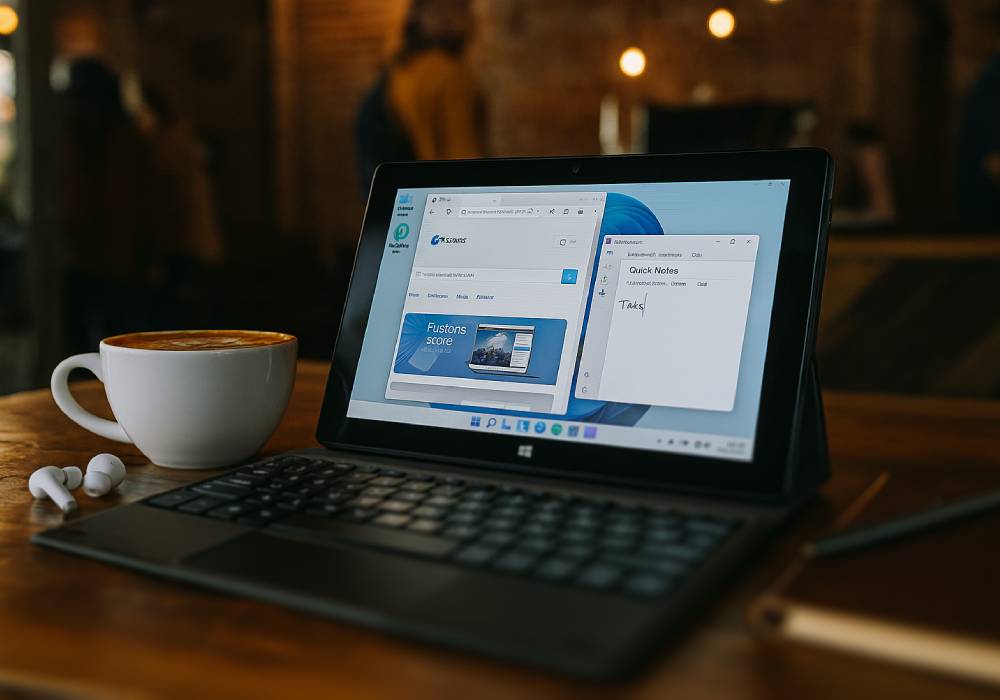
That’s where a device like the Fusion5 Windows Tablet fits in. It’s easy to grab, doesn’t get in the way, and can turn any corner of your home into a place to slow down. With the right apps, it helps build small habits that make staying calm and focused more doable.
Full Blog: Build a Mindful Routine Anywhere with the Fusion5 Windows Tablet
Why Use a Tablet for Mindfulness?
- Portable enough to go anywhere: Use it in any setting — bedroom, kitchen, park, airport lounge, or a train seat — this tablet is light and compact enough to carry wherever calm is needed.
- Screen size that helps you focus: The 10.1" full HD display provides an ideal viewing experience for breathing animations, guided sessions, and relaxing visuals.
- Distraction control: Phones are full of alerts, calls, and messages. A tablet can be disconnected and focused only on mindfulness. Use it for journaling, breathing, or calming visuals without digital noise.
- App variety: Full access to Calm, Insight Timer, Headspace, YouTube and more gives you flexibility to find the mindfulness style that works best for you — all on Windows 11.
Mindfulness Activities Made Easy
- Visual breathing sessions: Open a breathing app or video with pulsing circles, blooming shapes, or soft waves. Sit comfortably, follow the rhythm, and breathe for 2–5 minutes to reset your nervous system.
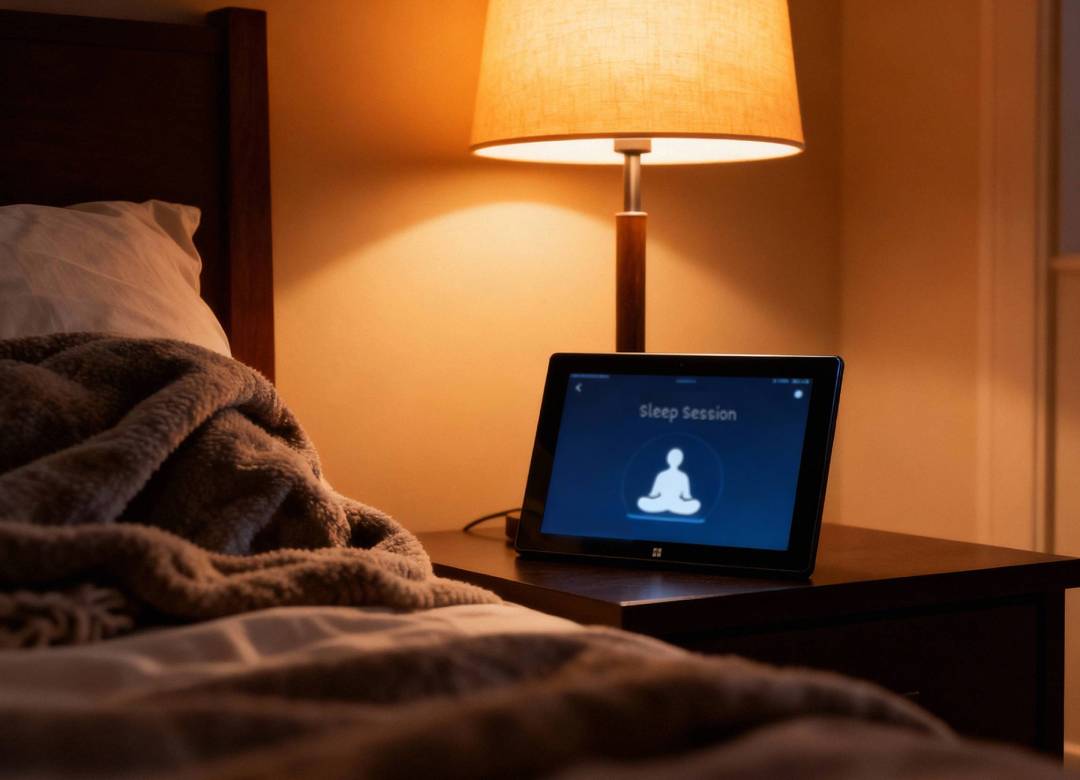
- Guided meditations & sleep stories: Use Calm, Insight Timer, or Headspace to reduce stress or improve focus. At night, play a sleep story or body scan and dim the display for a relaxing bedtime ritual.
- Soundscapes: Pair the tablet with Bluetooth headphones or a speaker. Layer ambient sounds — like rain, forest, and chimes — via MyNoise, YouTube, or SoundCloud to create a custom calming atmosphere.
- Journaling: After each session, open a journaling app like Journey or Day One. Track emotions, insights, or patterns. It’s a simple habit that deepens self-awareness over time.
- Walking meditations: Listen to a guided walking meditation as you move. Prompts help you focus on posture, breath, and surroundings — perfect for breaks or mindful walks outdoors.
Why the Fusion5 10.1" Windows Tablet Is a Smart Choice for Mindfulness
- Runs Top Apps: Calm, Headspace, Insight Timer, YouTube
- Operating System: Full Windows 11 OS for flexibility and control
- Display: 10.1" Full HD touchscreen for immersive visuals
- Portability: Lightweight and easy to carry room to room
- Audio: Bluetooth-ready for immersive, peaceful soundscapes
- Focus: Lets you create a distraction-free digital wellness space
Mindfulness doesn’t need to be complicated. The Fusion5 Windows 11 Tablet makes it easy to pause, breathe, and refocus. Whether you're new to meditation or building daily habits, it gives you the tools to stay calm and clearheaded.
Visit Fusion5Store.com and see how this tablet can support your mindfulness journey, one breath at a time.