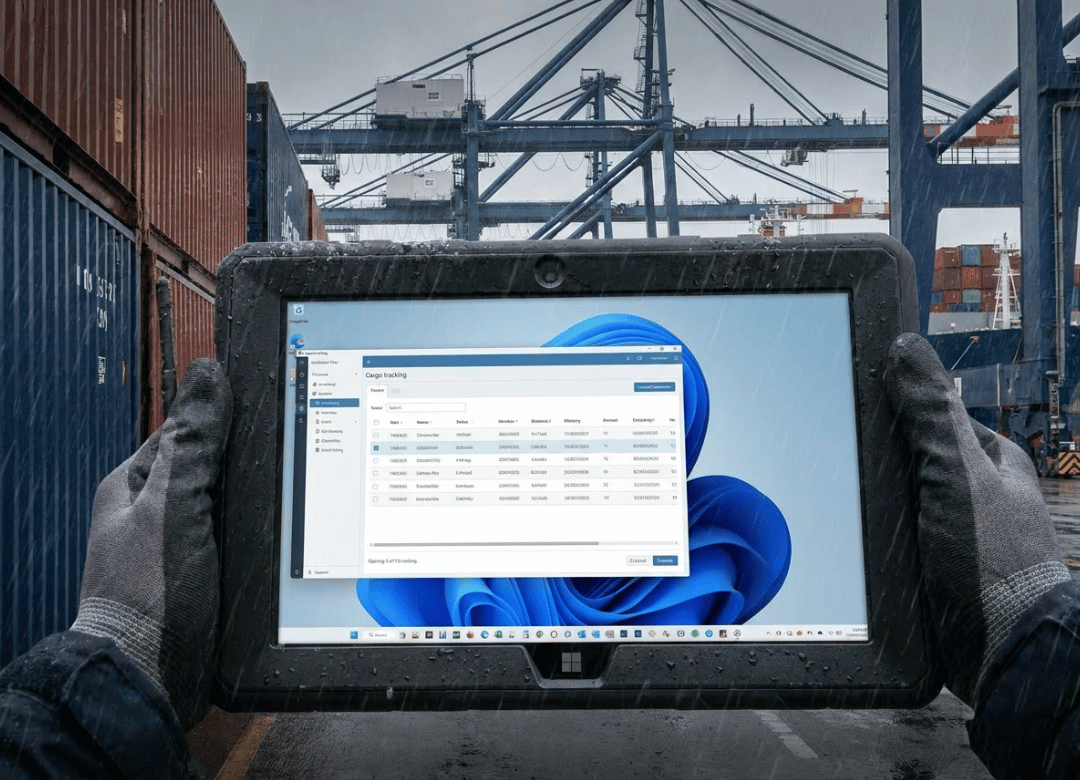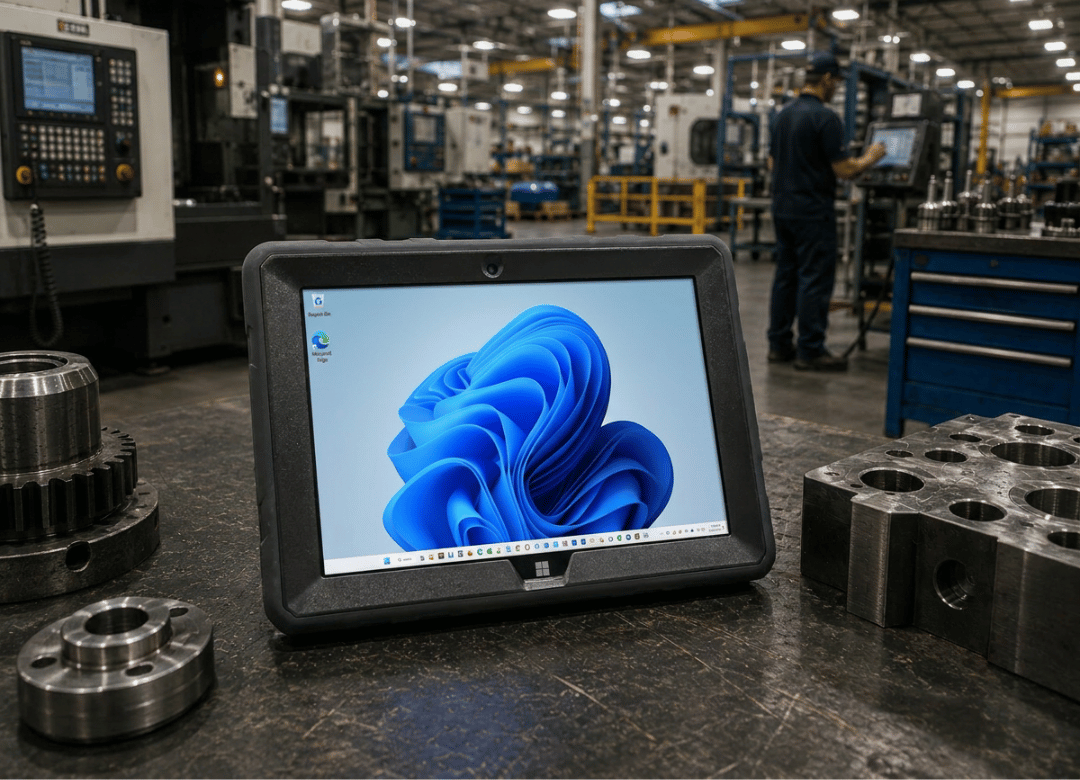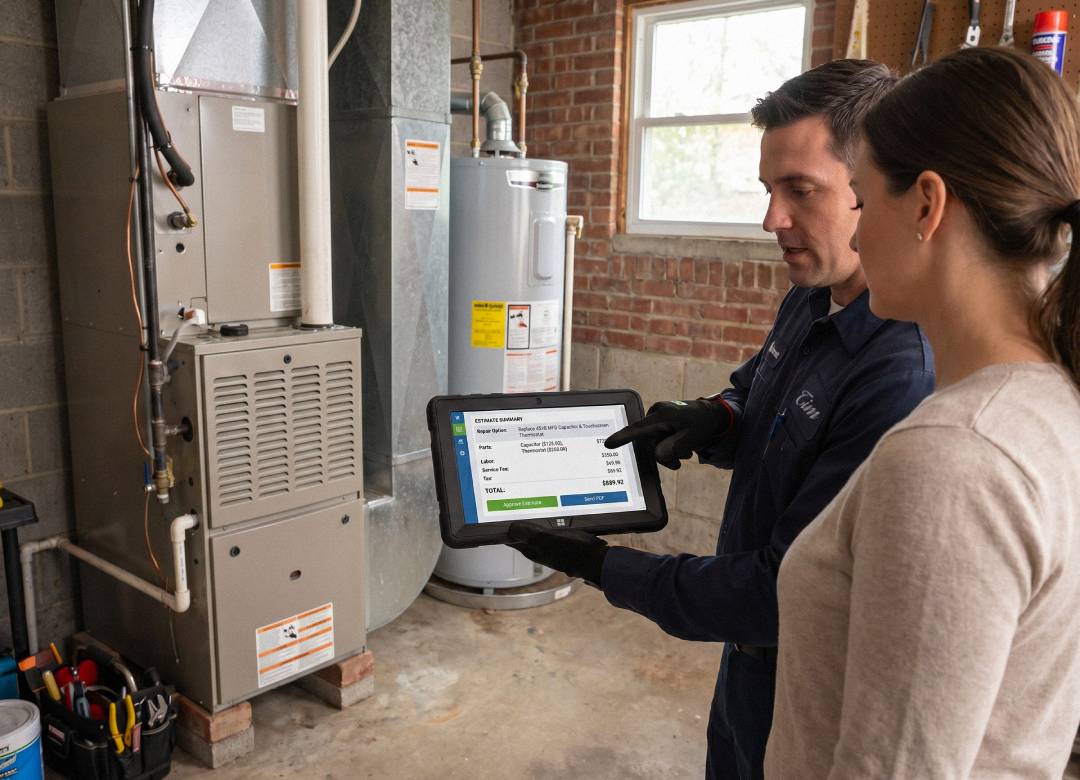


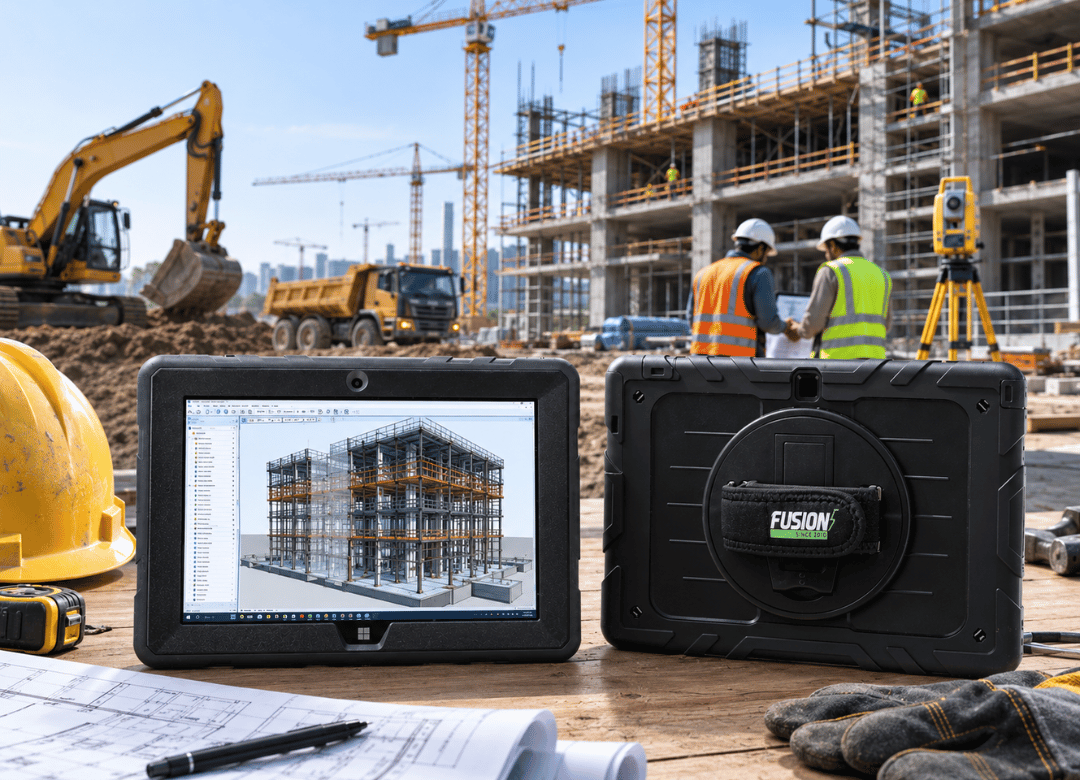
A superintendent drops his tablet off a scaffold on a Tuesday. By Wednesday afternoon, the crew is back to paper punch lists because the replacement device hasn't shipped yet. That gap, however short, is what a rugged tablet for construction sites is actually built to prevent. Fusion5, a U.S. tablet brand assembled in Pasco County, Florida, builds the Rugged Windows 11 Pro Tablet PC specifically for machine control, BIM viewing and daily site reporting on general contractor and infrastructure crews. It runs full Windows 11 Professional, not a stripped-down mobile OS, and that matters the moment you try to open a real BIM model in the field.
Quick Answer:
A rugged tablet for construction sites needs three things a consumer tablet doesn't: a drop-resistant casing rated for daily job-site handling, a screen bright enough to read outdoors, and enough processing power to run real BIM and machine control software instead of a lightweight viewer app. The Fusion5 Rugged Windows 11 Pro Tablet PC checks all three, and it's assembled in the USA with a warranty that covers accidental drops.
The Real Cost of Broken Tablets on a Job Site
Here's the thing nobody puts in the budget. A cracked tablet screen isn't a $600 line item. It's a stalled crew.
When the field tablet goes down, the foreman can't pull the latest RFI. The grade checker can't confirm the cut sheet against the model. The super can't log today's punch list items before they get forgotten by tomorrow. One broken device ripples through everyone who depends on the data it was holding.
Most standard tablets weren't built for this. They're built for a coffee table, not a tailgate covered in drywall dust or a cab that hits 100°F under direct sun. A rugged construction tablet has to survive drops from waist height onto gravel, rain that shows up without warning, and gloved hands that weren't exactly gentle with the last one either.
Put simply: a rugged tablet for construction sites isn't a nice-to-have upgrade. It's the difference between a device that lasts the length of the project and one that gets replaced three times before the punch list is even final.
That's the gap this category is meant to close: not just "tougher," but built around how a crew actually handles a device, one-handed, outdoors, mid-task, with dust in the air and no time to baby it. Every contractor we've talked to about tablet failures describes the same pattern, and it's exactly what a properly rugged construction tablet is designed around.
We covered the downtime math in more detail in our guide to the best rugged Windows tablet for field work. The short version: a $50 warranty claim beats a $400 replacement and two days without a working device, every time.
Machine Control and Equipment Telemetry on Windows
Machine control software is where a lot of tablets quietly fail contractors. Grade control platforms, telemetry dashboards, and OEM fleet software are almost all built for Windows first. Android and iOS versions, when they exist, are usually stripped down.
Why Grade Control Software Needs a Real Windows Tablet
A rugged tablet for construction sites, built specifically as a Windows device, sidesteps that problem entirely. Because it runs Windows 11 Professional, it opens the same grade control and telemetry software your office runs. No lightweight substitute. No "view only" mode. That's a real difference if your dozer or excavator is feeding data back through a system like Trimble or Topcon and someone in the field needs to check it against plan.
RAM and Processor Headroom That Actually Holds Up
I won't pretend every rugged tablet handles this well. Plenty of them technically run Windows but choke the moment you open anything heavier than email. The Fusion5 Rugged Windows 11 Pro Tablet PC pairs an Intel 13th Gen N100 processor with 12GB of RAM, which is enough headroom to keep a telemetry dashboard open alongside a model viewer without the fans screaming or the app freezing mid-task.
For equipment operators specifically, that matters because grade checks happen constantly, not once a day. A tablet that lags every time you switch between apps turns into a tablet nobody bothers opening. That's exactly the workload a rugged tablet for construction sites needs to be judged on, not how it looks in a marketing photo.
Viewing CAD and BIM Files in the Field
Fewer than one in three construction professionals used a tablet for BIM file viewing, according to JBKnowledge's 8th Annual Construction Technology Report, even though more than 64% of respondents said they were using BIM in some form. That gap usually comes down to hardware, not willingness. A phone screen is too small for a model with any real detail, and a laptop is awkward to carry while walking a floor plate.
Screen Size and Brightness for Reading Models Outdoors
This is where a proper rugged construction tablet earns its keep. The 10.1" FHD display on the Fusion5 Rugged Windows 11 Pro Tablet PC is big enough to zoom into a clash detail without losing context, and bright enough to actually read outdoors. That sounds minor until you've squinted at a washed-out screen trying to confirm a duct routing at noon.
Running Procore, Bluebeam and Native BIM Viewers
Because the device runs full Windows, it opens native BIM viewers, Procore's desktop tools, and Bluebeam markups directly. No cloud-only workaround, no waiting for a lighter mobile build to catch up on features. Model federation, layer toggling, and measurement tools all work the way they do on a desktop, because it basically is one.
That's not nothing for a project engineer walking MEP coordination with a subcontractor. Pull up the model, point at the actual pipe, mark the clash on the spot. No trip back to the trailer required. It's a small workflow change, but it's the kind that only happens once you're carrying a rugged tablet built for construction sites instead of a phone or a laptop bag.
Surveying, Punch Lists and Daily Site Reports
Daily reporting is the most common mobile workflow on a construction site, and it isn't close. Photo and video documentation runs a close second. Both tasks live on whatever device is in a superintendent's hand at 4:30pm when the crew is wrapping up and the report is due.
Why Screen Real Estate Matters for Punch Lists
A rugged tablet for construction sites handles this better than a phone for one simple reason: screen real estate. Filling out a punch list with twelve line items, each needing a photo and a location tag, is miserable on a five-inch screen. It's manageable on a 10.1-inch one.
Built for Survey Crews Too
Surveying crews get a similar benefit. Cut sheets, as-built comparisons, and control point data are all easier to read at a size where you're not constantly pinching to zoom. Because the Fusion5 tablet's ports are covered against dust and moisture, it survives being set down on a stake bag or tossed in a truck bed between shots, something a lot of "rugged-ish" consumer tablets don't actually handle despite the marketing.
Punch lists built in the field, with photos and GPS location attached at the moment of entry, also just get resolved faster. Nobody has to remember which unit had the paint issue three days later.
What Actually Happened When We Switched a Framing Crew to Rugged Tablets
Back in 2023, we started fielding support tickets from a general contractor client running standard, non-rugged tablets across three residential job sites. Same story every time: a superintendent set the device down for two minutes, someone bumped it off a sawhorse, and the screen spiderwebbed. Three replacement claims in four months, all from drops under three feet.
We swapped that crew over to the rugged model the following spring. Not a dramatic fix, honestly, just fewer 2am "can you overnight a replacement" emails. In the eight months after the switch, that same client filed one accidental damage claim, covered under the warranty, and reported zero days where a crew was working without a functioning tablet.
That's really the whole pitch. It's not that a rugged tablet for construction sites does something magical. It's that it survives the exact way a job site actually treats a device, and the standard model just wasn't built for that.
Industry Snapshot: Machine-Control Deployments on Construction Sites
Machine control adoption is still climbing, not fully mainstream, and that's part of why demand for a rugged tablet for construction sites keeps growing alongside it. According to For ConstructionPros' coverage of the 2023 State of the Industry Construction Technology Report, 27% of surveyed contractors were already using OEM-based machine control, with another 16% either budgeting for it or planning to roll it out. A separate industry survey cited by Construction Equipment put overall machine control use, of any type, at 39% of respondents.
That leaves a meaningful chunk of the industry still running grade checks the old way: stakes, manual surveys, and a lot of walking. The contractors making the jump tend to cite the same reason: labor shortages. Fewer experienced grade checkers are available, and machine control software shifts some of that workload onto a tablet-fed system instead of a person with a rod and level.
None of that software runs well, or sometimes at all, on a device that isn't built for Windows and isn't tough enough to survive a cab. Adoption of the software and adoption of the right hardware tend to move together, whether contractors plan for that or not.
Fusion5 Rugged Tablet Specs for Contractor Crews
Here's what's actually inside the Fusion5 Rugged Windows 11 Pro Tablet PC, the model most contractor fleets end up standardizing on:
| Spec | Detail |
|---|---|
| Display | 10.1" Full HD, sunlight-readable for outdoor use |
| Processor | Intel 13th Gen N100 |
| Memory / Storage | 12GB RAM / 256GB SSD & 12GB RAM / 512GB SSD |
| Operating System | Windows 11 Professional |
| Build | Drop-resistant rugged casing, dust and weather resistant, covered ports |
| Assembly | Made in the USA, assembled in Pasco County, Florida |
| Warranty | 2-Year Warranty, includes 2 accidental damage claims |
What the Specs Mean for a Fleet Manager
Twelve gigs of RAM sounds like a small number until you're running a telemetry dashboard, a BIM viewer, and a daily reporting app at the same time without a reboot. The 512GB SSD gives enough room for offline model caching too, which matters on sites without reliable signal.
The accidental damage coverage is really the detail that changes the math. Two covered claims per device over two years means a couple of drops don't turn into a couple of unplanned $600 purchases. Spec for spec, this is what a rugged tablet for construction sites should look like on paper before you commit to a fleet order.
FAQs:
Q: What is a rugged tablet for construction sites?
A: It's a tablet built to survive drops, dust, moisture and temperature swings while still running the full software a crew needs: machine control, BIM viewers, and daily reporting apps, without a lightweight or crippled version standing in.
Q: How do I choose a rugged tablet for machine control and BIM?
A: Start with the operating system. If your grade control or BIM software has a real Windows build, get a Windows tablet, not Android or iOS. From there, check RAM (12GB minimum), screen brightness for outdoor use, and whether the warranty actually covers accidental drops.
Q: How much does a rugged construction tablet cost?
A: Expect somewhere in the $500 to $700 range for a well-specced Windows model with a real warranty. That's more than a basic consumer tablet upfront, but factor in the cost of replacing a cracked screen twice a year and the math flips fast.
Q: Is a rugged tablet better than a laptop for site inspections?
A: For walking a site, yes. A tablet is lighter, faster to pull out one-handed, and easier to hold while photographing a punch item. A laptop still wins for long design sessions back in the trailer, but that's not what a field inspection needs.
Q: Can a rugged Windows tablet actually run BIM and CAD software?
A: Yes, as long as it's running full Windows and has enough RAM. It won't replace a workstation for heavy modeling, but for viewing federated models, checking clashes, and marking up drawings in the field, a 12GB Windows tablet handles it fine.
Q: Why does my current tablet keep failing on the job site?
A: Usually it's the screen, from drop damage, or the ports, from dust and moisture. Consumer tablets aren't built for either. If you're seeing repeat failures, the device category is probably the wrong fit, not just bad luck.
Q: What's the best rugged tablet for a construction crew in 2026?
A: For crews standardizing on Windows-based machine control and BIM tools, the Fusion5 Rugged Windows 11 Pro Tablet PC covers the core requirements: sunlight-readable display, enough RAM for multitasking, dust and drop resistance, and a warranty built around real accidental damage.
Q: Do rugged tablets work with machine control systems like Trimble or Topcon?
A: Yes, provided the tablet runs Windows and has the processing headroom for the telemetry software. Most Trimble and Topcon office and field tools are Windows-first, so an Android or iOS rugged tablet is often the wrong starting point.
Get a Contractor Bulk Quote
If you're evaluating a fleet-wide device refresh, the free Construction Tablet Buying Guide walks through drop rating, outdoor screen brightness, and battery life, so you're comparing devices on the specs that actually matter on a job site, not marketing language.
For crews ready to move forward, Fusion5 offers contractor bulk quotes based on fleet size and your current software stack. Tell the team what you're running (machine control platform, BIM software, daily reporting tools), and pricing gets built around what your crews actually need, not a generic bundle.
You can also register a device's warranty directly once it's deployed, which makes tracking accidental damage claims across a fleet a lot less painful than it sounds.
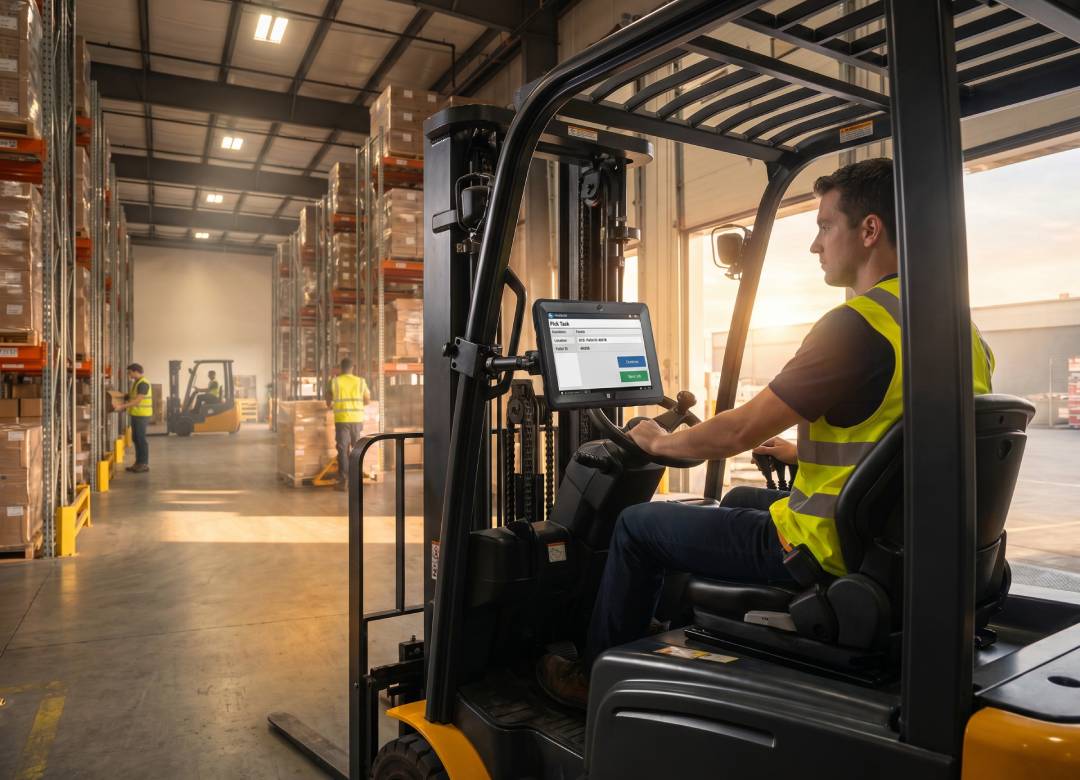
Curious how the rugged build compares to Fusion5's other industrial deployments? Take a look at how forklift-mounted rugged tablets improve warehouse operations, or our breakdown of what "assembled in the USA" actually means for a device like this one.
About Fusion5: Founded in 2010, Fusion5 designs and builds Windows tablets and laptops trusted by more than 2 million customers worldwide. The Rugged Windows 11 Pro Tablet PC is assembled in Pasco County, Florida, and built specifically for field, industrial and construction environments where standard consumer devices don't hold up.