Public Works Tablets for Road Crews: Permit Forms, Repair Photos, and Daily Field Reports
Road work crews do a very important job out in the field, but sometimes, the collection process may not always be consistent. Permits may be written by hand, repair photos stored in a personal phone, and materials used recorded long after the job has been completed. With delayed reporting back at the office, some pertinent information will likely be missed.
Documentation by public works crews that fix potholes, road repairs, and sign inspections should be done in the field. With a Windows tablet for public works teams, permits, repair photos, and work orders can all be captured in one convenient device for a more unified workflow.
Quick Points: Why Mobile Reporting Matters
- Field Forms: Fill out permits and daily reports when still on-site.
- Repair Photos: Document repair work through before-and-after photos.
- Work Order Tracking: Log manpower, supplies, and crew notes digitally.
- Map & Asset Access: Gain access to GSI maps and services through your Wi-Fi connectivity.
- Immediate Visibility: Managers receive updates without waiting for end-of-shift paperwork
Full Blog: How a Tablet for Public Works Crews Improves Road Reporting
Why Road Crew Reports Get Missed or Split
Infrastructure repair is a large operation. According to ASCE’s 2025 report card, the grade awarded for the condition of US roads was D+. Industry experts believe that almost 40% of US roads are in poor or mediocre conditions. In times when public works offices have increasing demands regarding road repair, it’s crucial to keep good records.
The issue is not that the repairing process is complicated; the problem lies in record keeping. Imagine what happens when you need a specific form for repairing a hole on the road, and then another form for road lane closure, and a different one for issuing permits, etc.
The result is spending too much time gathering all the needed information at the end of a working day. Consolidating these tasks into a single device prevents missing details and blurry, disconnected photo evidence.
Real-Time Field Forms Instead of Paperwork
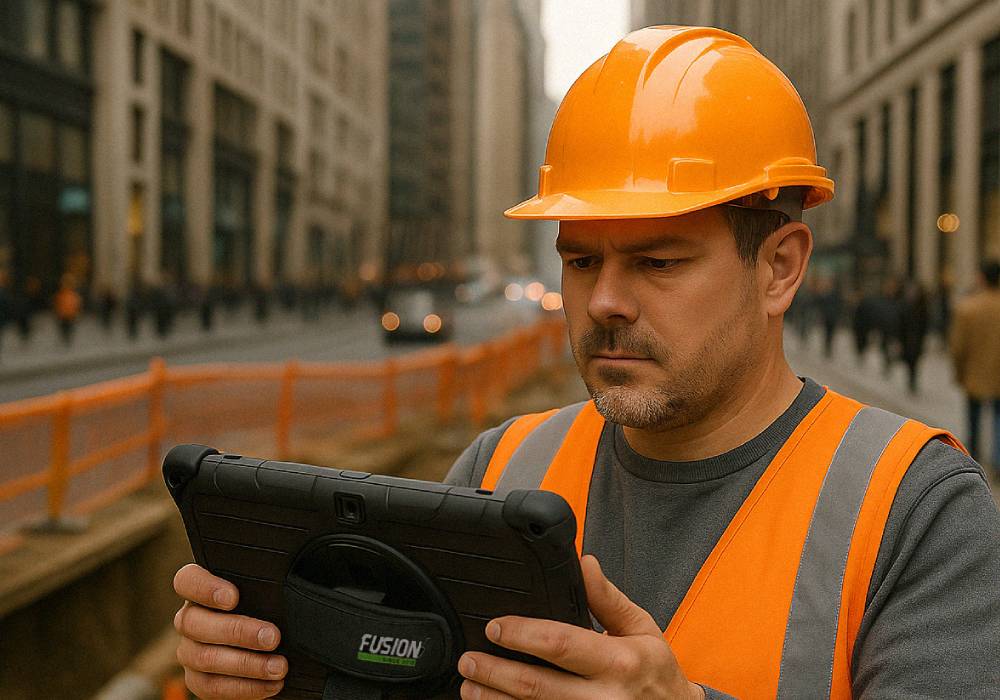
A road crew tablet enables workers to document tasks, materials used, and work progress during the repair process. This aligns with modern municipal work order systems that support mobile access for asset management, inventory management, and job costing.
For the road crew members, this means reduced duplication and improved communication between the truck, the job site, and the office.
Reliable Repair Photos and Work Records
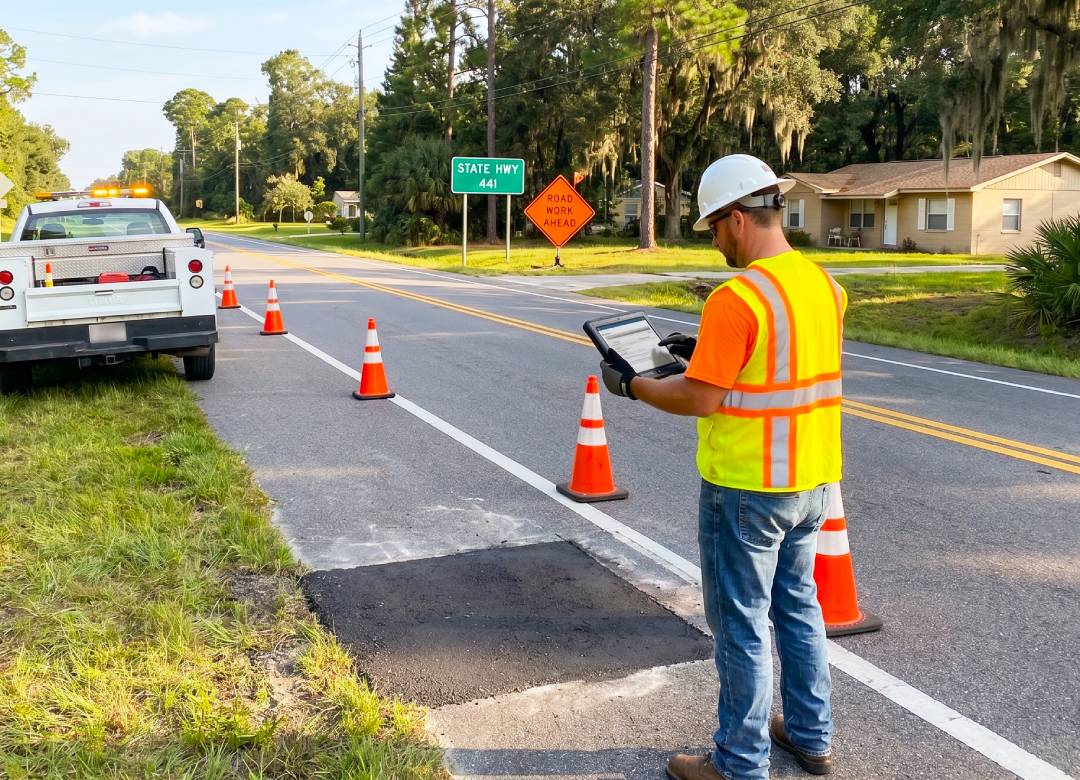
Organization is easier when there is a photo attached to the digital work order. When the crew is changing a sign, checking a culvert, or dealing with a resident complaint, detailed photos offer evidence of the work done and how it was beforehand.
Digital records keep labor, materials, and completion status all connected. It becomes essential to have accurate information on all fronts for budget records, contractor info, and company records. Though this doesn’t replace crew judgment, it is important nonetheless by ensuring the details are captured while they are still fresh.
Faster Permit Inspections and Site Updates
Permit inspection requires precise field notes. Using a tablet helps inspectors document observations and include images before moving to the next site. This is particularly helpful for:
- Driveway permits and road cuts.
- Utility work and restoration checks.
- Temporary traffic control inspections.
For departments using GIS tools, a Windows tablet allows crews to view compatible maps and asset records in the field. They can confirm asset details and send updates back to the office instantly when connectivity is available.
Better Visibility Across Crews and Assets
Public works managers need to know which tasks are finished and where recurring issues exist. A Windows tablet can run compatible work order applications, web-based map tools, and reporting systems for everything from pavement and signage to drainage and guardrails. Improved field data assists managers with smarter scheduling, more accurate budgetary conversations, and faster review of completed tasks.
Why a Rugged Windows Tablet Works Best
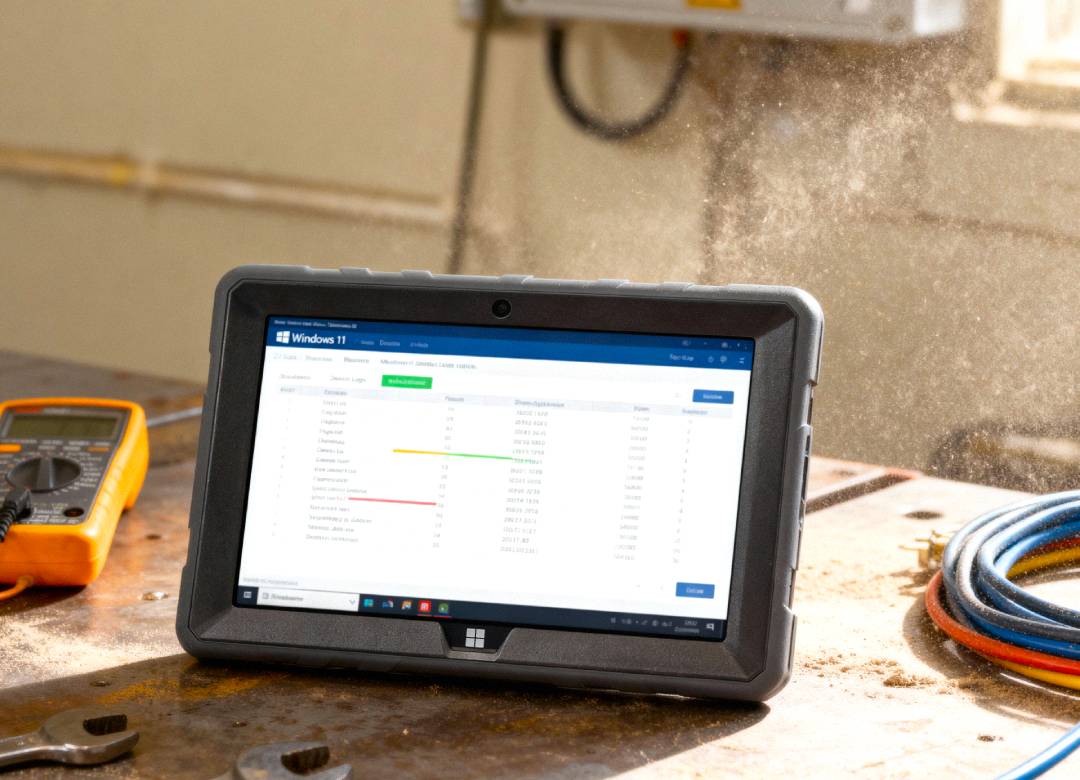
Road maintenance doesn't happen in a clean office. Devices are carried in trucks, exposed to dust, and handled around heavy tools. A rugged Windows tablet is a practical choice because it combines the mobility required for the field with the power of desktop business applications.
Many public works departments don't need the most expensive "extreme-environment" device; they need a durable, reliable tablet that can handle digital forms, photos, and web portals.
The Fusion5 Rugged Windows 11 Pro Tablet PC
Assembled in Pasco County, Florida, USA, this device offers municipalities and contractors closer access to manufacturer support and logistics.
- Field-Ready Display: The 10.1-inch Full HD screen provides ample room for maps, forms, and checklists.
- Dual Cameras: High-quality cameras support repair photos and field video calls.
- Ergonomics: An adjustable hand strap allows workers to keep the tablet secure while moving between the truck and the work zone.
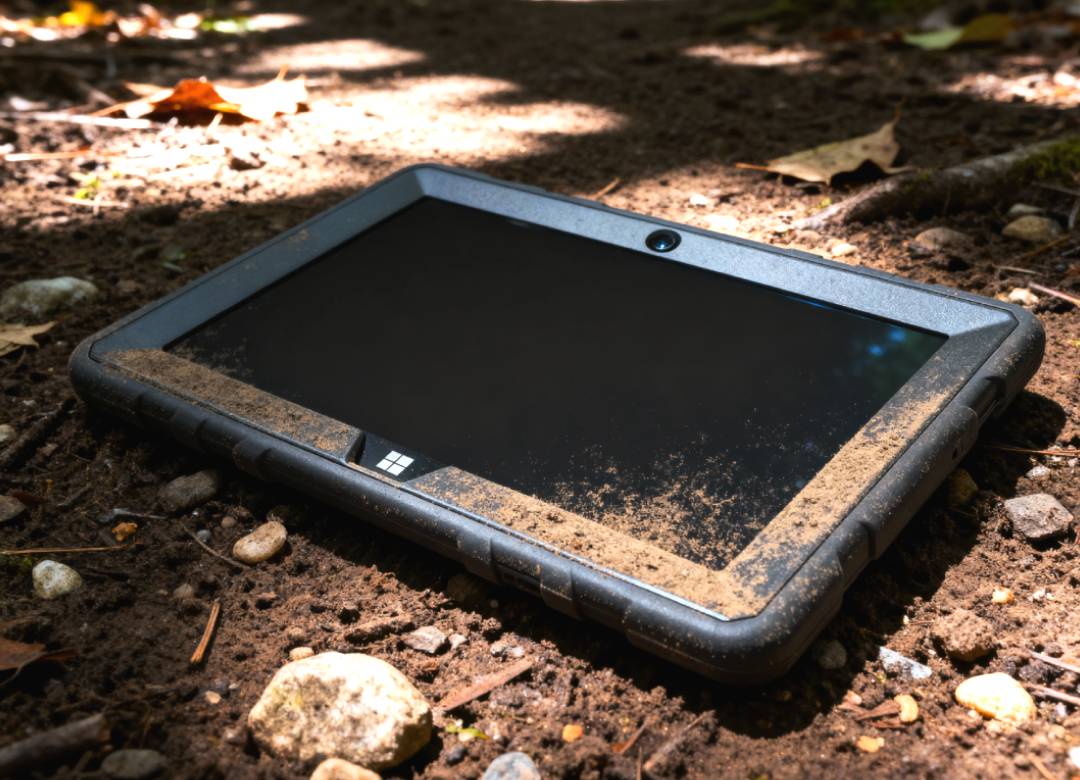
- Durability: The shockproof and dustproof design is built for everyday field use, offering a middle ground between fragile consumer tablets and high-cost specialized computers.
- Battery: A 6000mAh battery with USB-C fast charging supports a full workday of reporting and navigation.
Where This Works Best
This workflow is highly effective for municipal and county public works departments, road maintenance contractors, and utility repair crews. It is ideal for documenting:
- Potholes and pavement inspections.
- Signage and drainage maintenance.
- Permit inspections and service requests.
Note: For DOT-regulated projects or hazardous work zones, users should verify specific software compatibility and compliance requirements before selecting a device.
Conclusion: Better Road Reporting Starts in the Field
Road crews require mobility in their recording process. A Windows tablet integrates all processes into one system, such as permit forms, photos for repairs, and work orders, thus ensuring completion of all documentations while still at the construction sites.
For public works teams seeking a durable U.S. assembled Windows OS tablet, the Fusion5 Rugged Windows 11 Pro Tablet would be a reliable and practical choice to make.
FAQ
What is a tablet for public works crews used for?
It is used for digital work orders, permit forms, repair photos, field reports, and viewing compatible GIS maps and asset records.
Can a tablet replace paper road crew forms?
Yes. When paired with suitable work order or digital form software, it eliminates the need for manual data entry and paper backups.
Is this tablet durable enough for road work?
Yes. It features a rugged, shockproof, and dustproof design specifically for field use where consumer tablets often fail.
Why choose a Windows-based tablet?
Windows tablets support the same municipal software, spreadsheets, and web portals used by the office staff, ensuring seamless integration across the department.