From Desk to Backpack: How Digital Nomads Work Entirely from Tablets
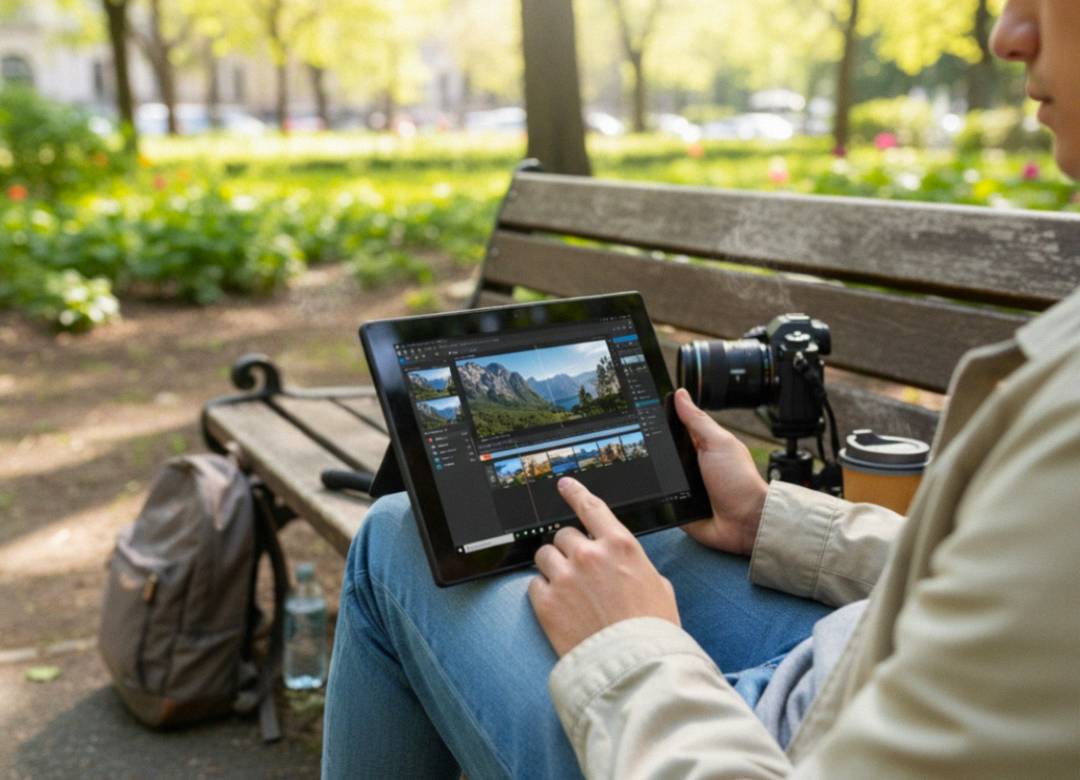
Working remotely has its positives for sure, but when you have to lug around a heavy laptop from work spot to spot, it can start weighing down more than just your backpack. A lot of people out there thinking of working remotely full time may think they need to get a big expensive setup. Not so. A Windows tablet like the Fusion5 Pro N5, is really all you need to get serious workloads done.
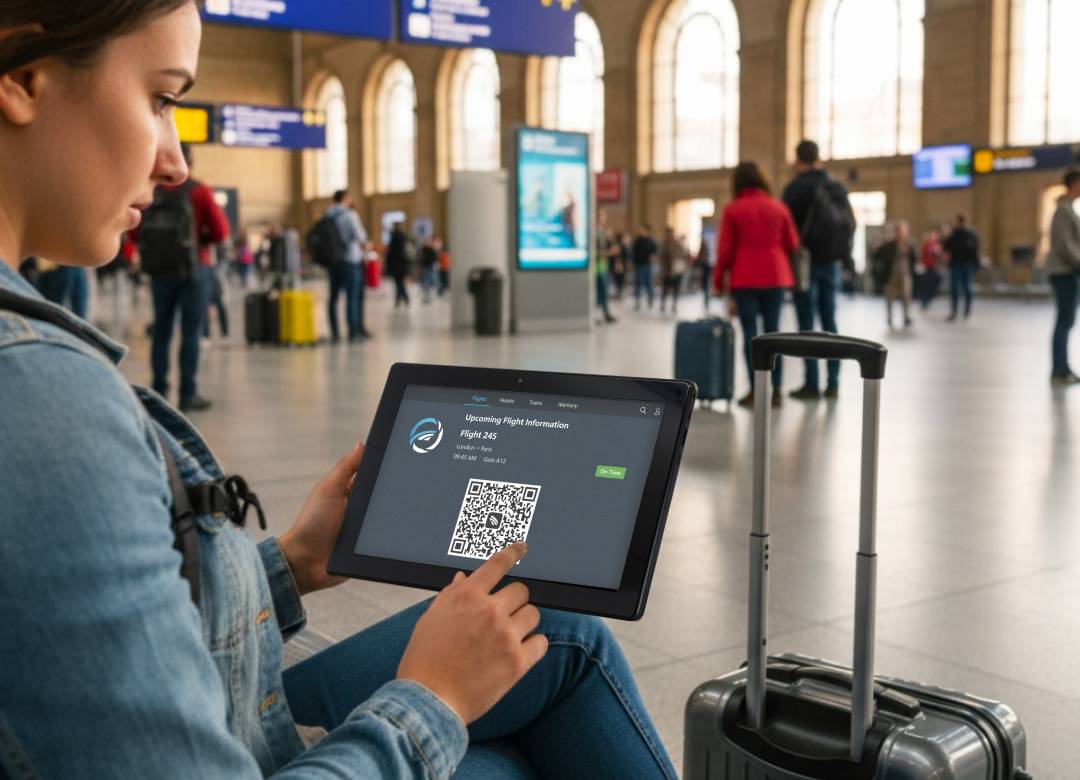
Nothing disrupts mobility like overpacking your tech. When you’re moving in between airports, coffee shops, co-work spaces, or different countries even, portability matters just as much as performance.
In this blog, we break down how digital nomads are working entirely from tablets and why choosing the right hardware makes all the difference.
Full Blog: How to Work From Anywhere With a Windows 11 Pro Tablet
Run Full Desktop Workloads Anywhere
The biggest difference between basic tablets and professional Windows tablets is the operating system. Devices running Windows 11 Professional support full desktop applications, advanced security features, file management, and multitasking tools.
Digital nomads rely on Microsoft 365, Zoom, Teams, Slack, cloud storage platforms, and browser based software daily. A Windows 11 Pro tablet allows them to run these programs just like they would on a traditional laptop without limitations.
The Fusion5 Pro N5 runs Windows 11 Professional, providing business level security, remote management capabilities, and productivity tools in a compact device. This means professionals can work, manage projects, attend meetings, and collaborate from anywhere without sacrificing functionality.
Power Cloud Productivity Without the Bulk
We live in a world that lives on the internet, and so having a big beefy piece of machinery to do your work on isn’t really needed anymore. Back in the 2000s, having the biggest tech was seen as having the best performing tech. That’s not so anymore.
With strong hardware, a Windows tablet becomes a powerfully compact gateway to cloud productivity. The Fusion5 Pro N5 includes 12GB RAM and a 256GB SSD, delivering smooth multitasking and fast boot times. Expandable storage up to 512GB via MicroSD adds flexibility for documents, media, and software
Today’s devices aren’t doing all the work themselves, they have a lot of help from fast internet and cloud services available today that we didn't have before. Remote servers on the internet handle storage, syncing, and part of the processing. Because of this, the need for more storage built into a device isn't necessary, though flexibility does matter, which is why expandable storage options are helpful.
Stay Mobile Without Sacrificing Performance
Mobility is one of the main reasons professionals switch to tablets. A 10.1 inch Windows tablet is significantly lighter than most laptops and easier to travel with.
However, portability only works if performance remains strong. Slow multitasking or unreliable video calls can quickly disrupt workflow.
Powered by Intel’s 13th Gen Alder Lake N100 processor, the Fusion5 Pro N5 supports responsive browsing, document editing, video conferencing, and multitasking. The Full HD IPS display with 500 nits brightness ensures clear visibility in various lighting conditions, while dual Full HD cameras and upgraded speakers support professional communication through Zoom and Teams.
Assembled in Florida, USA and backed by a 2 year full warranty with accidental damage cover, the Fusion5 Pro N5 combines mobility, performance, and long term reliability in one business ready device.
Conclusion
Working entirely from a tablet no longer means compromising productivity. With Windows 11 Professional, cloud based tools, and capable hardware, digital nomads can manage full time workloads from a compact device.
Choosing a well built Windows tablet like the Fusion5 Pro N5 ensures you are starting with the right foundation. When portability and performance are aligned, your office truly fits inside your backpack.