Beyond the Cash Register: How Windows Tablets Empower Bakeries, Cafés and Food Trucks with POS, Inventory and Sales Insights
Running a bakery, café, or food truck requires speed, consistency, and control over daily operations. Traditional cash registers and manual tracking methods often create delays and errors. These issues can slow down service, lead to missed orders, and reduce overall profitability.
A Windows tablet with POS software brings these tasks into one system. Orders, payments, inventory, and reporting can all be managed from a single device. Many small cafés, bakeries, and mobile food businesses have already shifted to this setup to reduce friction during busy periods and simplify daily workflows.
Quick Sum Up
One Windows tablet can replace three tools at once: the register, the inventory notebook, and the daily sales spreadsheet.
Every sale can update stock automatically, so cafés, bakeries, and food trucks can spot low ingredients before peak service turns into missed orders.
Daily reports can show what is actually making money, what is wasting ingredients, and when you need more staff on shift.
Full Blog: Windows Tablets for Café, Bakery, and Food Truck POS
Why Bakeries, Cafés and Food Trucks Are Switching to Windows Tablets
Many bakeries, cafés, and food trucks are moving away from fixed POS systems because daily service does not always happen at one counter. Staff may need to take orders, check stock, update menus, review sales, or help customers during busy periods.
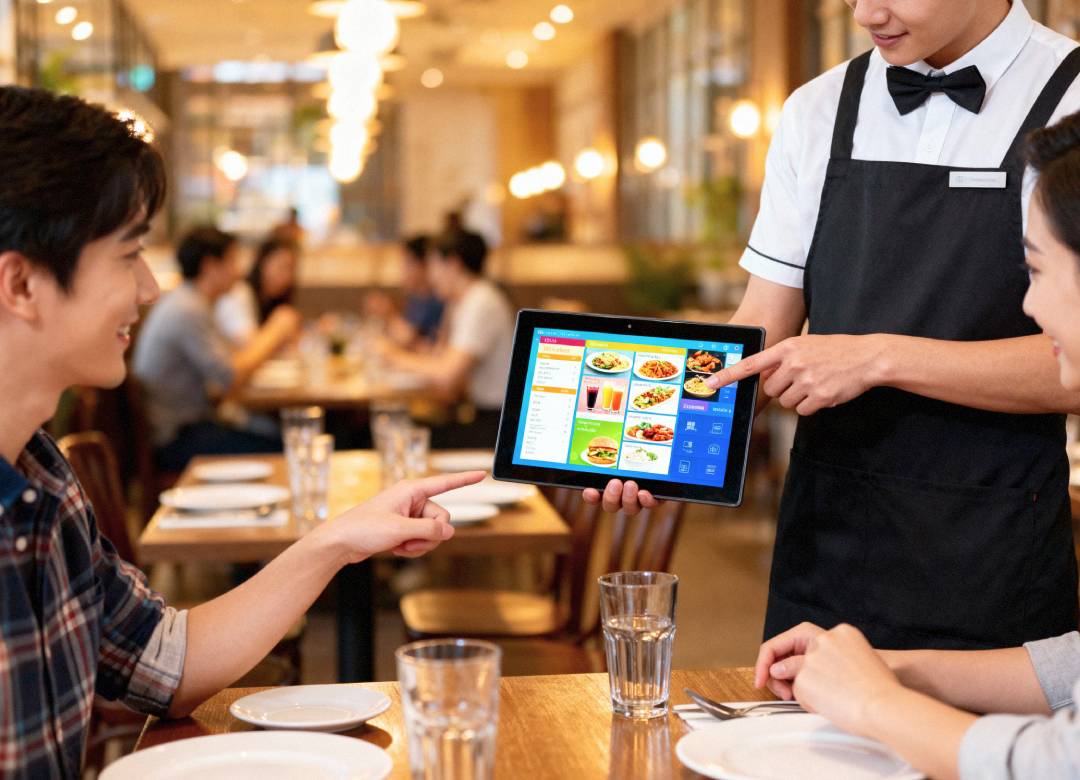
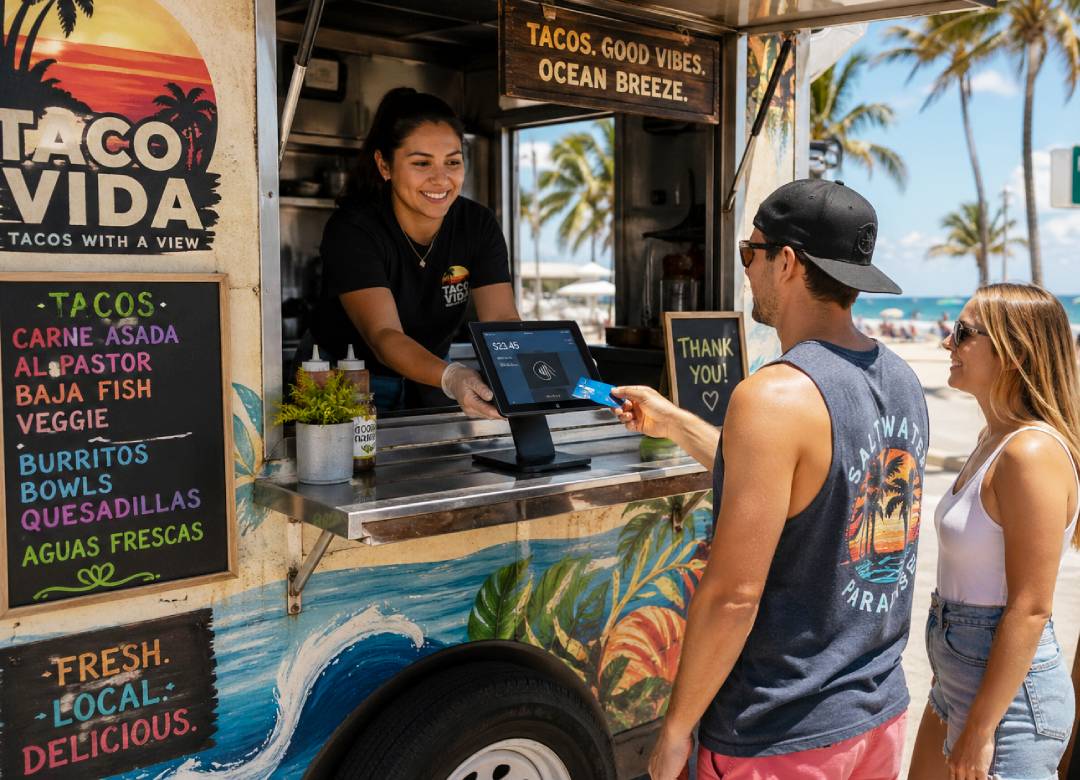
A Windows tablet allows the same device to handle POS, inventory, reporting, and admin tasks. During a morning rush in a café or bakery, staff can take orders from different areas instead of waiting for one register. In a food truck, where space is limited, this flexibility is even more important since one device often handles the entire operation.
In a bakery, staff can check stock before accepting larger orders. In a café, they can manage both dine-in and takeaway flow. In a food truck, they can track fast-moving items like drinks, sides, and limited menu items in real time. This reduces delays and avoids selling items that are already out of stock.
Windows tablets can also connect to common tools like receipt printers, card readers, barcode scanners, and POS systems. For small food businesses, this reduces the number of devices needed and keeps the workspace more organized.
How Windows tablets replace traditional POS systems
A modern POS system does not need to be fixed in one place. With a Windows tablet, bakeries, cafés, and food trucks can run full POS software from a portable device.
This allows staff to take orders, process payments, manage modifiers, and check transactions from anywhere in the store or service area. During busy periods, this can reduce long lines by spreading order taking across multiple staff members.
In practice, cafés often use one tablet near the entrance during morning rush hours while another handles payments at the counter. Food trucks often rely on a single tablet to take orders, process payments, and manage the queue at the same time, making speed and reliability critical.
Managing inventory without the chaos
Inventory management is arguably one of the most challenging tasks involved in managing a bakery, café, or food truck. Ingredients move very fast, and keeping up with inventory is difficult while serving customers.
With a Windows tablet, staff can check inventory, update stock levels, and review usage from one system. This enables management to know specific information about inventory, for example, if enough milk is in stock for the next wave of customers in a café, enough dough stocked for the morning rush in a bakery, or if enough products are available in a food truck during lunch hour.
Using a Windows tablet can also help reduce losses by allowing the business to know, using sales information, what items are not being sold. Bakeries, cafés, and food trucks can use this data to adjust production or ordering instead of relying only on guesswork.
Real time daily sales reporting without spreadsheets
Sales reporting helps owners understand how the business is performing. With a Windows tablet, this data can be accessed during or immediately after service instead of waiting until later.
Owners can see which items sold the most, which hours were busiest, and how revenue changed throughout the day. For example, a café may see a spike in coffee sales in the morning, while a food truck may see peak demand during lunch hours.
This allows bakery owners, café managers, and food truck operators to adjust staffing, prep, and menu focus based on actual data instead of assumptions.
Why Windows tablets are more practical than basic POS devices
Some POS devices are designed only for taking orders and payments. They may not support inventory tracking, reporting, or other business tasks.
A Windows tablet can handle all of these functions because it runs full desktop software. This means the same device can be used for front counter service, back office work, inventory checks, and reporting.
For small food businesses, especially food trucks with limited space, this reduces the need for multiple devices and simplifies daily operations. It also gives owners more flexibility in choosing software instead of being limited to one system.
How touchscreen support improves daily workflows
Touchscreen controls make daily service faster. Staff can move through orders, modifiers, and payment screens without using a mouse or keyboard.
A tablet can also move between different areas of the business. In a café or bakery, it can be used at the counter, in the prep area, and later for reporting. In a food truck, it often stays at the main service window, handling orders, payments, and quick checks all in one place.
This flexibility helps staff complete tasks without switching devices.
Why the Fusion5 Pro N5 fits bakeries, cafés and food trucks
The Fusion5 FWIN232 PRO N5 fits this type of setup because it runs Windows 11 Professional and supports everyday business tools. One device can handle POS software, inventory, spreadsheets, email, and reporting.
The 12GB RAM allows staff to switch between order screens, inventory records, and reports without slowdowns. The 256GB SSD provides space for business software and files, and storage can be expanded if needed.
The 10.1 inch Full HD IPS touchscreen makes it easier to view menus, buttons, and dashboards during service. Its brightness also helps in well lit café counters, bakery displays, and outdoor food truck environments.
The tablet includes USB C, USB A, micro HDMI, Bluetooth, and dual band WiFi. This allows it to connect to card readers, receipt printers, barcode scanners, and external displays depending on the setup.
Battery life supports daily use, which is especially important for food trucks that may not always have consistent access to power. Fast charging helps reduce downtime during service.
The device also includes a 2 year warranty with accidental damage cover, which is useful in environments where spills or drops can happen.
Each unit is assembled in Florida, which supports consistent quality and faster availability.
Final thoughts
Bakeries, cafés, and food trucks need systems that help staff move faster, reduce mistakes, and understand daily performance.
A Windows tablet can combine POS, inventory, and reporting into one device. Instead of using separate tools, owners can manage more of the business from one screen.
For small food businesses looking for a practical and flexible setup, a Windows tablet like the Fusion5 Pro N5 can support daily operations without adding complexity.
FAQ
Why would a bakery, café, or food truck use a Windows tablet instead of a traditional POS system?
A Windows tablet can run full POS software while also handling inventory, reporting, and admin tasks. This allows one device to replace multiple systems.
Can a Windows tablet handle inventory management for a café or food truck?
Yes. Inventory software can run directly on the tablet, allowing staff to update stock levels and track usage throughout the day.
Is a Windows tablet reliable enough for daily food service use?
It can be, as long as the device has enough performance and supports common POS accessories like printers and card readers.
How does a tablet improve daily sales reporting?
It provides real time access to sales data, making it easier to track performance and make decisions.
Why is the Fusion5 Pro N5 a good option for small food businesses?
It supports full business software, handles multitasking, connects to POS tools, and includes warranty coverage for daily use.