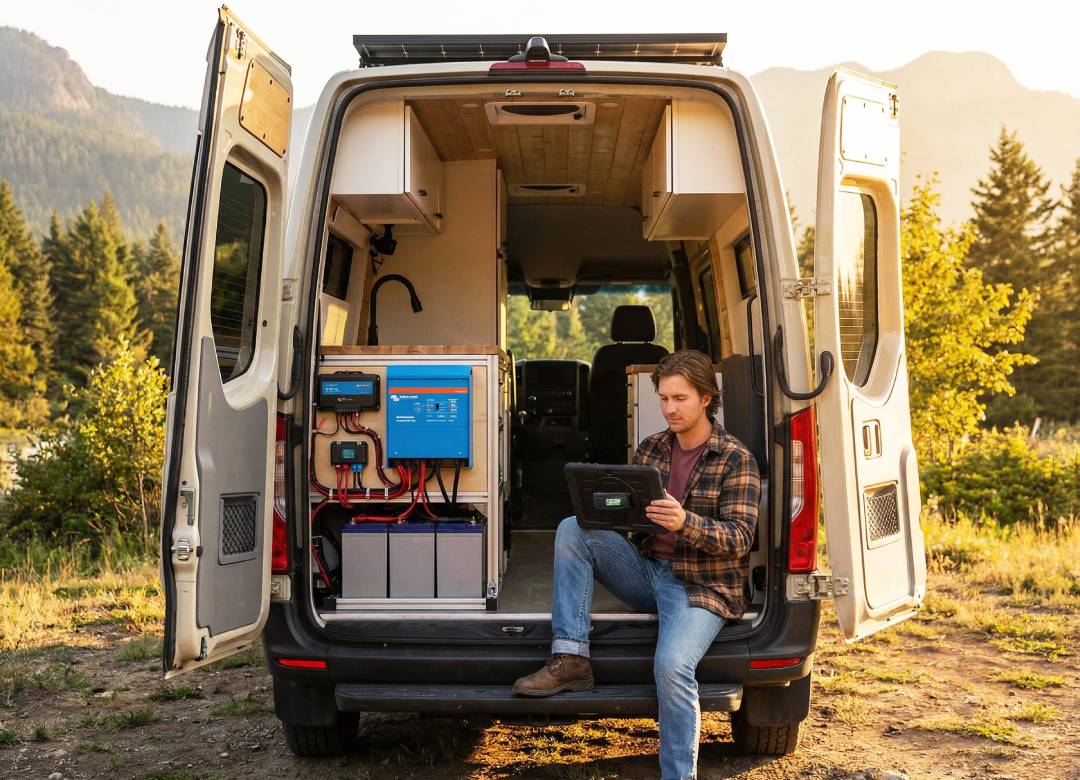
How to Use a Windows Tablet to Monitor and Manage Your Solar Power System
Most people install a solar system and assume the hard part’s done.
The panels are working, energy is being generated, and everything runs in the background. It feels like something you can set up once and leave it all be.
But that’s usually where a lot of value gets missed.
A solar system produces a large amount of data every day. It tracks energy production, battery storage, energy usage, and how power moves between your system and the grid. If that data is not being used properly, it becomes difficult to understand how well the system is actually performing.
Over time, this can lead to missed inefficiencies, unnoticed performance issues, and less control over how all that stored energy is used.
In this blog, we’ll explain how solar monitoring works, why access to data matters, and how a Windows tablet can help you manage your solar system more effectively at home or at a larger scale.
Full Blog: Using a Windows Tablet to Maximise Solar Efficiency and Monitor Energy Systems in Real Time
Why solar systems need active monitoring
A solar system is not just generating power. It’s constantly adjusting based on changing conditions.
Energy output changes throughout the day depending on the amount of available sunlight, shading, temperature, and overall system performance. Battery systems are charging and discharging at different times. Energy usage inside a home or building is also changing constantly.
All of this creates a moving system rather than a fixed one.
The issue is that many people only check their system occasionally. They might open an app once a day or once a week, look at total production, and move on.
That makes it difficult to spot problems like:
- reduced output from a single panel or string
- inefficient battery usage
- energy being used at the wrong times
- gradual drops in system performance
These are not always obvious unless the data is being reviewed regularly, and in context.
Having the data is one thing. Being able to access it easily and use it in real time is what makes a difference.
The limitations of mobile apps for solar management
Most modern solar systems come with their own app which makes it easy to keep track of how you’re using energy. Most are straightforward to use and offer many useful features.
These are useful for quick checks, but they can often simplify the data.
For example, you might see total daily production, but not the detailed breakdown of voltage, current, or individual panel performance. That level of detail is often where problems can be identified early.
Another limitation is functionality.
Some configuration tools, firmware updates, or advanced system settings are only available through desktop software. This means users still need to switch to a computer for deeper control.
There is also the practical side.
Solar equipment is not always located in a comfortable environment. Systems are often installed in garages, utility rooms, basements, or outdoor areas where dust, heat, and movement are common. Standard devices are not always suited to being used regularly in those spaces.
This creates a gap between basic monitoring and full system management.
Using a Windows tablet as a solar monitoring system
A Windows tablet bridges that gap.
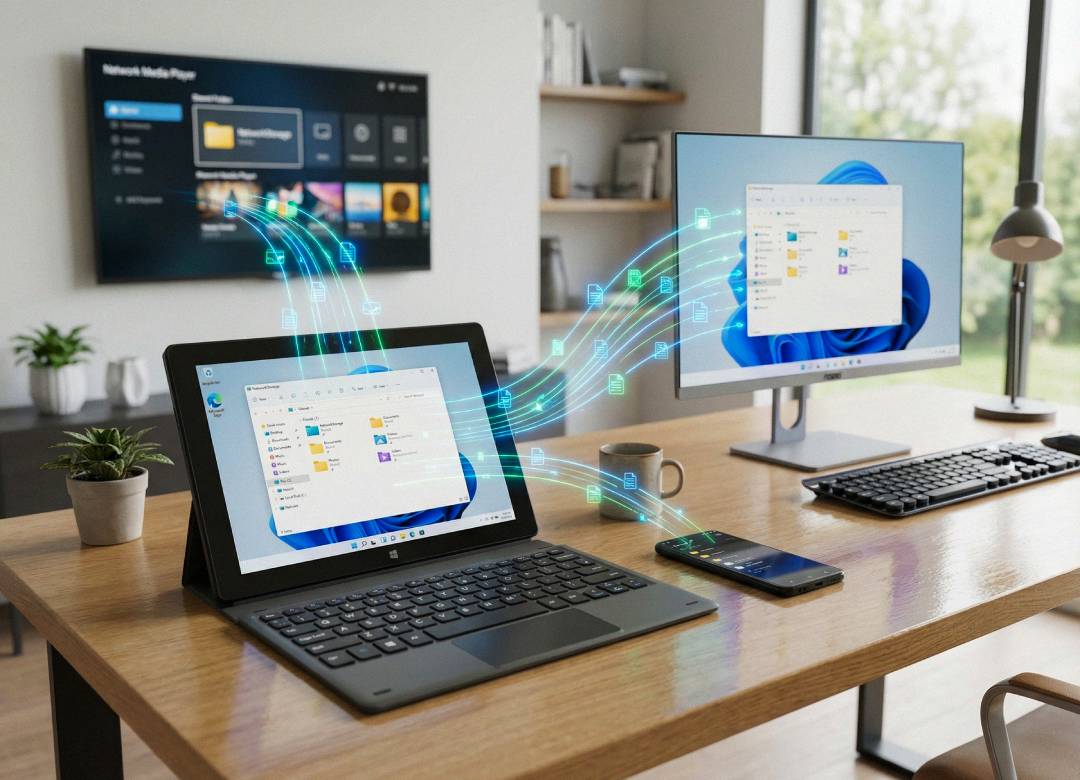
Because it runs full Windows OS, it gives you access to the same tools used on a desktop, but in a more flexible and portable format.
Instead of switching between devices, you can:
- open full monitoring dashboards in a browser
- run desktop software for your inverter or battery system
- track performance in Excel
- monitor multiple systems at once
This turns the tablet into a central point for managing your solar setup.
In practice, this means you can check your system throughout the day in a more natural way.
You’re not logging in occasionally. You are able to see what is happening when it matters.
Solar monitoring tools that work on Windows tablets
One of the biggest advantages of using a Windows device is compatibility.
Most solar monitoring tools are built for desktop environments or web browsers, which means they work directly on a Windows tablet.
Common tools include:
Manufacturer platforms
Most systems provide their own dashboards, such as SolarEdge Monitoring, Enphase Enlighten, and SMA Sunny Portal. These allow you to track production, system status, and historical performance.
Advanced monitoring with Solar Assistant
For users who want deeper control, Solar Assistant provides more detailed insights.
It connects to your system through a Raspberry Pi and allows you to view:
- battery voltage
- inverter performance
- charge controller data
You can then access this through a browser on your tablet.
This creates a more advanced monitoring setup that is not limited to basic app views.
Victron systems and VRM
Victron systems are commonly used in off-grid and hybrid setups.
They can be monitored using:
- VictronConnect for local access
- VRM portal for remote monitoring
These tools provide detailed system data and work well through a Windows interface.
Web-based dashboards
Platforms like PVOutput allow users to:
- track long-term performance
- compare data
- export information for analysis
These are useful for understanding trends over time rather than just viewing live data.
Why Windows 11 Pro matters for solar management
Many solar tools are designed with desktop environments in mind.
Windows 11 Pro supports this in a way that mobile operating systems do not.
With a Windows tablet, you can:
- use full desktop browsers with complete dashboards
- run legacy software that some systems still require
- connect directly to hardware using USB or Bluetooth
- multitask between monitoring, analysis, and planning
This is important because solar systems are often built from a mix of components.
Being able to access everything in one environment makes the system easier to manage.
How this improves real-world energy usage
The benefit of monitoring is not just seeing numbers.
The benefit is being able to act on them when you have the data in front of you.
When system data is easy to access, users can make better decisions, such as:
- running appliances when solar production is highest
- adjusting battery usage to reduce grid reliance
- identifying when something is not performing correctly
- understanding long-term efficiency trends
This turns the system into something active rather than passive.
Over time, this can improve efficiency, reduce costs, and extend the value of the system.
Why a rugged device makes a difference
Solar systems are not always managed from a desk.
They’re often located in environments where devices can be dropped, exposed to dust, or used while moving between areas.
A rugged Windows tablet is better suited to this kind of use.
It allows you to:
- carry the device around your system
- use it near inverters or battery setups
- avoid damage from accidental drops or environmental factors
This makes it more practical for regular use rather than occasional checks.
Why the Fusion5 Rugged Pro N5 is a practical option for solar management
Managing a solar system does not require a high-end workstation.
It requires a device that is reliable, capable, and easy to use in different environments.
The Fusion5 Rugged Pro N5 fits this role well.
Because it runs Windows 11 Pro, it supports:
- browser-based dashboards
- desktop monitoring tools
- data tracking in Excel
- multitasking across applications
With 12GB RAM and SSD storage, it handles these tasks without slowing down.
Its rugged design makes it suitable for real-world environments where solar systems are typically installed. It is built to handle dust, movement, and everyday use without the fragility of standard consumer devices.
The combination of portability and performance allows it to act as a central tool for managing your system.
Final thoughts
A solar system is a long-term investment.
The panels may last for decades, but how well the system performs over time depends on how it is managed.
The data is already there.
The tools already exist.
What often makes the difference is how easy it is to access that information and use it in daily decisions.
A Windows tablet makes that process simpler.
It allows you to monitor your system, understand what is happening, and make adjustments without relying on limited apps or fixed setups.
Over time, that leads to better performance, better efficiency, and more value from the system you have already invested in.
FAQ
How can a Windows tablet be used to monitor a solar system?
A Windows tablet can be used to access solar monitoring dashboards, check energy production, review battery storage levels, and track how much power is being used throughout the day. Because it runs full Windows, it can also open browser-based platforms and desktop software that some solar systems rely on.
Why use a Windows tablet instead of just a mobile app?
Mobile apps are useful for quick checks, but they often simplify the data and may not include full system controls. A Windows tablet gives you access to more detailed dashboards, desktop tools, and better multitasking, which makes it easier to monitor and manage your system properly.
What can you track on a solar system with a Windows tablet?
You can track things like live energy production, battery charge levels, energy usage, inverter performance, and long-term system trends. This makes it easier to spot performance changes, understand how the system is behaving, and make better decisions about how energy is being used.