

Best Business Apps for Windows Tablets in 2026
For a lot of people, when they buy a new Windows tablet, they end up using it for very basic things. Things like only using the tablet for online shopping or browsing, for only looking at emails and chats, or only using it to play casual games on.
This is where a lot of people will miss out on a Windows tablet’s full potential to help them get productive work done.
Windows tablets come with full Windows Home or Pro OS, which means you can get all the benefits of a full PC, but you also get the convenience of using touch-based apps in a more flexible tablet format.
Once you start using the right apps to manage meetings, read documents, manage tasks and get organised, the tablet becomes a far more powerful work tool.
In this blog, we’ll cover the apps that can make a Windows tablet feel much more useful for productivity, organisation, and day-to-day business tasks.
Full Blog: Top Apps to Turn Your Windows Tablet Into a Work Machine
Microsoft 365 keeps the everyday work moving
Best for: Documents, spreadsheets, presentations, and email
For most people, this is still the starting point.
A lot of business work still depends on documents, spreadsheets, presentations, and email. Those things have not gone away. If anything, they’ve become even more central because so much work now happens across teams, locations, and different schedules.
Microsoft 365 works especially well on a Windows tablet because it fits naturally into that environment. According to Microsoft’s official overview of its tools, it’s designed to support productivity across devices with cloud-based access and real-time collaboration.
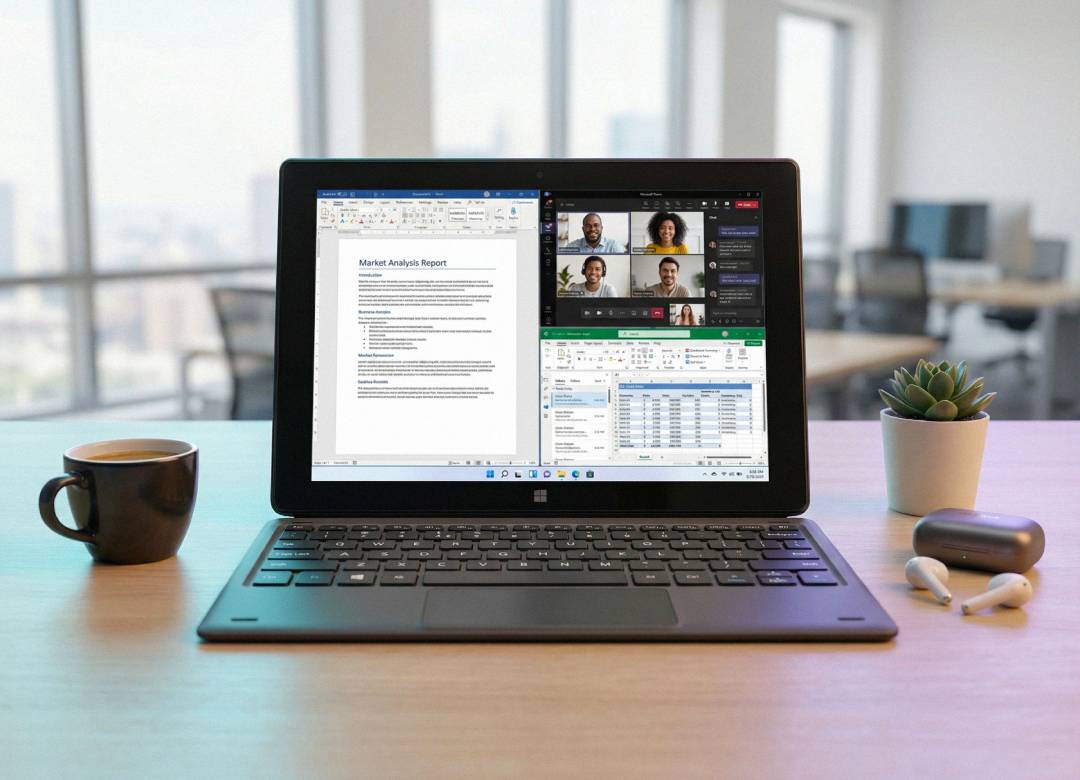
You can open Word to make quick edits, move into Excel to check figures, jump into Outlook to respond to emails, and keep everything synced without needing to think about it too much.
Microsoft Teams helps the tablet become a real work device
Best for: Meetings, collaboration, and remote work
One of the easiest ways to judge whether a device is properly work-ready is to ask a simple question.
Can you comfortably use it for meetings, messages, shared files, and quick collaboration throughout the day?
With Microsoft Teams, the answer is yes.
A Windows tablet works really well for this because it’s quick to pick up, quick to move around with, and easy to position wherever it is you’re working. That could be at a desk, in the kitchen, in a shared office, or while travelling between places.
You can join a meeting, reply to a message, check a file someone has just sent over, and keep the conversation moving without feeling like you need to go and sit down at a larger machine every single time.
That kind of flexibility is what helps the device feel genuinely useful in business rather than just convenient in theory.
Notion helps keep work organised in one place
Best for: All-in-one organisation and project management
One of the main problems people run into is having their work spread across different places.
Instead of storing all your notes, tasks and documents in separate apps, with separate user interfaces, navigation menus and custom icon tools, store all your work content in one app to simplify your life.
Notion helps by keeping a lot of this in one place. You can write notes, track tasks, organise projects, and store useful information all within the same app.
This makes it easier to stay organised and reduces the need to keep switching between different tools.
OneNote works especially well when ideas need to be captured quickly
Best for: Notes, quick ideas, and meeting capture
There are some apps that become more useful the moment a device becomes more portable.
OneNote is one of them.
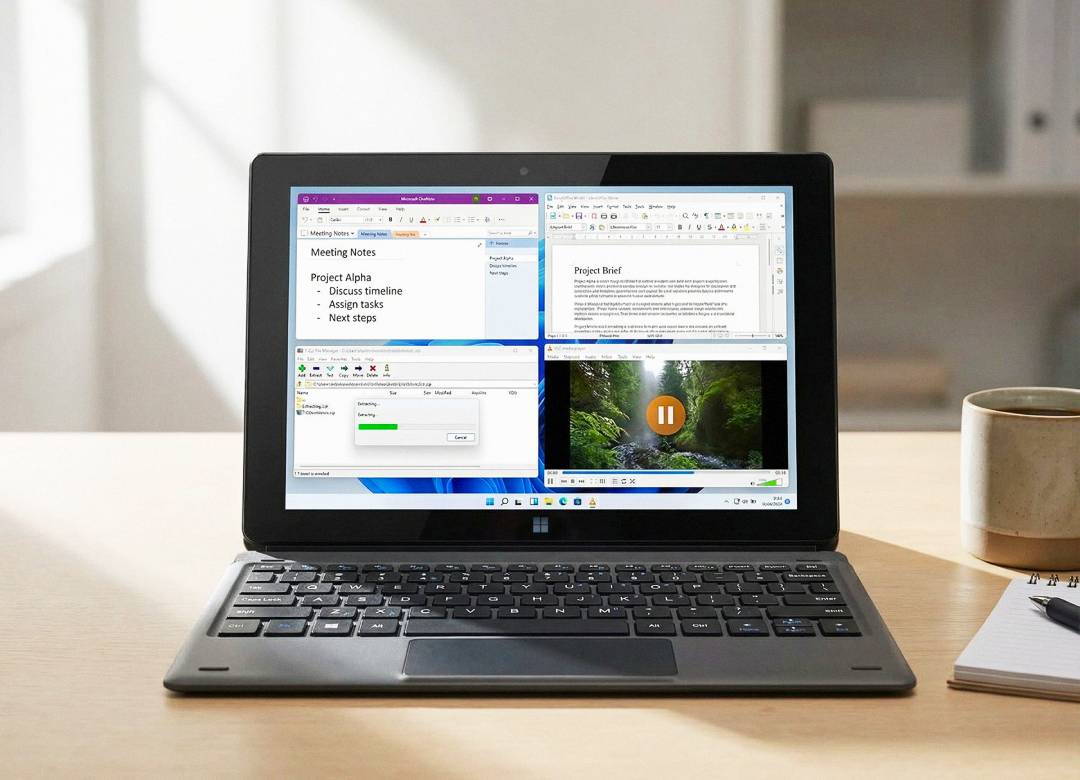
When you’re using a Windows tablet, it becomes easier to jot something down right when it happens. That could be a meeting note, a rough idea, a reminder, a sketch, or a quick plan for later.
You don’t have to wait until you’re back at your main setup. You don’t have to trust yourself to remember it. You just capture it there and then.
That sounds small, but over time it makes a big difference because a lot of useful business thinking happens in passing moments. If the device makes it easy to catch those thoughts, it becomes more valuable in everyday use.
Trello and ClickUp help when work needs to stay visible
Best for: Task tracking and workflow management
A lot of people can get through a full workday and still not feel fully on top of what they’ve actually moved forward.
Tasks might be getting done, but that doesn’t always mean the overall workload feels clear. Something may have been started, something else may still be waiting, and another task might need attention soon, but without a clear system, it can all start to feel a bit mixed together.
That’s where tools like Trello and ClickUp can help. They show tasks in a more visible and organised way, so you can quickly see what has already been done, what is still in progress, and what still needs to be picked up next.
On a Windows tablet, that works well because you can open the app quickly, check what needs attention, make updates, and carry on with the rest of your day.
That makes work feel less scattered, and when things feel clearer, it usually becomes easier to stay productive.
Slack keeps communication moving without dragging everything into email
Best for: Fast team communication
Although email is still a very useful form of communication at work, it’s not always the most reliable due to it being slower compared to other forms of in-office communication.
A lot of work involves small updates, short questions, and quick replies that need to happen throughout the day. In those situations, Slack can be a better fit because it makes those conversations easier to keep up with in real time.
On a Windows tablet, Slack makes it easier to check messages, reply quickly, and stay aware of what is going on without needing to sit down at a desk every time.
That helps people stay more connected during the day and reduces the chances of missing important updates.
QuickBooks can make business admin easier to keep on top of
Best for: Finance, invoices, and expense tracking
Business admin usually becomes harder when it gets delayed.
Invoices get left. Expenses pile up. Things that should have taken a few minutes turn into something that feels like a job in itself because too much has built up around it.
Apps like QuickBooks can help with that.
When you have a Windows tablet with the right finance tools on it, it becomes easier to handle those small tasks while they are still small. You check something, send something, record something, and move on before it turns into a bigger mess later in the week.
It’s not glamorous, but it’s the kind of practical value that makes a device much more useful for business in real life.
Chrome and cloud storage still matter more than people think
Best for: Web apps, file access, and cross-device work
Sometimes the most important tools are the ones that quietly hold everything together.
A browser like Chrome still matters because so much work now happens through web apps, shared platforms, dashboards, and browser-based tools. A good cloud storage app matters because documents, assets, and working files need to be easy to reach, easy to share, and easy to pick back up across devices.
This part is not always the most exciting, but it’s what supports the rest.
When those basics are working properly, the whole tablet feels smoother to use. You are not constantly sending things to yourself, hunting for the latest file, or trying to remember which device has what version. You just open what you need and keep going.
How these apps change the way a Windows tablet gets used for work
The difference usually shows up in the gaps between tasks.
Instead of picking up your tablet just to quickly check something and then moving over to another device to actually deal with it, you start staying on the tablet and finishing more there. An email gets answered properly. A file gets reviewed straight away. A task gets updated while it is still fresh in your mind. A meeting note gets written down before it disappears.
That’s where the real value starts to show.
The right apps make the device feel less limited because they remove the usual stopping points that break your flow. You are not constantly thinking, “I’ll do that later when I’m back at my laptop.” You are able to keep going with the work in front of you.
Over time, that makes a Windows tablet far more practical for business use. It becomes less of a side device for checking in and more of a device you can actually use to keep work moving throughout the day.
Final thoughts
The best business apps for Windows tablets in 2026 are not just the ones with the biggest names.
They’re the ones that make the device easier to work from, easier to return to, and easier to trust with real everyday tasks.
When those apps are chosen well, a Windows tablet stops feeling like something extra. It starts feeling like part of how your work naturally gets done.
Whether you need to check emails, update spreadsheets or have important work meetings, there’s a Windows tablet to suit. Browse our full range of tablets.