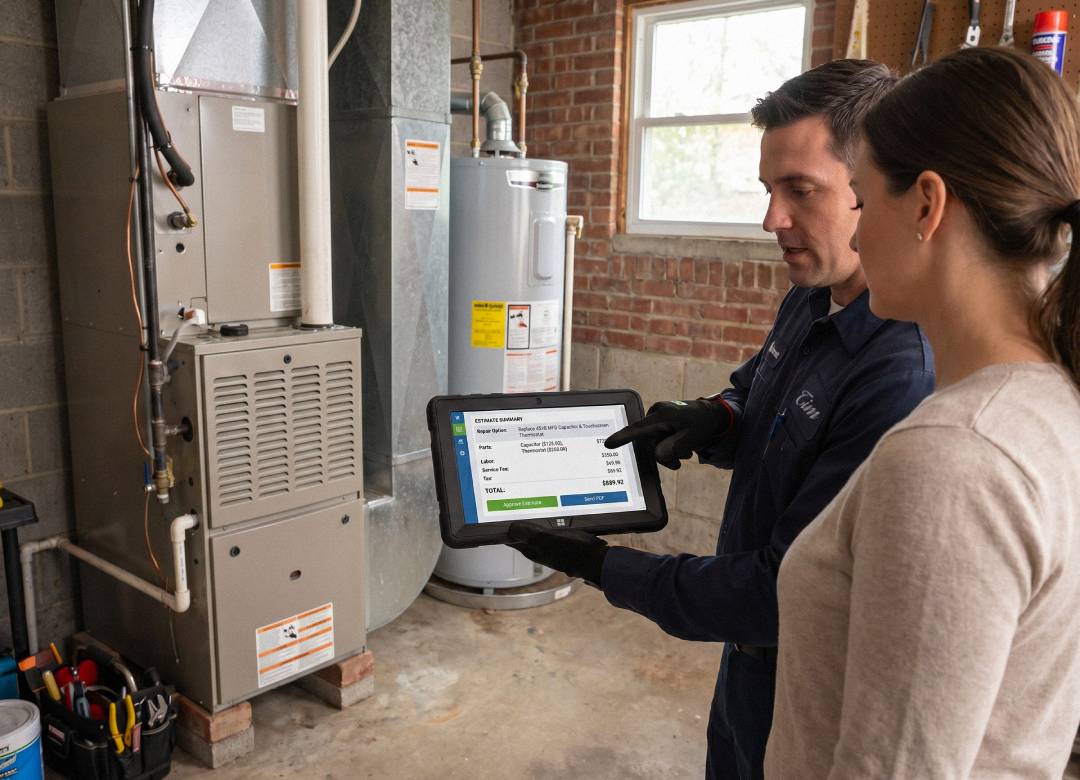


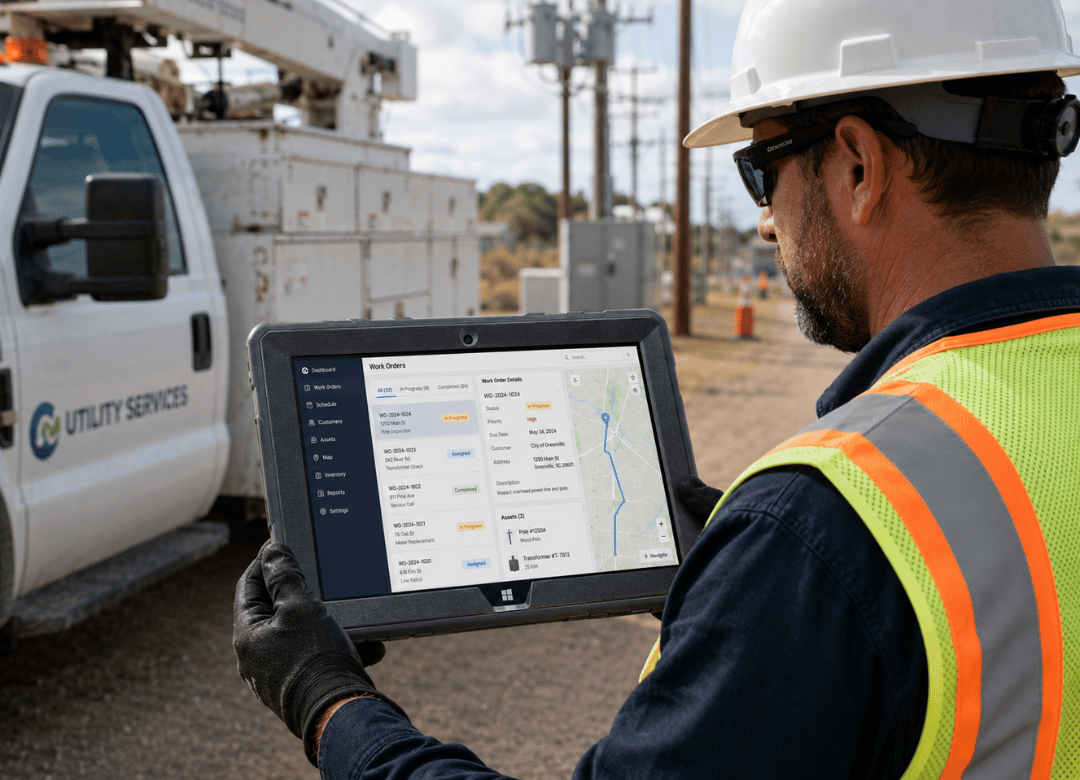
A meter tech is standing in a drizzle outside a substation, trying to pull up a GIS layer on a tablet that fogs up every time the temperature drops. The screen's unresponsive. The battery's at 40% and it's not even noon. This is the moment a rugged tablet for utility field technicians stops being a nice-to-have and starts being the difference between finishing the route and calling it in.
Fusion5 builds Windows tablets assembled in Pasco County, Florida, specifically for crews who work outside the four walls of an office. This piece is about what actually happens to consumer tablets in the field, and what a rugged tablet for utility field technicians needs to get right instead.
Here's the Short Answer:
A rugged tablet for utility field technicians needs three things a standard tablet can't reliably give you: a shockproof, dustproof body that survives drops and grime, a sunlight-readable display for outdoor GIS and metering work, and Windows 11 Professional so it runs the same software your office already relies on. Anything less turns into downtime you didn't budget for.
Why Field Conditions Break Standard Tablets for Utility Crews
Here's the thing about consumer tablets. They're built for a coffee table, not a bucket truck. Drop one on a concrete pad and the screen spiders. Get it wet during a storm restoration and it's done. Leave it in a truck cab in July and the battery starts degrading faster than it should.
Utility and grid field techs don't get to choose their working conditions. Rain, direct sun, freezing mornings, dust from a substation yard, all in the same week, sometimes the same shift. A consumer-grade device wasn't designed with any of that in mind. It was designed to be light and cheap and pretty, and none of those priorities line up with what a rugged tablet for utility field technicians actually needs to survive.
Ask any utility field technicians who've gone through two or three cracked screens in a single winter, and you'll hear the same complaint. The environment always wins against hardware that wasn't rated for it.
And there's a software problem underneath the hardware one. Most GIS platforms, work order systems, and safety checklist tools utilities standardize on were built for Windows. Android and iOS tablets can't run them natively, which means techs end up juggling a second device, or worse, going back to paper. Neither option holds up when a crew is racing daylight during a restoration.
Smart Meter Installs and GIS Mapping on a Windows Device
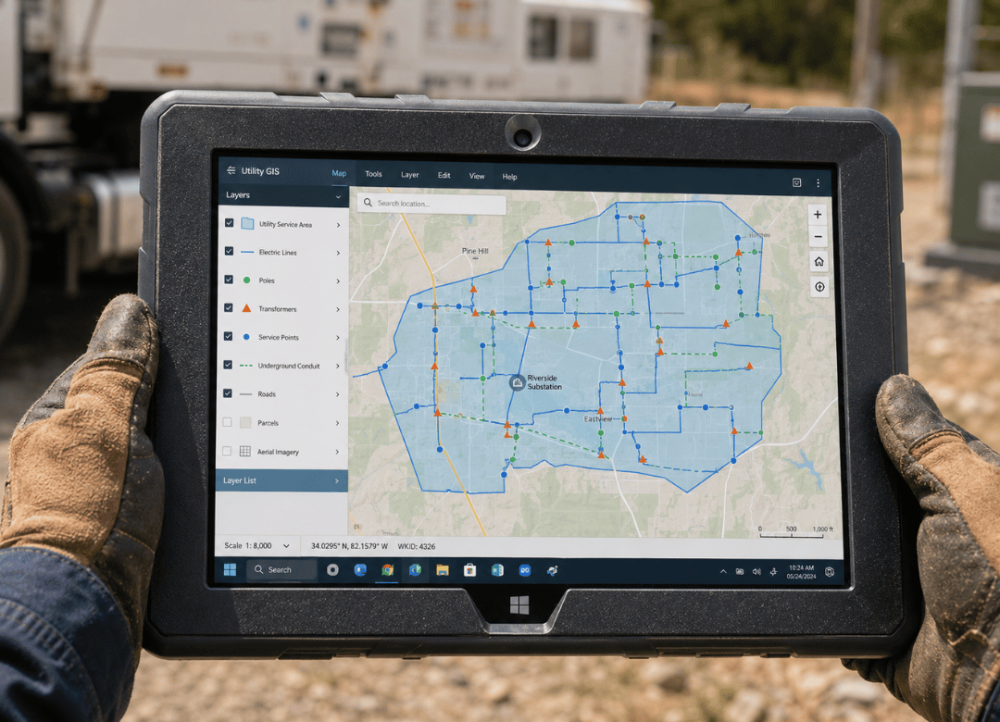
Smart meter work is precise. You're cross-referencing an asset ID against a GIS map, confirming a service point, and logging install data, sometimes all three at once, standing at a meter panel with gloves on. That workflow needs a full desktop-class operating system underneath it, not a mobile app trying to approximate one.
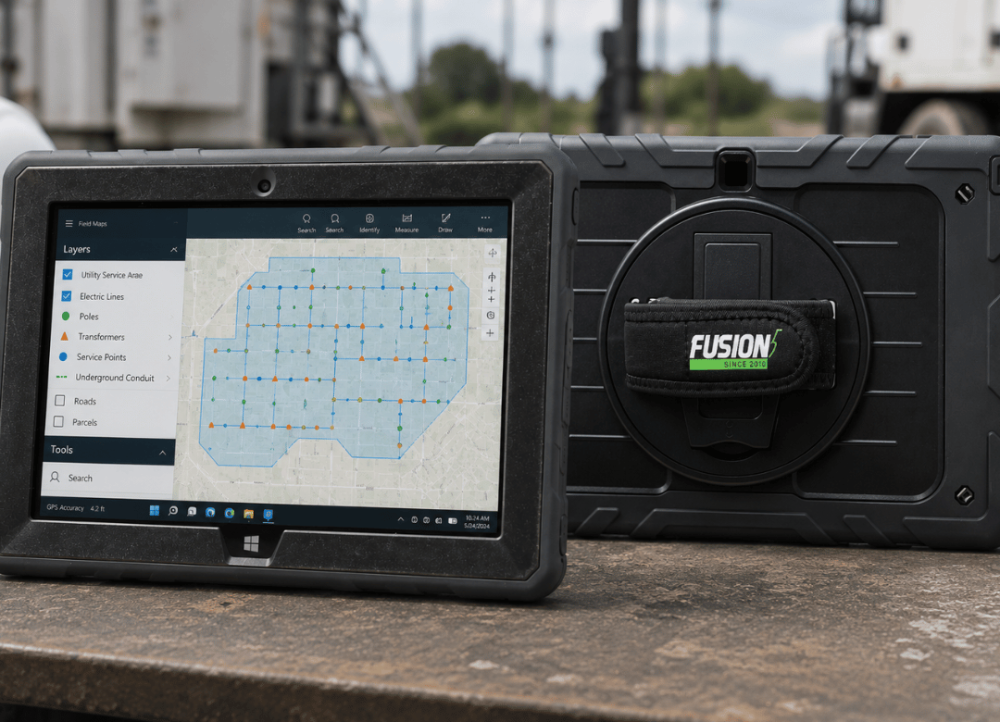
This is where Windows 11 Professional earns its place. The same GIS software your engineering team runs on desktops, whether that's Esri ArcGIS Field Maps or a utility-specific asset management platform, runs identically on a Fusion5 rugged Windows tablet in the field. No stripped-down mobile version, no data sync gaps between what the office sees and what the tech in the field is looking at.
According to the U.S. Energy Information Administration, U.S. electric utilities had about 119 million advanced metering infrastructure installations in 2022, roughly 72% of total electric meter installations nationwide. That's a lot of install, replace, and troubleshoot visits happening every single day, and each one depends on a device that can hold a GIS session steady while a tech is elbow-deep in a meter base.
A GIS mapping tablet for field crews needs three things beyond raw specs: enough RAM to keep a mapping layer loaded without lag, a display bright enough to read outdoors, and enough battery to last a full route. Skip any one of those and a five-minute meter install turns into a fifteen-minute one.
Working Through Outage Repair in Rain, Sun and Cold
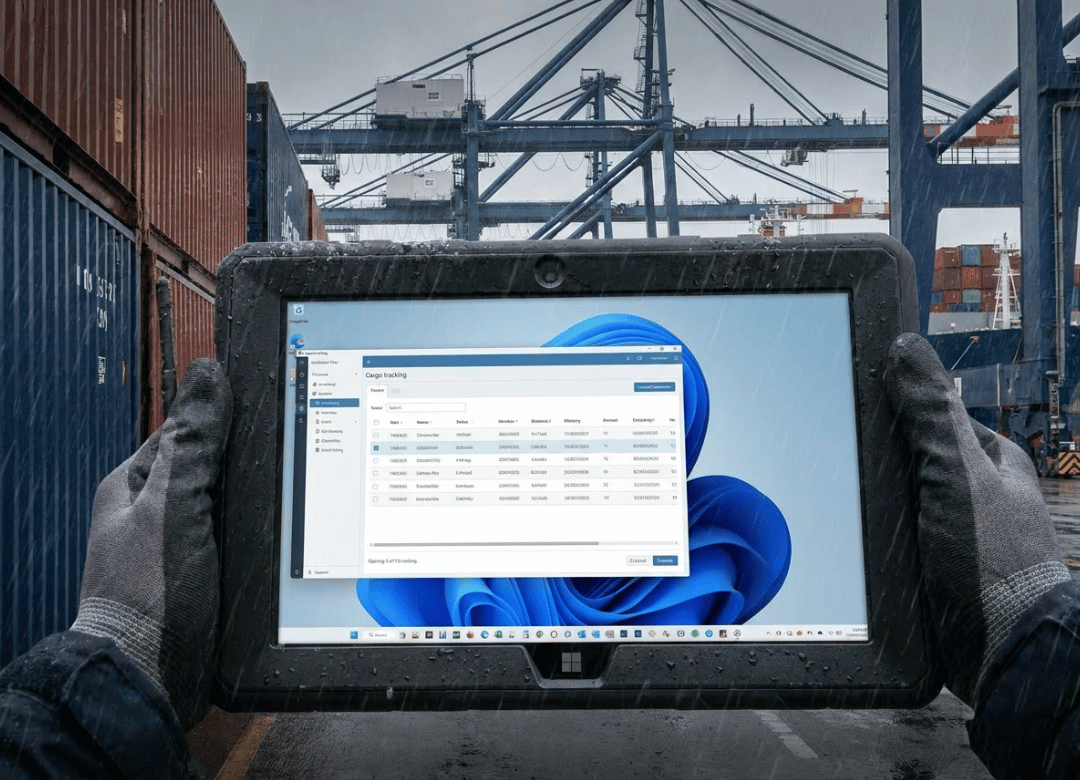
Outage repair doesn't wait for good weather. If anything, the worst outages happen during the worst weather: ice storms, high winds, summer heat waves that overload the grid right when everyone's AC kicks on.
The U.S. distribution system's average SAIDI value, the industry's standard measure of outage duration per customer, was 335.5 minutes per customer in 2022 when major events were included, according to EIA data reported by Power Magazine. Every one of those minutes is a customer waiting, and every minute saved on-site by a tech who isn't fighting with a dead or unreadable tablet adds up across a whole service territory.
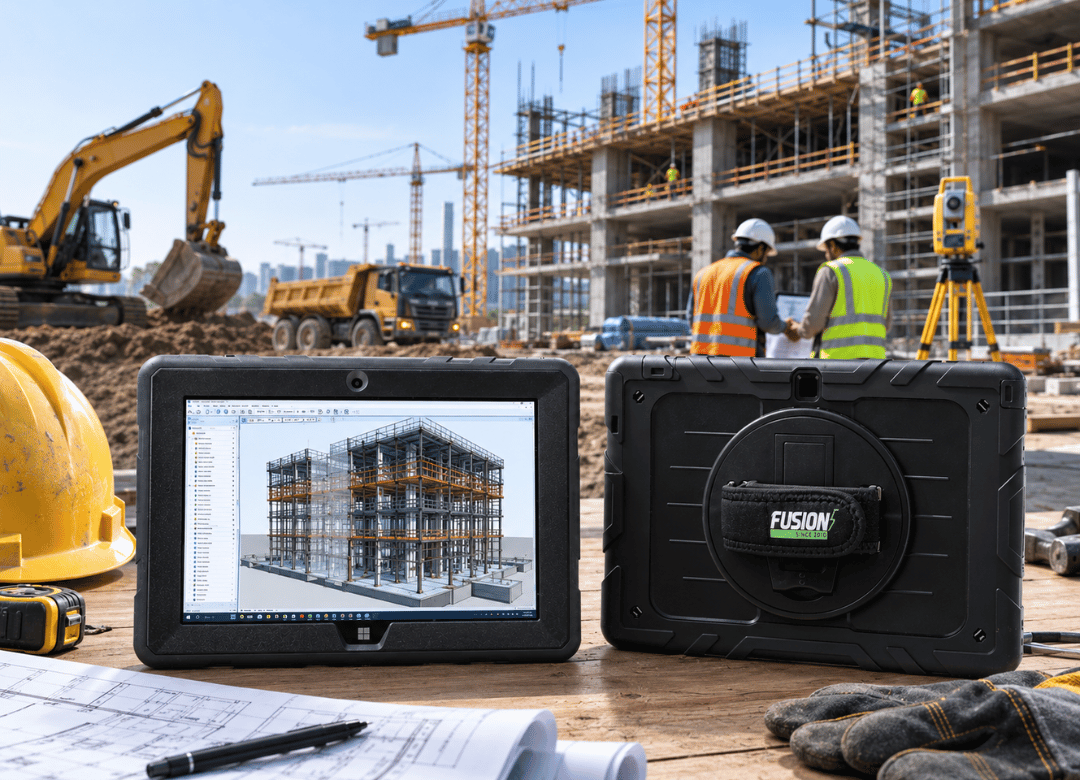
A rugged Windows tablet for outage repair needs to survive being set down on wet pavement, tucked into a coat pocket during a downpour, and pulled back out an hour later still working. That's not a spec sheet claim, it's the baseline. Fusion5's rugged tablet is shockproof and dustproof by design, with covered ports that keep moisture and grit out of the USB-C and HDMI connections.
Sun's the other problem nobody talks about enough. Try reading a dim tablet screen at noon in August and you'll understand why brightness matters as much as durability. A 500-nit display with anti-glare glass makes the difference between squinting at a washed-out screen and actually seeing your work order clearly.
Running Work Order and Safety Checklist Software Without Compromise
Work order software and safety checklists are where a lot of utilities lose time to bad hardware, honestly. If the tablet lags every time a tech opens a new form, or if the checklist app crashes because it wasn't built for the device's OS, that friction adds minutes to every single job. Multiply that by a crew of twenty and it's real money.
Because Fusion5's tablet runs full Windows 11 Professional, it handles the same enterprise software your dispatch and safety teams already use, no compatibility workarounds needed. Digital lockout and tagout checklists, incident reporting forms, crew safety briefings, all of it opens and runs the way it does on a desktop back at the depot.
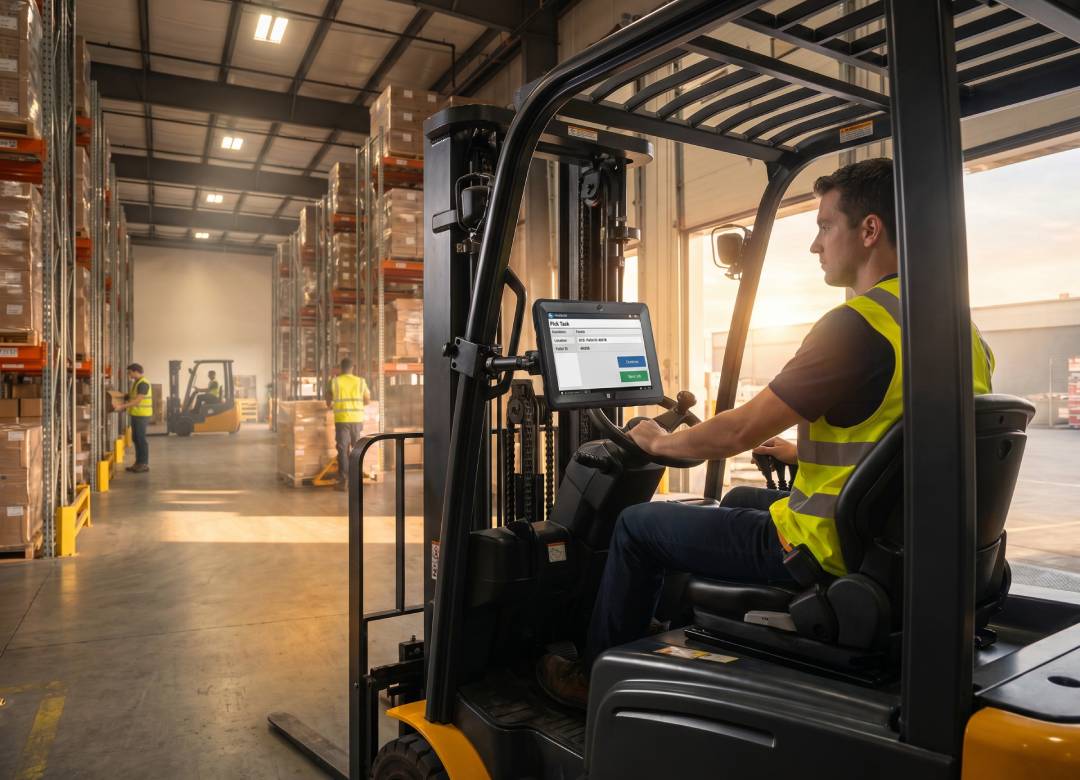
It's worth separating two things people tend to blur together: emergency restoration work and routine daily field ops. A rugged Windows tablet for outage repair has to handle both without a second device, because crews don't carry two tablets. One device, one login, one software stack, for storm response on Tuesday and routine meter reads on Wednesday.
What We've Heard From Crews Who Switched
We talk to a lot of utility IT and operations leads who've made this switch, and the story tends to repeat. One regional co-op told us their field techs were going through two to three consumer tablets a year, mostly from cracked screens after drops off truck beds or dashboards. Replacement cost wasn't the only issue. It was the downtime waiting on a replacement device to get configured and shipped out.
After moving a pilot group to rugged Windows tablets, that same co-op reported the crew stopped losing days to hardware failures altogether during their first winter storm season with the new devices. That's anecdotal, not a controlled study, and results will vary by crew and climate. But it lines up with what the underlying durability specs would predict. A device rated to survive drops and dust simply doesn't fail the same way a consumer tablet does.
I'll say this plainly: not every utility needs the top-spec model. A smaller water district doing occasional meter reads in mild weather might be fine with a lighter-duty device. But for crews doing daily outdoor work across a full range of weather, a rugged tablet for utility field technicians stops being optional and starts being the obvious budget line.
Industry Snapshot: Grid Technicians Standardizing on Rugged Windows Tablets
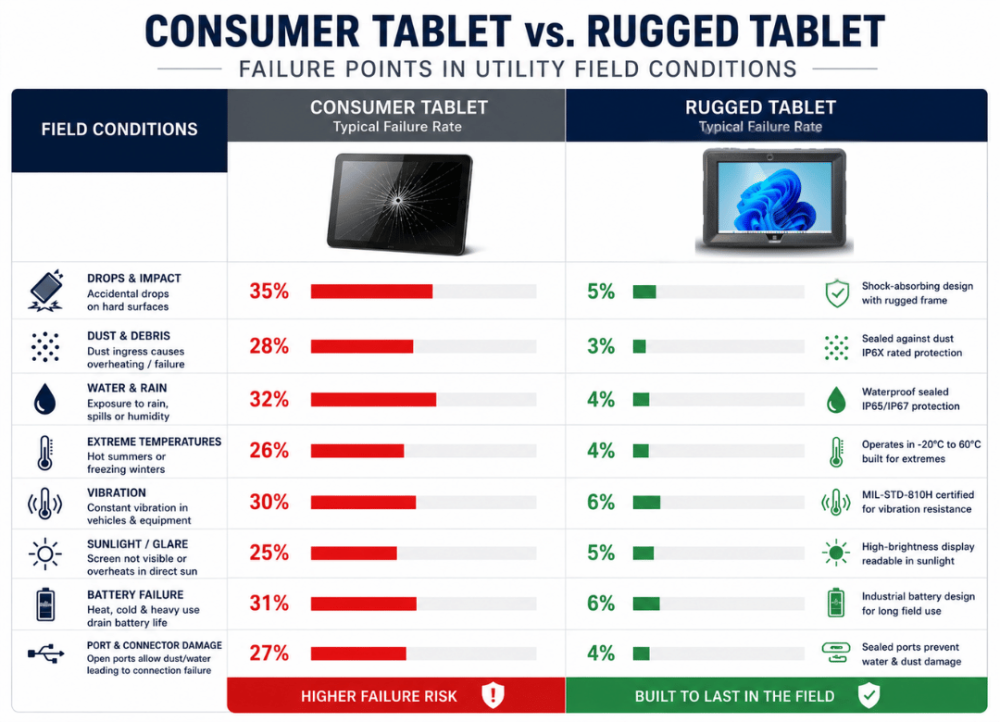
Two data points are worth sitting with here. First, AMI adoption is already close to universal. Second, outage duration is still substantial enough that every minute a field tech saves matters at scale. Both trends point the same direction: more utilities standardizing their crews on a rugged tablet for grid technicians instead of patching together consumer hardware and hoping it survives the season.
| Factor | Consumer Tablet | Rugged Windows Tablet |
|---|---|---|
| Screen survives a 4-foot drop | Rarely | Yes, by design |
| Sunlight readability | Poor to moderate | Strong (500-nit display) |
| Runs desktop GIS/work order software | Limited or app-only | Full compatibility (Windows 11 Pro) |
| Dust and moisture resistance | Minimal | Shockproof, dustproof build |
| Typical field lifespan | Short, replacement-prone | Built for multi-year daily use |
Utilities standardizing on rugged tablets for grid technicians tend to cite the same three drivers: fewer mid-shift device failures, one software stack instead of two, and lower total replacement cost over a fleet's lifetime. None of that shows up on a single spec sheet, but it shows up in a year-end maintenance budget.
Fusion5 Rugged Tablet Specs Built for Utility Field Work
Here's what's actually inside the Fusion5 Rugged Windows 11 Pro Tablet PC, and why each spec matters for utility and grid work specifically.
-
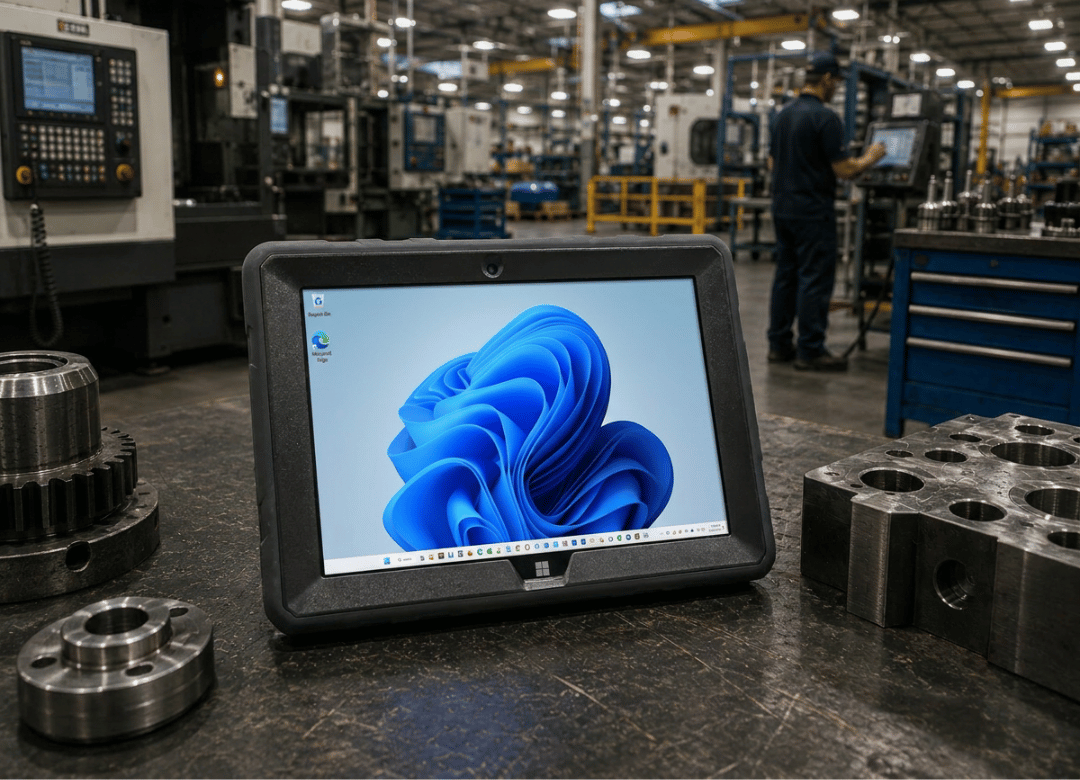
10.1" FHD display in a drop-resistant rugged casing, readable in direct sunlight: A 1920x1200 IPS panel at up to 500 nits, built into a shockproof, dustproof body designed for job sites, not office desks.
-
Intel 13th Gen N100, 12GB RAM, 512GB SSD: Enough headroom to run GIS software, work order platforms, and safety checklist apps side by side without the lag that slows a tech down mid-job.
-
Windows 11 Professional: The same enterprise apps your crew runs back at the depot, no mobile-only workarounds or data sync delays between office and field.
-
Made in USA, assembled in Pasco County, Florida: Faster logistics, direct support, and quality oversight closer to home for U.S.-based utility fleets.
-
2-Year Warranty including 2 accidental damage claims: Drops and spills happen on job sites. This covers them without a separate insurance policy.
FAQ
Q. What is a rugged tablet for utility field technicians?
A. It's a Windows tablet built to survive drops, dust, moisture, and temperature swings while running the same GIS, work order, and safety software utilities use in the office. The Fusion5 rugged tablet pairs a shockproof casing with full Windows 11 Professional so it works as both field hardware and office-grade software in one device.
Q. How do I choose a rugged tablet for smart meter installs?
A. Start with software compatibility. If your GIS or asset management platform is built for Windows, you need a Windows tablet, not an Android one running a scaled-down app. From there, check display brightness for outdoor visibility, RAM for multitasking between mapping and forms, and drop or dust ratings for how your crew actually works.
Q. How much does a rugged Windows tablet cost for a utility crew?
A. The Fusion5 Rugged Windows 11 Pro Tablet PC (12GB RAM, 512GB SSD) runs $639.99 per unit, which includes a 2-year warranty with two accidental damage claims. For fleet pricing across multiple units, request a quote and a rep will follow up with volume options.
Q. Is a rugged tablet worth it for outage repair work?
A. Usually, yes. A cracked screen or dead battery mid-restoration doesn't just cost the device, it costs the crew time during the exact window when speed matters most. Given that outage durations already run into hundreds of minutes per customer on average, hardware that doesn't fail adds up to real restoration-time savings across a season.
Q. Rugged tablet vs. consumer tablet for utility field work, what's the real difference?
A. The gap isn't cosmetic. Consumer tablets are built for indoor, careful use. Rugged tablets are built to be dropped, rained on, and dust-covered without stopping mid-shift. For crews working outdoors daily, that difference shows up in replacement frequency and downtime, not just the spec sheet.
Q. Why does my tablet keep failing during storm restoration?
A. Most commonly, it's exposure. Moisture getting into unprotected ports, a screen that cracks from being set down on a truck bed or dropped during a rushed job, or a battery that can't hold up through a 12-hour shift in extreme cold or heat. A rugged build with covered ports and a sealed casing addresses all three.
Q. Can a rugged tablet run GIS and work order software reliably?
A. Yes, as long as it's running full Windows and has enough RAM to keep the software loaded without lag. The Fusion5 rugged tablet's 12GB RAM and Intel 13th Gen N100 processor are built to keep a GIS session open alongside a work order form without slowing down.
Request a Utility Fleet Quote
Not every utility buys one tablet at a time. If you're outfitting a crew, start with the Utility Field Tablet Spec Sheet, a downloadable comparison of rugged versus consumer tablets covering drop rating, battery life, and sunlight readability side by side.
Ready to talk fleet pricing? Request a quote and tell us your crew size and current device pain points. A rep will follow up within 24 hours, and we'll route your request to whoever handles procurement on our end so operations and IT questions both get answered in one conversation.
For more on what durable field hardware actually protects against over time, see our guide to tablet sustainability and long-term device costs. If your team is comparing this device against handheld scanners already in use, our piece on why warehouse managers are switching to Windows tablets covers similar ground from a different industry angle. Field service teams outside utilities, like HVAC and plumbing crews, are running into the same hardware problems, covered in how rugged tablets help HVAC and plumbing techs quote and invoice on site. And if you're still narrowing down which Fusion5 model fits your crew, start with how to choose the right Fusion5 tablet for work.
Full specs and current pricing for the featured device are available on the Fusion5 Rugged Windows 11 Pro Tablet PC product page.