What are the Best Ways to Use the Fusion5 Windows Tablet In Your CNC Workflow?
If you’re deep into CNC projects, you already know—the right setup can save you a world of headaches. You need tools that run smoothly, keep up with your machines, and actually make your workflow easier, not more complicated. That’s exactly where the Fusion5 10.1" Windows Tablet PC shines.
This compact, Windows-powered tablet has quietly become a go-to in the CNC community, especially among makers using Shapeoko, OpenBuilds, and GRBL-based machines.
It’s not here to replace your CAD workstation—that’s still your design rig’s job. Instead, this tablet is all about streamlined machine control, quick file access, and real-time CNC management right at your workspace.
For makers looking for a simple, affordable, and shop-ready solution, this tablet is an incredibly smart addition to your workflow. It’s practical, dependable, and it just makes life in the shop a whole lot easier.
Full Blog: Top 10 Ways to Use This Tablet in Your CNC Workflow
Convenience is key. You want a device that stays close to the action, and this tablet is built for that. It’s small enough to mount directly on your CNC but powerful enough to run your controller software, jog the router, and keep all your essential files at your fingertips.
For CNC makers, hobbyists, and shop owners, using the right device can make a big difference. This small Windows tablet has become a trusted tool for running Shapeoko, OpenBuilds, and GRBL-based machines.
Here are the top 10 ways this tablet can improve your CNC workflow.
1. Run GRBL Control Software
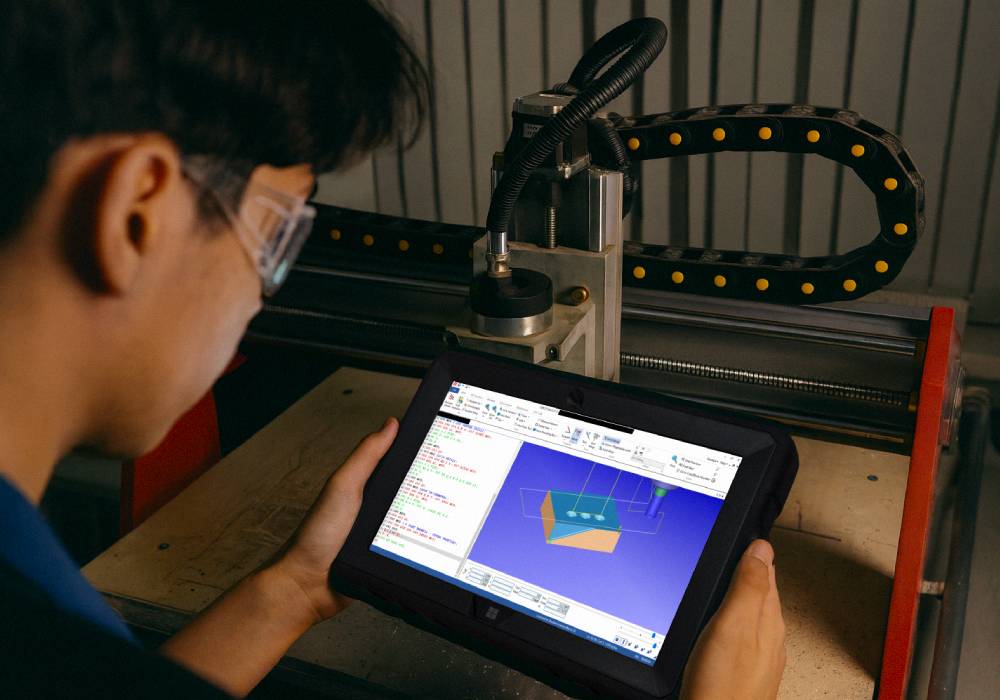
This tablet is perfect for running OpenBuilds Control, Carbide Motion, or Universal G-code Sender. It’s great for sending G-code and starting your CNC jobs without using your main computer. One user said, “This is the fourth tablet I’ve bought—works great as a controller for GRBL CNC machines.”
2. Touchscreen Machine Control
The touchscreen makes it easy to move your CNC. You can jog the router, home the machine, zero the tool, and adjust speeds by tapping the screen. It’s simple and quick.
3. Small Enough to Mount to the CNC
This tablet is light and doesn’t have a fan, so it’s great for dusty shops. You can mount it right to your CNC enclosure, workstation, or wall. One user said, “I use this to control my Shapeoko CNC router in the garage… much more resistant to dust than a fan-cooled computer.”
4. File Loading with USB and MicroSD
The tablet has a USB port and a microSD slot. You can load G-code files, macros, and backups straight from a USB stick or memory card. It’s fast and doesn’t need Wi-Fi. One user said, “It has a USB port and slot for a Micro SD to expand storage.”
5. Watch CNC Setup and Troubleshooting Videos
You can use the tablet to watch YouTube setup videos and troubleshooting guides while standing next to your CNC. This saves time and helps you fix problems quickly.
6. Use Online CNC Calculators
You can use the tablet to open feeds and speeds calculators, chipload charts, and other CNC tools online, right at your machine.
7. Connect a Bluetooth Keyboard or Controller
You can connect a Bluetooth keyboard, mouse, or gamepad to the tablet. One user said, “I recommend getting the keyboard and a case.” You can use shortcuts and macros to control the machine more easily.
8. Monitor Jobs While Working Elsewhere
If your tablet is connected to your network, you can use it to check on your CNC jobs while doing other tasks around your shop. This helps you manage your time better.
9. Track Maintenance and Tool Changes
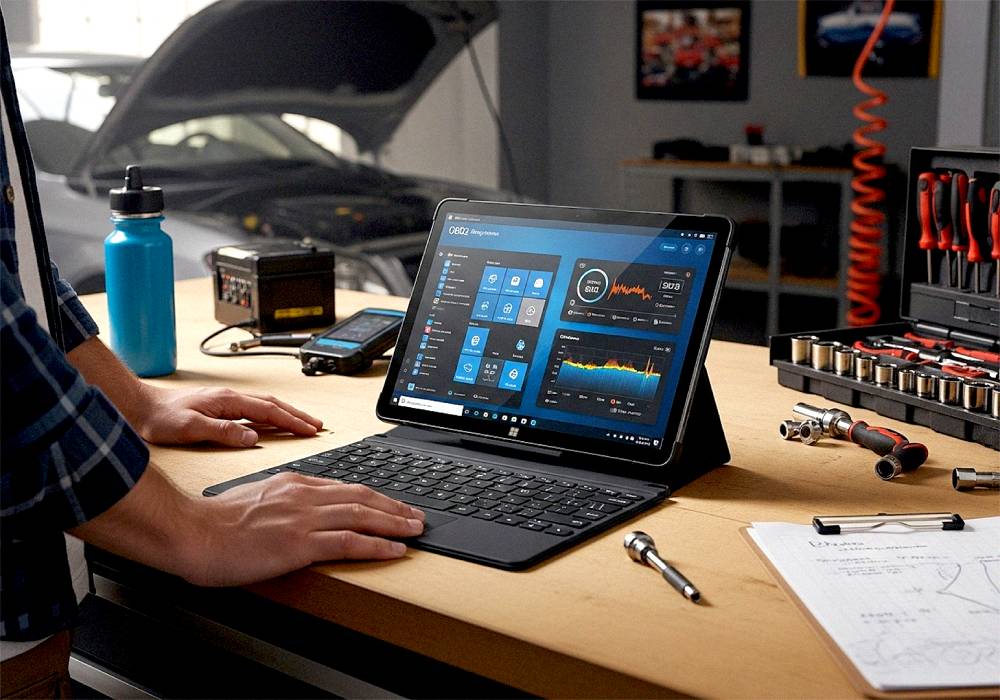
You can use the tablet to keep maintenance logs, track spindle hours, and record tool changes. You can also use Excel or Notepad to make quick notes while you work.
10. View Drawings and Toolpaths at the Machine
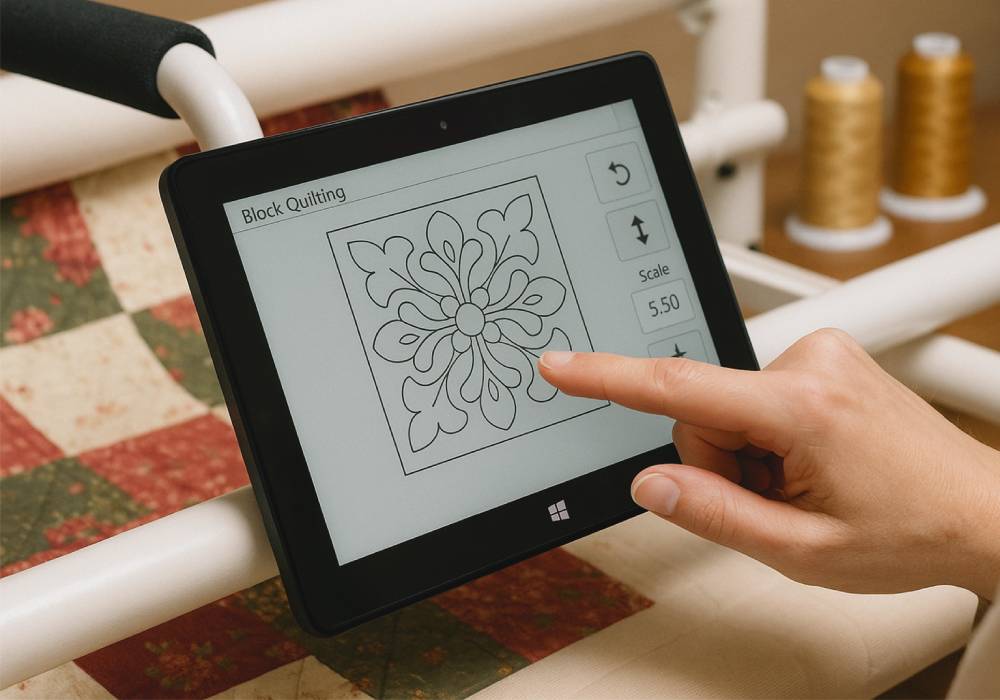
The tablet makes it easy to view PDFs, setup sheets, and toolpath previews right next to your CNC. One user said, “I use it to operate my laser engraver and it works extremely well.” You don’t have to go back and forth to your design computer.
One user said, “Not powerful enough to generate G-code, but great as a standalone controller.” It’s built for simple CNC control and file handling.
Whether you’re running a plasma cutter, a laser engraver, or a Shapeoko router, this tablet has proven it can handle the job. It’s affordable, easy to use, and a great fit for any CNC workspace.
Why CNC Makers Love This Tablet
- Compact and Mountable – Small enough to attach directly to your CNC or workstation.
- Fanless and Dust-Friendly – Perfect for dusty garages and workshops.
- Full Windows Power – Runs popular CNC control software like Carbide Motion and OpenBuilds Control with ease.
- Budget-Friendly – Great performance without breaking the bank.
Shop our range of Windows tablets now at Fusion5Store.com