


The Charting Problem Every Home Health Agency Will Eventually Have To Solve
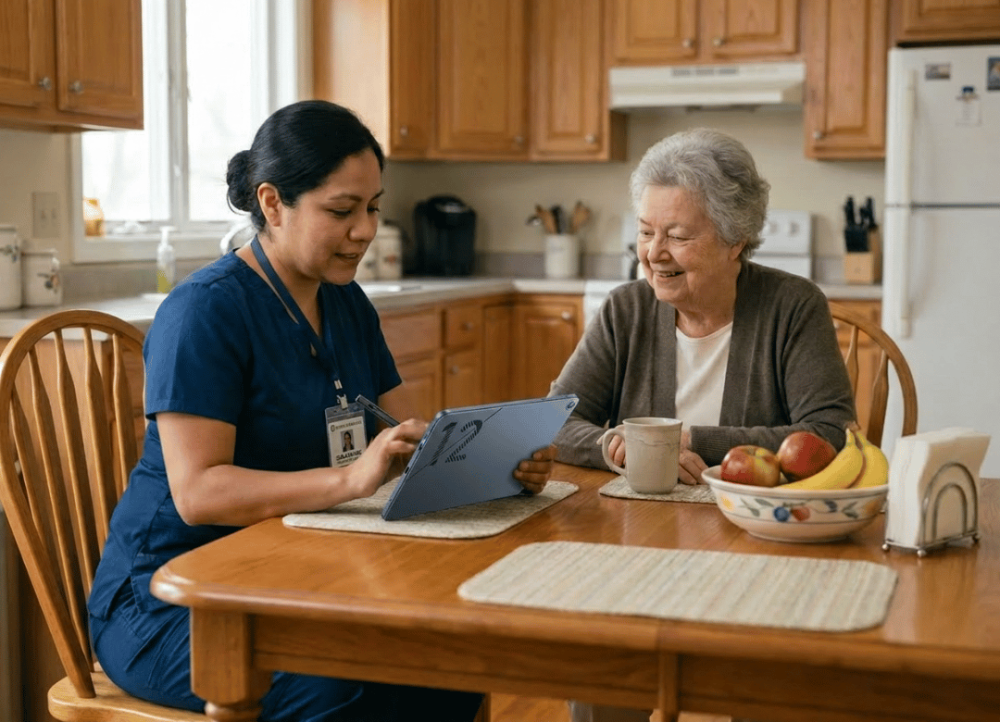
A home health aide finishes their visit, packs up, and then spends the next 20 minutes in the car doing charts before moving on to the next house. Multiply this across five or six visits a day, and you have 2 hours of unpaid charting on top of an already long day of work.
Why Charting Costs Your Agencies Valuable Time
The Price of "Finish It Later" Documentation
Many agencies still rely on the documentation model of the aide making notes on paper during the visit and typing them up later. This delay then creates potential fuzziness in details, and turns a scheduled 8-hour day into a 10-hour one, unpaid.
How Many Aides Can We Expect To Join In the Next Decade?
According to the Bureau of Labor Statistics, the number of workers employed as home health aides and personal care aides will continue to grow much faster than average through the early 2030s. More visits and more aides means more notes, and agencies are actively looking for ways to keep that paperwork from eating into care time.
How Home Health Agencies Are Struggling with Access vs. Training
This isn't about aides not knowing the software. It's about where the computer is. If the only device with EHR access is back at the office, charting waits, and when charting waits, it piles up.
What Does It Change to Go From "Later" to On-Site Charting with Point-of-Care Documentation
From "Remember and Re-enter" to "See and Record"
Vitals get typed in right after they're taken. Medication changes get logged while the pill bottles are still on the counter. Care plan updates happen while the conversation is still fresh.
Real-World Numbers on Charting Time Saved by Going Mobile
One agency administrator reported that his team's aides spend 90 minutes every day charting after a visit. But after adopting point-of-care charting on a tablet, the aides spent under 40 minutes a day on charting, mainly to review summaries. (2025 internal estimate, mid-sized Southeast home health agency)
That’s 45 minutes more a day for each of 20 people = 15 hours of staff time freed up per day.
Will a Tablet Work For Running Your EHR Software?
Browser-Based EHRs Just Work on Windows
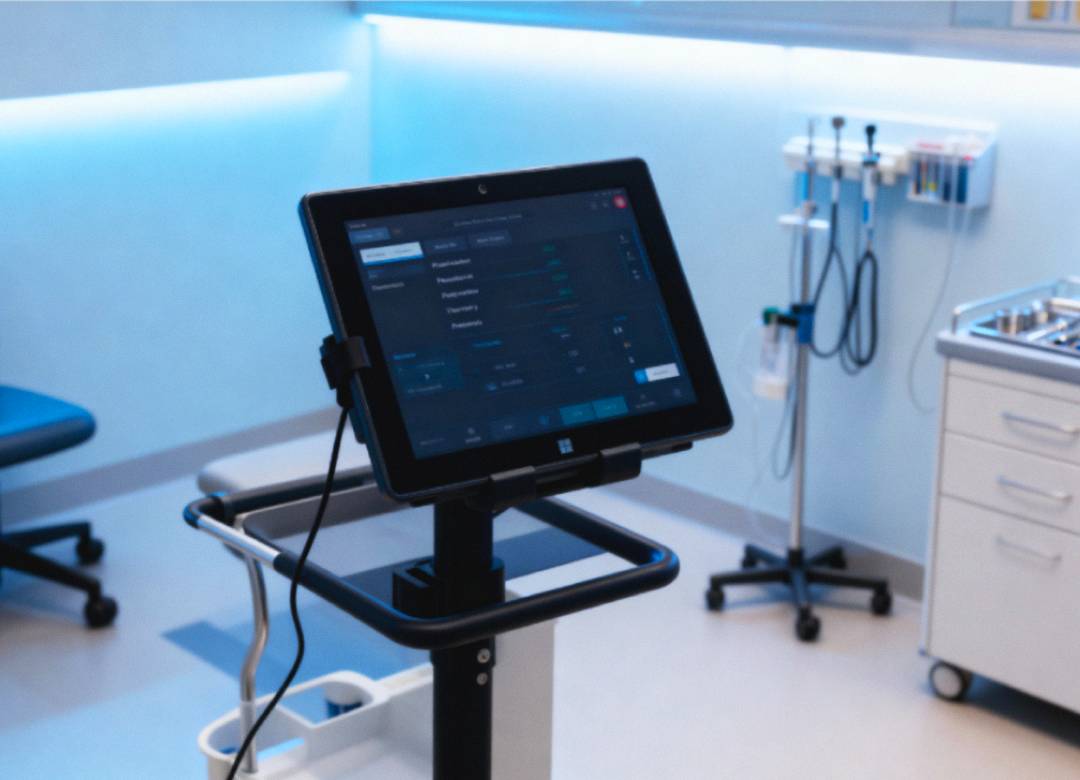
EHR software such as MatrixCare, WellSky, and Kinnser, and other software that agencies commonly use, are either browser-based software or have a Windows-compatible client. Therefore, such software will run seamlessly on a Windows tablet without compromising any features. Same interface, no stripped-down mobile app.
Why the Helios12's Hardware Matters Here
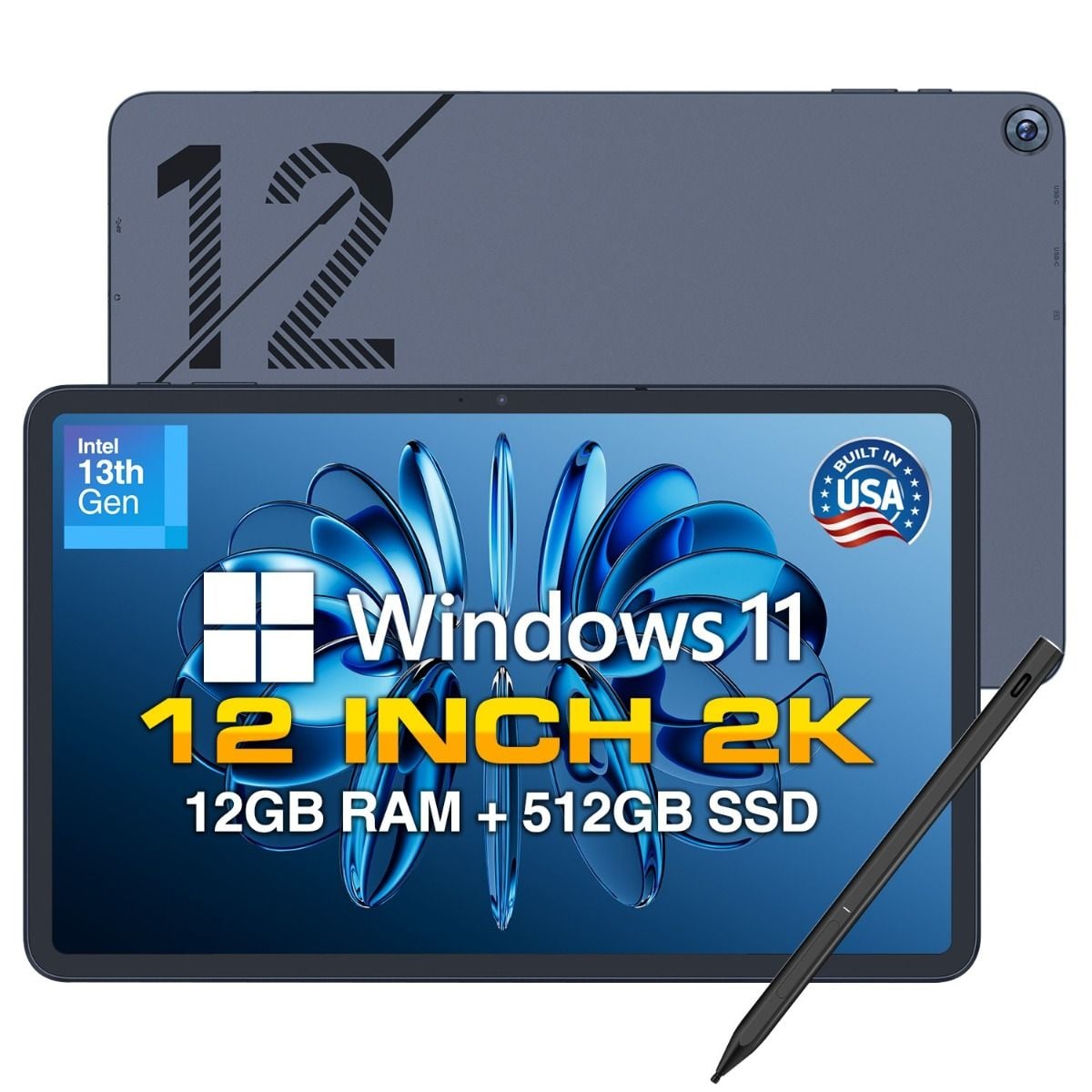
Powered by Windows 11 Home, the Fusion5 Helios12 uses the latest generation Intel N100 quad-core CPU paired with 12 GB of DDR5 memory. There is also a 512 GB of SSD storage. With this combination of specs, running home health EHR software while also looking at PDF care plans and even while making video calls can all be done at once without lag. The built-in active cooling fan also ensures that the tablet can maintain consistent performance throughout the working day.
Why Not a Tablet Based on Android/IOS OS?
Android and iOS tablets often need an additional dedicated mobile app with reduced feature set, and sometimes syncing delays can mean the office doesn't see updates until the device reconnects to Wi-Fi. A Windows OS tablet doesn't require such extra steps.
Keeping Patient Information Secure Outside the Office
What Happens If a Tablet Is Lost or Left Behind?
Thanks to the device encryption on the Windows 11 operating system, data stored on the hard drive will be inaccessible without the correct login. Agencies that require a tool for remotely locking and wiping multiple devices at once can easily upgrade eligible models to Windows 11 Pro. Such an upgrade gives access to a wide range of fleet management tools from Microsoft Intune.
Encryption and HIPAA Breach Rules
Data that is protected by device-level encryption at rest, is generally considered "unreadable, unusable" by the Department of Health & Human Services. This meaning that such encrypted devices typically fall outside reportable breach criteria.
Encryption Isn't a Substitute for Habits
An aide should lock the screen between visits, and avoid putting the tablet in a car to reduce the chance of theft or damage. While technology helps, it does not guarantee safe practices will be followed.
Fitting a 12-Inch Tablet Into a Home Visit Routine
Size, Weight, and Durability for a Mobile Job
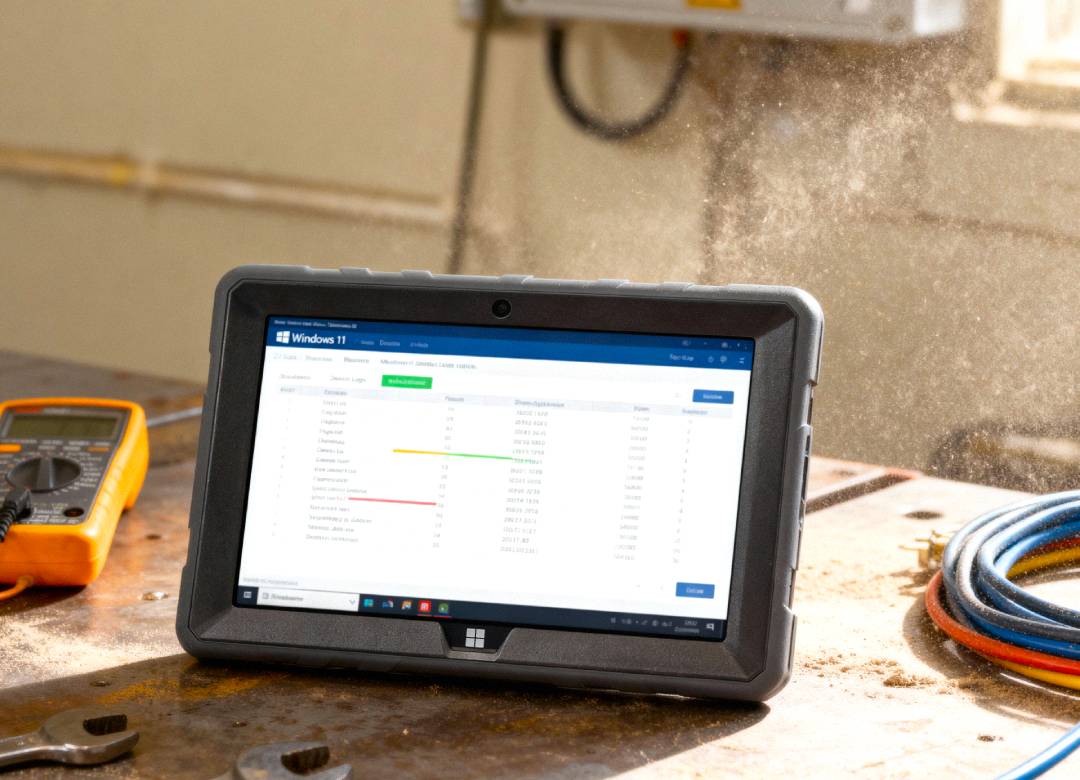
At 690 grams with an IP65 dust- and water-resistant metal body, the Fusion5 Helios12 is built to survive being pulled in and out of a bag multiple times a day. The 12-inch 2K (2000×1200) touchscreen with a 16:10 aspect ratio gives aides more visible space for long assessment forms than a smaller display would.
A Typical Visit Workflow
- Pull the tablet out at the start of the visit to pull up the patient's care plan.
- Log vitals and notes directly into the EHR as they're observed.
- Use the included interactive pen for digital signatures or quick annotations on forms.
The Stylus Advantage for Signatures and Notes
The Fusion5 Helios12 ships with an interactive pen, which makes capturing a patient's or family member's signature on-screen smoother than tapping with a finger, useful for any EHR form that requires sign-off.
What a Tablet Rollout Actually Costs vs. Saves
Doing the Math on Time Saved
If an aide costs the agency $22 an hour fully loaded, and a tablet cuts daily charting from 90 minutes to 40 minutes, that's 50 minutes saved per aide per day. Across a 20-person team working five days a week, that's roughly 83 hours saved weekly, around $1,800 a week, or close to $93,000 a year.
Weighing the Upfront Investment
The Fusion5 Helios12 is priced at $799.99. Outfitting a 20-person team costs roughly $16,000, an amount many agencies recover in administrative time savings within a few months.
When the Math Doesn't Work as Cleanly
Smaller teams, agencies with already-efficient workflows, or those using EHRs with clunky mobile interfaces may see less dramatic results. For agencies still on paper-then-type workflows, though, the math tends to work out fast.
What Changes for Agencies After the Switch
The First Few Weeks Are the Hard Part
Aides are often skeptical at first, “I've done it my way for ten years, why change now?” The shift usually happens around week three, once aides notice they're leaving on time instead of staying late to finish charts.
The Rollout Mistake to Avoid
If aides keep typing notes the way they did on paper, just on a smaller screen, the time savings won't show up. The win comes from entering data as it happens, not digitizing the same delayed process.
What a Tablet Won't Fix
If the EHR itself is slow or poorly designed, a faster tablet won't fix a clunky interface. That's a conversation worth having with your software vendor separately.
Frequently Asked Questions
Can the Fusion5 Helios12 run home health EHR software like Kinnser or MatrixCare?
Yes. Both platforms offer Windows-compatible browser or app access, and the Helios12 runs full Windows 11 Home on an Intel N100 processor with 12GB of DDR5 RAM, the same login and interface used on office desktops works directly on the tablet.
How does the tablet protect patient privacy in the field?
Windows 11 Home on the Helios12 supports device encryption, keeping data unreadable if the tablet is lost or stolen. Agencies needing fleet-wide remote lock and wipe can upgrade eligible devices to Windows 11 Pro.
Is the tablet light enough for home visits?
Yes. At 690 grams with an IP65-rated metal body, the Helios12 is light enough for a nursing bag and durable enough for daily field use.
Can aides get supervisor approval or signatures on-site?
Yes. Most home health EHR platforms support digital signature capture on Windows devices, and the Helios12's included interactive pen makes on-screen signatures easy for patients or supervisors.
How much does a Windows tablet for home health charting cost?
The Fusion5 Helios12 is priced at $799.99, with 12GB of DDR5 RAM and 512GB of SSD storage included.