Windows 11 Tablet vs Android Tablet: What's the Real Difference?
If you're shopping for a tablet, you've probably noticed that most devices fall into two categories: Windows 11 tablets and Android tablets.
At first glance, they seem similar. Both can browse the web, stream videos, check email, and run apps. But once you start using them for work, school, or productivity, the differences become much more noticeable.
Here's what buyers should know before choosing.
Quick Answer
- Windows 11 tablets run a full desktop operating system.
- Android tablets are mainly built around mobile apps from Google Play.
- Windows tablets are generally better suited for traditional desktop software.
- Android tablets are often simpler for entertainment and everyday app use.
- The best choice depends on whether you need productivity, flexibility, or primarily media consumption.
Quick Guide: Windows 11 Tablets vs Android Tablets
A Windows 11 Tablet Behaves More Like a Laptop
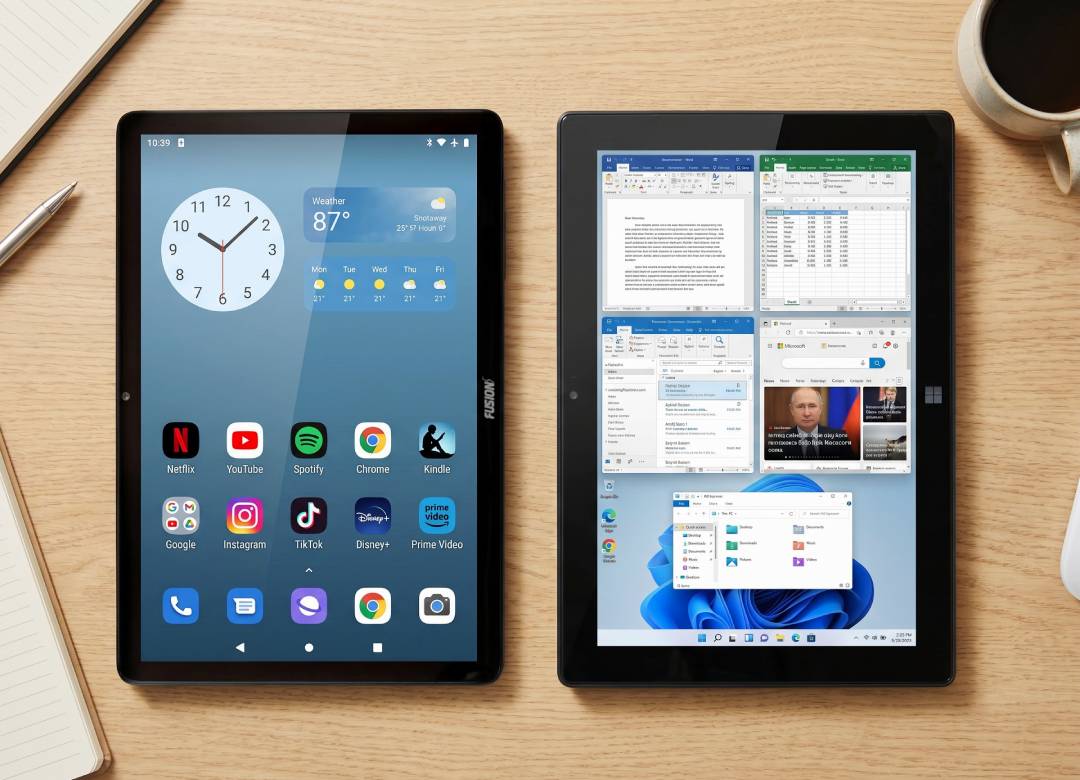
The primary distinction between both types of tablets is the operating system.
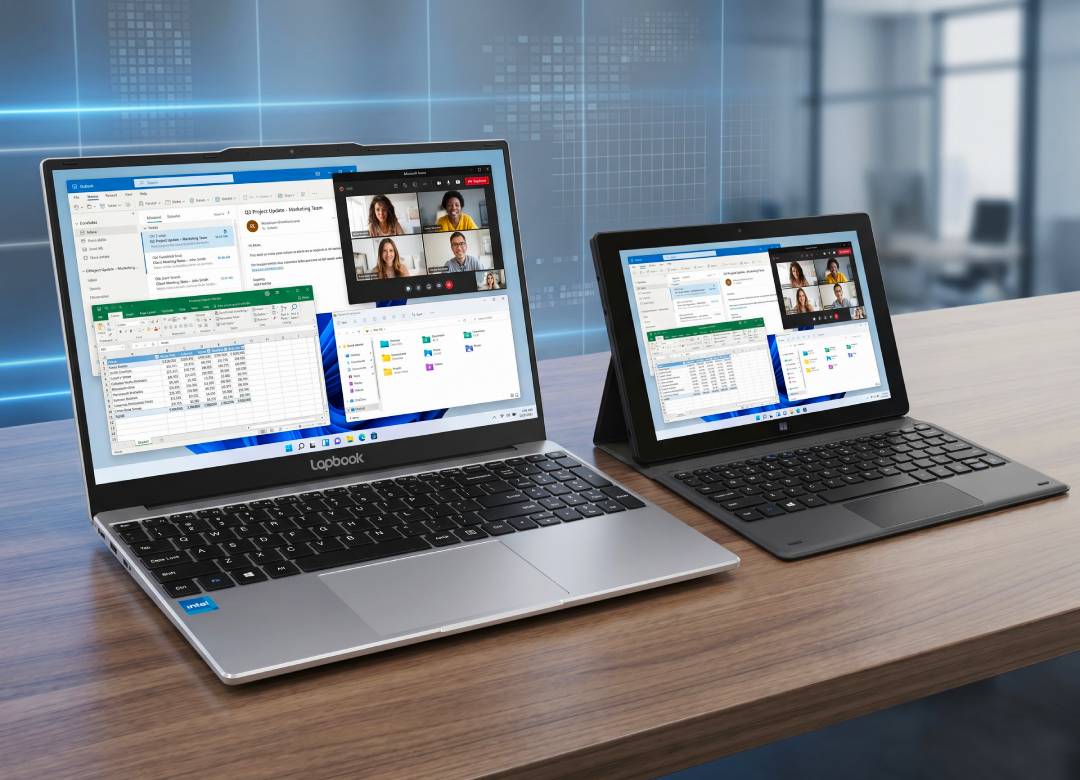
A Windows 11 tablet runs the same Windows operating system found on millions of laptops and desktop PCs. That means you get a familiar desktop environment, traditional file management, and support for many of the programs people use every day.
Android Tablets Are Built Around Apps
Android tablets focus primarily on applications downloaded through the Google Play Store.
For many users, that's perfectly fine.
They're great for:
- Streaming movies and TV
- Web browsing
- Social media
- Reading
- Casual gaming
The interface is very easy to use. However, the tradeoff that should be noted is that the software might only be available in mobile versions, and it might have less functionality and features compared to desktop versions.
Where Productivity Becomes Important
Usually, this is the moment when the differences become really noticeable to most buyers.
If you only intend to use the device for entertainment purposes, both operating systems will be equally suitable.
However, if you're planning to use the device to manage files, multitask, attach accessories and perform other productivity tasks, Windows-based devices are usually more flexible in such cases.
What About Microsoft Office?
This is one area that often confuses buyers.
Both Windows and Android tablets can run Microsoft Office applications.
The difference is that Windows tablets provide the same desktop operating system environment many users are already familiar with from their PCs and laptops. For users who spend a lot of time working with documents, spreadsheets, and presentations, that can make the experience feel more natural.
Which One Lasts Longer for Your Needs?
Many people buy a tablet for one reason and then end up using it for several others.
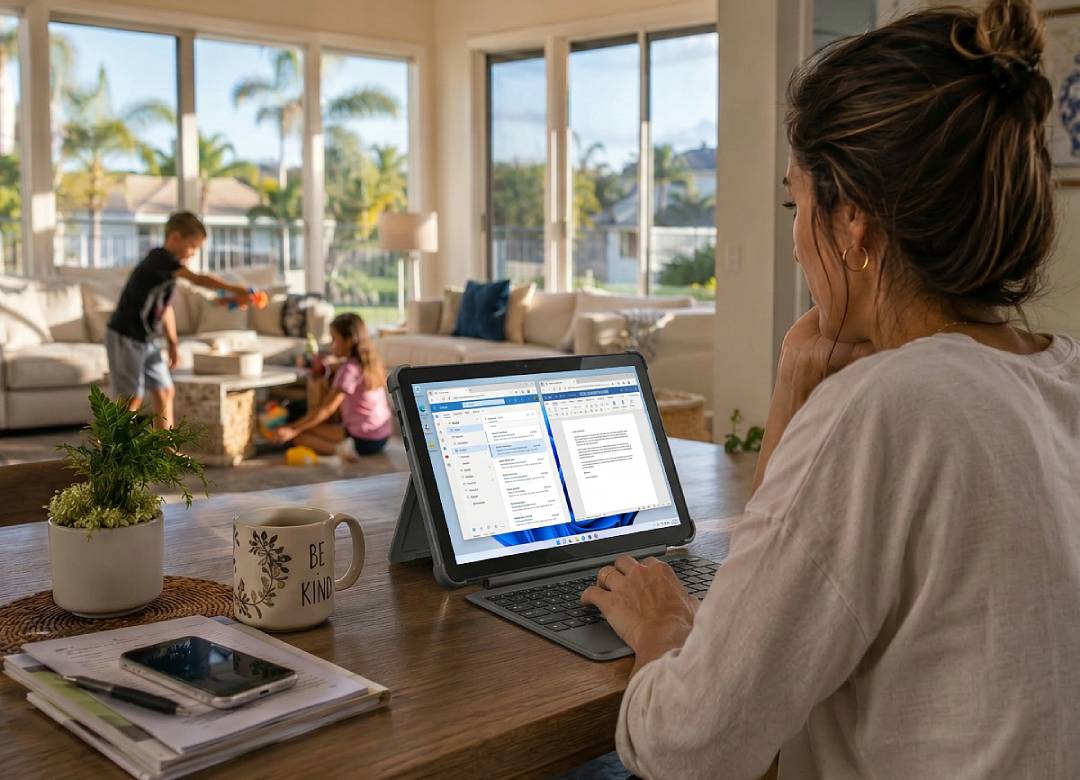
Maybe it starts out as a device for streaming Netflix on the couch or browsing the web while traveling. A few months later, you're using it to join video calls, edit documents, manage spreadsheets, complete school assignments, or connect to an external monitor while working away from your desk.
Then you run into a common question: can this tablet actually do everything I need?
That's where a full Windows 11 environment can be useful. Because it runs the same operating system used on Windows PCs and laptops, the experience stays familiar as your needs grow. You don't have to switch to a different platform or completely change the way you work just because you're asking more from your device.
Think About How You'll Use It Six Months From Now
Here's the simplest way to think about it.
If your tablet is mainly for Netflix, YouTube, web browsing, social media, and everyday apps, an Android tablet will probably do everything you need.
But many people buy a tablet for those reasons and then end up using it for much more.
That's where a Windows 11 tablet starts to make more sense.
If you've ever found yourself thinking:
- "I wish this worked more like my laptop."
- "I need to open multiple things at once."
- "I need to work on documents while I'm traveling."
- "I don't want to outgrow this device in a year."
you're already describing the situations where a full Windows operating system can be useful.
For a lot of people, the difference isn't what they need on day one. It's what they need six months later. A tablet that handles entertainment is easy to find. A tablet that can handle entertainment, work, school, file management, and everyday productivity is a different category altogether.
FAQ
Is a Windows 11 tablet the same as a Windows laptop?
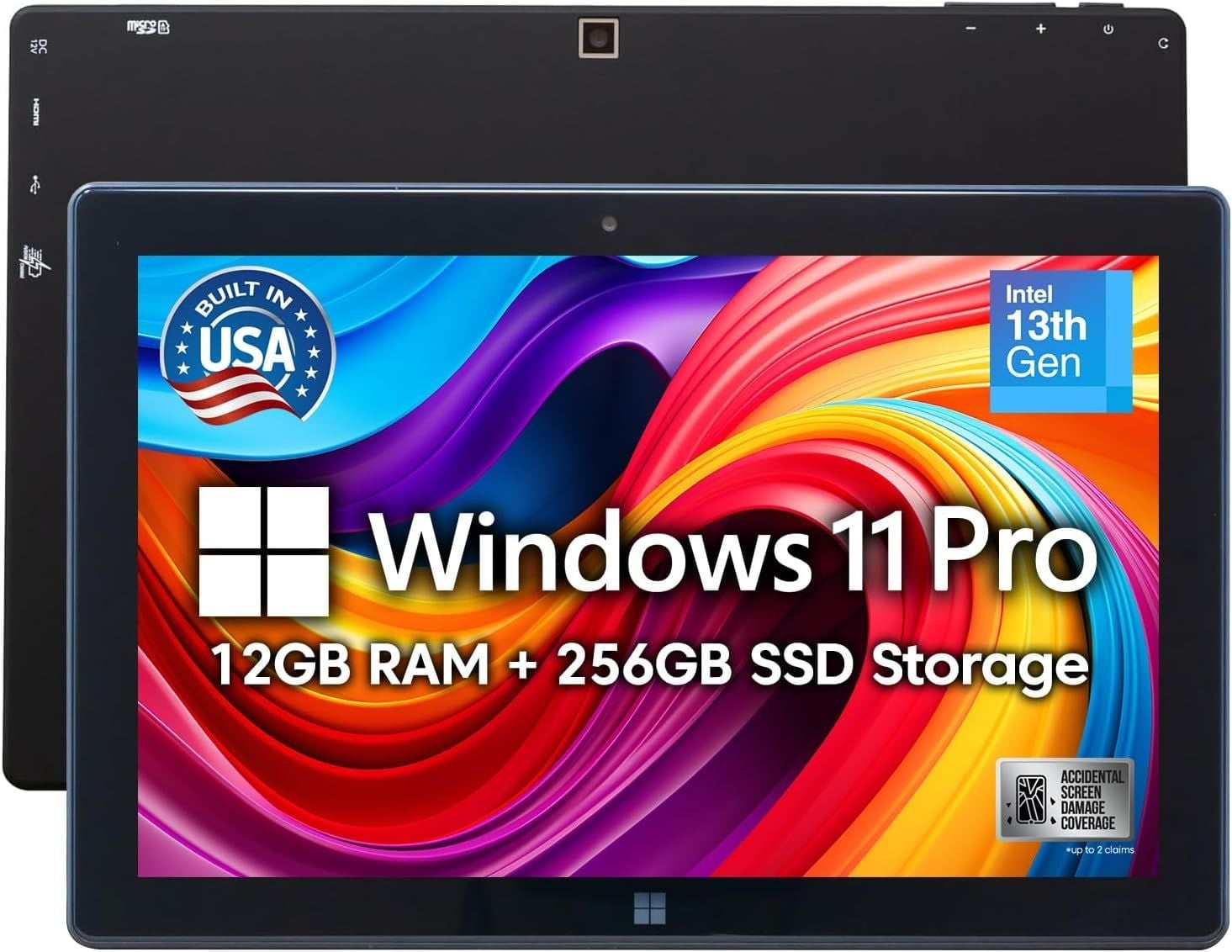
The operating system is the same, just presented in a tablet version. Many users prefer to use Windows tablets along with keyboards for their laptop-like functionality.
Which one is good for entertainment: Android or Windows?
The Android tablets are known to be very useful for surfing the Internet, playing games, watching videos, etc. The choice depends on your needs.
Can I use Windows applications on my tablet?
Many Windows tablets can run traditional Windows desktop applications, depending on the device specifications and software requirements.
Which one is better for Microsoft Office?
Both platforms support Microsoft Office applications. Windows tablets may feel more familiar for users who regularly work on Windows PCs and laptops.
Which one is better for work?
Windows 11 tablets can be more suitable if you need to edit documents, make spreadsheets, multitask, organize files, and use Windows software.